


https://main--cc--adobecom.aem.page/cc-shared/assets/img/firefly.svg Adobe Firefly

Free AI art generator: Type images into existence in seconds.
Create original artwork in seconds with the Adobe Firefly AI art generator. With Text to image, all you have to do is type a prompt, choose a style, and watch your idea transform into a finished image — no advanced skills required.
- image
- video
- Describe a subject, an action, a place, a mood, or a style.
- Adobe Generative AI Terms
- https://main--cc--adobecom.aem.page/creativecloud/animation/testdoc/unity/generate.svg Generate
- Describe what you want to generate
- Prompt
- Tip
- ff_campaign=embed_generate_acom&promoid=TTGWKTMK&mv=other
- Unable to process the request
- Please describe what you want to generate.
- Prompt exceeds the max length of 750 characters


Explore AI Art Generator creations.
Explore unlimited creative possibilities with AI generated art. From bold visuals to photorealistic scenes, these images show how artists and creators are using AI to push their ideas further.
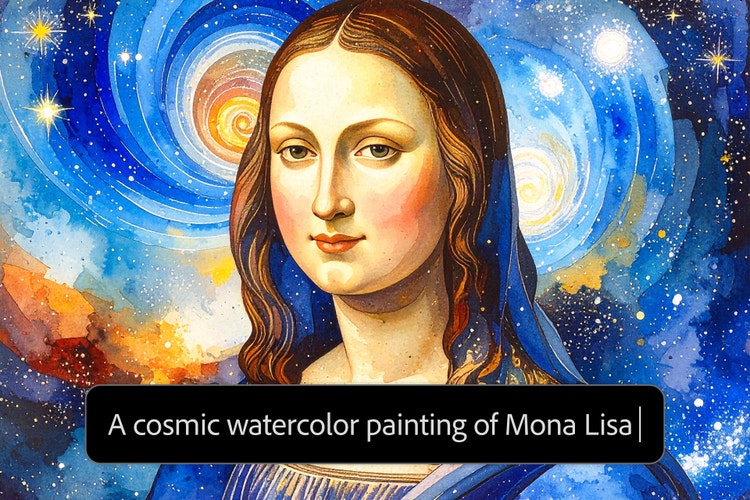
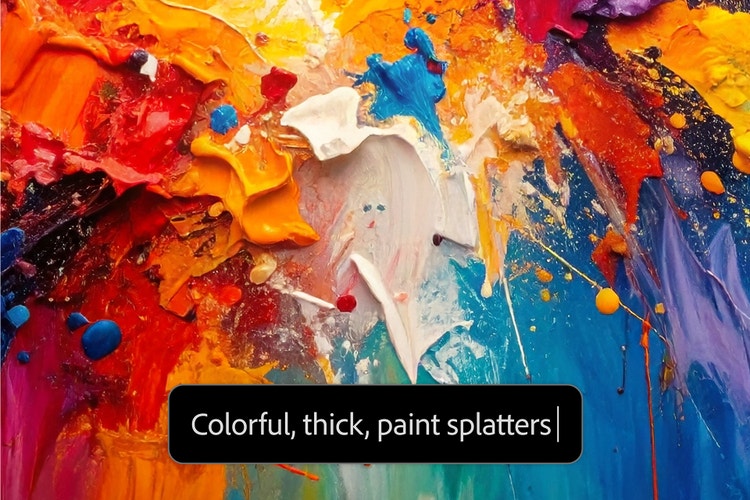
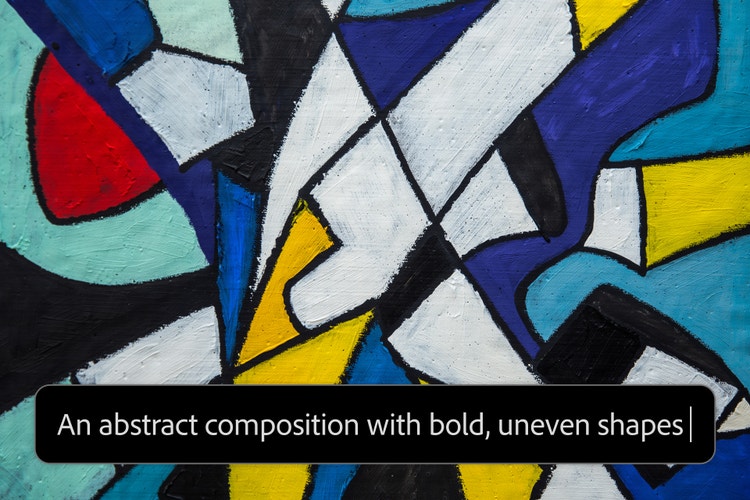
Spark your creativity with AI-generated art.
Get inspired, save time, and make any kind of AI art in a variety of styles with Adobe Firefly’s text to art generator.

Create AI art images fast.
Jumpstart your creative process and create stunning visuals in minutes with the AI art generator. Quickly turn ideas into art images — from concept sketches and product mockups to photorealistic portraits, fantasy landscapes, and abstract art. Adjust prompts instantly to explore styles like anime, impressionism, surrealism, or even pixel art, and experiment with media-inspired looks such as watercolor, charcoal, or ink.
Create amazing AI art no matter your experience level.
Whether you’re just getting started or a seasoned designer, the AI art generator makes it easy to bring ideas to life. Use simple text prompts or experiment with image-to-image generation to quickly explore new concepts, styles, and compositions — no sketching or painting skills required.


Experiment with new forms and ideas.
An AI art generator lets you discover fresh approaches to making art. Try cinematic lighting, glitch effects, paper cutout aesthetics, or layered collage styles. Whether you’re creating stylized illustrations, abstract patterns, or retro-futurist compositions, AI-generated art opens up endless ways to reimagine your creative work.
Generate AI art from sketches and photos.
Start with a rough sketch, a reference photo, or even AI art— then refine your vision with a simple text prompt. Whether you’re brainstorming layouts or enhancing visual details, you can go from a sketch to image in seconds. This flexible workflow helps you shape and perfect your idea faster, giving you more time to focus on creativity.


Commercially-safe AI generated artwork.
Create with confidence using Adobe Firefly. All images generated with Firefly’s generative AI models are trained on licensed content, making the results commercially safe for both personal and business use — from marketing materials and client work to prints and social media.
Learn more about how Adobe ensures responsible AI development: View the Adobe AI ethics principles.
Work seamlessly with Creative Cloud.
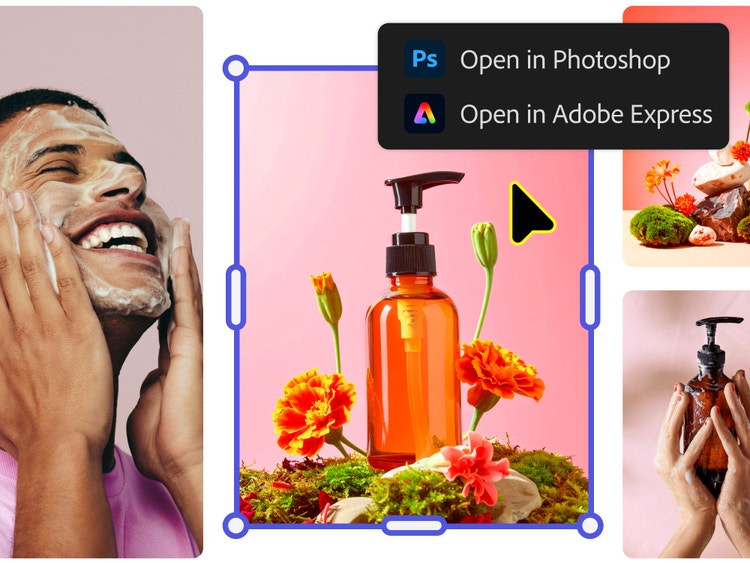
Adobe Firefly is designed to work seamlessly with the Creative Cloud apps creators already use, like Photoshop, Illustrator, Adobe Express and more. This cross-app workflow means you can move from ideation to final design faster, without switching platforms or losing creative momentum.
How to generate AI art.
Adobe Firefly’s AI art generator makes it easy to start experimenting. Follow these steps to learn how to create AI art using prompts, styles, and custom settings.
- Open the AI Art Generator in Firefly.
To get started, log in to Adobe Firefly with your Adobe ID or create a free account if you don’t have one. Once you’re in, select the Generate image feature from the Firefly homepage to begin creating. - Generate AI art.
Start by browsing example images and prompts to see what’s possible. Click on any example to view a range of AI-generated variations. If you hover over them, you’ll also see the prompts users typed to create them. When you’re ready, enter your own prompt to generate your original images. Need help getting started? Check out these tips on how to write an AI art prompt. - Refine and regenerate artwork.
Fine-tune your prompt for more specific results, or click “Generate” again to explore different versions. You can also switch up the style, composition, or subject to see how different prompts affect the outcome. - Customize your image.
Once your art image is generated, use the settings panel to adjust style, aspect ratio, color, lighting, and more. Firefly makes it easy to explore new directions without starting from scratch — just update your prompt or tweak the settings until it feels right. - Save and share your AI-generated artwork.
When you’re happy with your creation, you can download the image, copy it to your clipboard, or share it with others. You can also submit it to the Firefly Gallery to inspire the community. Each piece includes a small label noting it was created with Adobe Firefly. (When you use Firefly, you get access to a set number of generative credits. Find out more about generative credits.
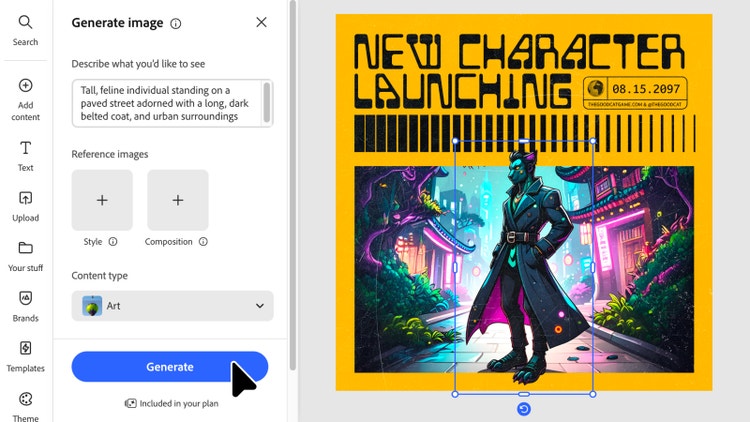
Tips for creating AI art from text prompts.
You don’t need to be a professional to create stunning AI-generated artwork — just a good prompt and a little creativity. Whether you’re experimenting with color, structure, or reference images, a few simple tips will help you shape your ideas and get the most from the AI art generator.
Add references for artwork.
Get started generating AI art quickly with a reference image. Upload a sketch, photo, or visual that shows the shape or layout you want to build on. You can also choose a color palette or artistic style — like pastel tones, neon lighting, or minimal black-and-white — to guide your results. These references help the AI art generator to deliver results that better match your creative intent.
Use simple text prompts and iterate.
The best AI art from text often starts simple. Pair your reference image with a clear prompt, then refine it as you go. Try switching out keywords to shift the mood, composition, or medium. Want more ideas? Browse curated AI art prompts to explore different styles and use cases — then generate, tweak, and repeat until you land on something you love.
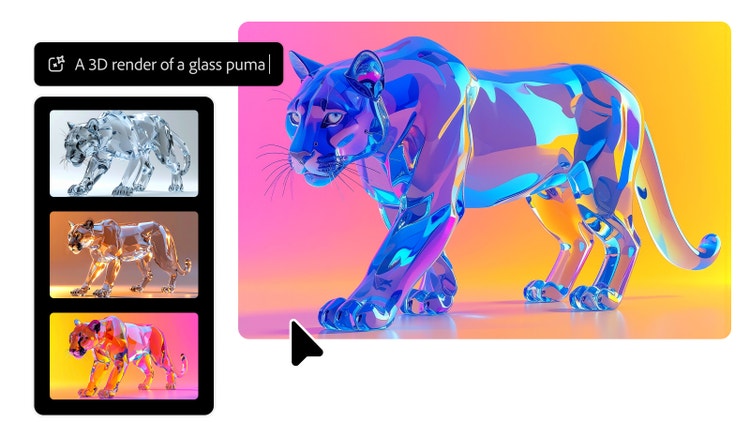
Why Firefly for AI art generation?
- Customizable artistic styles: From photorealistic renders and watercolor effects to abstract illustrations and vintage aesthetics, Firefly offers a rich creative palette to match any artistic vision.
- Precise creative control: Firefly lets you control lighting, color, composition, camera angles, and artistic effects to fine-tune every detail of your generated artwork.
- High-quality, commercially safe images: Firefly generates professional-grade artwork trained on licensed Adobe Stock content and public domain materials, making every creation safe for commercial use.
- Great for concepts or finished work: Whether you're brainstorming moodboards or creating final marketing assets, Firefly gives artists and creators the quality, speed, and flexibility they need for professional work.
Creating art with Firefly is as simple as typing a sentence. From eye-catching social graphics and brand campaigns to concept art and editorial illustrations, the Adobe Firefly AI art generator unlocks a world of creative possibilities. Experiment with different text prompts, styles, and reference images — and generate fresh variations of your favorite artwork in just a few clicks.
Remix content from the community.
Discover Firefly prompts to remix and submit your own images to the gallery.
Discover even more generative AI features.
AI image generator AI painting generator AI drawing generator AI anime generator AI graphic design generator AI graffiti generator Image to image Image to video