

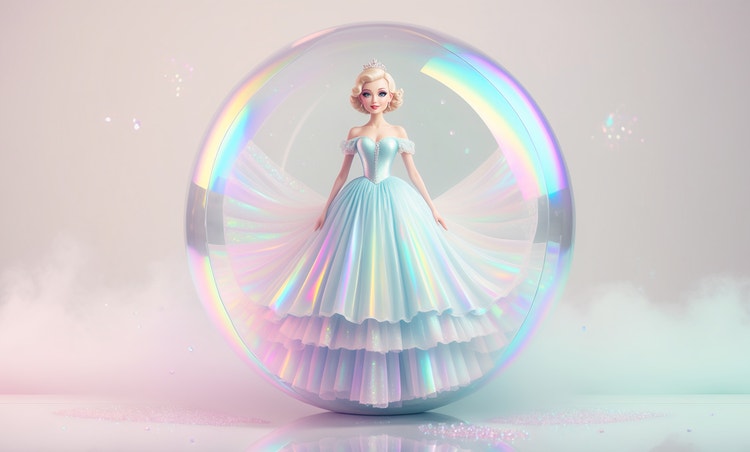
Work with the photo you have.
Adobe Firefly will extend backgrounds, smooth out lighting, and add graphic elements around your image, turning a rough photo into a workable design base.



Upload your photo, and Adobe Firefly will fill in what's missing, extend the background, or add design elements around it. Adjust the style until the layout feels finished.
By uploading your image, you agree to the Adobe Terms of Use and Privacy Policy and confirm you are 18 years of age or older.
By uploading your image, you agree to the Adobe Terms of Use and Privacy Policy and confirm you are 18 years of age or older.
By uploading your image, you agree to the Adobe Terms of Use and Privacy Policy and confirm you are 18 years of age or older.

Not every photo is camera ready. Adobe Firefly turns a blurry, poorly lit, or awkwardly cropped photo into the starting point for a polished design for free. Extend the background, swap out a distracting element, or build fresh graphic layers around the shot you already have.
Adobe Firefly will extend backgrounds, smooth out lighting, and add graphic elements around your image, turning a rough photo into a workable design base.
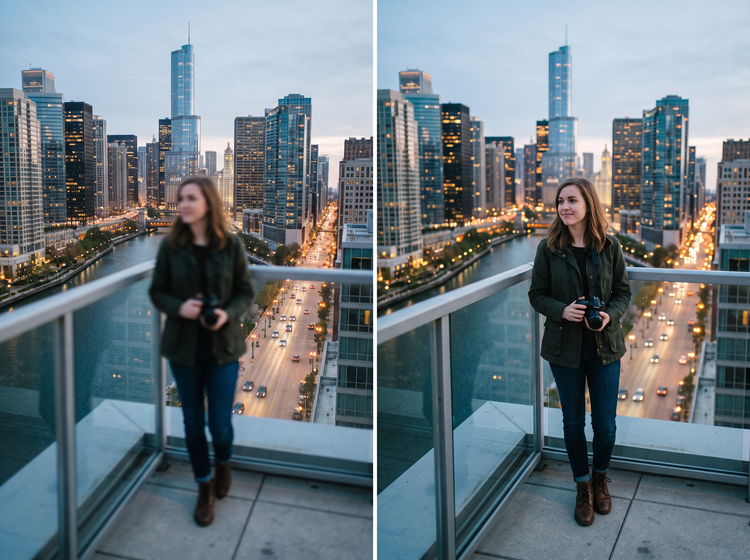
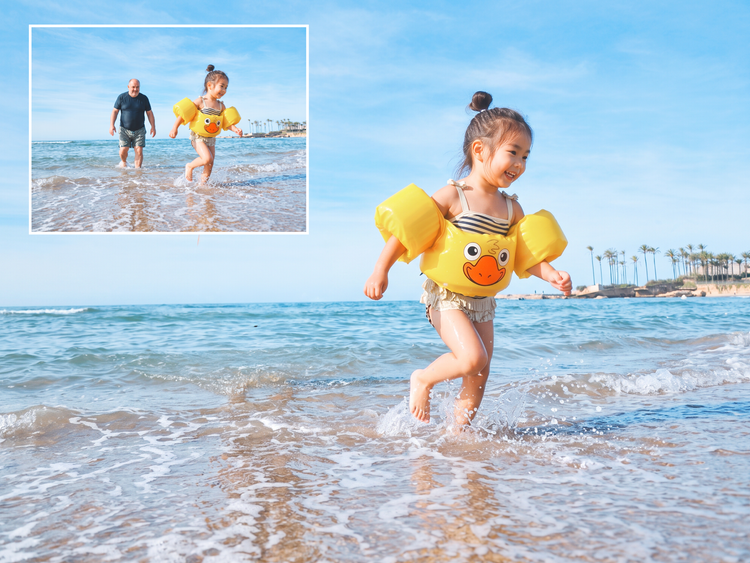
Keep the parts you want, remove the parts you don't, and watch your design come together around the improved photo.
Adjust your prompt and generate more than one version of the same design, comparing palettes, layouts, and finishing touches side by side. Pick the direction that fits the project, then refine it further.

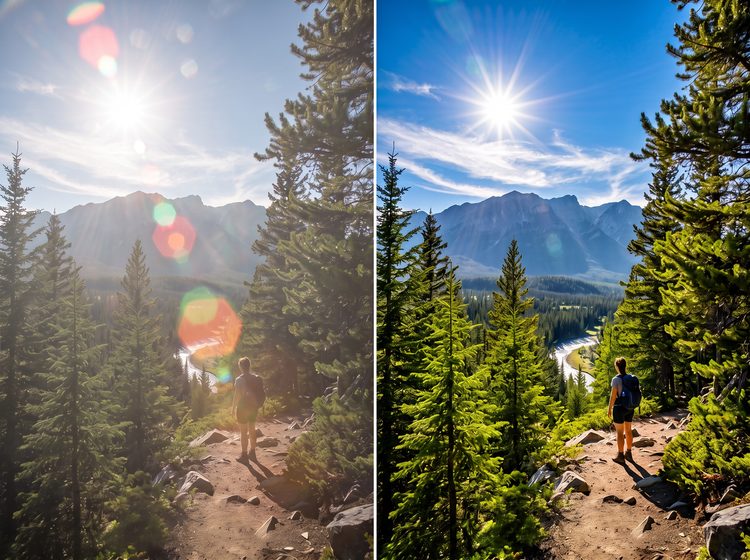
A design built around a single starting photo can become a printed piece, a digital graphic, or a social post without starting from scratch each time. Firefly keeps the working file flexible enough for whatever comes next.
Try different prompts and settings to apply different looks to your image. Go for a realistic result or describe something more stylized, such as an illustration-type outcome or add texture for more personality. Adobe Firefly generates results based on your descriptions
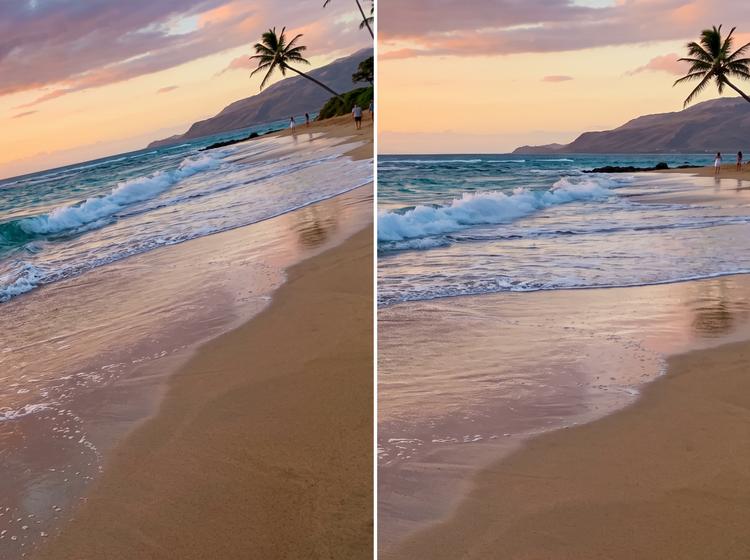
Go to Adobe Firefly and sign in with your Adobe ID, or create a free account if you don't have one yet. Upload the photo you want to design around directly from the marquee.
Once you've uploaded your photo, describe the adjustments you want to make to it, such as extending the background or creating a warm lighting effect.
Choose an aspect ratio and use style controls to fine-tune palette, composition, and level of detail. Upload a reference image if you already have a look in mind.
Download your finished design as a PNG to use in a printed piece, a digital graphic, or wherever the project needs it next.
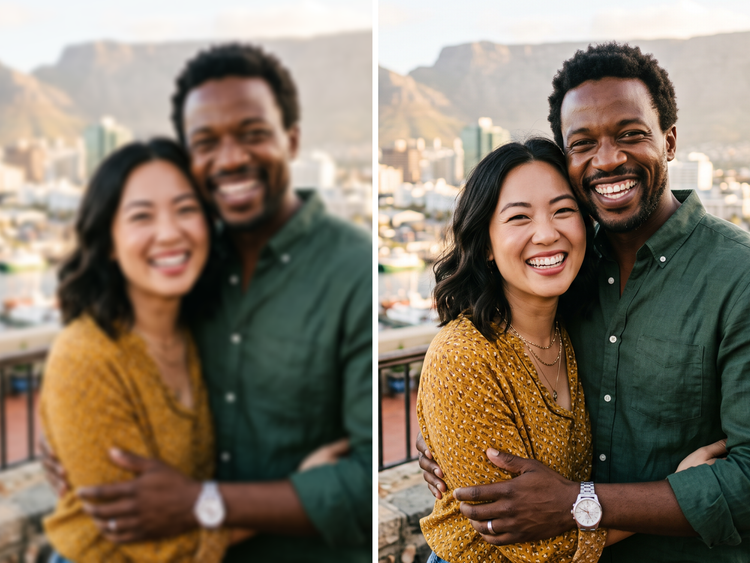
Set the palette, the layout, and the finishing details in your prompt, then adjust settings until the design matches the photo it started from. Fine-tune as many times as the project needs.
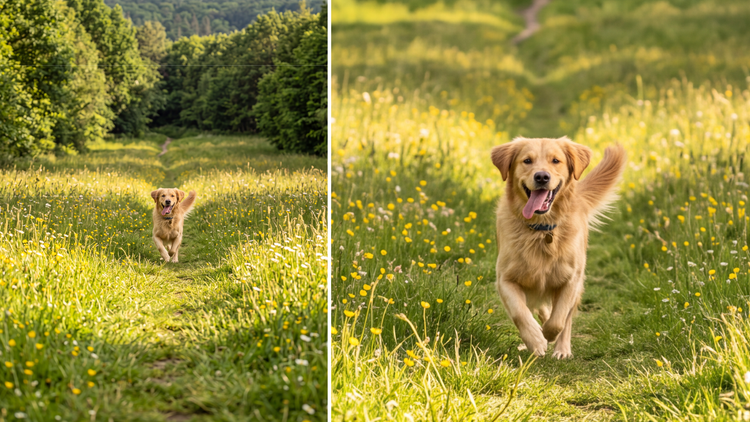
Adobe Firefly brings together its own models and top partner models from Google, OpenAI, FLUX, and others. Generate with the model best suited to your photo, without switching between tools.
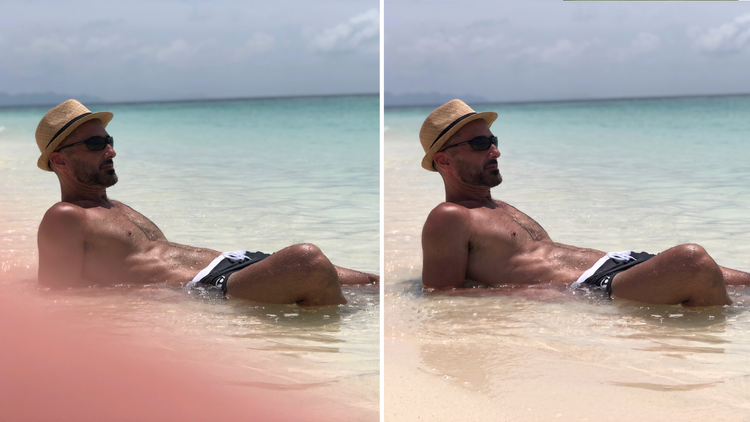
Firefly covers the whole arc of turning one photo into a finished design. Describe the fix, choose a model, adjust the details, and land on a result without switching apps.
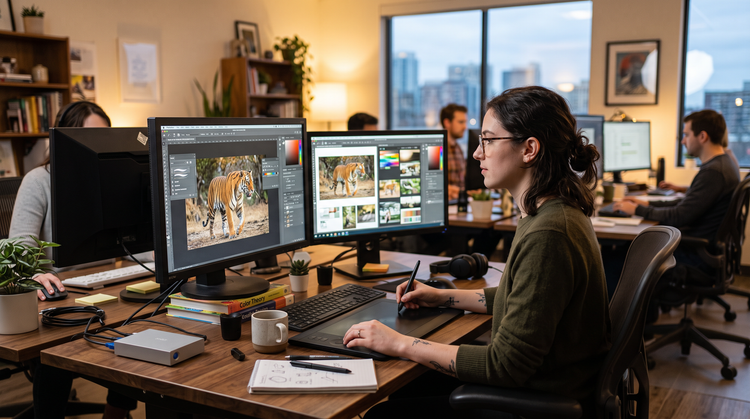
Bring your finished design into Photoshop on the web for detail retouching, or hand it off to Adobe Express to build a matching flyer or social set.
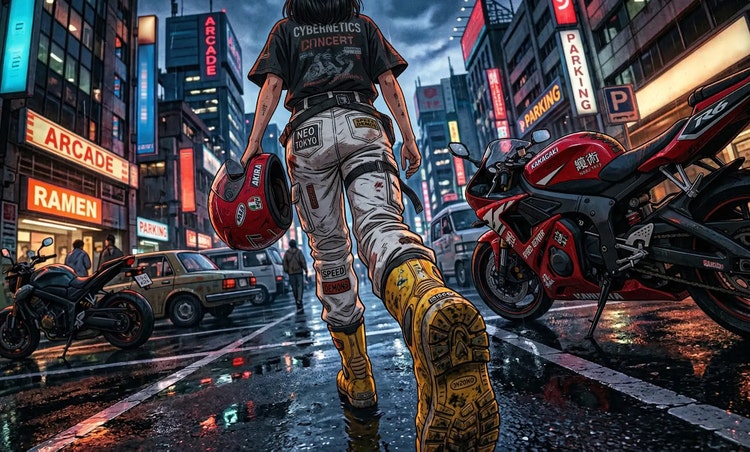

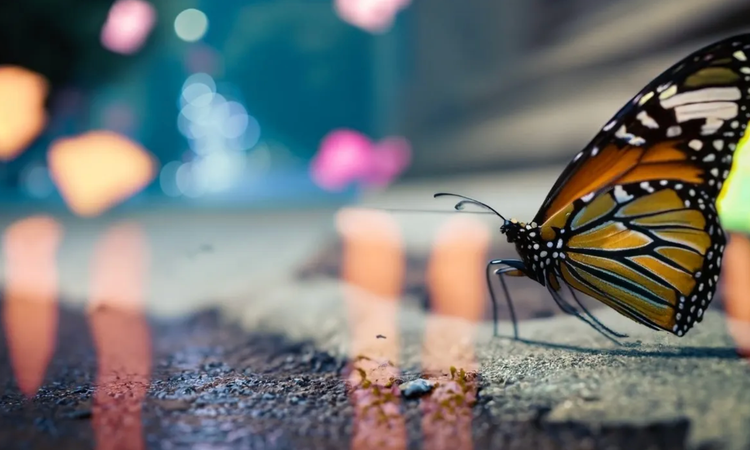
Learn how to use generative AI to boost productivity and discover new possibilities while maintaining creative control.
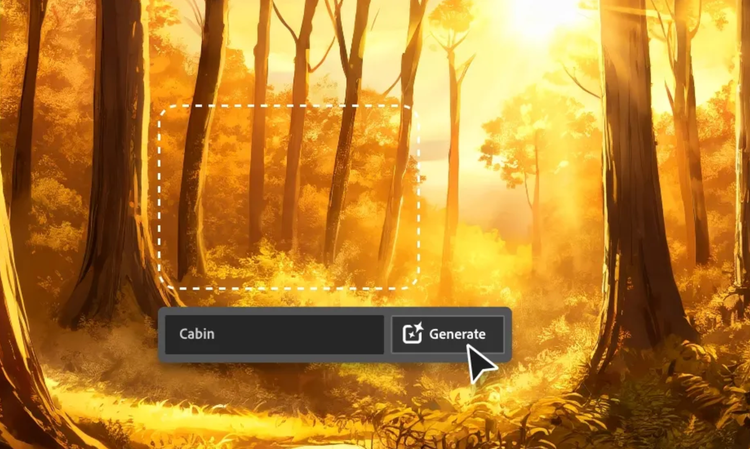
Generative AI is all over the headlines, and that’s not empty hype. This new technology is likely to be part of your life soon. Learn how generative AI works and start streamlining your workflow.
Learn about the AI tools available to graphic designers and how they can help you be more productive and take your work in surprising directions.

The best prompts for AI aren't always obvious. These tips get you to your destination in record time.

