https://main--da-cc--adobecom.aem.live/cc-shared/assets/img/firefly.svg Adobe Firefly

Generate free funny birthday cards with Adobe Firefly.
Describe the joke, the person, or the vibe you’re going for, and generate a custom birthday card image to match. Adjust the style, color palette, and mood until it lands exactly right.
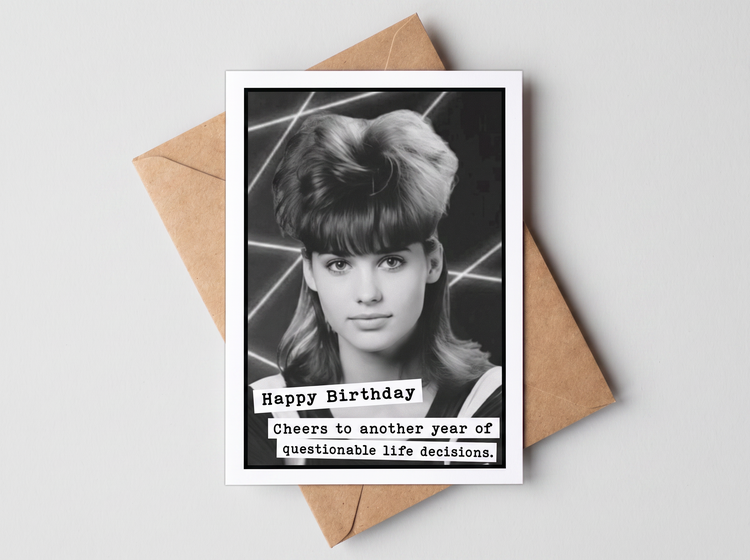
- image
- Describe a subject, an action, a place, a mood, or a style.
- Adobe Generative AI Terms
- https://main--cc--adobecom.aem.live/creativecloud/animation/testdoc/unity/generate.svg Generate
- Describe the funny birthday card you want to generate
- Prompt
- Tip
- Unable to process the request
- Please describe what you want to generate.
- Prompt exceeds the max length of 750 characters
- funnyBirthdayCard
- Enter prompt


{{nbsp}}
Turn your dad joke or pun into a birthday card.
Send a birthday card to your friends and loved ones that's sure to make them smile. Include a silly inside joke, use clever wordplay, or add a fun knock knock joke to make kids giggle. Describe your funny card, and Adobe Firefly will create a design for free, right in your browser.
Create a funny card design from a simple prompt.
Describe the card design and the joke you want to include and watch as Adobe Firefly turns it into a design. Use words like "silly" or "bright color palette" to set the mood, and make sure to write out the text you want to appear on your card. Adobe Firefly will turn your prompt into a fully composed card image.
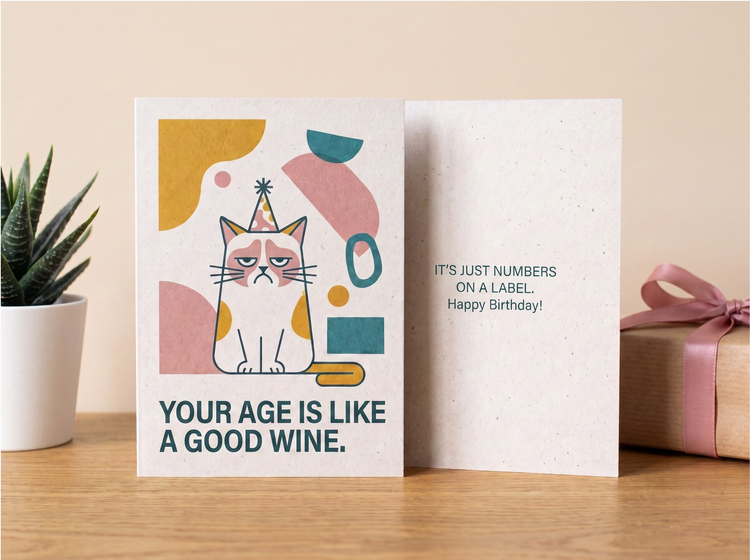
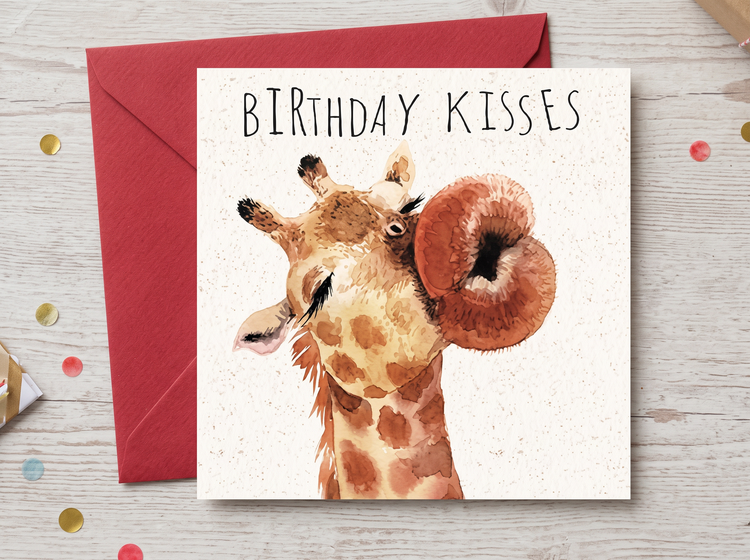
Get just the right tone for your card.
Funny can mean a lot of different things, from sly one-liner to over-the-top cartoon gag. Use style references to guide the visual outcome, and adjust the settings in Firefly to dial in the style, add effects, fine-tune the color and tone, and more, so you get just the right look to accompany anything from a subtle wink to a bold punchline.
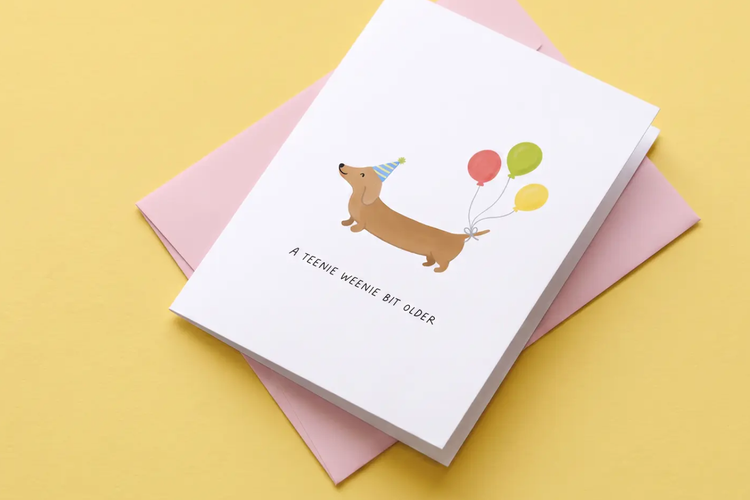
Create funny birthday cards for any occasion.
You can edit your prompt and regenerate to create variations on your design and land on one that feels just right for the person you're celebrating.
How to generate a funny birthday card with Adobe Firefly.
Step
Open Adobe Firefly and select Generate Image.
Step 2
Describe your funny birthday card.
Step 3
Adjust your style settings.
Step 4
Generate and refine your results.
Step 5
Download your funny birthday card image.
Steps on how to generate a funny birthday card using Adobe Firefly Generate Image.
PT3M
firefly
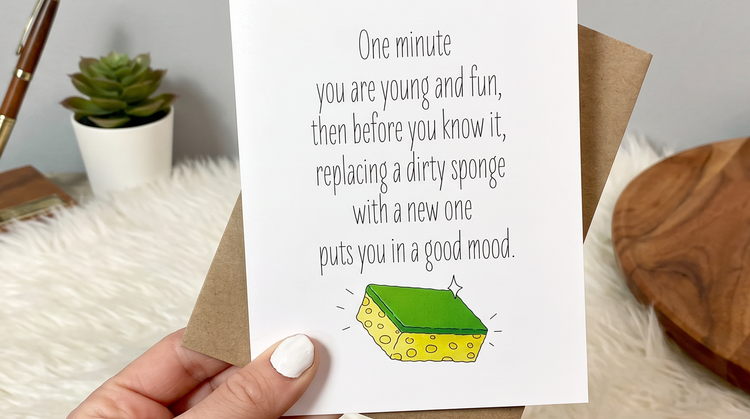
Precise creative control
Fine-tune every element of your funny birthday card. Use detailed prompts to set the joke, the character, and the color palette, then adjust settings until the composition lands the punchline exactly right.
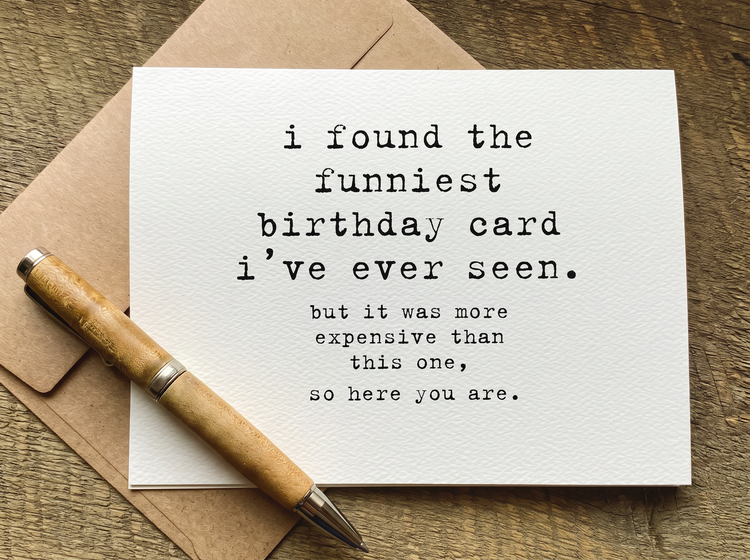
Top AI models, all in one place
Adobe Firefly brings together its own models with partner models including OpenAI, Google, FLUX, and more in one creative space. You can switch between models and compare results side by side, then refine your favorite before you’re done.
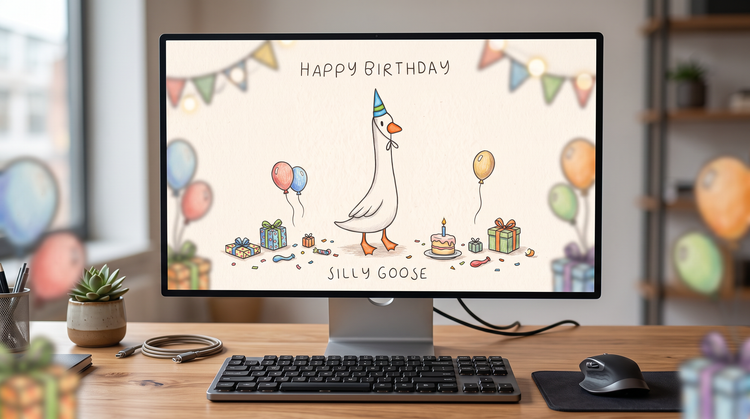
Your complete creative workspace
Firefly covers the whole arc of a creative idea in one place. Describe what you want, choose a model, adjust the details, and land on a finished image without switching apps.
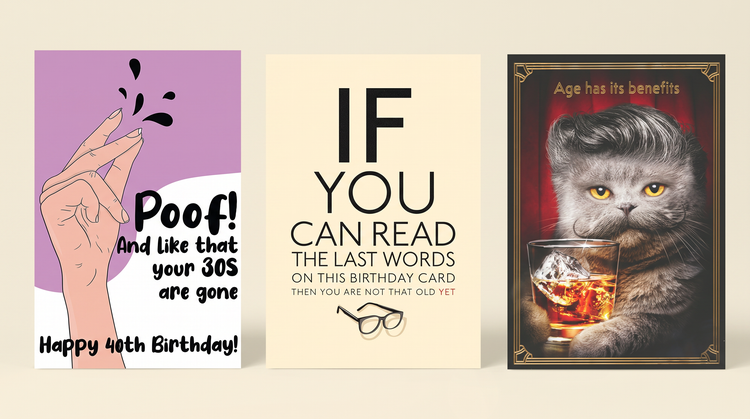
Seamless integration
Open your card image in Photoshop on the web to fine-tune text and details, or bring it into Adobe Express to lay it out as a printable card or add a matching envelope design.