https://main--da-cc--adobecom.aem.page/cc-shared/assets/img/firefly.svg Adobe Firefly

Make a free cinematic video with AI in Adobe Firefly.
Describe the shot, from the camera move to the lighting, or upload a first frame, and Adobe Firefly will generate a short cinematic video for free.


{{nbsp}}
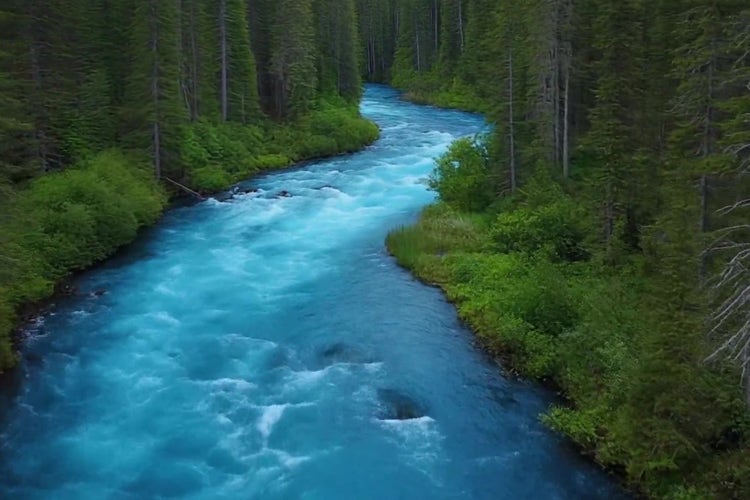
Turn a single shot idea into a cinematic video for free.
A cinematic video starts with a clear picture of the shot. Describe the framing, the camera move, and the light, and Adobe Firefly will turn your description into a clip you can review and download.
Direct the camera with your prompt.
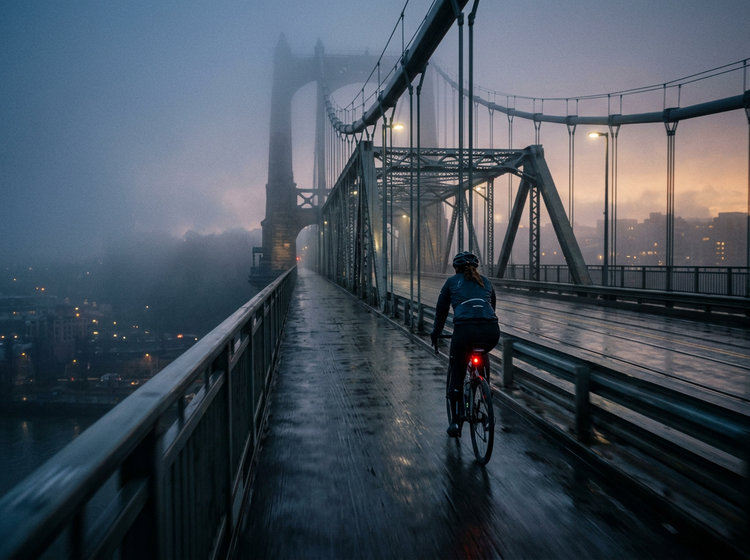
Describe a slow dolly-in, a sweeping aerial, or a handheld follow shot, plus the subject and setting, like “a lone cyclist crossing a rain-soaked bridge at dawn, slow tracking shot, soft fog.” Firefly models and partner models read your prompt differently, so you can compare looks and keep the version that fits your scene.
Start from your own first frame.
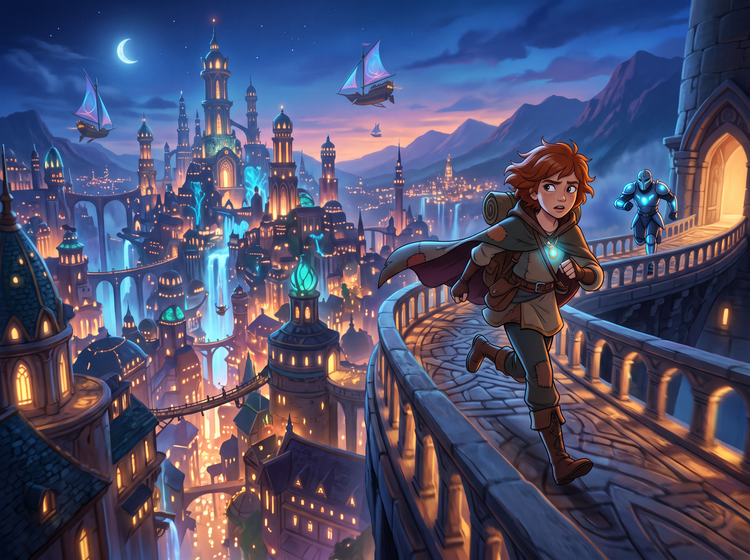
Upload a photograph, a storyboard panel, or a concept painting as the first frame, then write how the scene should move. Your frame sets the look, and your prompt guides the camera and the pace. To animate a single still on its own, generate a video from an image.
Refine the look with each pass.
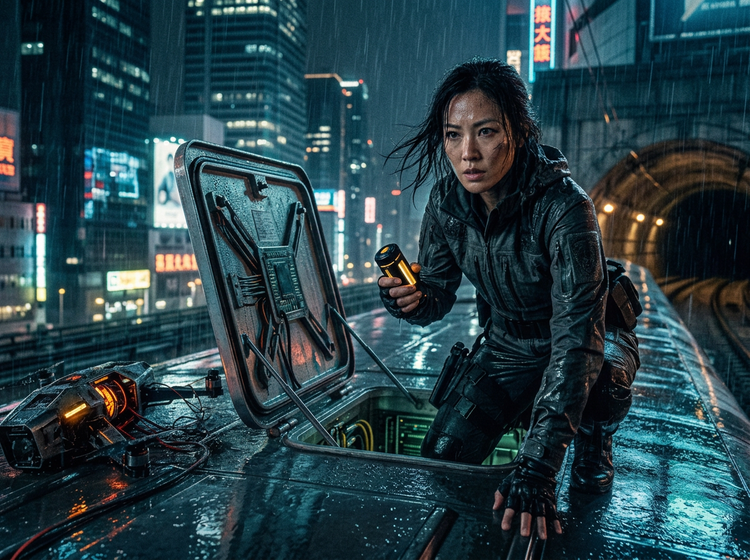
Adjust the prompt to change the lens, the lighting, or the color palette.
How to make a cinematic video with Adobe Firefly.
Step 1
Open Adobe Firefly.
Step 2
Choose a model and add a first frame.
Step 3
Describe your cinematic shot.
Step 4
Generate and compare versions.
Step 5
Download your cinematic video.
- How to make a cinematic video with Adobe Firefly.
- Steps on how to make a cinematic video using Adobe Firefly Generate Video.
- PT5M
- firefly
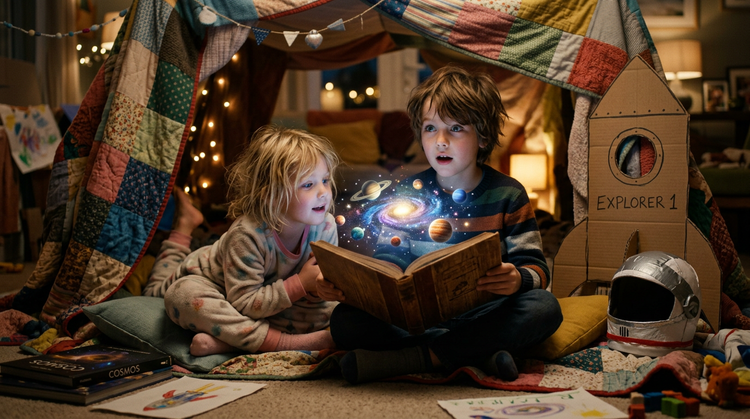
Precise creative control
Your prompt shapes the framing, the camera move, and the lighting. Change one detail, like the lens or the time of day, and generate again to see how the scene shifts.
Top AI models, all in one place
Firefly brings together its own video models and partner models like Google Veo, Runway, Ray, and more in a single creative studio.
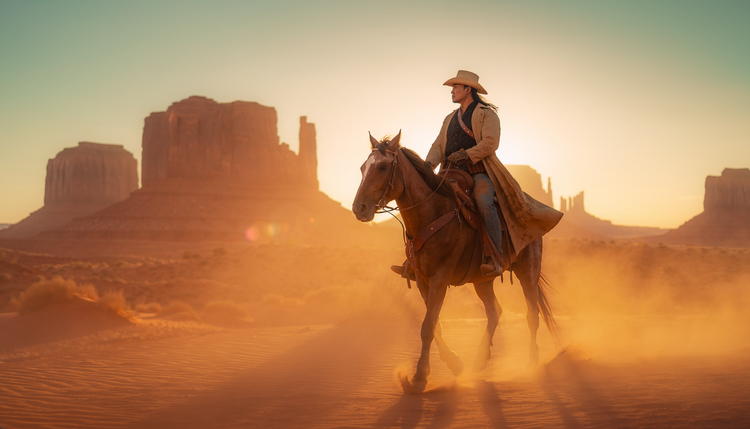
A complete creative studio
One studio carries a cinematic idea from first prompt to finished clip. Generate versions, compare them, and trim your best take in the AI video editor, all within Firefly.
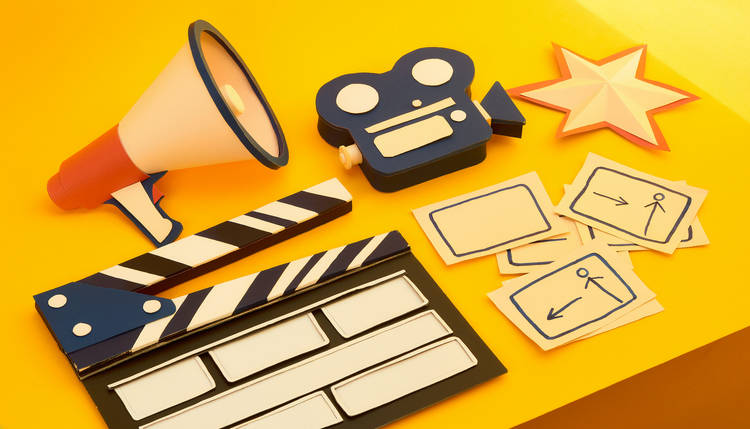
Built for creators
Firefly can help creators, filmmakers, and marketers try new ideas as well as put together complete, polished videos.