https://main--da-cc--adobecom.aem.live/cc-shared/assets/img/firefly.svg Adobe Firefly

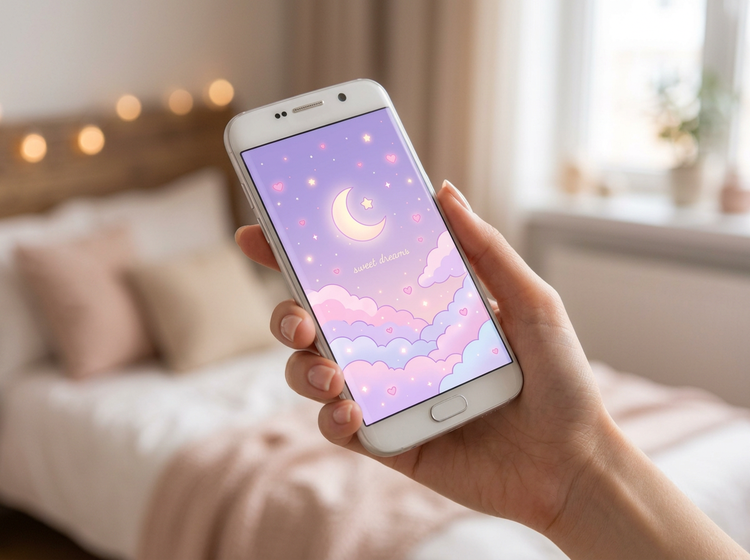
Generate cute phone wallpaper for free with Adobe Firefly.
Describe the colors, style, and subject you want, and get a cute wallpaper made to match your phone, using your free daily generations with an Adobe account.
- image
- Describe a subject, an action, a place, a mood, or a style.
- Adobe Generative AI Terms
- https://main--cc--adobecom.aem.live/creativecloud/animation/testdoc/unity/generate.svg Generate
- Describe the cute phone wallpaper you want to generate
- Prompt
- Tip
- Unable to process the request
- Please describe what you want to generate.
- Prompt exceeds the max length of 750 characters


{{nbsp}}
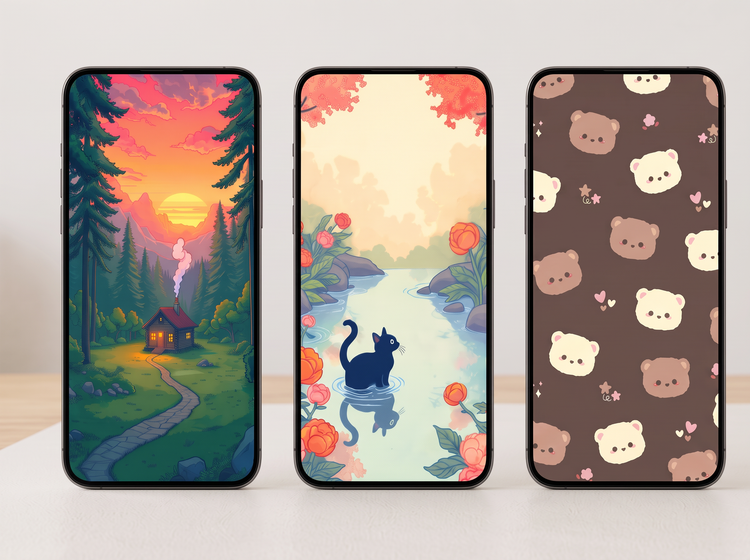
Design cute wallpaper for your phone.
Describe a pastel palette, a favorite animal, or a dreamy scene, and Adobe Firefly will turn it into a wallpaper sized for your phone, using your free daily generations.
Try a new cute style without starting over.
Update your wallpaper whenever a new mood or color palette catches your eye. Describe a different subject or style and Adobe Firefly will generate a completely new look while keeping the same polished feel.
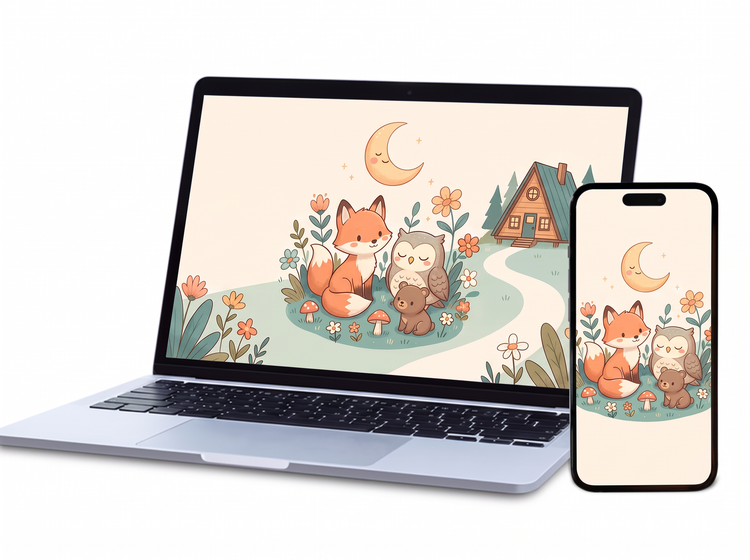
Resize your wallpaper for any screen.
Use the AI image expander to resize your wallpaper for any device. Choose a new aspect ratio to use your image on a laptop or desktop.
Fine-tune your cute wallpaper with precision edits.
Clean up a stray line or an unwanted background element in a click. Adobe Firefly keeps your original generated wallpaper intact while you make fast, flexible edits.
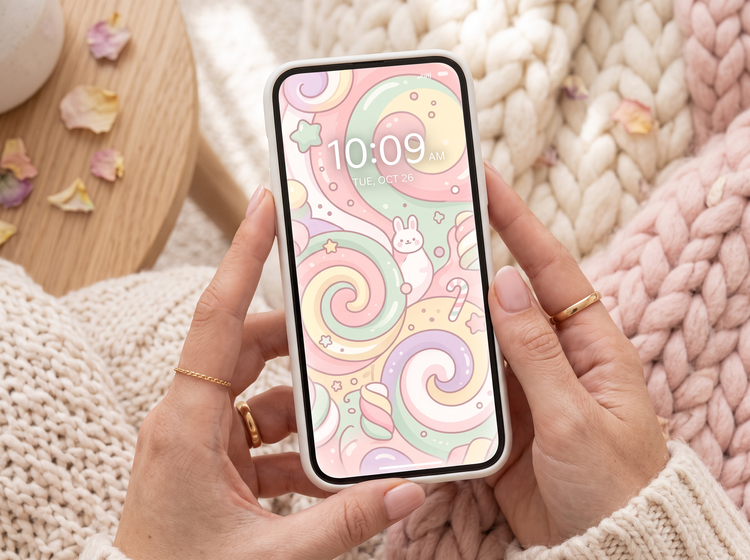
How to generate a cute phone wallpaper with Adobe Firefly.
Step 1
Open Adobe Firefly and select Generate Image.
Step 2
Describe your wallpaper.
Step 3
Adjust your style settings.
Step 4
Generate and refine your wallpaper.
Step 5
Download your cute phone wallpaper.
- How to generate a cute phone wallpaper with Adobe Firefly.
- Steps on how to generate a cute phone wallpaper using Adobe Firefly Generate Image.
- PT3M
- firefly

Precise creative control
Your cute wallpaper starts with a color palette and a subject. Describe the pastel tones, the character, and the mood you're after, then adjust the details to land the exact look.

Top AI models, all in one place
Adobe Firefly pairs its own models with top partner models from FLUX, Google, OpenAI, and more in a single creative studio. Try a few, then refine the one that fits your style.
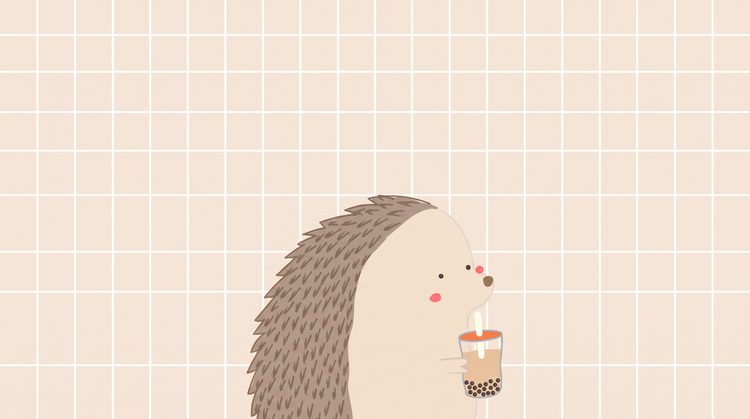
Your complete creative space
Adobe Firefly is more than an image generator. Start with a prompt, refine your result, and go from first idea to finished image without a break in your creative flow.
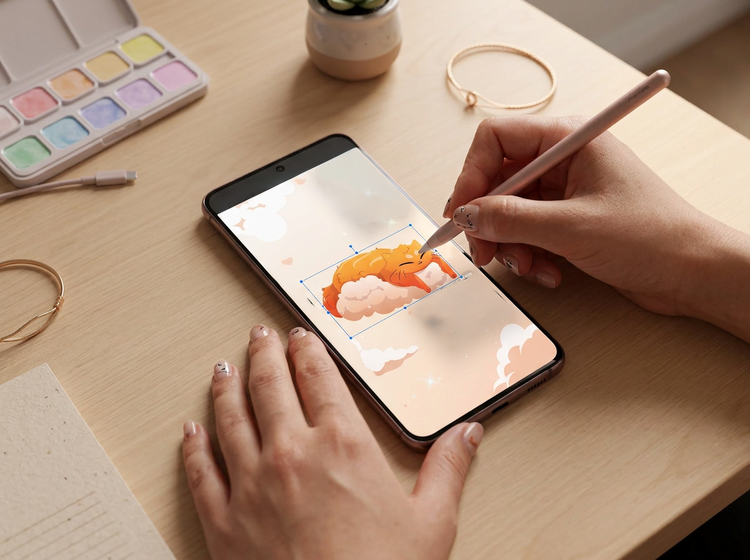
Built for creators
Get fast results when you need them, using intuitive tools that automate common image edits. Dial in the details with precision tools when details matter.