


https://main--cc--adobecom.aem.page/cc-shared/assets/img/firefly.svg Adobe Firefly

Free online AI image generator: Create images from text.
Bring your ideas to life with the Adobe Firefly AI image generator. You can use text prompts to create and transform images quickly and easily, now with higher quality, more detail, and improved lighting and color.
- image
- video
- Describe a subject, an action, a place, a mood, or a style.
- Adobe Generative AI Terms
- https://main--cc--adobecom.aem.page/creativecloud/animation/testdoc/unity/generate.svgGenerate
- Describe what you want to generate
- Prompt
- Tip
- ff_campaign=embed_generate_acom&promoid=TG8SL6TN&mv=other
- Unable to process the request
- Please describe what you want to generate.
- Prompt exceeds the max length of 750 characters


Explore image generation possibilities.
Check out these stunning AI generated images from Firefly and the text prompts that generated them.


Key AI image generation features for creative freedom and precision.
The Adobe Firefly AI image generator makes creative exploration easier and faster for everyone. Whether you’re creating a photorealistic product shot, an illustrated background pattern, or a fresh tattoo design, all you need is a simple image prompt to bring your wildest ideas to life.

Never run short of images.
With the Generate Image tool, you can instantly create unique photos, illustrations, or pictures in various styles — from realistic to abstract, graphic to painterly. Whether you’re designing content for social posts, banners, Reels, or TikToks, each prompt gives you four unique results. Click Load More to explore even more visual possibilities.
More generative options for custom results.
Use the image to image generator to influence composition, color, or mood, then fine-tune your result with cropping tools, opacity adjustments, and filter effects to bring your vision to life.


Quick content when you need it.
Text to Image is fast and easy to use. With the free AI image generator, every prompt generates four image suggestions. If you like one, just click Show Similar to create images with similar styles or compositions. You can also move quickly into the Generative Fill workspace to add or remove elements and refine your text to image results even further.
Image style made simple.
Choose your favorite art style — from Surrealism to Cubism to Impressionism — and turn text into stunning images with the free AI image generator. Adjust color and lighting, add neon effects, and more to create your masterpiece in minutes.


Designed to be commercially safe.
Text to Image in Firefly is powered by generative AI models trained on licensed images from Adobe Stock and public domain content where the copyright has expired. Learn more about Adobe’s commitment to AI ethics principles.
How to generate AI images.
Easily generate your own images following these quick steps in the online AI image generator.
- Open the AI image generator in Firefly.
To get started, log in to Adobe Firefly with your Adobe ID or create a free account if you don’t have one. Select the Text to Image tool on the homepage to start using the free online AI image generator. - Write a text prompt.
Type a detailed description of what you want to generate in the prompt field. Start with five words or more — for example, “a product shot of a sushi roll underwater.” Add specific keywords like lighting, angle, or mood to shape the result. - Generate your AI image.
Click Generate and watch as Firefly produces four unique image options in just seconds. If you want a more specific style or layout, upload a reference photo or sketch and generate another set of visuals. - Refine, edit, regenerate.
Edit your image by tweaking the prompt, adjusting the settings, or using Generative Fill to add, remove, or transform elements for a fresh result. Turn your AI generated image into eye-catching social posts, videos, flyers, and more. Once you’re happy with your creation, download it, copy it to your clipboard, or share it directly with others.

Tips for using the online AI image generator.
The best image generation starts with a solid concept, a simple image prompt, and some strong reference images. Use these tips to spark ideas, guide the AI image generator, and get results you’ll love.
Start with a simple prompt.
Start with a simple 4-5 word phrase, such as ‘raining soccer balls in the desert.’ Then experiment with different words to see what else Text to Image can create for you. For the best results, be as descriptive as possible. Use simple text prompts and iterate.
Upload reference images or shapes.
Upload an image whose style you want to replicate, for example, create a white 3D sphere on a blue background. Then build on that structure to generate similar shapes like basketballs, soccer balls or anything round you can imagine.
Create in stages.
Use generative AI whenever you're inspired to create images, then reuse the images as style references later. For example, you could create an underwater macro photo of colorful blobs, then reuse that same image to generate more.
The industry’s top models. Right in Firefly.
New partner models ensure you have the right model for any task and every idea, whether you’re creating images or videos. No more workflow interruptions or hopping from app to app.
Create now|Create now - The industry’s top models. Right in Firefly. Learn more|Learn more - The industry’s top models. Right in Firefly.
https://main--cc--adobecom.aem.page/cc-shared/assets/img/product-icons/svg/3p/google.svg | Google https://main--cc--adobecom.aem.page/cc-shared/assets/img/product-icons/svg/3p/openai.svg | OpenAI


Why Firefly for image generation?
- High-quality images with exceptional detail: Firefly transforms simple text prompts into high-fidelity, richly detailed AI generated images, delivering crisp lighting, accurate textures, and consistent visual style powered by generative AI.
- Creative freedom for any project: Generate visuals for social posts, moodboards, thumbnails, videos, flyers, and more. Firefly gives you a versatile text to picture workflow that adapts to your needs.
- Custom results with precise controls: Adjust aspect ratio, color, lighting, style, and composition to shape your final image. You can also swap styles, iterate on ideas, or explore variations without starting over.
From emerging creators to experienced designers, Firefly makes it easy to craft high-quality images that stand out — no complex skills required. Experiment with different text prompts, image prompts, styles, and concepts to generate high-quality images in just a few clicks.
Remix content from the community.
Discover Firefly prompts to remix and submit your own images to the gallery.
FAQs about AI image generator.
What is text to image in AI?
How does text to image work?
What makes an amazing AI image generator?
Are Firefly images available for commercial use?
Do I own the copyright to the images I generate in Firefly?
What is an AI image generator?
Is Adobe Firefly's online AI image generator free to use?
Can I edit the images created by the AI picture generator?
Can I generate images in Adobe Firefly using Nano Banana?
Why is Firefly the best text to picture generator?
How do I craft the perfect AI image prompt?
What are the best AI text to picture generators available?
You may also like
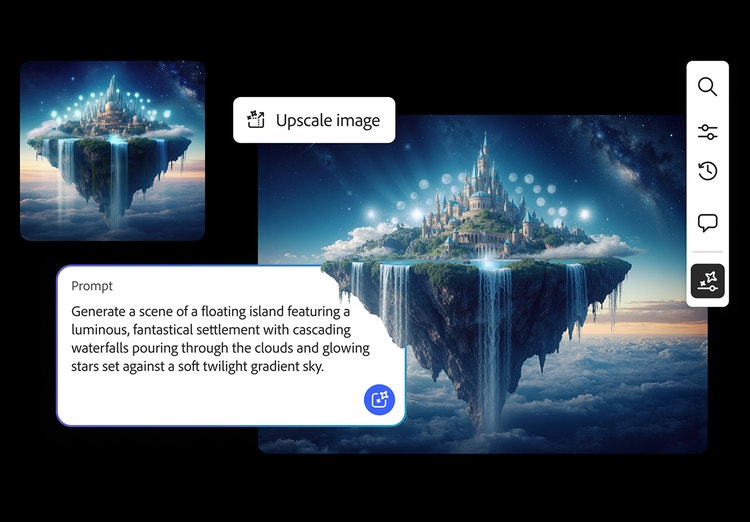
AI generated images
From realistic product photos for e-commerce to abstract art shared on social media, generative AI is transforming the way images are imagined, created, and customized. See what’s possible with the Adobe Firefly AI image generator examples below.
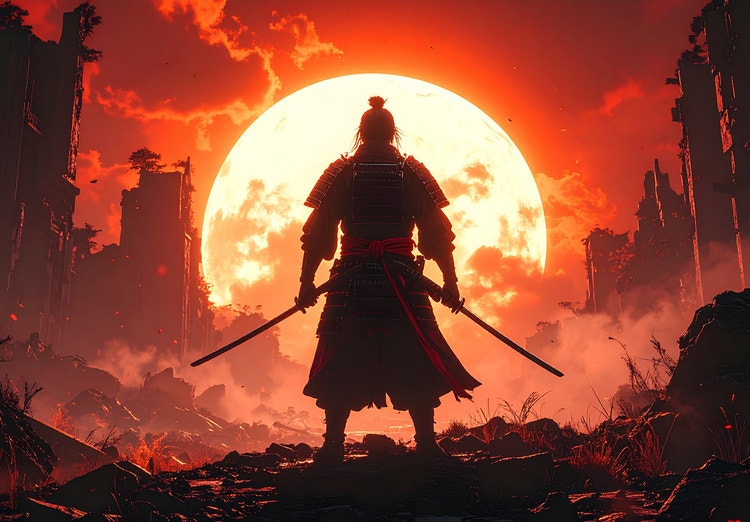
Image prompt examples
There’s an art to crafting the perfect image prompt. Browse AI image prompt examples alongside their AI generated results to see how specific language shapes stunning visuals with Adobe Firefly.
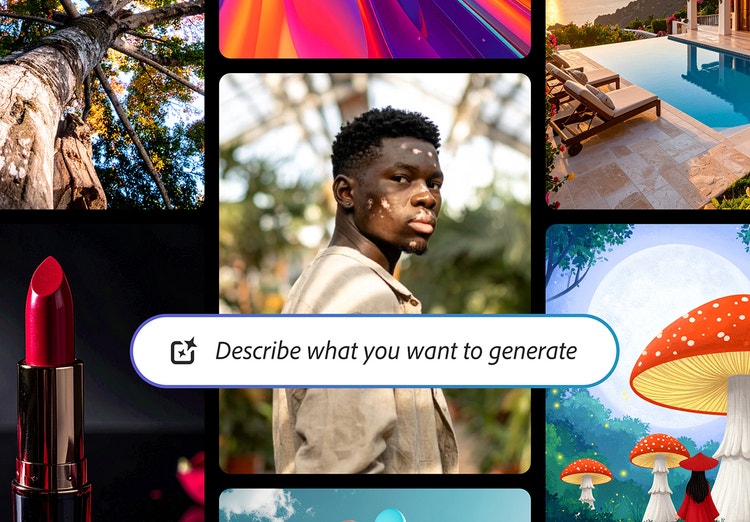
AI generated examples
From the way we explore ideas to the way we bring concepts to life, generative AI is transforming creative work. Explore generative AI examples of visuals, video, and sound created with Adobe Firefly to see what’s possible and spark ideas for whatever you create next.
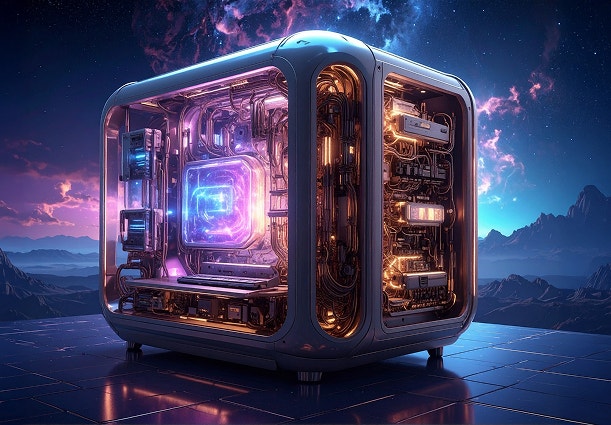
How Gen AI works
Generative AI is all over the headlines, and that’s not empty hype. This new technology is likely to be part of your life soon — if it’s not already. Learn how generative AI works and start streamlining your workflow.