How to convert an MKV file to MOV.
There are several ways to convert MKV to MOV, depending on your tools and workflow.
1. Use an online MKV to MOV converter.
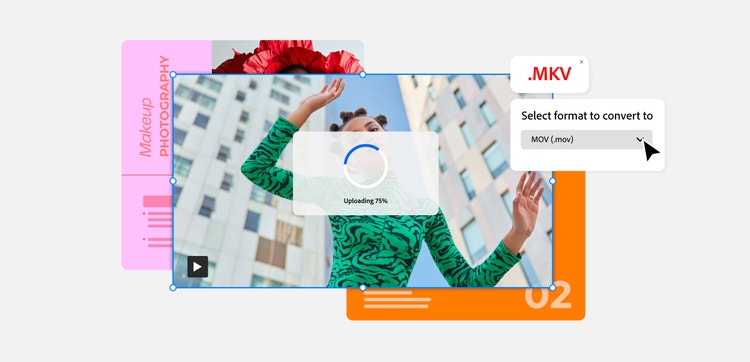
Many online tools act as an MKV to MOV converter, allowing you to upload a video and convert it directly in your browser. These tools typically follow simple steps:
- Upload your MKV file or paste a video URL.
- Select MOV as the output format.
- Convert and download the video.
Tools like VLC Media Player can also convert MKV files locally and have a free MKV to MOV converter option for basic needs.
2. Download your video as a MOV file.
Once your video is converted, save your MOV file to your device so it’s ready for editing or sharing. If your video is already in another format, you can use Adobe Express’ video converter tool to convert for free.
This is useful if you’re managing multiple video formats as part of a creative workflow.
3. Edit your MOV video with Adobe.
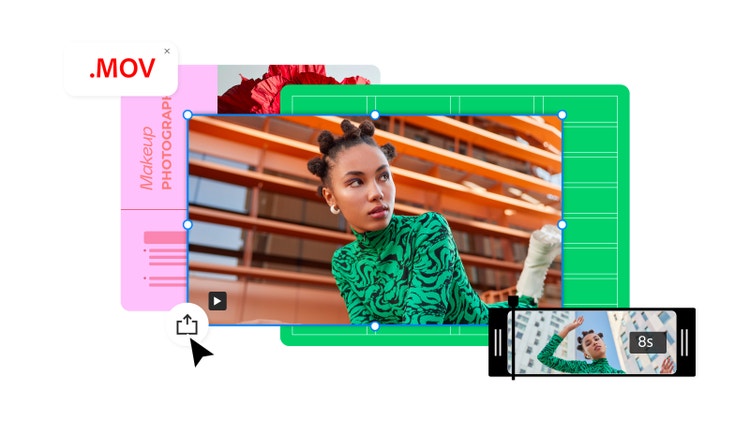
After the conversion, you can refine your video using Adobe Express tools. For example, you can trim clips, shorten scenes, or prepare content for documents.
You can also repurpose your video by converting MOV to GIF for short animations or converting MOV to MP4 for broader compatibility.
4. Share or embed your MOV file.
Once your file is ready, you can embed your MOV video into a PDF to create an interactive document that is easy to share. This is ideal for reports, presentations, training materials, or portfolios.
Learn how to create interactive PDFs.