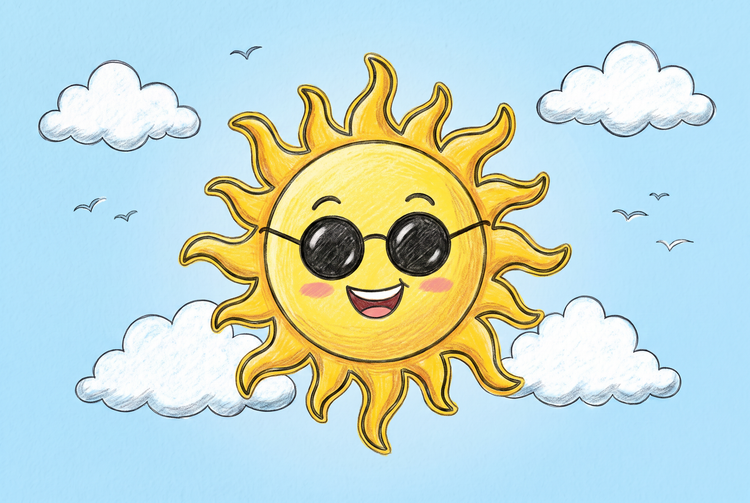
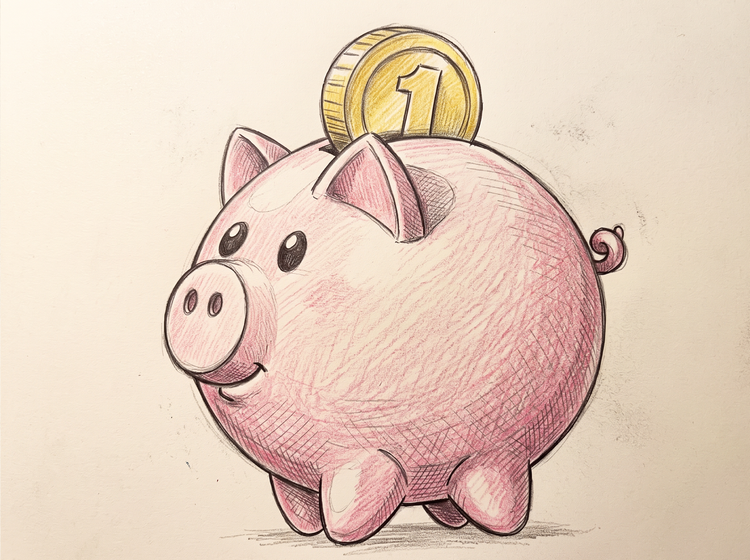
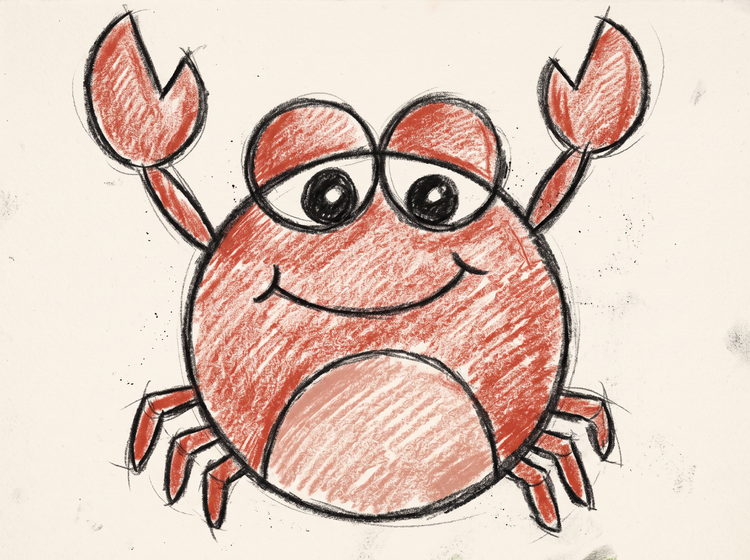
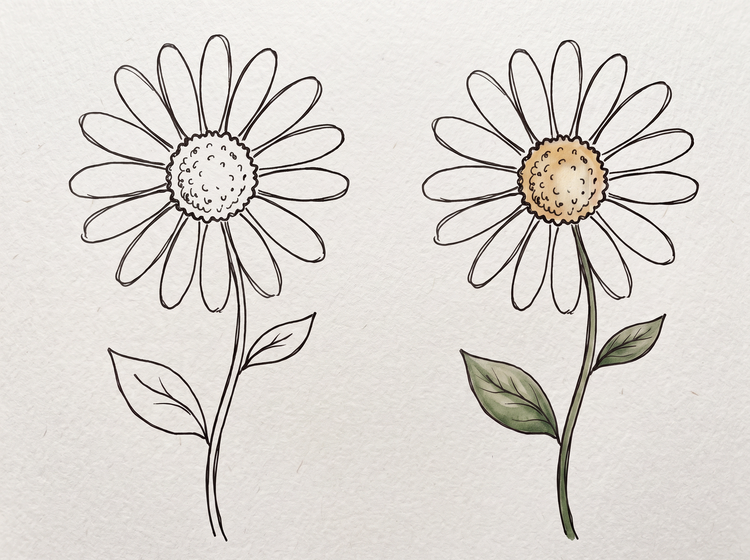
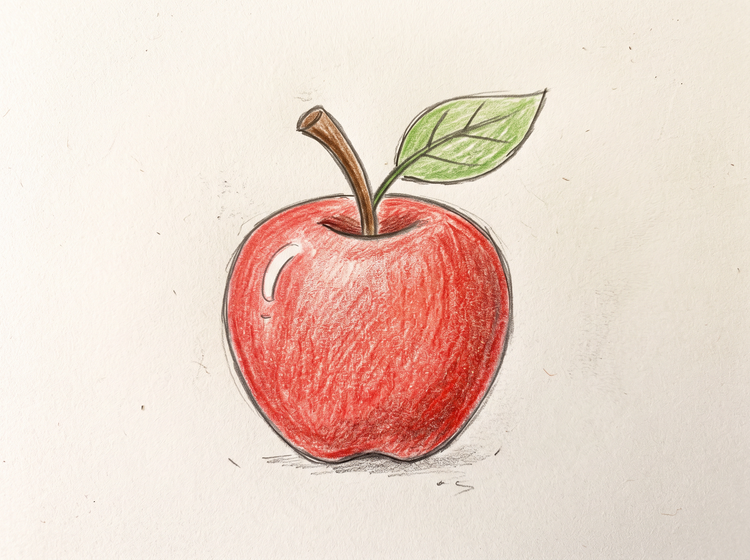
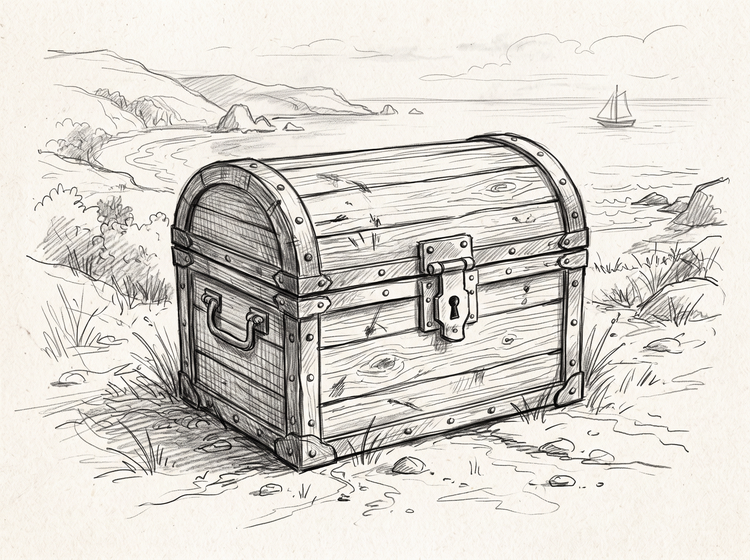
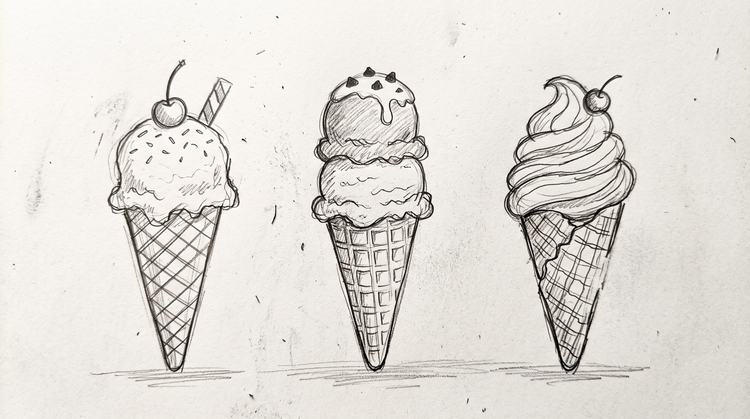
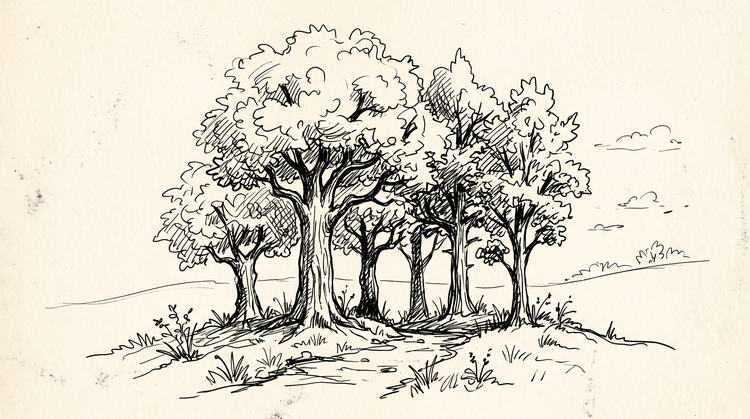
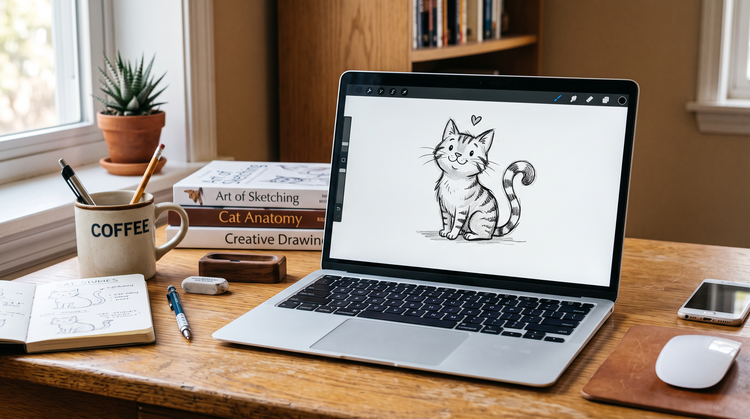
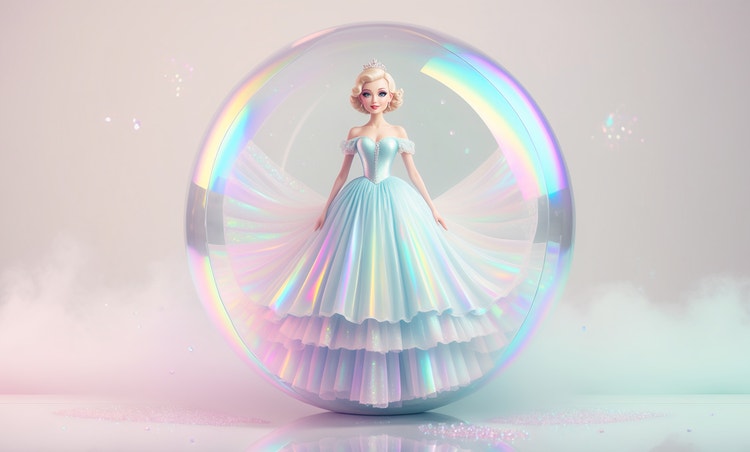
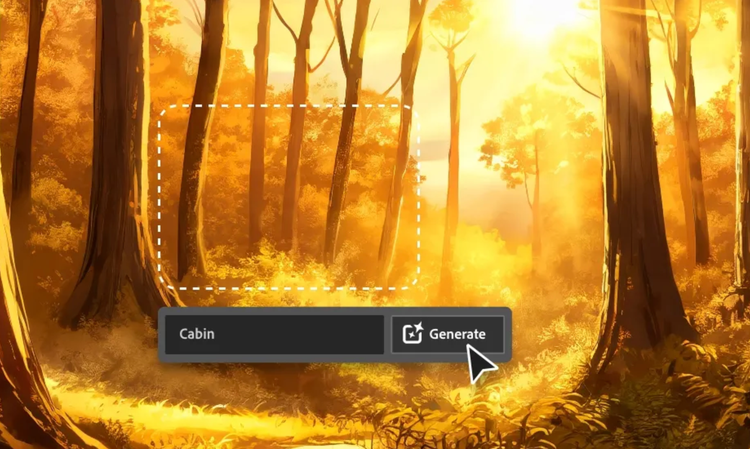
An AI easy drawing generator uses artificial intelligence to turn a text prompt into simple, clean drawings. Adobe Firefly applies minimal linework, basic shapes and light shading to create approachable, easy-to-read artwork.
Describe the easy drawing you want in Adobe Firefly, including the subject and how simple or detailed you'd like the linework. Adobe Firefly will generate artwork based on your prompt in moments.
Yes. You can adjust your prompt and refine the result with editing tools in Adobe Firefly to make your drawing more minimal or more detailed, from basic outlines to fuller sketches.
Students, hobbyists, teachers and content creators use AI easy drawings for school projects, journals, colouring pages, social graphics and quick visual ideas. Adobe Firefly makes the style accessible to creators at any skill level.
Yes. Outputs generated by Firefly models are safe for commercial use, but it is your responsibility to determine if art created with partner models is suitable to use in your project. Easy drawings work well for social content, packaging, editorial illustrations and website visuals, giving your project a hand-drawn feel.
The best AI easy drawing generator gives you real creative control. This includes the ability to describe your subject and preferred line style in natural language and to refine your result across multiple versions. Adobe Firefly does this and also brings together top AI models, with precision editing tools that take you from first generation to finished artwork.
Adobe Firefly brings together its own models and top partner models from FLUX, Google, OpenAI and others. You can switch between models and compare results side-by-side to find the easy drawing look you want.
Adobe Firefly easy drawings download as a PNG file, ready to use in your project.
Artwork generated with Adobe Firefly can work well for print when exported at a high enough resolution for your project. You can refine details before printing worksheets, posters or other physical pieces.
Yes. The simple linework and minimal detail of AI easy drawings make them a great starting point for kids, students and beginners who want approachable artwork without needing advanced drawing skills.
An easy drawing favours simple shapes, clean outlines and light or no shading, while a detailed illustration adds texture, depth and fine detail. Adobe Firefly lets you dial the style toward either end depending on your prompt.