https://main--cc--adobecom.aem.live/cc-shared/assets/img/firefly.svg Adobe Firefly

Create mandala paintings for free with Adobe Firefly.
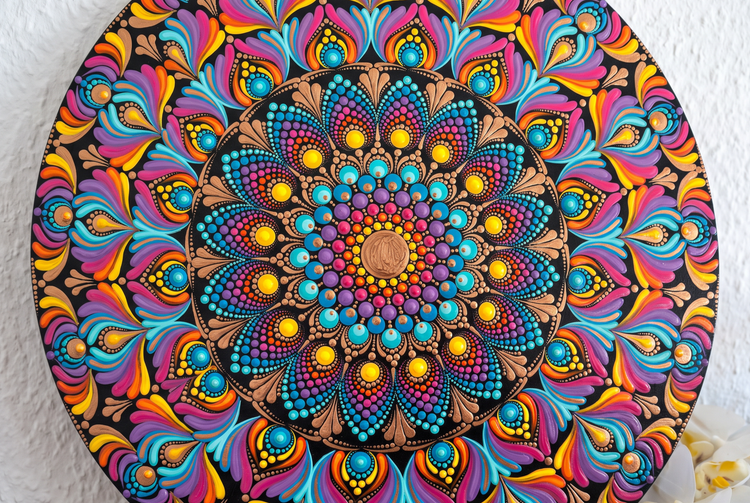
Describe the pattern and colours you want and Adobe Firefly will generate a mandala painting in moments. Explore radial designs, intricate linework and bold colour palettes to generate your piece of art.
- image
- Describe a subject, an action, a place, a mood or a style.
- Adobe Generative AI Terms
- https://main--cc--adobecom.aem.live/creativecloud/animation/testdoc/unity/generate.svg Generate
- Describe the mandala painting you want to generate
- Prompt
- Tip
- Unable to process the request
- Please describe what you want to generate.
- Prompt exceeds the max length of 750 characters
- mandalaPainting


https://main--cc--adobecom.aem.live/cc-shared/assets/img/product-icons/svg/firefly-80.svg
Adobe Firefly
https://main--cc--adobecom.aem.live/cc-shared/assets/img/product-icons/svg/firefly-80.svg
Adobe Firefly
The next evolution of creative AI is here for all your ideas, with image, video, audio and vector tools.
Generate mandala paintings with Adobe Firefly for free.
Adobe Firefly turns your text prompt into a mandala pattern in moments. Whether you want a calming radial design for a meditation space or a bold, colourful piece for a print, just describe it and Adobe Firefly will generate it for free.
Generate mandala paintings in moments.
Type a description of the pattern, mood or purpose of your mandala and Adobe Firefly will quickly turn it into a design. Experiment with variations like floral motifs and geometric line work until you land on exactly what you're looking for.
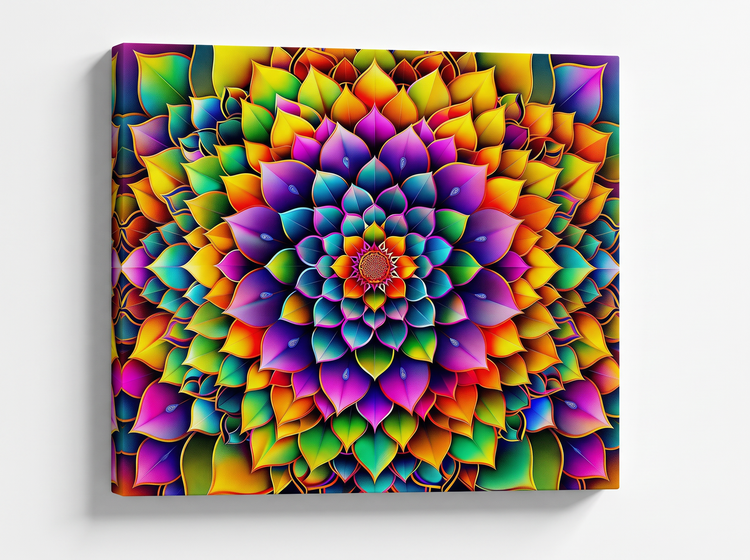
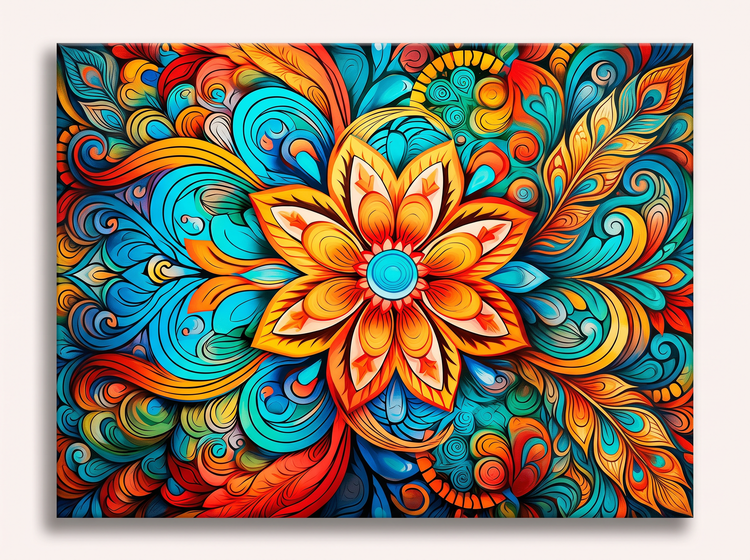
Produce concepts, prints and more.
Generate mandala concepts for any project with a text prompt in Adobe Firefly. Create quick versions to preview for a client, explore a new colour direction or turn a simple idea into a polished design ready to print.
Refine your mandala painting until it's exactly right.
Once you've settled on a direction for your mandala, you can adjust your prompt and use editing tools to refine the colour, symmetry and detail. Try generating your concept with different AI models so you can compare results and pick the one you like best.
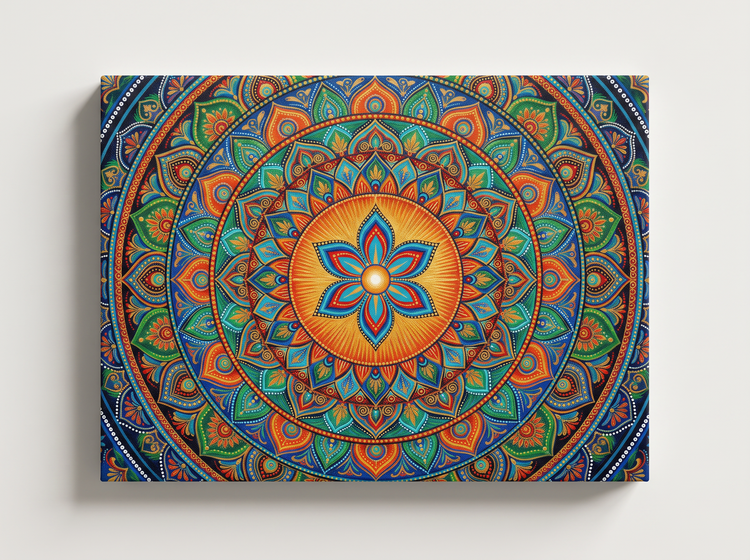
How to generate a mandala painting with Adobe Firefly.
Step 1
Open Adobe Firefly.
Step 2
Describe your mandala painting.
Step 3
Generate your mandala painting.
Step 4
Refine in the Edit tab.
Step 5
Download or share.
Steps on how to generate mandala paintings with Adobe Firefly.
PT5M
firefly
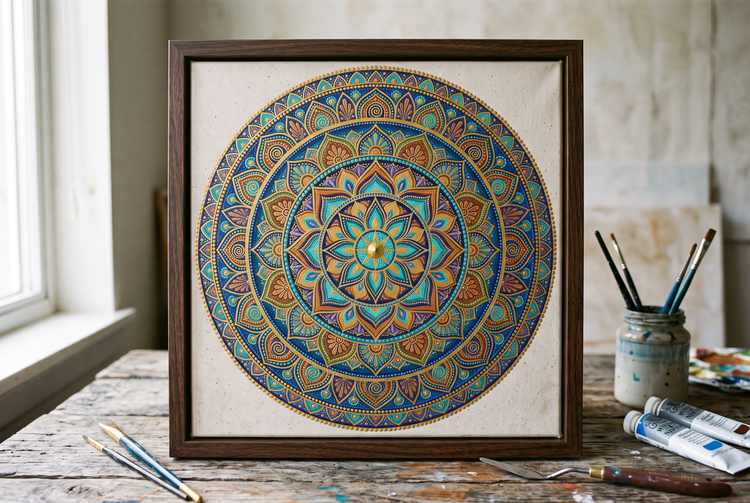
Precise creative control
Fine-tune every element of your mandala painting. Use detailed prompts to create your mandala painting, then adjust settings to get the exact balance and detail your project needs.
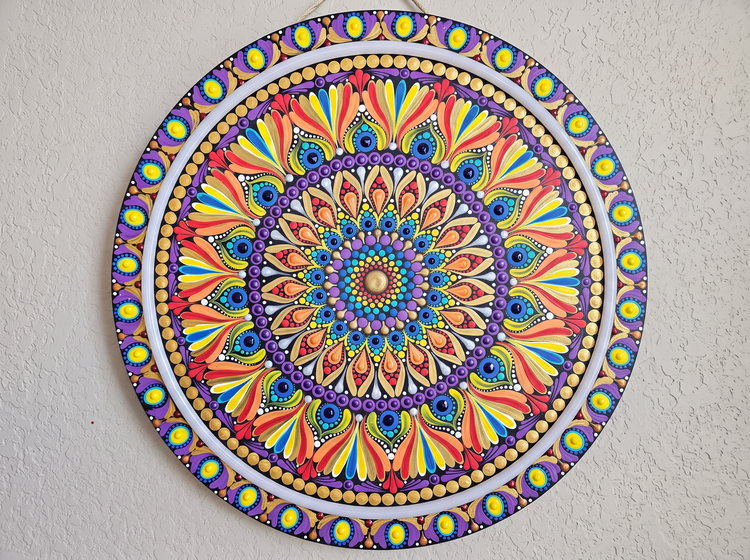
Top AI models, all in one place
Adobe Firefly pairs its own models with top partner models from FLUX, Google, OpenAI and more in a single creative workspace. Try a few, then refine the one that fits your style.
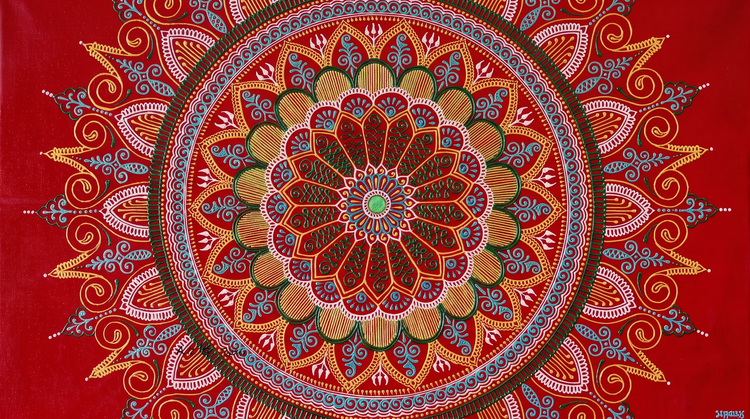
Your complete creative space
One workspace carries you from a first prompt to a finished image. Generate a mandala pattern, refine it with precision tools and iterate as needed, all in Adobe Firefly.
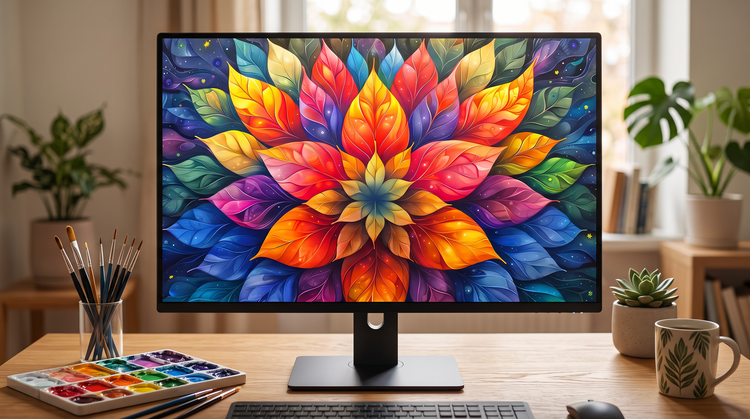
Built for creators
Create with ease, move fast when you need results now or refine every detail when precision matters. Firefly gives you the quality, speed and flexibility to create your way, without the complexity.