https://main--cc--adobecom.aem.live/cc-shared/assets/img/firefly.svg Adobe Firefly

Generate cute pixel art with Adobe Firefly for free.
Describe the cute pixel art you want and Adobe Firefly will generate it in moments for free. Bright colour palettes, chunky pixel grids and charming retro characters bring playful 8-bit style art to life for gamers, illustrators and creators of all skill levels.

- image
- Describe a subject, an action, a place, a mood or a style.
- Adobe Generative AI Terms
- https://main--cc--adobecom.aem.live/creativecloud/animation/testdoc/unity/generate.svg Generate
- Describe the cute pixel art idea you want to generate
- Prompt
- Tip
- Unable to process the request
- Please describe what you want to generate.
- Prompt exceeds the max length of 750 characters
- cutePixelArtIdeas


https://main--cc--adobecom.aem.live/cc-shared/assets/img/product-icons/svg/firefly-80.svg
Adobe Firefly
https://main--cc--adobecom.aem.live/cc-shared/assets/img/product-icons/svg/firefly-80.svg
Adobe Firefly
The next evolution of creative AI is here for all your ideas, with image, video, audio and vector tools.
Generate cute pixel art with Adobe Firefly.
The AI cute pixel art generator applies bright colour palettes, chunky pixel grids and playful character silhouettes to your prompt, creating art that leans into charm and nostalgia over photorealistic detail. With Adobe Firefly, you can create cute pixel art ideas for free.
Explore cute colour palettes and pixel styles.
Using Firefly as a cute pixel art generator, you can experiment with soft pastel palettes, retro arcade colours or high-contrast 8-bit tones. Adjust pixel density and character style to land on the exact cute look you want or find more inspiration on the Firefly community gallery.

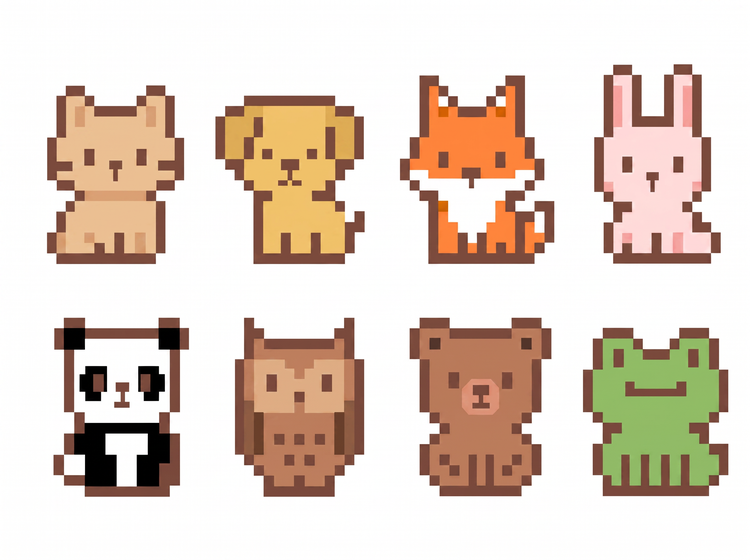
Create cute pixel art for any project.
Whether you’re designing game sprites, sticker packs, avatars or social graphics, the Adobe Firefly AI image generator makes it easy to generate cute pixel art ideas at any size and resolution.
Easily refine your cute pixel art.
Take your artwork further with editing tools built into Adobe Firefly. Adjust colour, character details and composition or generate new variations to evolve your design. As a multi-model creative environment, Firefly lets you explore fresh styles while refining your result.
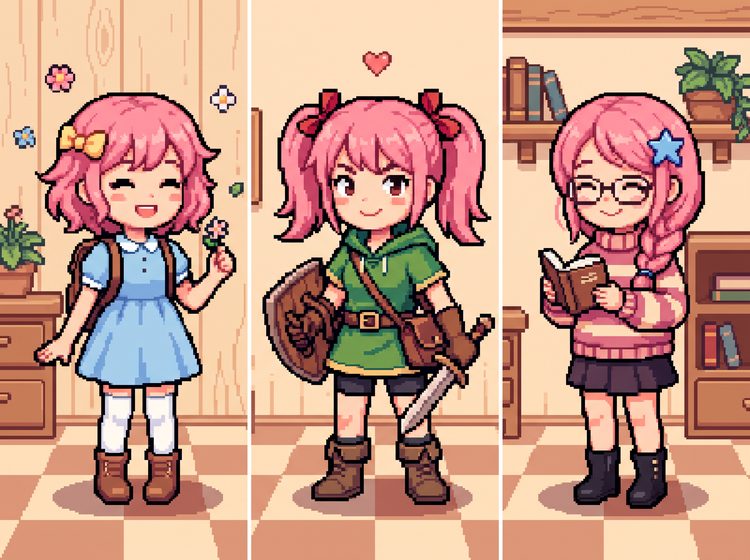
How to generate cute pixel art ideas.
Step 1
Open Adobe Firefly.
Step 2
Describe your cute pixel art idea.
Step 3
Generate your pixel art.
Step 4
Refine in the Edit tab.
Step 5
Download or share.
Steps on how to generate cute pixel art ideas with Adobe Firefly.
PT5M
firefly
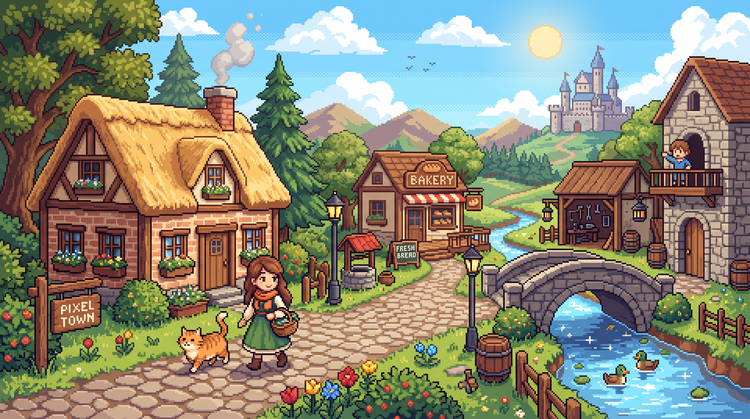
Precise creative control
Adjust and refine your pixel art with intuitive editing tools. Fine-tune palette, pixel density and composition until you land on the exact cute look you want.
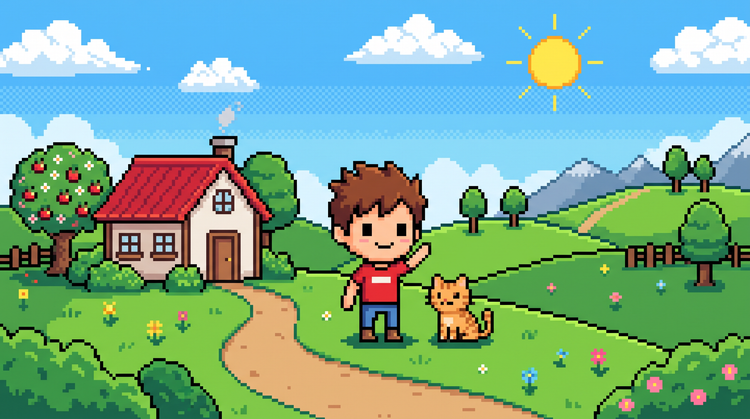
Top AI models
Adobe Firefly pairs its own models with top partner models from FLUX, Google, OpenAI and more. Try a few, then refine the one that fits your style.
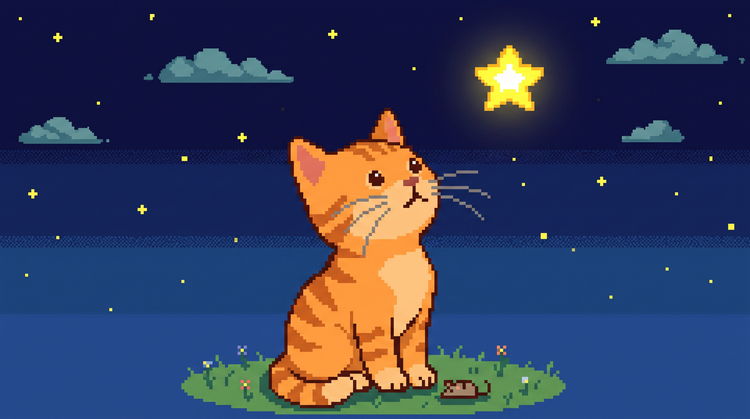
Your complete creative space
One workspace carries you from a first prompt to a finished pixel art image. Generate, refine with precision tools and iterate in Adobe Firefly to get the look you want.
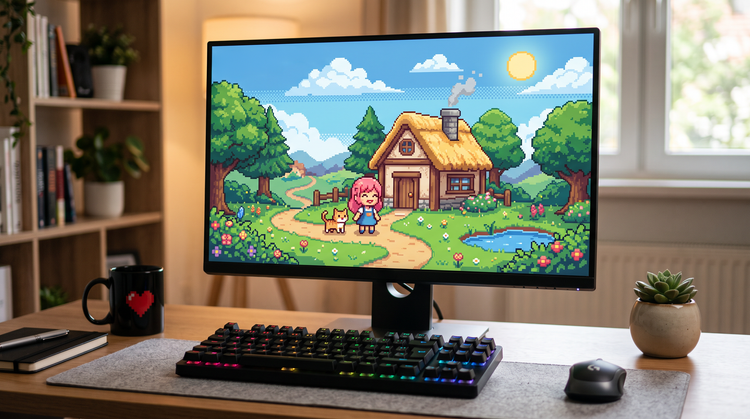
Seamless integration
Once you’ve generated your cute pixel art, open it in Photoshop on the web for further retouching or bring it into Adobe Express to build a finished design.