https://main--cc--adobecom.aem.page/cc-shared/assets/img/firefly.svg Adobe Firefly
{{nbsp}}
Create free thunder sound effects with the Adobe AI generator.
Create realistic thunder sound effects with Adobe Firefly’s free AI sound effect generator. Just start by creating a text prompt and listen as your idea is brought to life. Read on to learn more about generating sound effects, including for lightning, thunder and rain.
- audio
- Keep it short and specific, like birds chirping
- Adobe Generative AI Terms
- https://main--cc--adobecom.aem.page/creativecloud/animation/testdoc/unity/generate.svgGenerate
- Describe what you want to generate
- Prompt
- Suggestions
- Tip
- Variation 1
- Variation 2
- Variation 3
- Variation 4
- ff_campaign=embed_generate_acom&promoid=YSYYFT1N&mv=other
- Unable to process the request
- Please describe what you want to generate.
- Prompt exceeds the max length of 750 characters
- Unable to play audio. Please try other variations.
https://main--cc--adobecom.aem.page/cc-shared/assets/img/product-icons/svg/firefly-80.svg
Adobe Firefly
https://main--cc--adobecom.aem.page/cc-shared/assets/img/product-icons/svg/firefly-80.svg
Adobe Firefly
Use everyday language to create extraordinary results with generative AI.
Add a bit of boom to your project with thunder sound effects.
Whether you’re looking to build atmosphere with a distant rumble or want a terrifying crash, the Adobe Firefly thunderstorm sound effect generator is perfect for your project.
Bring your projects to life in just a few seconds. Describe the type of sound you’re looking for – whether it’s thunder or rain – upload your reference clip and BOOM, the AI sound effect generator creates free sounds in seconds.
Create realistic thunder sound effects with a quick text prompt.
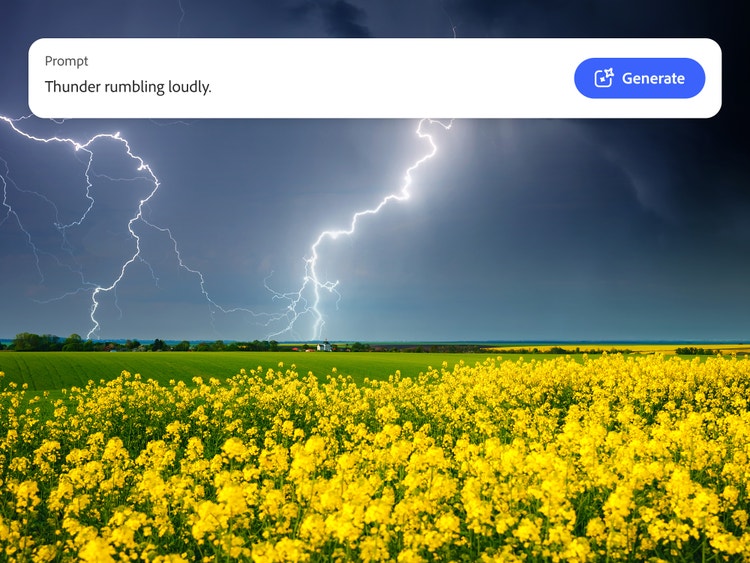
To generate your rain and thunder sound effects, all you need to do is create a quick text prompt. Just describe the type of boom you want to hear. For example, you might want an “echoing thunderclap”, or “ominous thunder rumbling in the distance”.
You can also add a reference clip so the Adobe Firefly thunder sound effect generator knows exactly what you’re looking for.
Create, remix and reuse your thunder and rain sound effects.
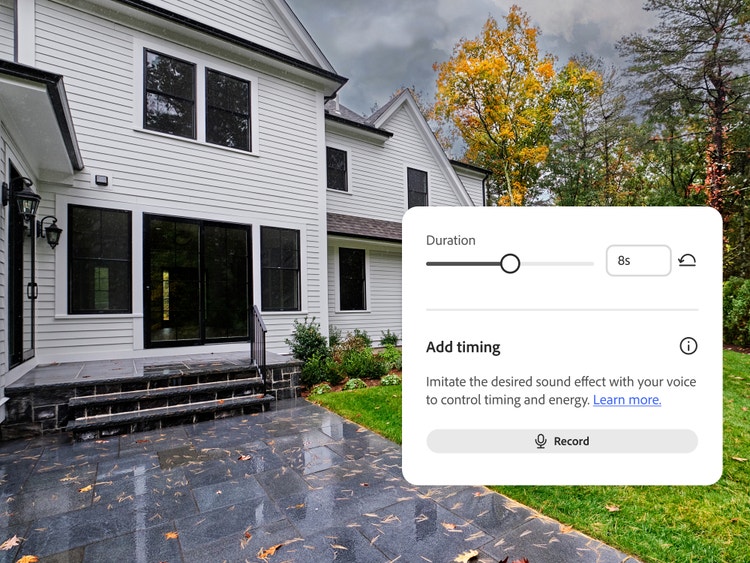
Once you’ve made your perfect thunder sound effects, you can tweak and remix the audio using Adobe Firefly tools. Adjust the length, intensity and tone to get it just right, and then export it as a high-quality audio file.
Download as MP4 or WAV to save, share or drop directly into your project. You can also save multiple versions to reuse and build a library of realistic nature sound effects.
Layer your perfect storm with multiple sound effects.
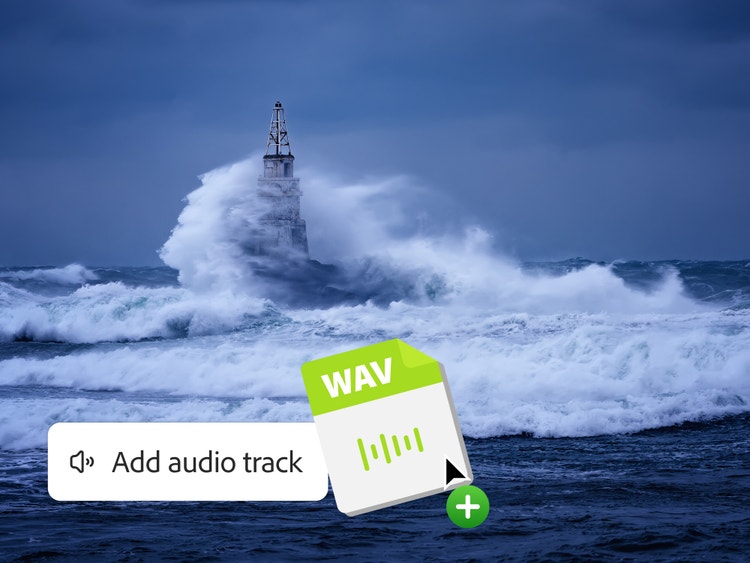
You can create even more realistic sound effects by uploading reference clips of thunder and rain. Once you’ve generated your sounds, you can then add multiple layers to create your perfect storm – think rain and wind sound effects. Whether you’re scoring your short film or creating an atmospheric audiobook, Adobe Firefly has all the tools you need.
How to create thunder sound effects with Adobe Firefly AI.
Use Adobe Firefly generative AI tools to create and customise realistic thunder sound effects in seconds. Start with a simple text prompt or audio reference clip, then remix and refine until you’re happy. All you need to do is:
- Open the AI sound effect generator. Go to the Adobe Firefly homepage and click on the AI sound effect generator. Or, just head straight to the sound effect generator.
- Upload your reference clip (optional). If you want to, upload your thunder sound effect reference clip for even more accurate results.
- Create your prompt. Describe what you want to hear. Start with a simple prompt like, “loud, booming thunder” or “thunder rolling in the distance.”
- Review and edit your generated sounds. Listen back to your sound effects and fine-tune them until you’re happy. You can adjust length, intensity and tone.
- Add directly to your project (optional). Once you’re happy, you can add your thunder sound effects directly to your mix if you want to.
- Download and share your audio file. If you’re not adding it straight to a project, you can download your thunder sound effects as an MP4 or WAV file.
Discover even more generative AI features.
Sound effect generator Rain sound effect Wind sound effect Dog bark sound effects Cat meow sound effects AI animation generator
FAQs about thunder sound effects.
Can I generate free thunder sound effects with Adobe Firefly?
What types of thunder sound effects can Firefly create?
Can I upload my own thunder and rain sound effects as a reference?
How do I combine thunder with rain or wind sound effects?
Which audio formats can I download my thunder sound effects as?
How do I describe the thunder sound effect I want to create?
Are AI thunder sound effects safe for commercial use in the UK?
Firefly features you may also like.
Create realistic nature sound effects with generative AI.
Nature sound effects are the foundation of immersive sound design. Generative AI makes it quick and easy to create a high-quality library of free nature sound effects for any project.
Learn more | Learn more - Create realistic nature sound effects with generative AI
Create realistic animal sound effects with generative AI.
Animal sound effects can be used to add realism to any scene, video or audio story. Learn how generative AI can be used to create any animal sound from cat meows to lion roars.
Learn more | Learn more - Create realistic animal sound effects with generative AI
How generative AI works: From training to output.
Generative AI is all over the headlines and that’s not empty hype. This new technology is likely to be part of your life soon — if it’s not already. Learn how generative AI works and start streamlining your workflow.
Learn more | Learn more - How generative AI works: From training to output
Generative AI is changing creative work.
Generative AI can mimic — but not replace — human intelligence. Learn how it can help you to take your creativity to new places.
Learn more | Learn more - Generative AI is changing creative work