


https://main--cc--adobecom.aem.page/cc-shared/assets/img/firefly.svg Adobe Firefly

{{nbsp}}

Free dog bark sound effect generator.

Searching for the perfect dog sound effect can drive anyone barking mad. So, why not make it from scratch with Adobe Firefly? Using the built-in AI sound effect tools, you can design your own dog bark using a text prompt or audio reference.

con-block-row-supplemental (xs-body, bold, static-links)

Create custom dog bark sound effects with AI.

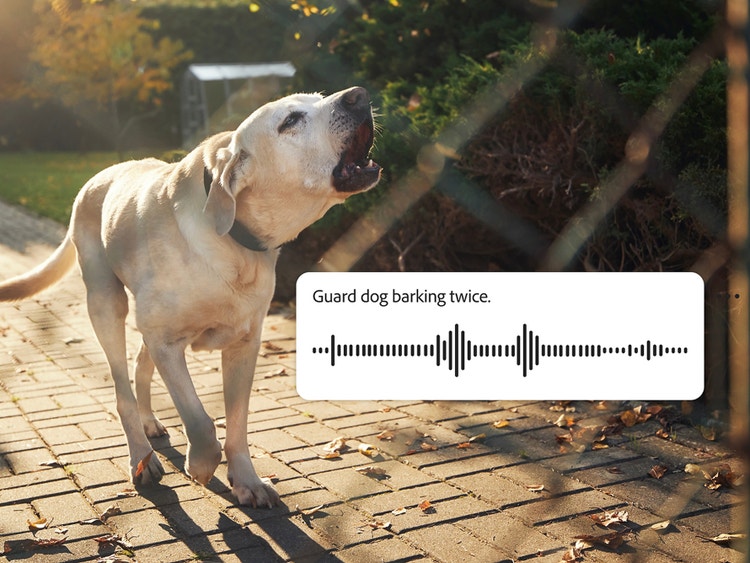
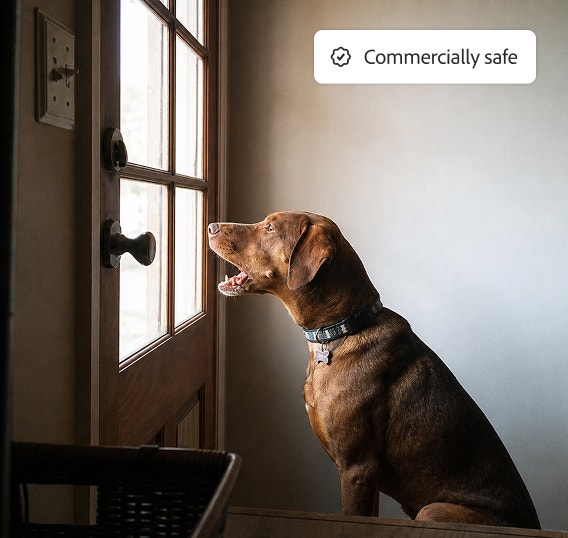
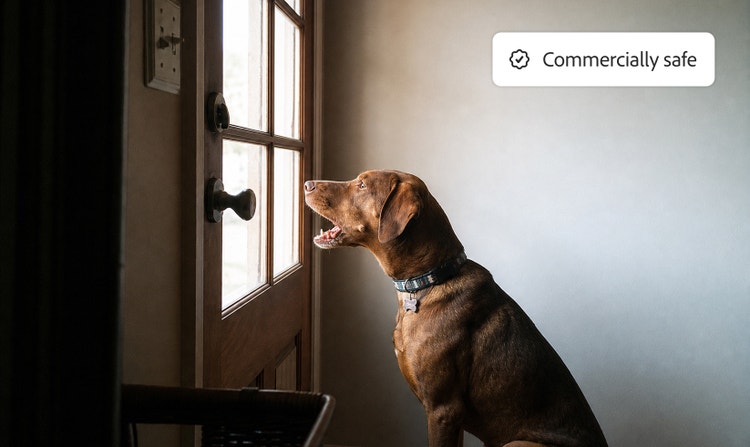
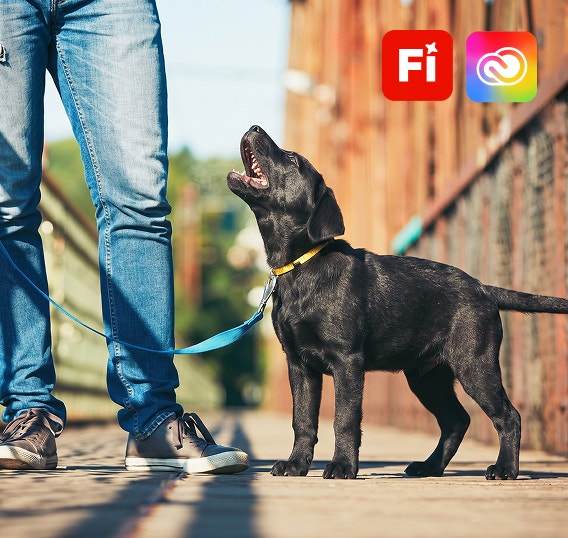
A yellow lab barking with a visible sound waveform in the AI sound generator and text prompt used to generate guard dog bark sound effects in Adobe Firefly.

Use a text prompt to create a custom dog bark sound effect.

Dog bark sound effect prompt ideas.
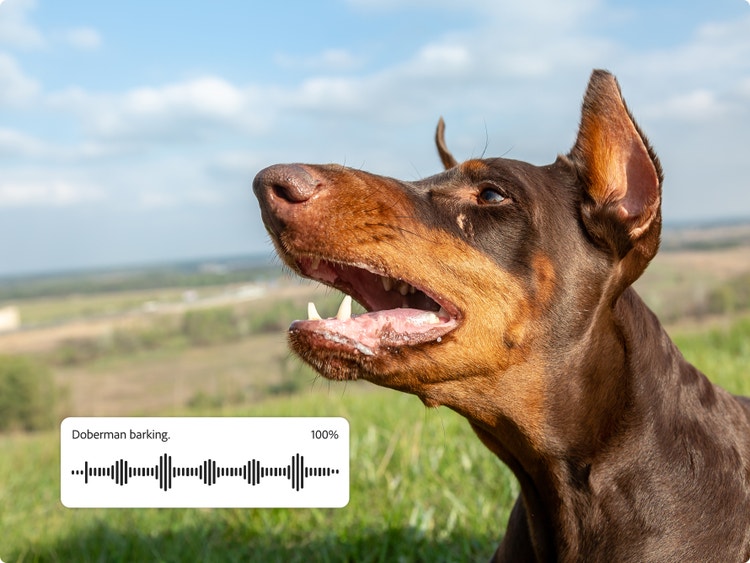
A Doberman barking with the AI sound generator interface displaying a sound waveform and the prompt ‘Doberman barking,’ showing how to create realistic dog bark sound effects in Firefly.

Refine barking dog sounds to perfection.

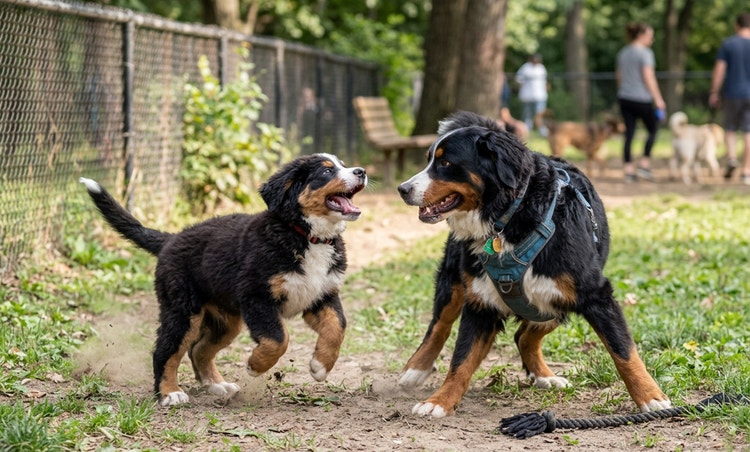
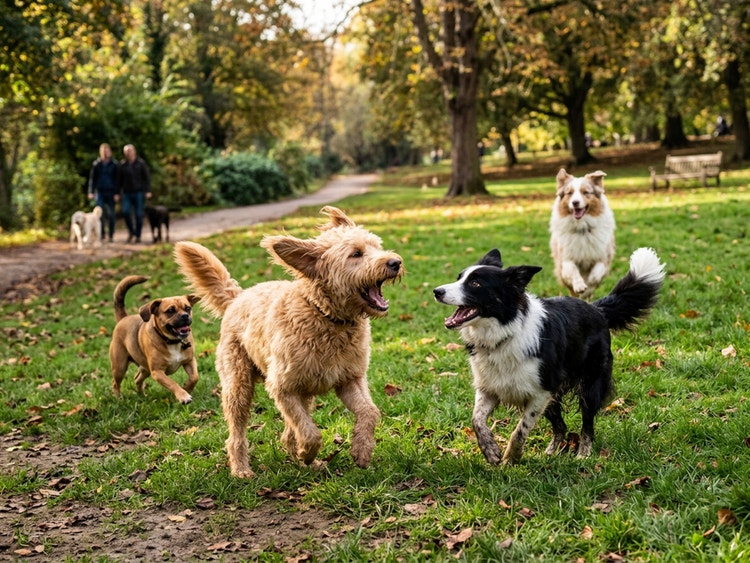
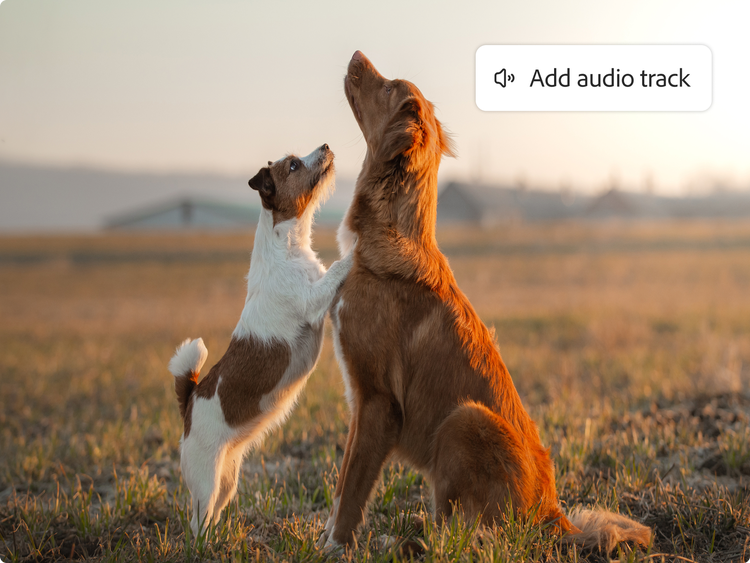
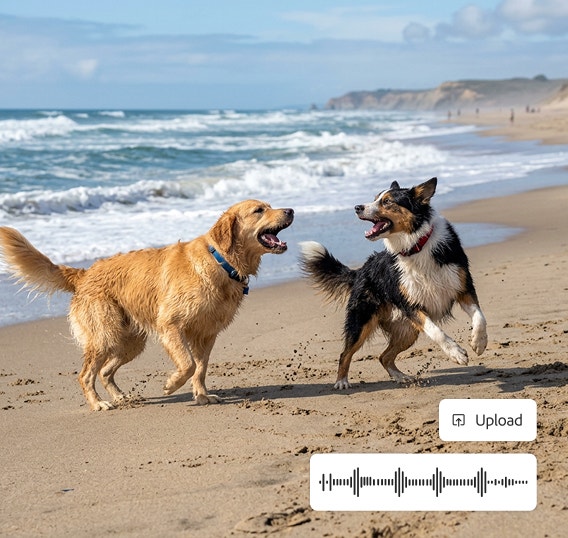
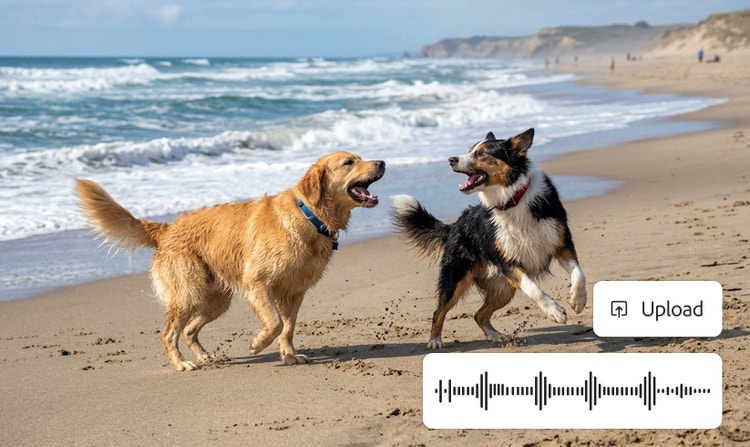
Two dogs playing in a field with the AI sound generator interface displaying sound waveforms and Add audio track upload button, showing how to layer multiple dog bark and audio sound effects.

Sync and share your dog bark sound effects.

How to generate dog barking sound effects.

It’s quick and simple to create dog bark sound effects with Adobe Firefly. Save yourself time searching for the perfect sound by generating one from scratch using descriptive prompts or uploading an audio for inspiration.

To make the ideal bark sound and export it, just follow these steps:

  • Open Firefly AI sound effect generator.
    Go to the Adobe Firefly homepage and choose the AI sound effect generator. Or head straight to the tool.
  • Upload existing media (optional).
    If there’s a sound clip of a dog you want to use as a base, you can upload it now to use as a reference.
  • Describe dog bark sounds with a prompt.
    Use precise, descriptive language in your prompts such as “angry guard dog bark” or “a poodle yap”. Try and avoid vague language. Remember, the clearer, the better.
  • Preview and adjust the audio.
    Listen to your creation and adjust the conditions to fine tune it to perfection. Keep experimenting until it meets your creative vision.
  • Add the sound effect to your project.
    Integrate the sound in your video, animation, podcast, or song.
  • Export and share in your chosen format.
    Download your dog bark sound effects in WAV, MP3, or other supported formats so you can use on other devices and platforms.

FAQs about dog bark sound effects.

#E8E8E8

You may also like

Create realistic nature sound effects with generative AI.

Nature sound effects are the foundation of immersive sound design. Generative AI makes it quick and easy to create a high-quality library of free nature sound effects for any project.


Learn more | Learn more - Create realistic nature sound effects with generative AI

Create realistic animal sound effects with generative AI.

Animal sound effects can be used to add realism to any scene, video or audio story. Learn how generative AI can be used to create any animal sound from cat meows to lion roars.


Learn more | Learn more - Create realistic animal sound effects with generative AI

How generative AI works: From training to output.

Generative AI is all over the headlines and that’s not empty hype. This new technology is likely to be part of your life soon — if it’s not already. Learn how generative AI works and start streamlining your workflow.


Learn more | Learn more - How generative AI works: From training to output

Generative AI is changing creative work.

Generative AI can mimic — but not replace — human intelligence. Learn how it can help you to take your creativity to new places.


Learn more | Learn more - Generative AI is changing creative work