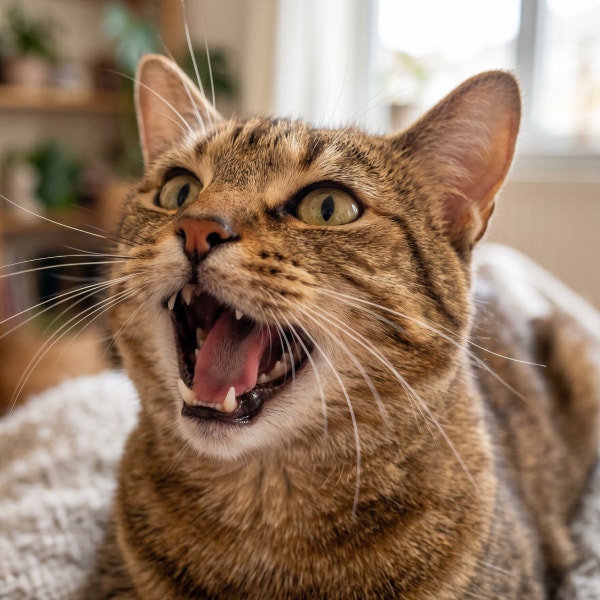
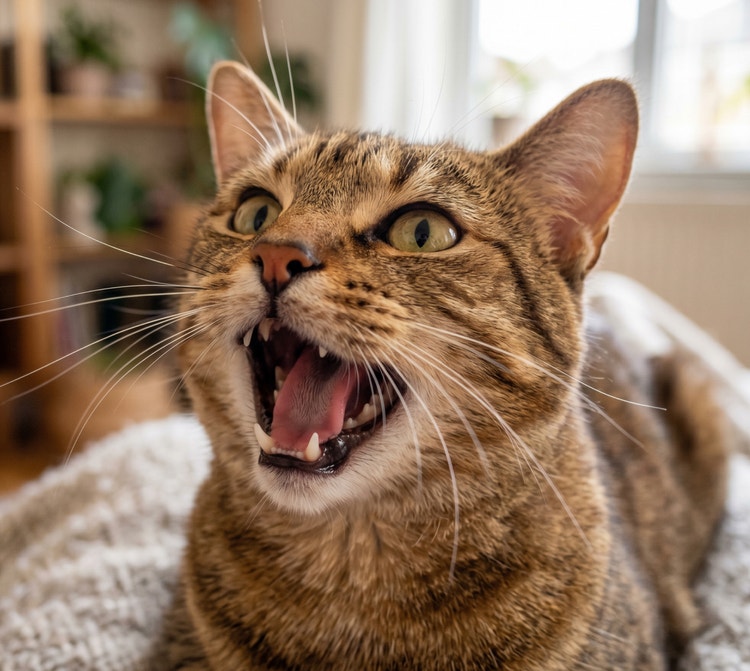
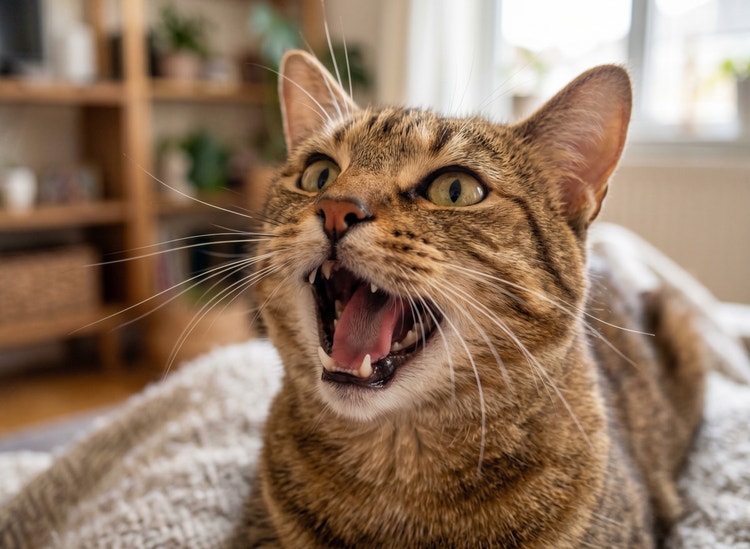
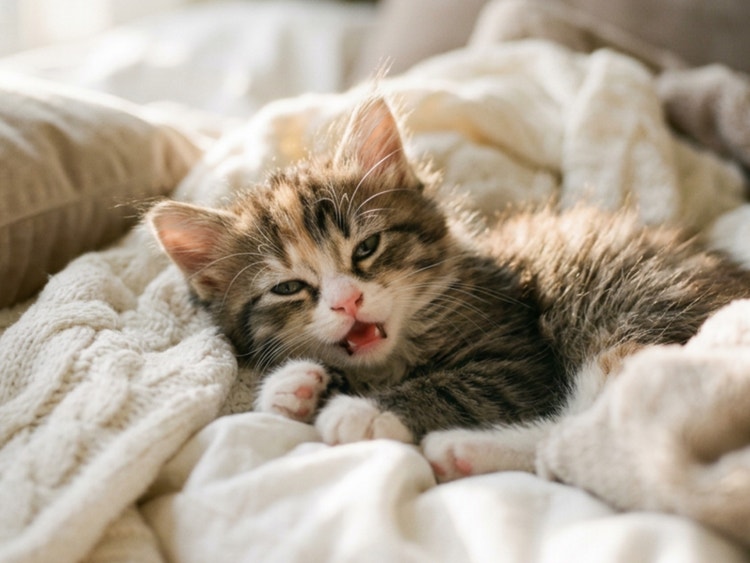
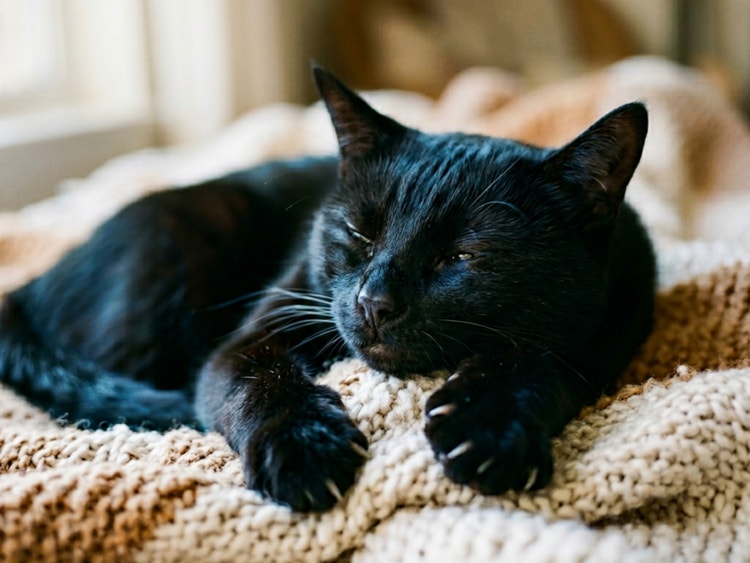
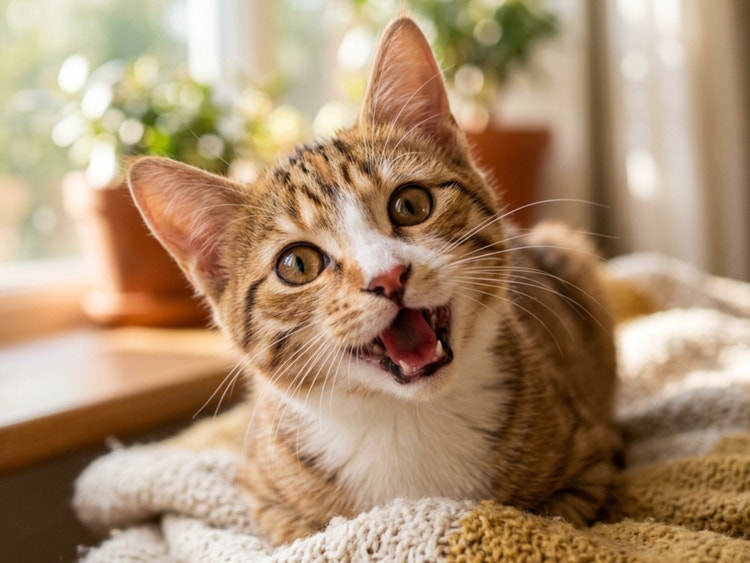
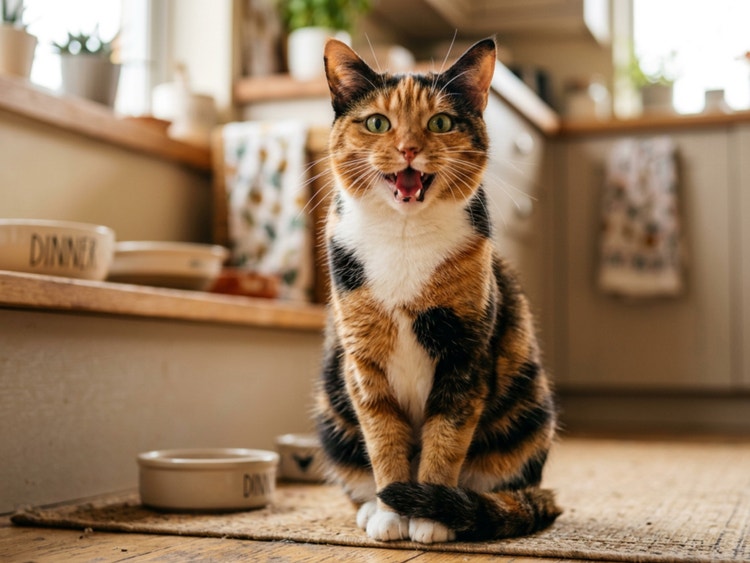
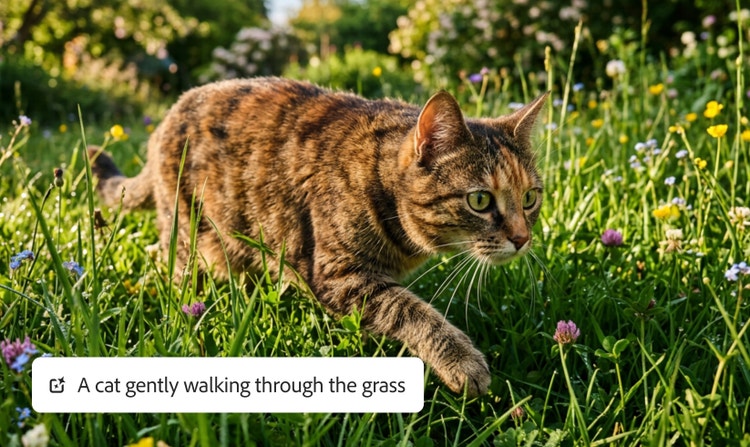
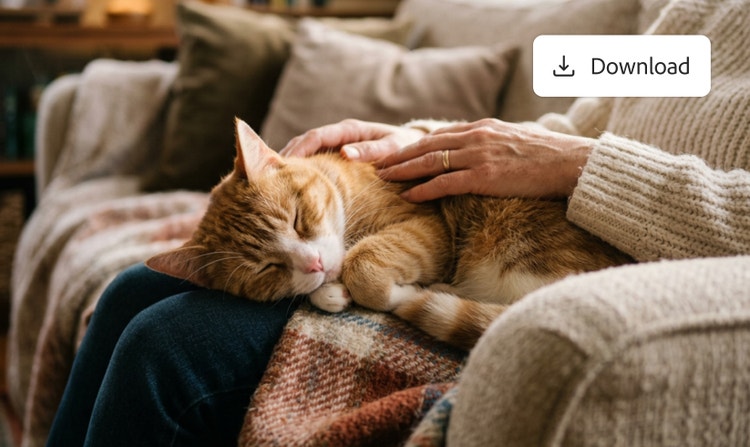
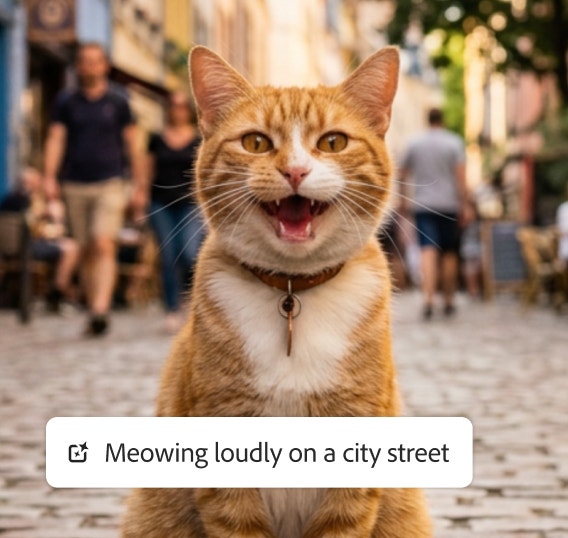
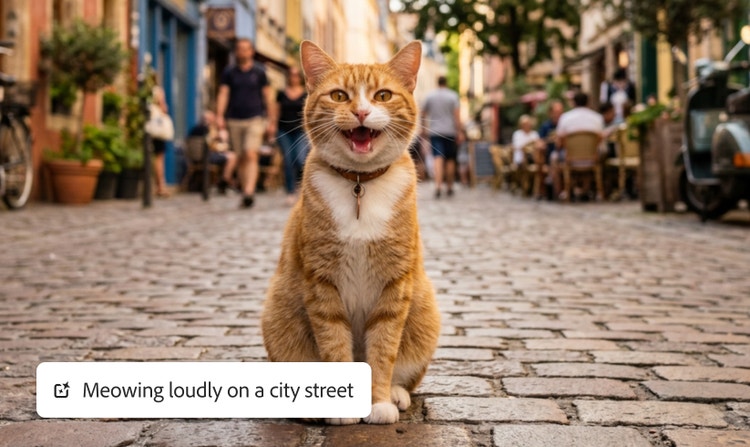
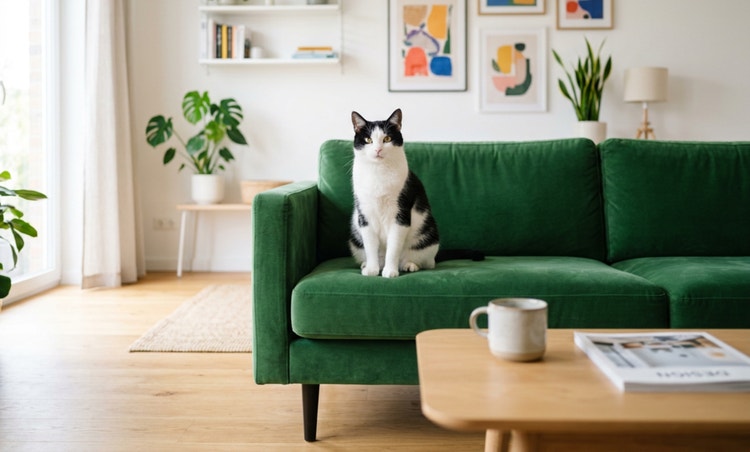
Lightning arcing of dark clouds with audio waveform overlays suggesting use of a sound effect generator to sync audio. A lighthouse battered by ocean waves in a storm with audio waveform overlays suggesting use of a sound effect generator to sync audio. A misty forest scene with audio waveform overlays suggesting use of a sound effect generator to sync audio. Raindrops falling through a dark sky with audio waveform overlays suggesting use of a sound effect generator to sync audio. Cats meowing with audio waveform overlays suggesting use of a sound effect generator to sync audio.

https://main--cc--adobecom.aem.page/cc-shared/assets/img/firefly.svg Adobe Firefly

{{nbsp}}

Free cat meow sound effect generator.

Bring your digital cat to life with a meow sound effect, from a soft kitten noise to a bold yowl that sounds like ‘hello’. Just write your text prompt, upload audio for inspiration or create a reference using your own voice.

con-block-row-supplemental (xs-body, bold, static-links)

(Purr)fect meow sound effects.

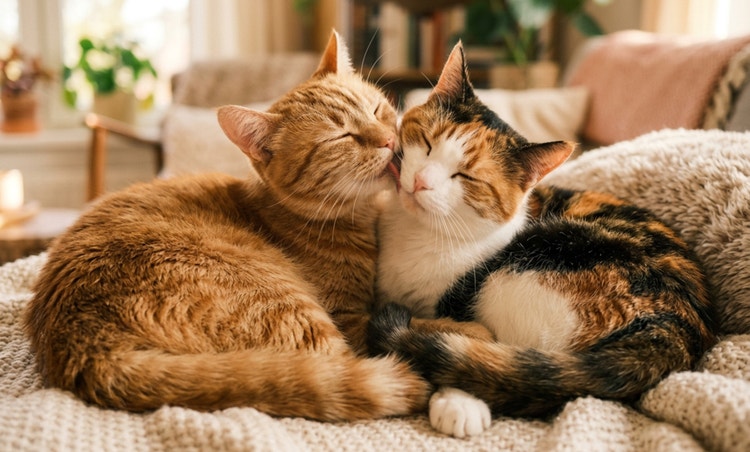
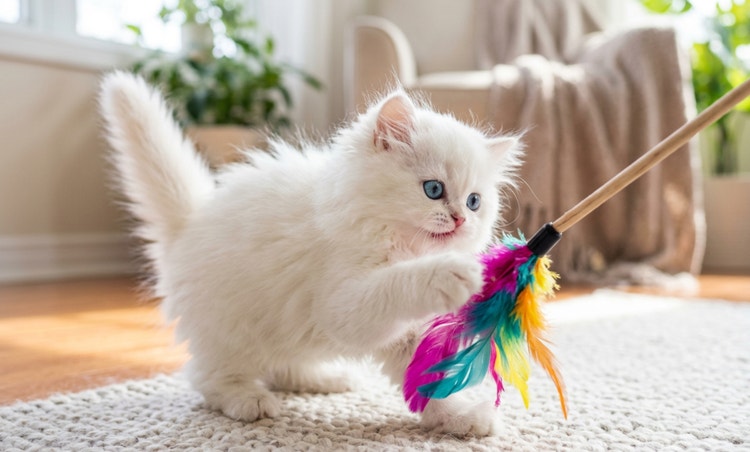
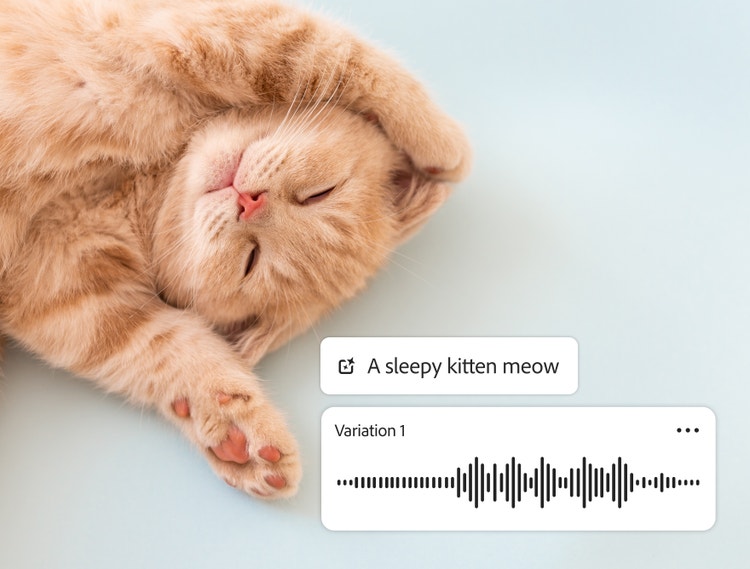
A sleepy orange kitten with the AI sound generator prompt field displaying the words "a sleepy kitten meow" and audio waveform, showing how to generate unique cat meow sound effects in Firefly.

Add personality to your digital pet.

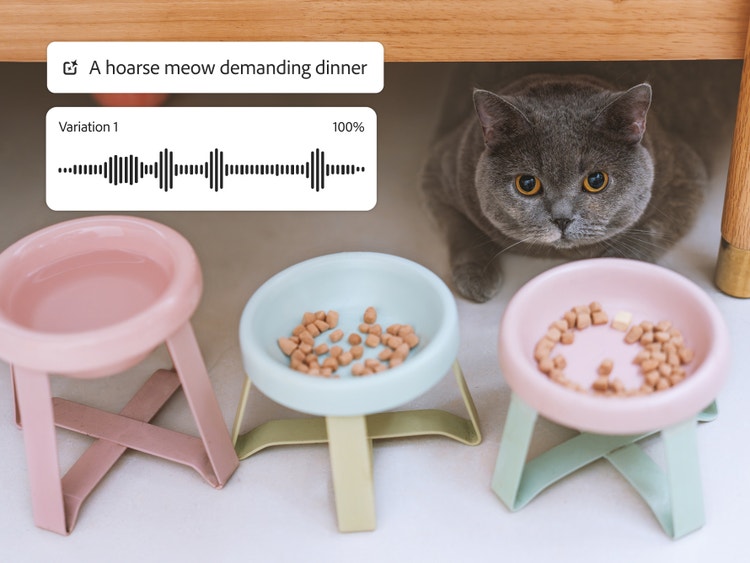
A British shorthair cat hiding under a table with the Firefly sound generator audio waveform and prompt field with the words "a hoarse meow demanding dinner," demonstrating how to generate AI cat meow sound effects.

Experiment to find the perfect purr, meow or yowl.

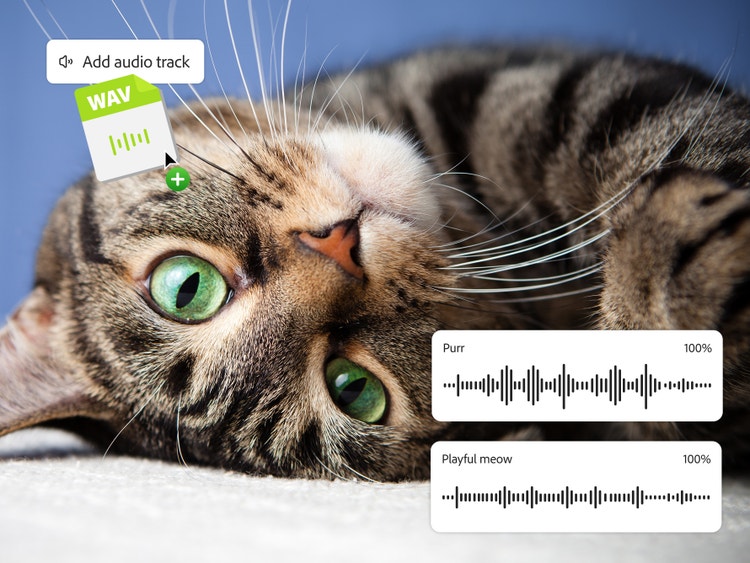
A tabby cat with green eyes overlaid with two AI sound generator audio waveforms and the Add audio track button demonstrating how to layer and mix cat meow sound effects and audio files in Firefly.

Get your paws into all creative projects.

Get started: Create your own meow sound effects.

Skip searching sound libraries and get the perfect meow you imagine from scratch, from soft and sleepy kitten chirps to loud cat meow sound effects. Adobe Firefly makes the process fast, intuitive and adaptable, so you can generate, edit and download cat meow sound effects whenever inspiration strikes (or scratches).

  • Open the Firefly AI sound effect generator.
    Navigate to the Adobe Firefly homepage and choose the sound effect tool – or head straight to the sound effect generator. Don’t forget that the tool works in your web browser, so you can use it on any platform you choose.
  • Upload your media.
    Then you can choose to add your own audio, video or images as a reference. This helps Firefly get a better understanding of your unique creative vision and shape the cat meow sound effect accordingly.
  • Write your text prompt.
    Describe your desired output using a prompt like: ‘Angry cat meowing sounds’ or ‘Cat meow that sounds like hello’. If you’re feeling extra creative, record your own voice to get the exact sound you’re after. You can also upload an audio sample for even more precise results.
  • Edit, adjust and refine audio.
    Listen to the generated cat meow sound effect and experiment with different editing controls to fine-tune the pitch, length, tone and personality until you find the best fit.
  • Add cat meow sound effects to your projects.
    Drag and drop your finished cat meow sound effect into your cartoon, audio or video project timeline. You can layer and mix with other sound effects for extra dimensions.
  • Export and share.
    Download your cat meow sound effects in WAV, MP3, AAC or FLAC formats. Share with your team, upload to your project, or keep in your personal sound library for future creative endeavours.

FAQs about cat meow sound effects.

#E8E8E8

You may also like

Create realistic nature sound effects with generative AI.

Nature sound effects are the foundation of immersive sound design. Generative AI makes it quick and easy to create a high-quality library of free nature sound effects for any project.


Learn more | Learn more - Create realistic nature sound effects with generative AI

Create realistic animal sound effects with generative AI.

Animal sound effects can be used to add realism to any scene, video or audio story. Learn how generative AI can be used to create any animal sound from cat meows to lion roars.


Learn more | Learn more - Create realistic animal sound effects with generative AI

How generative AI works: From training to output.

Generative AI is all over the headlines and that’s not empty hype. This new technology is likely to be part of your life soon — if it’s not already. Learn how generative AI works and start streamlining your workflow.


Learn more | Learn more - How generative AI works: From training to output

Generative AI is changing creative work.

Generative AI can mimic — but not replace — human intelligence. Learn how it can help you to take your creativity to new places.


Learn more | Learn more - Generative AI is changing creative work