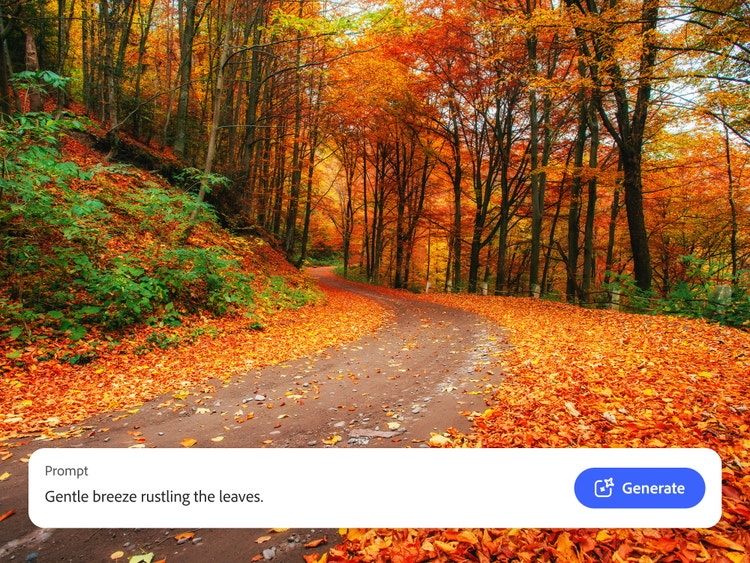
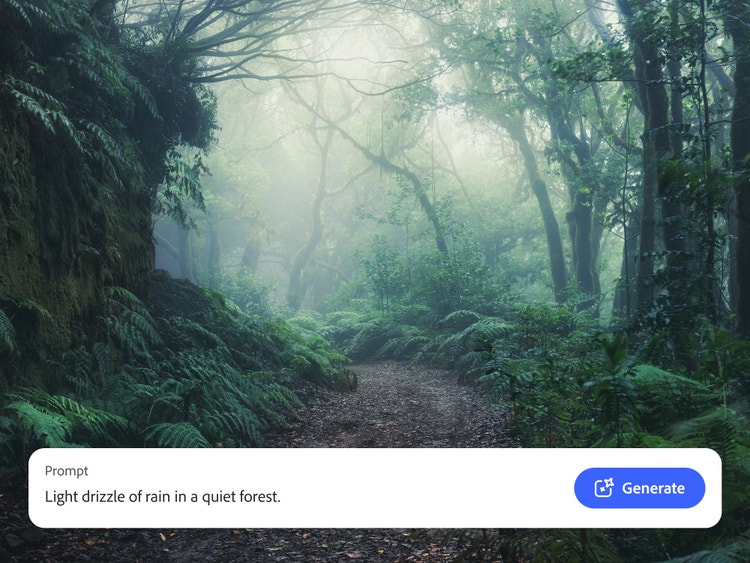
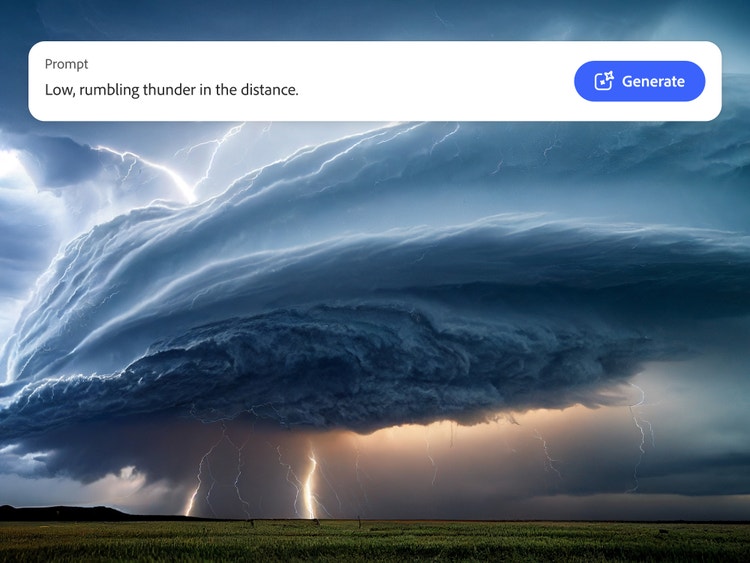
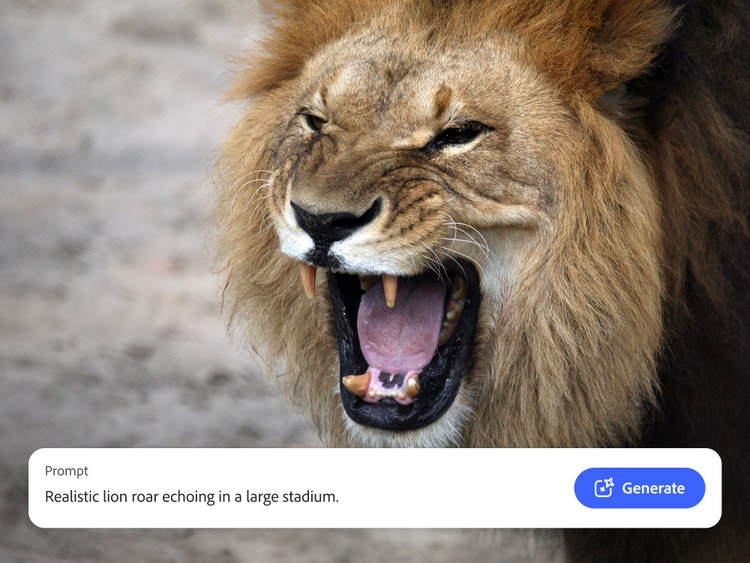
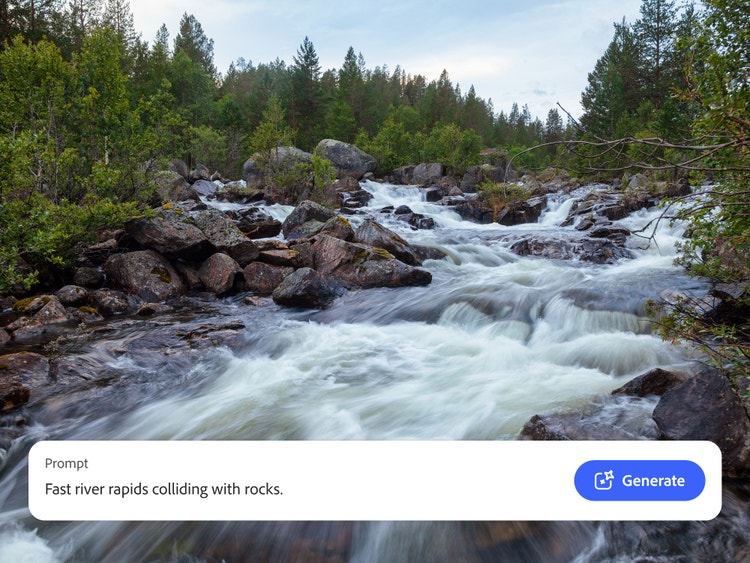
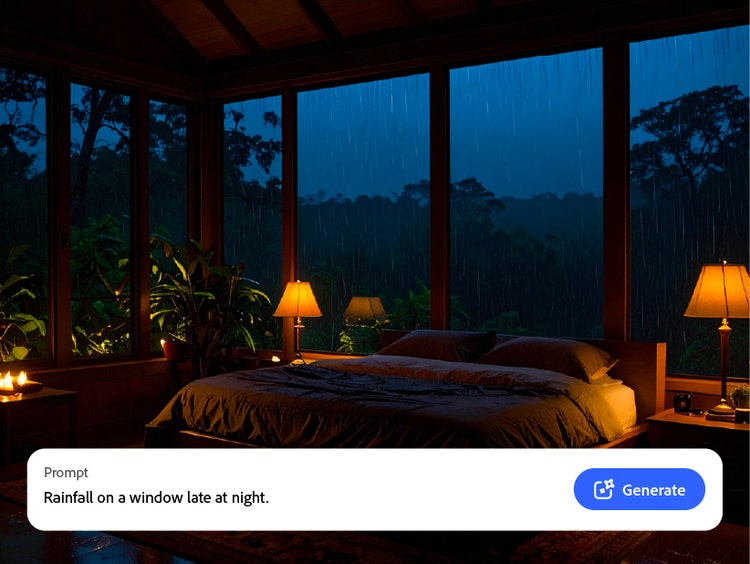
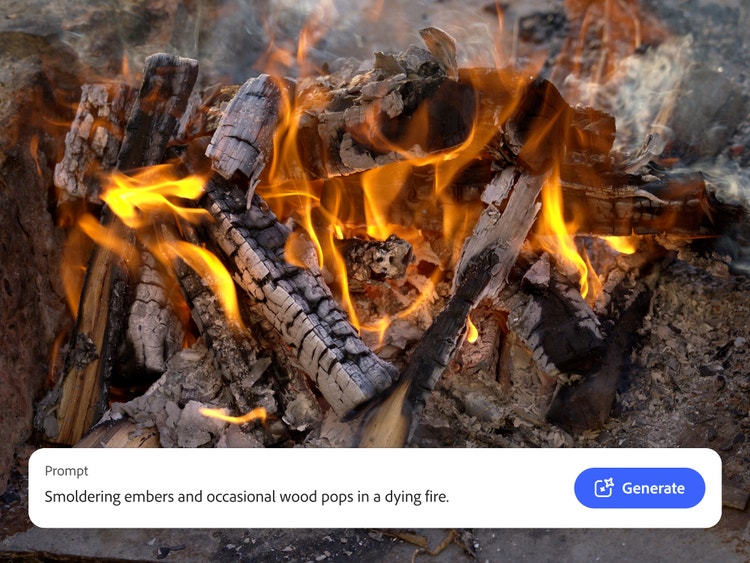
From heavy rainfall to the quiet chatter of woodland critters, nature sound effects add realism, atmosphere, and emotional depth to films, documentaries, games, podcasts, audiobooks, and meditation tracks. They help immerse audiences and shape the mood, whether they sit quietly in the background or take centre stage as primary audio.
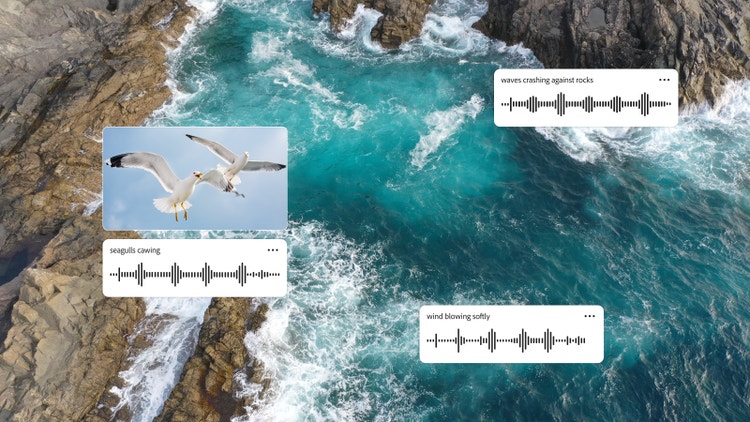
With Adobe Firefly, you can generate your own nature sound effect. This includes any sound from fire to wind, a thunderstorm, and even wildlife. Immersive, layered soundscapes can also be achieved by simply entering a text prompt or providing an audio reference. Firefly will then create the custom sound that you can preview, amend, download, and add to your media.
Yes, Adobe Firefly lets you create, refine, and download free nature sounds that can be used for both your personal and professional projects.
To make your nature sounds more realistic, be sure to add extra context to your prompt, such as mood, location, and the time of day – this will bring life to the sound. Then, refine the results by amending things like the distance and rhythm. You can even add layers of multiple effects – like wind, rain and thunder – to create a more immersive sound experience.
Combining multiple nature sound effects creates a richer, more immersive audio experience. Use Firefly’s layering and mixing tools to blend wind, rain, wildlife, and other sounds into a cohesive soundscape. Adjust timing, volume, and spatial placement to achieve the desired effect.
Uploading your own nature sound recording for reference can sometimes give a better result. It can make it easier for Adobe Firefly to match the tone or environment you’re looking for and build a soundscape that feels consistent with your original audio.
The nature sound effects you create can be downloaded in popular formats, such as MP3 and WAV. These formats are easy to use and compatible with most audio and video editors.
AI-generated nature sound effects from Adobe Firefly are royalty-free nature sounds and are designed to be safe for commercial use. This means you can use them in professional projects. However, be sure to review the Firefly licensing terms to confirm your specific use case is covered.
The most common and popular nature sound effects include wildlife, wind, rain, thunder, water, and other ambient nature sounds such as fire crackling and leaves rustling. These sound effects are essential to help build atmosphere, evoke emotion, and bring environments to life across film, audio, and other projects.