


https://main--cc--adobecom.aem.live/cc-shared/assets/img/firefly.svg Adobe Firefly

Create your own stories and strips with the AI comic generator.
Bring your stories to life in an instant with the AI comic generator. Create superhero escapades or news article style strips in just a few clicks. Use plain language prompts to guide the generator and watch as your AI comic strip comes together.
- image
- video
- Describe a subject, an action, a place, a mood or a style.
- Adobe Generative AI Terms
- https://main--cc--adobecom.aem.live/creativecloud/animation/testdoc/unity/generate.svg Generate
- Describe the image you want to generate
- Prompt
- Suggestions
- Tip
- ff_campaign=embed_generate_acom&promoid=TTGWKTMK&mv=other
- Unable to process the request
- Please describe what you want to generate.
- Prompt exceeds the max length of 750 characters


Craft bespoke AI-generated comics based on your stories.
Turn your comic ideas into reality with the AI comic maker. Create long or short comics, graphic novels, or educational artwork in moments with Adobe Firefly.
Use descriptive language to set the scene and build your narrative frame by frame. Best of all – you don’t need any previous expertise or drawing skills. Each AI comic strip is easy to edit with the built-in tools, so you can add dialogue, change layouts, and enhance other elements.
The AI comic generator produces professional looking comics that can be used for promotional, educational, or personal projects.
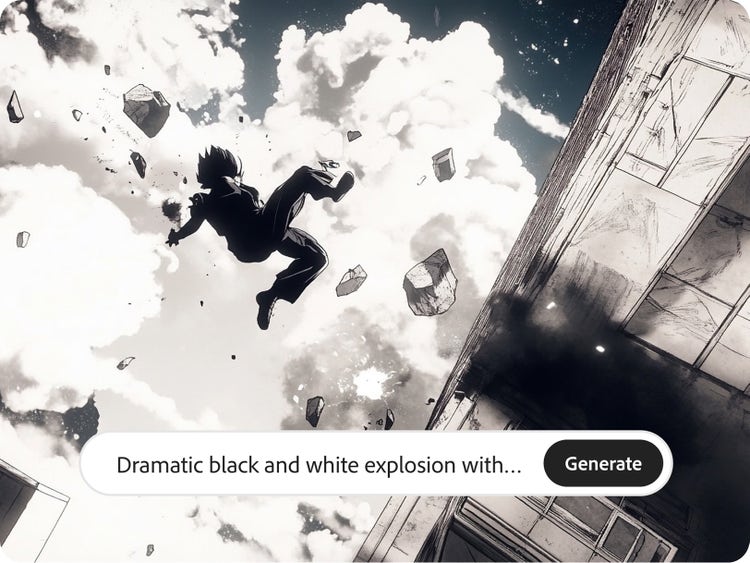
Generate comic art from a simple prompt.
Write a few words and watch the comic strip AI generator come up with detailed panels in just a tick. It’s up to you how you use it – you might want to keep your descriptions short and sweet or perhaps provide extra detail.
You can describe the characters, dialogue, or use it to bounce ideas off for drafts. The Firefly AI image generator can act as a speedy ideation tool. Simply experiment with different AI art prompts to experience the range of striking designs.
Maintain a consistent visual style in your comic artwork.
Using the same characters across various designs is simple with Adobe Firefly. Create your comic book heroes with the AI character generator or upload a reference photo and let the image-to-image tools guide the creative process. This lets you stay consistent throughout your design, ensuring continuity from start to finish.
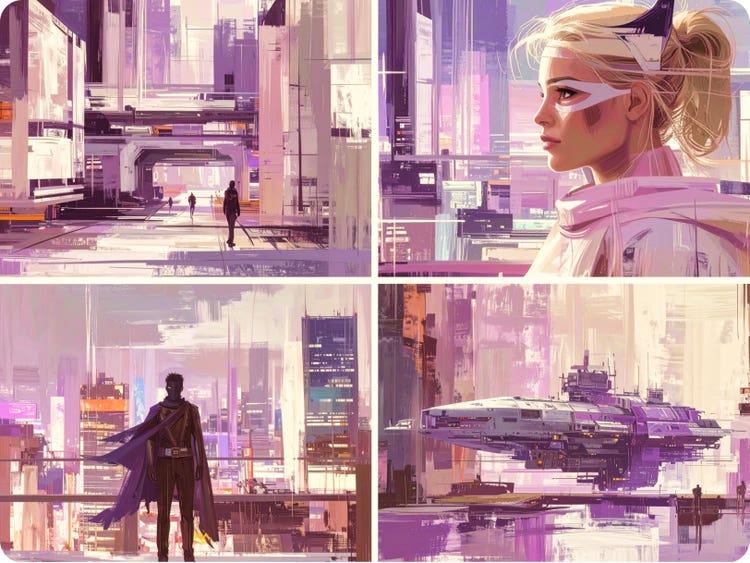
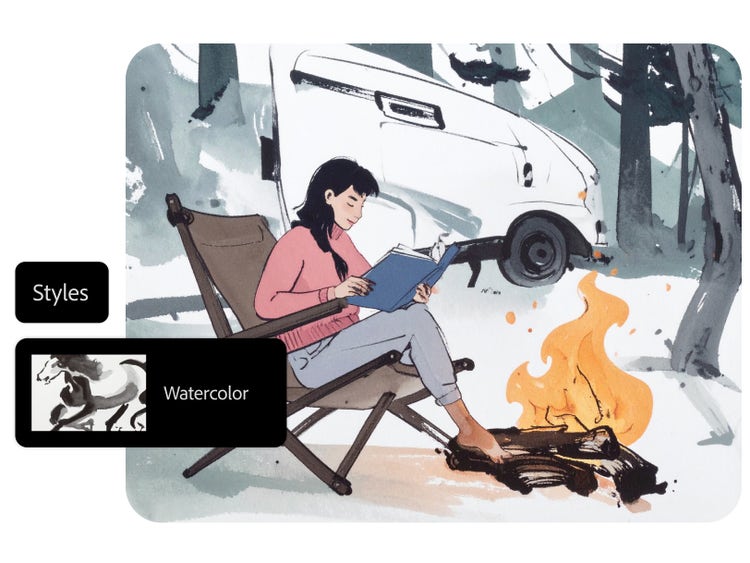
Discover countless comic styles and special effects.
Adobe Firefly lets you experiment with your ideas to see which styles work best for the tone of your comic and your audience. Create daring superheroes, captivating AI anime, a retro comic, old pixel art, and more with a single prompt.
If you’re testing ideas out or looking to create visual coherence across all materials – Adobe Firefly makes it easy to play around with your designs.
Turn panels into full comic strips.
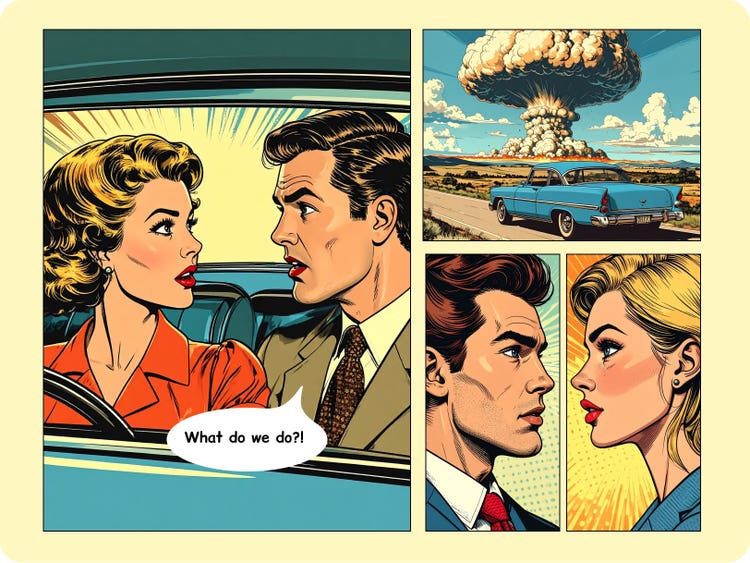
Firefly’s AI comic book generator and Firefly Boards do more than just create a single image, they also brings comic strips and entire visual sequences to life. Organise your panels and dialogue, and narrate the storyline from frame to frame.
Whether it’s a short and punchy strip, or a full graphic novel, it’s never been easier to create and collate your comics.
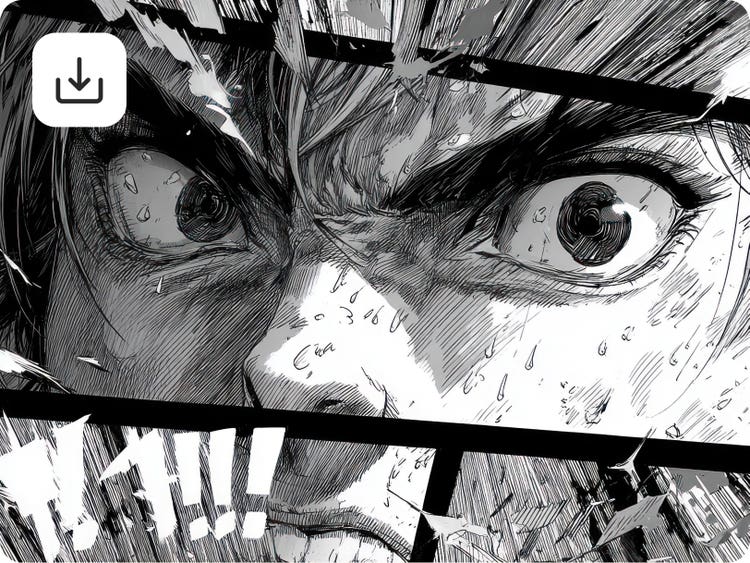
Generate and export AI comics instantly.
When you’ve created your comic book strips, it’s easy to move them to other places. You can export or download them as high-quality JPEG or PNG files (up to 2000 × 2000 pixels), making it easy to share across platforms, send to friends or print in your very own comic book. You can even entice your audience with a short 1080p MP4 teaser, which can help promote your comic. And it’s easy to add the final touches with creative apps like Photoshopor Adobe Express.
Create royalty-free art with the AI comic generator.
The Adobe Firefly AI comic generator is made with commercially safe content. That way, you have peace of mind you’re not stepping on anyone’s toes. What you make is yours to share, so you can generate artwork with the full knowledge that you’re not breaching anyone’s copyright.
Make sure to thoroughly check the usage rights of any imagery you use from outside sources or other generative AI models.
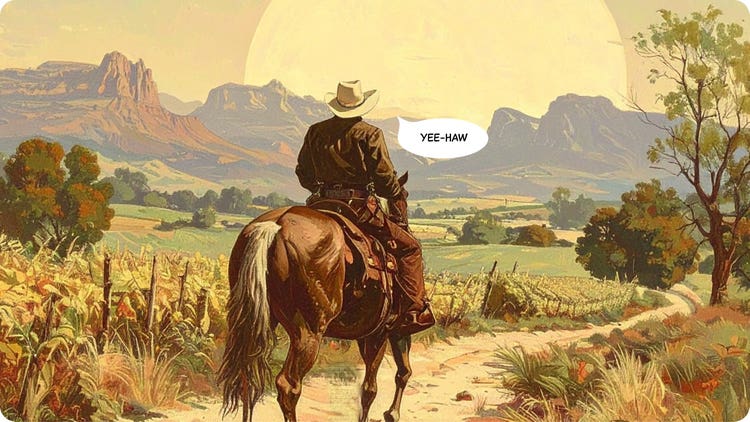
How to create comics with AI.
You just need a few lines of descriptive copy to get the creative ball rolling with the Adobe Firefly AI comic generator. Got a new superhero that’s ready to save the day? Perhaps there’s a new sheriff in town, or a puzzle that only one detective can solve.
Firefly lets you use the ideas in your head as written prompts, then automatically brings them to life. You can enhance storylines, develop interesting characters, and add witty dialogue – all without the hand cramp from drawing.
To begin the process, simply follow these steps:
- Open the Adobe Firefly web app to access the AI image generator.
- Choose Generate Image, then type a specific prompt. For example: “a caped superhero looks over the remains of a destroyed city, with a puzzled expression as to how it was ruined”.
- Select a visual style for your AI comic. Choose from Composition, Visual Intensity, Effects, Colour and Tone, Lighting, and Camera Angle options to set the mood and storytelling style, whether it’s something thrilling, humorous, or film-inspired.
- Review and polish your AI comic, making edits where necessary. If you’re not happy with what’s produced the first few times – don’t fret, you can always go back and try again with refined prompts.
- Once you’re satisfied with the outcome, you can save and share your panel or comic strip as a high-quality image or video file. For any final touches, you can also export them into Photoshopor Adobe Express for additional edits.
Discover even more features.
AI image generator AI cartoon generator AI art generator AI drawing generator AI character generator AI anime generator
AI comic generator FAQs.
What is an AI comic generator?
How does the comic generator AI feature work?
Firefly’s comic generator AI feature works by using text-to-image technology to interpret your written prompts and generate visuals, including characters, backgrounds, and speech bubbles. Each image is based on your selected style and layout.
You have full creative control over the generative AI tool, so you’re free to make each frame your own with various editing options.
Can I generate AI comics online with no art skills?
Can I create multi-page comic books or graphic novels?
What styles are available in the AI comic generator?
Can I export my comics in high resolution?
Is Adobe Firefly’s AI comic generator free to use?
How does Adobe Firefly compare to Midjourney for comic creation?
Adobe Firefly is typically better suited to structured workflows than Midjourney. It offers more control over editing and layouts, commercial safety, and character consistency. It also integrates easily with other tools within Adobe’s ecosystem. Midjourney, on the other hand, is mostly suited for concept art creation or style experimentation.
How does Adobe Firefly compare to DALL-E 3 for comic generation?
Adobe Firefly is viewed by many as the best option for structured comic workflows, editing and layout customisation, and character consistency. It also makes integration seamless with other Adobe tools like Photoshop and Illustrator. DALL·E 3, however, is designed to efficiently interpret prompts and generate impressive, imaginative visuals.
How can I learn to write better comic scripts for AI generation?
What are the best prompts to use for generating comics with Adobe Firefly?
Can Adobe Firefly integrate with other Adobe tools like Photoshop or Illustrator?
Learn more about generating images.
Adobe Firefly vs. Midjourney
Learn how the latest in generative AI will help you to visualise any idea with AI creations.

Revolutionising Creation: AI Art Use Cases
Discover the many applications of AI art and how it’s transforming the creative landscape.
Adobe Firefly vs. DALL·E 3
Brainstorm at lightning speed and turn your dreams into amazing AI creations with Firefly.
7 art styles for AI What is AI art and how is it made?
Generative AI is quickly becoming a vital tool for artists. Read on to learn about what generative AI art is, how to create it and how you can use it in your practice.