Create a study guide
Practice for tests with key takeaways from multiple course materials. Creating a study guide enhances your study time — focus on what matters most.
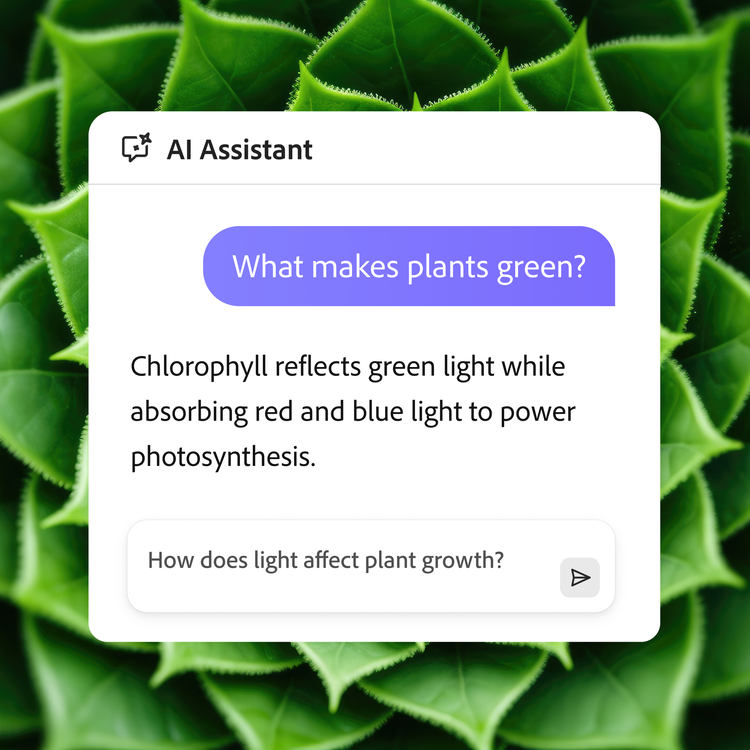
As a student, using AI for education can help you create a study plan that fits your needs. Harness the power of AI Assistant to ask your document questions and find answers connected to document sources.
Generate summaries with one click to automatically get the key takeaways to help you find the most essential information quickly. You’ll have the tools and information to prep for your next test in no time.
Practice for tests with key takeaways from multiple course materials. Creating a study guide enhances your study time — focus on what matters most.
Create questions to prepare for your exams. AI Assistant can help identify relevant content and create questions that may be on the test.
Ask AI Assistant to generate flashcards of key terms and concepts to test your knowledge of the material to help prepare for your classes and exams.
Copy and paste these prompts into AI Assistant to assemble all the necessary information to prepare for assignments and exams.
Using Acrobat AI for class prep makes way for less stress in the search process and more excitement to learn.
Acrobat AI Assistant finds the information so you can spend more time studying.
AI Assistant can summarize and search for information in course documents and so much more. From creating a study guide to refreshing your memory on key concepts, the possibilities are endless.
Turn your course materials into one neat study guide in a few clicks with Acrobat AI Assistant.
Get a quick overview of the research paper from weeks ago so main topics stay fresh in your mind.
Prep for your test with Acrobat AI Assistant. Ask for sample questions so you’re ready on exam day.
Learn what you can do with the help of AI Assistant today.