Learn for real with
Student Spaces.
Get more out of your schoolwork with Student Spaces, your go-to study partner. Free for students.


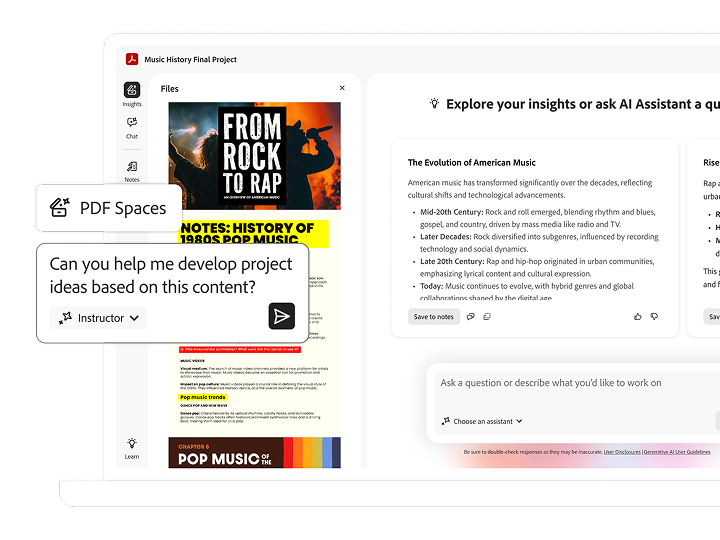

Save time studying with Acrobat AI Assistant. Chat with your docs to get answers quickly, generate summaries, brainstorm ideas, and collaborate confidently in shareable AI-powered PDF Spaces.
Students save over
Not a student? Click here.

Get more out of your schoolwork with Student Spaces, your go-to study partner. Free for students.
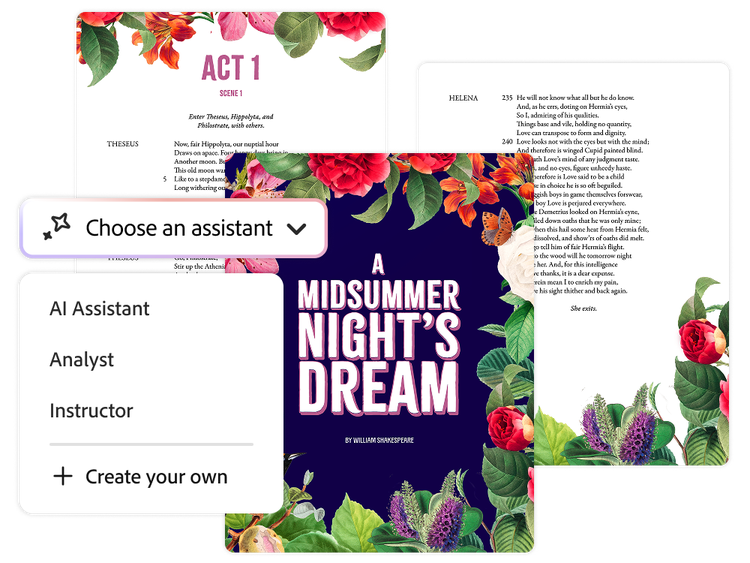
Learn the way that works for you. Start with a prebuilt AI Assistant, like instructor or analyst, or create your own to help you explore new topics and navigate your coursework.
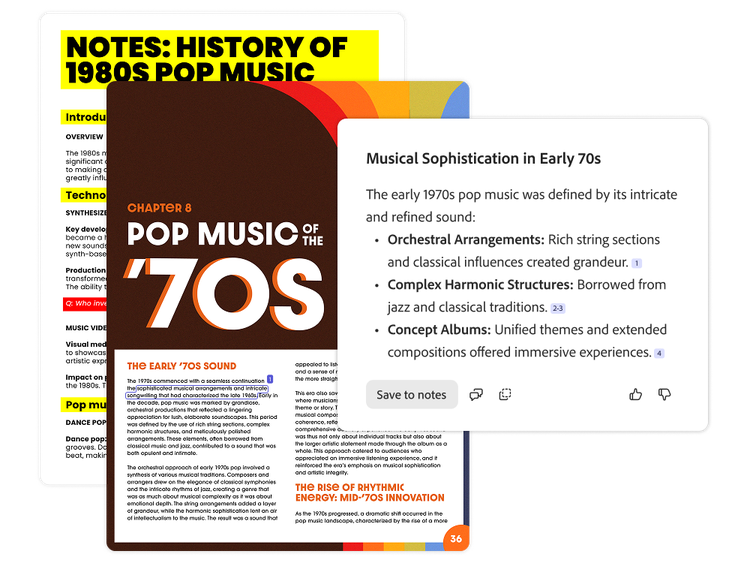
Work confidently knowing your work is not used to train AI models. Plus, get precise citations linked back to their sources so you know AI responses are accurate.
Now group work is easier than ever. Build a sharable knowledge hub that helps you brainstorm bigger, collaborate smarter, and hit every deadline together.
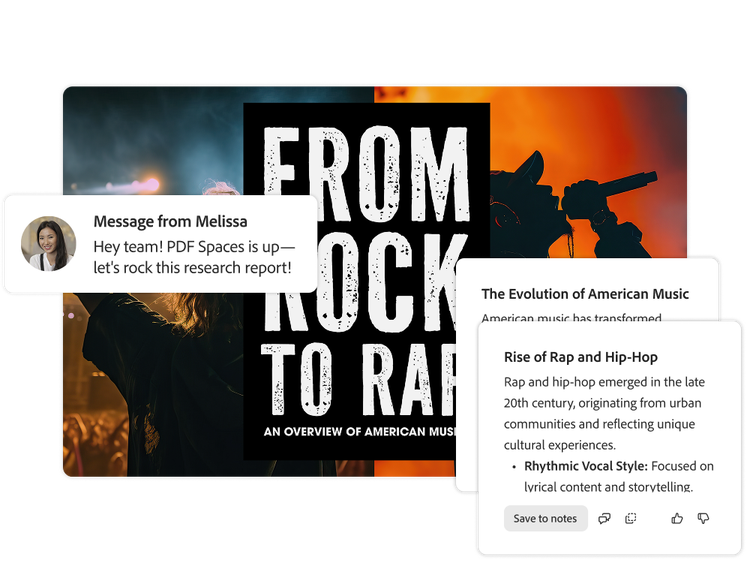
Explore ways you can use Student Spaces to take your knowledge to the next level.

Learn how to succeed as a group, communicate clearly, and keep projects on track through every hurdle.
Explore ways to manage your stress, find balance, and support your mental well-being as a student.
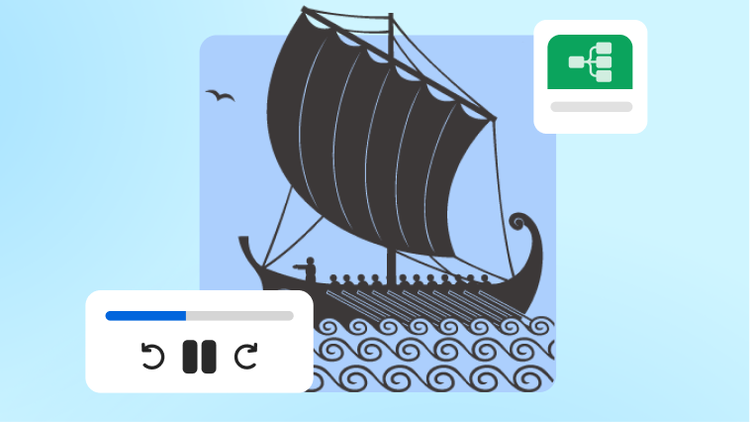
Dive into key moments from The Odyssey through guided reading, context, and analysis that brings the story to life.
Try example prompts to save time studying. Prep for class with AI Assistant by summarizing docs, simplifying complex concepts, and brainstorming project ideas. Show me how.
 AskAskAskAskAnalyzeAnalyzeAnalyzeAnalyzeModifyModifyModifyModifyGenerateGenerateGenerateGenerateBrainstormBrainstormBrainstormBrainstorm
AI Assistant can help users accelerate document comprehension (across single or multiple documents) help transform productivity:
Communicate with impact and save time by using AI Assistant to help create content based on your documents.
Get inspired: See how others have incorporated AI Assistant into their everyday work.
At this time, this feature works for PDF, DOCX, PPT, TXT, RTF files and documents that meet certain criteria. Currently, it does not support the following types of files:
An AI workspace is a place where you can use AI tools and technology to add productivity and efficiency to your workflows, projects, and document processes.
A trusted AI workspace like Adobe Acrobat Studio gives you an all-in-one space to complete document tasks and create your best work using AI Assistant to chat with documents, analyze data, summarize content, build standout work, and more. AI-generated summaries and other outputs are accompanied with trusted, precise citations. With Acrobat Studio, you can work confidently knowing your data is highly secure.
