Adobe Scan is a mobile app that can scan paper documents, forms, and images and convert them into high-quality PDFs that can be shared, searched, edited, and more.
What kind of documents can I scan?
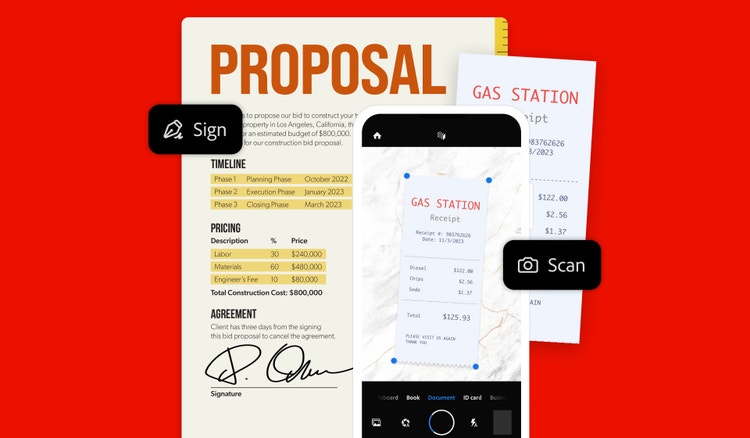
With Adobe Scan, you can scan documents, receipts, handwritten notes, drawings, and images and quickly convert them into a PDF.
How do I convert an image into a PDF?
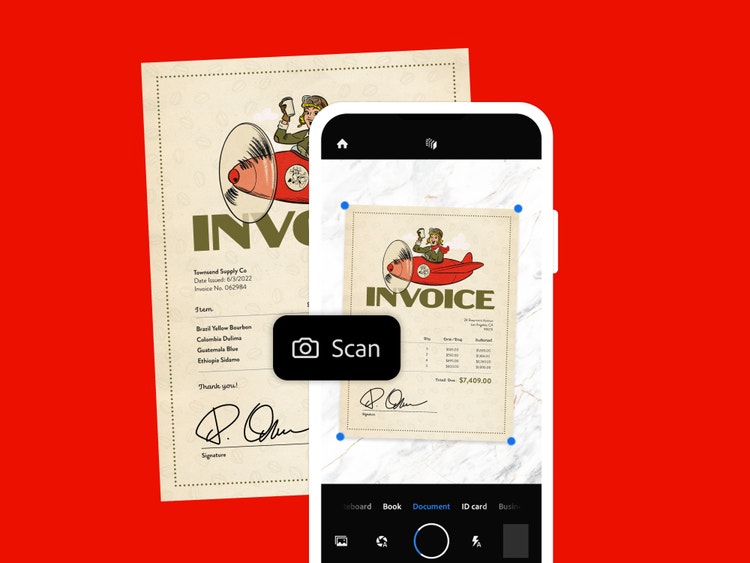
Open Adobe Scan and point your camera at the document you want to turn into a PDF. Adobe Scan will capture an image and automatically save it as a high-quality PDF.
How can I scan physical documents into PDFs?
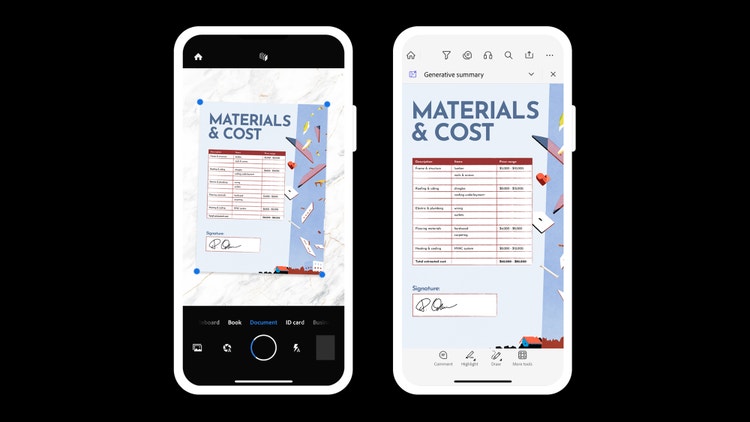
The Adobe Scan mobile app turns your phone into a scanner. Simply open the app and point your camera at your paper document. Adobe Scan will capture an image of your physical document and convert it into a high-quality PDF that can be opened, viewed, and shared in Acrobat Reader.
Can I scan multiple pages into one PDF?
Yes, you can scan multiple pages in one session and combine them into a single PDF. Adobe Scan also features a high-speed scan mode that makes it easy to bulk scan a large number of pages in seconds.
Does Adobe Scan recognize text?
Yes. Adobe Scan features Optical Character Recognition (OCR) to make scanned text searchable and editable.
Are the Adobe Scan and Acrobat Reader apps free for mobile devices?
Yes. Adobe Scan and Acrobat Reader are free to download and are built specifically for mobile devices, allowing you to view, fill, sign, and share PDFs on the go.
How can I improve PDF readability on my phone?
Use
Liquid Mode in Acrobat Reader to adjust font size, spacing, and layout for easier reading.
Can I sign documents electronically?
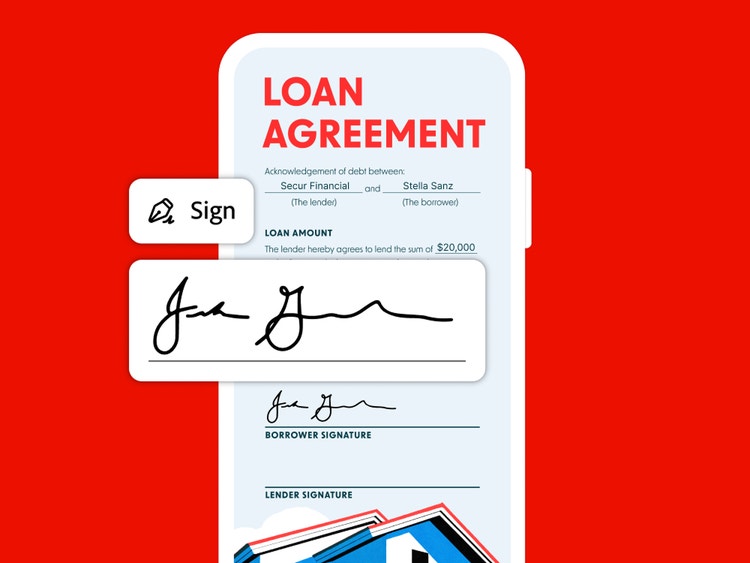
Yes. You can fill out and sign PDF forms in Acrobat Reader using your finger or a stylus.
Who is the Acrobat Reader app designed for?
Anyone can use Acrobat Reader for a reliable PDF viewing and sharing experience. It supports individuals, small businesses, large enterprises, and any organization that uses, views, or shares digital forms and documents.