https://main--cc--adobecom.aem.live/cc-shared/assets/img/firefly.svg https://main--cc--adobecom.aem.live/cc-shared/assets/img/ff-lockup-f4.svg | Adobe Firefly


Generate dark academia room images with Adobe Firefly.
Describe the moody library, candlelit study or book-lined retreat you have in mind. Adobe Firefly turns your prompt into a polished, one-of-a-kind room image you can use for inspiration boards, blog posts, branding and more.
- image
- Describe a subject, an action, a place, a mood or a style.
- Adobe Generative AI Terms
- https://main--cc--adobecom.aem.live/creativecloud/animation/testdoc/unity/generate.svg Generate
- Describe the dark academia room you want to generate
- Prompt
- Tip
- Unable to process the request
- Please describe what you want to generate.
- Prompt exceeds the max length of 750 characters


https://main--cc--adobecom.aem.live/cc-shared/assets/img/product-icons/svg/firefly-80.svg

{{nbsp}}
Generate a dark academia room | Generate dark academia room AI
https://main--cc--adobecom.aem.live/cc-shared/assets/img/product-icons/svg/firefly-80.svg
Adobe Firefly
Generate a dark academia room | Generate dark academia room AI
https://main--cc--adobecom.aem.live/cc-shared/assets/img/product-icons/svg/firefly-80.svg
Adobe Firefly
The next evolution of creative AI is here for all your ideas, with image, video, audio and vector tools.
Generate a dark academia room | Generate dark academia room AI
Bring your dark academia vision to life.
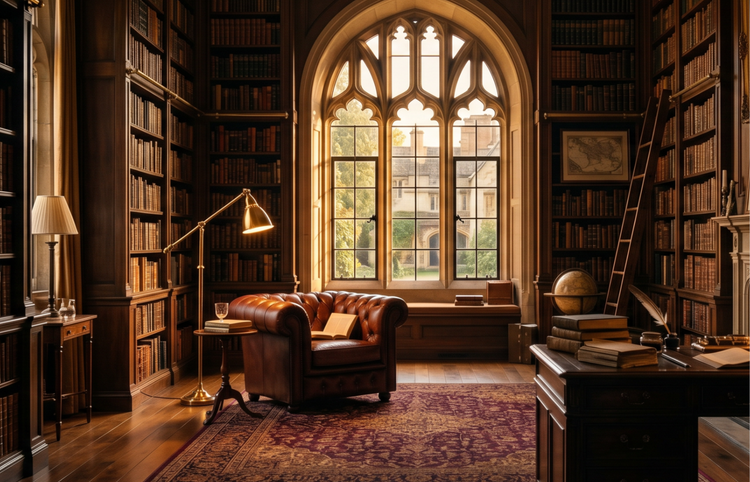
Picture the arched windows, warm wood shelving and velvet-draped reading nook of your ideal room. With Generate Image in Adobe Firefly, you describe every detail and get a high-quality render that matches your creative direction.Every image is unique to your prompt, so the result feels like yours.
Describe every detail, from bookshelves to lamplight.
Type a prompt that captures the exact atmosphere you want. Mention architectural elements like arched doorways or coffered ceilings, specify materials like aged oak and brass hardware and set the mood with warm lamplight or soft afternoon sun filtering through tall windows. The Generate Image feature in Adobe Firefly renders each combination as a distinct, polished image.

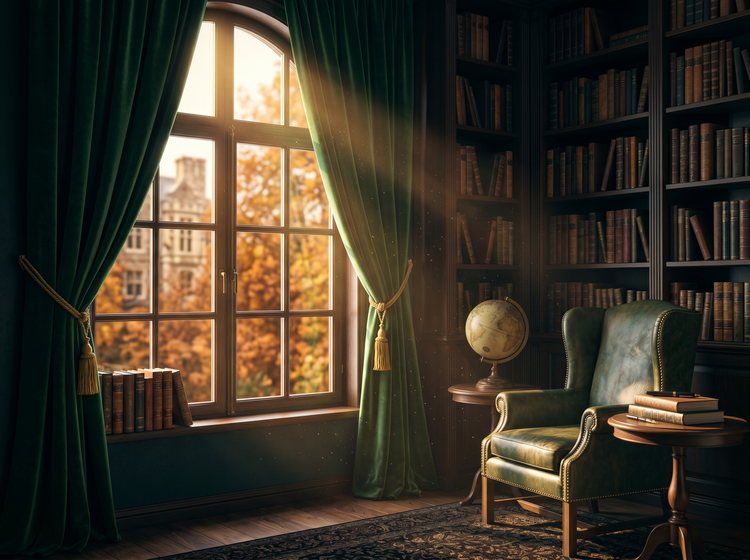
Guide the mood with a Style Reference.
Upload a photo or illustration that captures the palette and texture you are after. Adobe Firefly uses it as a visual anchor, so your generated room inherits the same warmth, contrast and colour story. Pair the reference with a detailed prompt to get results that feel cohesive from the first generation.
Use your images with confidence.
Images generated with Adobe Firefly models are commercially safe, so you can publish them on a design blog, feature them in a client mood board or use them in social media content without licensing concerns.
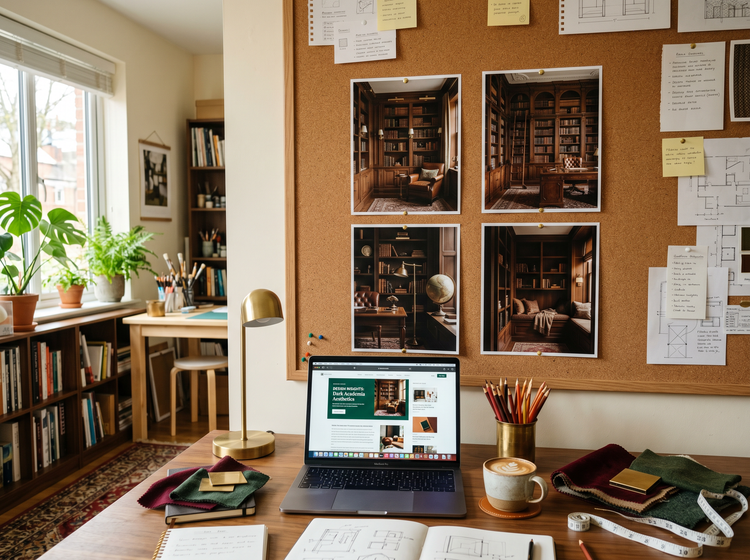
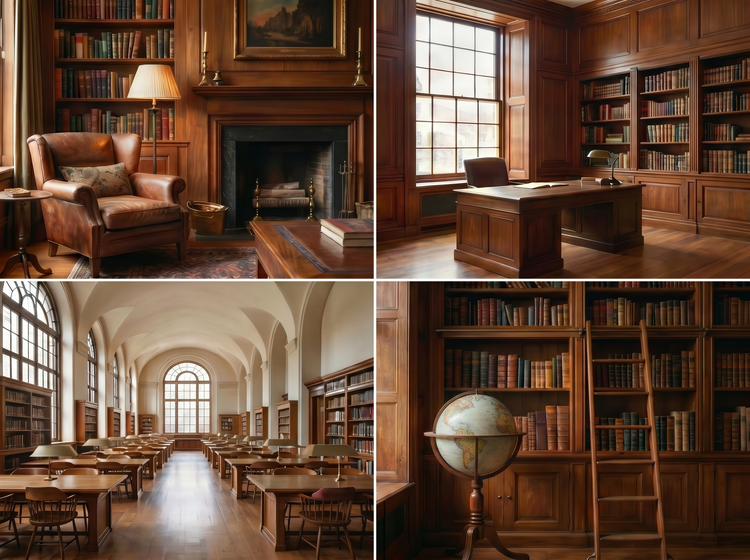
Refine and iterate until the room is right.
Adjust your prompt to swap a Persian rug for a sisal weave, shift the lighting from golden hour to overcast or add a spiral staircase in the background. Each revision produces a fresh image, letting you explore variations quickly and settle on the version that fits your project.
How to generate dark academia room images with Adobe Firefly.
Step 1
Open Adobe Firefly.
Step 2
Write your room prompt.
Step 3
Set your style.
Step 4
Generate and refine.
Step 5
Download your image.
How to generate dark academia room images with Adobe Firefly.
Steps on how to generate dark academia room images using Adobe Firefly Generate Image
PT5M
firefly
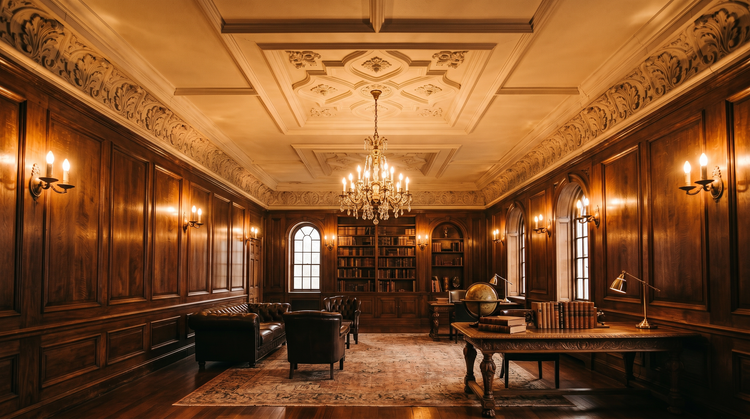
Prompt-level creative control
Specify architectural style, furniture placement, materials, colour temperature and lighting direction. Your prompt is the blueprint and every detail you add shapes the final image.

Unique images from every prompt
Each generation produces an original image based on your description. No two outputs are the same, which means your dark academia content stands out.
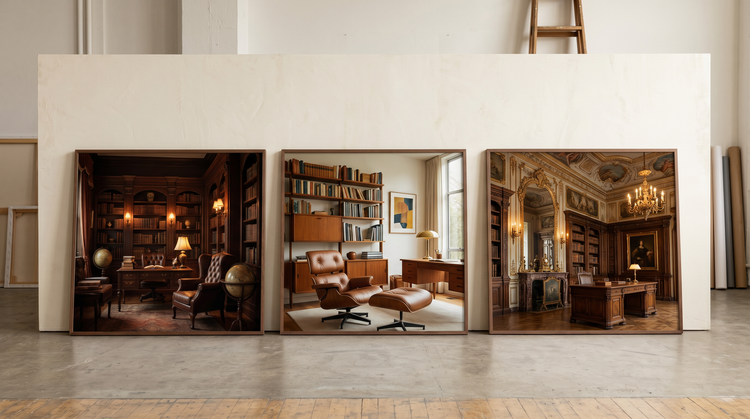
Commercially safe for professional use
Images generated with Adobe Firefly models are commercially safe, so you can publish, print or license your room visuals for editorial, branding or client work without additional clearance.
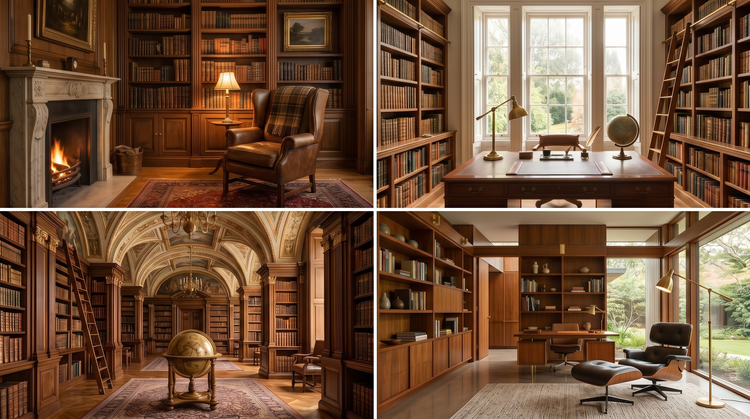
Fast exploration across variations
Test different room layouts, eras and palettes in a single session. Move from a Victorian reading room to a mid-century study to a Baroque library by changing a few words in your prompt.
See what else you can do in Adobe Firefly.


Discover even more generative AI features.
Questions? We have answers.
What does a dark academia room look like?
Can I use AI-generated room images for commercial projects?
How do I write a prompt for a specific interior design style?
What is the best AI tool for generating interior design images?
Is the Adobe Firefly image generator free to use?
Share this page.
Explore more Adobe Firefly tools.

Image prompt examples to inspire your next project
Browse AI image prompt examples with their generated results to see how specific language shapes detailed visuals with Adobe Firefly.

How to use AI generated backgrounds for product photography
Learn how to capture audience attention using product photography with AI-generated backgrounds.
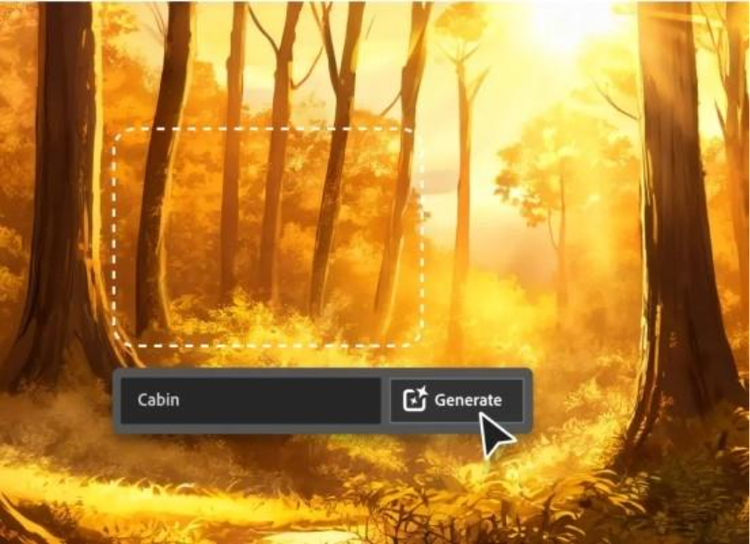
AI for graphic designers
Learn about the AI tools available to graphic designers and how they can help you be more productive and take your work in surprising directions.

How generative AI works: From training to output
Learn how generative AI works and start streamlining your workflow with Adobe Firefly.