https://main--cc--adobecom.aem.live/cc-shared/assets/img/firefly.svg Adobe Firefly
Create, style and visualise outfits with an AI outfit generator.
Adobe Firefly makes it possible to generate complete looks in moments. Mix and match clothing, explore new styles and visualise fashion concepts on models or within your own images. AI clothing design is perfect for content creation, ideation and shopping inspiration.
Or tap here
File must be JPEG(JPG), PNG or WEBP and up to 100 MB.
By uploading your image or video, you agree to the Adobe Terms of Use and Privacy Policy and confirm you are 18 years of age or older.
https://main--cc--adobecom.aem.live/cc-shared/assets/svg/s2-icon-upload-20-n.svg Upload your image
Or tap here
File must be JPEG(JPG), PNG or WEBP and up to 100 MB.
By uploading your image or video, you agree to the Adobe Terms of Use and Privacy Policy and confirm you are 18 years of age or older.
https://main--cc--adobecom.aem.live/cc-shared/assets/svg/s2-icon-upload-20-n.svg Upload your image
Or drag and drop here
File must be JPEG(JPG), PNG or WEBP and up to 100 MB.
By uploading your image or video, you agree to the Adobe Terms of Use and Privacy Policy and confirm you are 18 years of age or older.
- File size larger than 100 MB
- Unable to process the request
- We are unable to process this file type. Please try again.
- Only one file can be uploaded at a time.
- Image is smaller than the minimum dimensions (512 x 512 pixels). Please resize and try again.
https://www.adobe.com/cc-shared/assets/img/product-icons/svg/firefly-appicon-64-new.svg
{{Adobe Firefly}}
https://www.adobe.com/cc-shared/assets/img/product-icons/svg/firefly-appicon-64-new.svg
{{Adobe Firefly}}
The next evolution of creative AI is here for all your ideas, with image, video, audio and vector tools.
Create complete looks with an AI outfit generator workflow.
An AI outfit generator uses artificial intelligence to create and style outfits from text or images, helping you quickly visualise complete looks without manual design. With Adobe Firefly, you can explore ideas in Generate Image and Firefly Boards using presets or Firefly try-on templates or generate looks instantly with simple image prompts and reference images in the image generator. As you explore variations, you can organise and compare results directly in Boards, making it easy to build mood boards, collaborate with teams and refine your visual direction faster.
Use Firefly as an outfit creator to explore different styles, trends and aesthetics.
The Firefly AI outfit generator makes it quick and easy for creators of all skill levels to generate outfits across a wide range of styles — from streetwear and formalwear to editorial looks, seasonal trends and avant-garde concepts. Use simple text prompts or Firefly Boards presets to experiment with colours, fabrics, silhouettes and layered combinations. As you explore variations, organise your ideas into a fashion mood board to compare directions and refine your visual style.
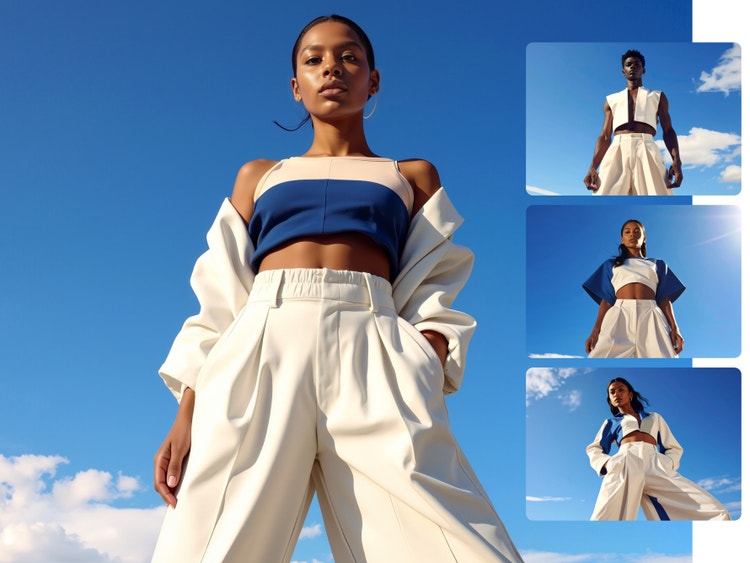
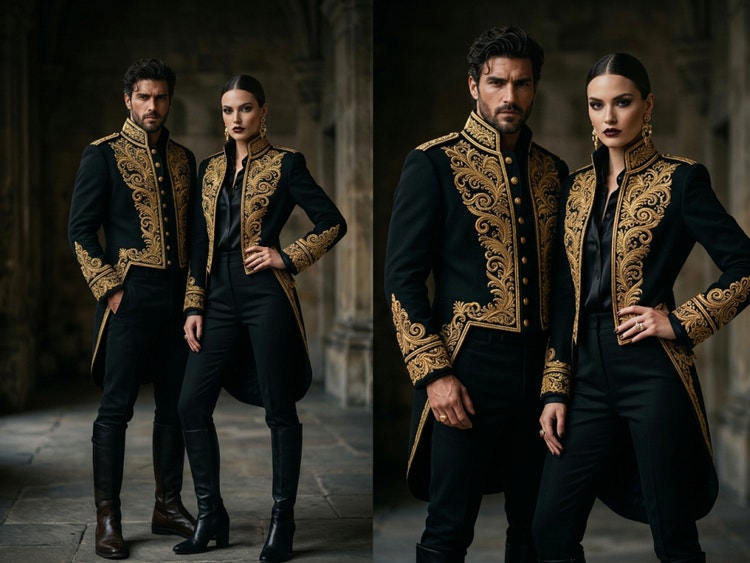
Use AI clothing design to create outfit visuals for any creative project.
From ecommerce lookbooks and catalogues to campaign content, social posts and character styling, using Firefly as a clothes generator helps you to create outfit visuals for any project — no photoshoot required. Pair your designs with an AI human generator to visualise outfits on models and bring your concepts to life. Then, organise and compare variations using Firefly Boards as an AI outfit generator to streamline your creative workflow.
Refine your AI clothing design with advanced editing tools.
Fine-tune every detail with precision using advanced editing tools in Firefly. Adjust fabrics, colours and silhouettes using prompt to edit, generate new backgrounds or guide your styling with reference images for more intentional results. With everything in one place, using Firefly as an outfit creator gives you the control to shape, evolve and perfect every look with ease.
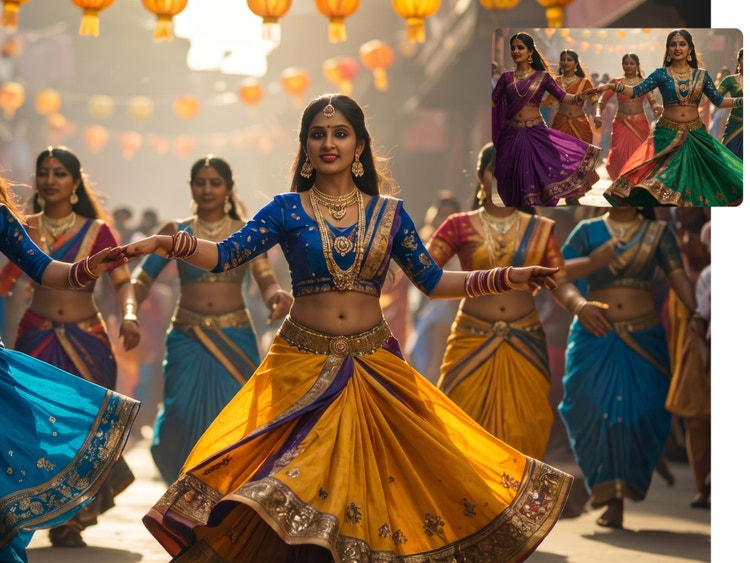
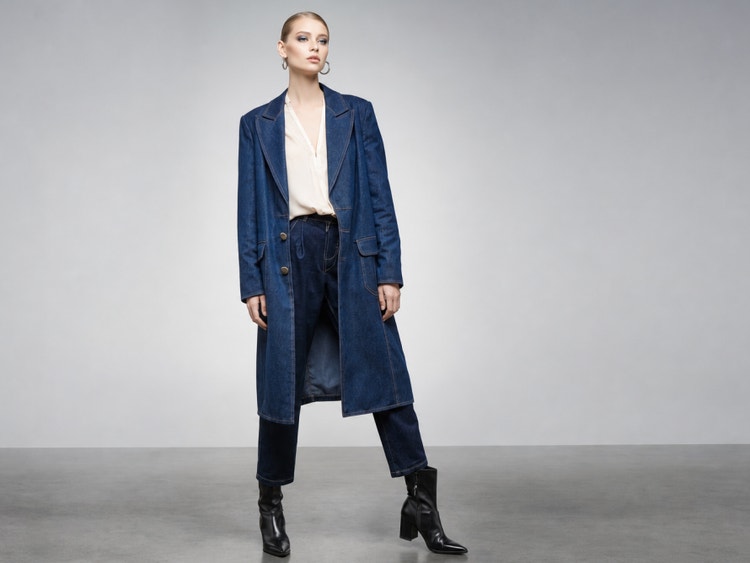
Create commercially safe fashion visuals with an AI outfit generator workflow.
Firefly models are trained on licensed Adobe Stock and public domain content, so you can confidently generate visuals for commercial, editorial and brand projects of any kind. For more creative range, explore partner models, like Gemini Nano Banana, GPT Image, FLUX and more.
How to create outfits with Adobe Firefly.
Step 1
Open Adobe Firefly.
Step 2
Upload an image or start with a text prompt.
Step 3
Generate and refine AI outfit visuals.
Step 4
Collaborate, export and share your outfits.
- How to create outfits with Adobe Firefly.
- Steps on how to create outfits with Adobe Firefly.
- PT5M
- firefly
Why Firefly for AI outfit generation?
Adobe Firefly gives you the control and creative range to design fashion visuals that look and feel real. From life-like materials to fast iteration and multiple AI models, you can explore, refine and produce polished outfit concepts — all in one seamless workflow.
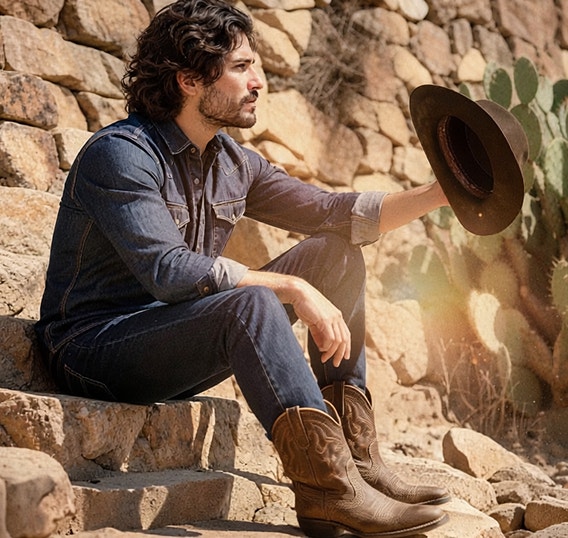

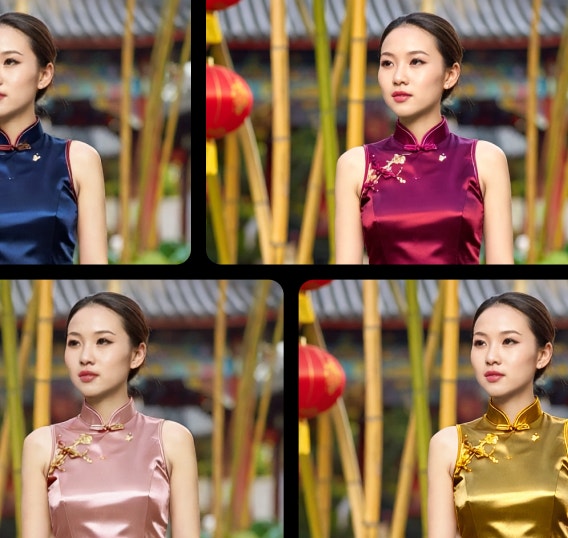
Realistic materials and details
Design with materials that look true to life, including silk, denim, leather and knit, plus detailed patterns like florals, stripes and tailored suiting. Firefly delivers natural lighting and accurate proportions, so every look feels polished and production-ready.
Easy to iterate
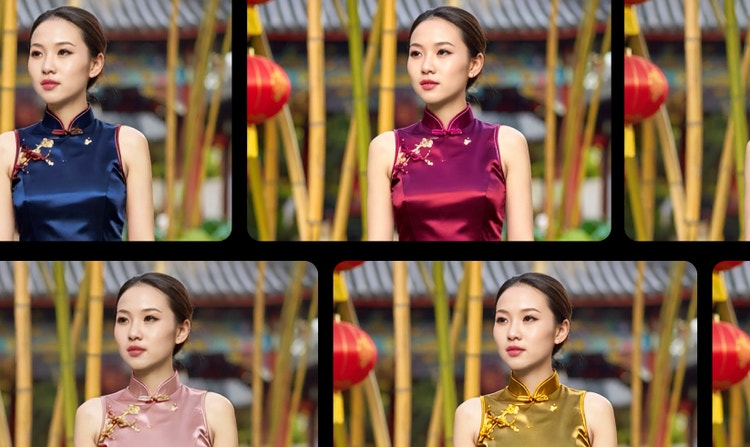
Explore multiple directions without starting again. Firefly lets you generate variations of the same outfit in seconds, testing new styles, colorways and silhouettes until you land on the strongest look.
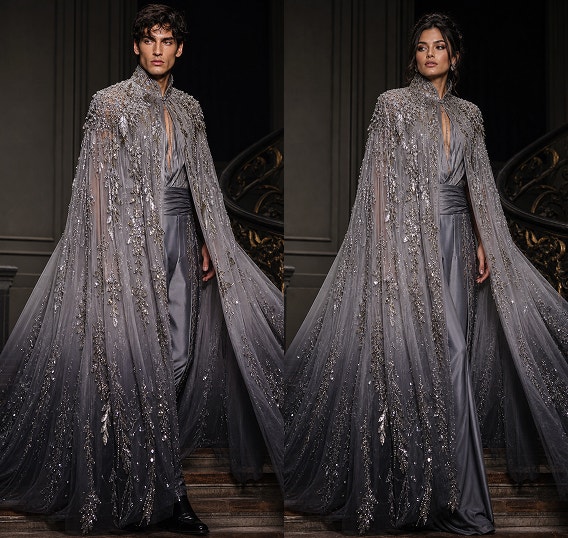
More models for more creative range
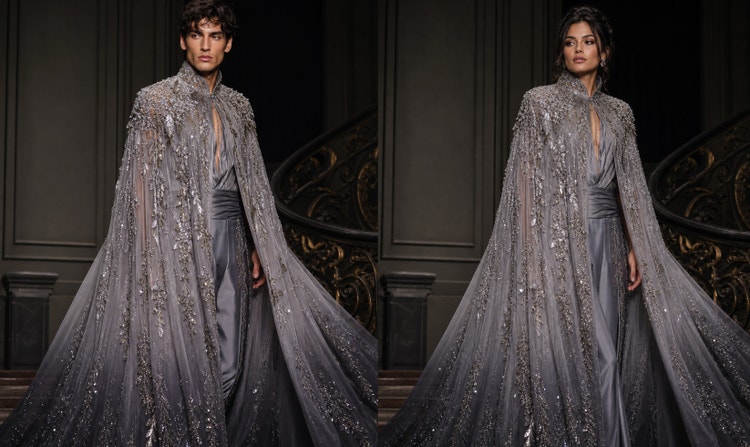
With partner models like Gemini Nano Banana, GPT Image and FLUX built directly into Firefly, you can experiment with different aesthetics and creative outputs — all without leaving your workflow.
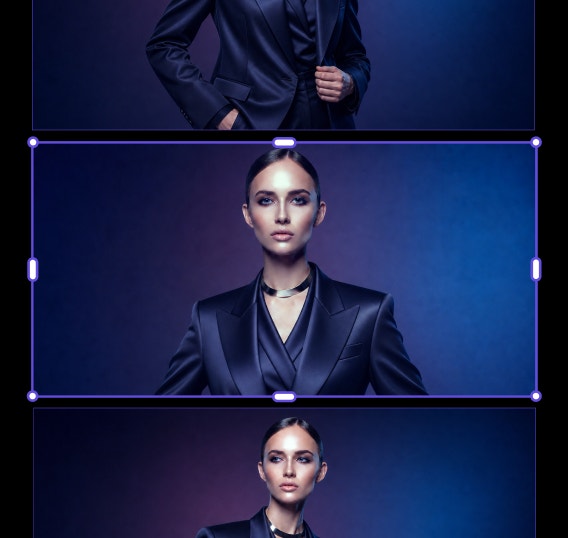
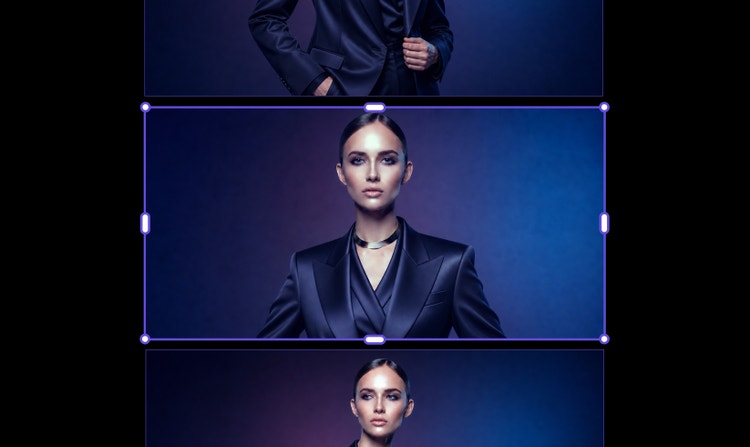
Organise and collaborate, all in one place
With Adobe Firefly, you can collect, compare and refine outfit visuals in one shared space, making it easy to collaborate, iterate and bring your best concepts to life.
See what you can do in Firefly.
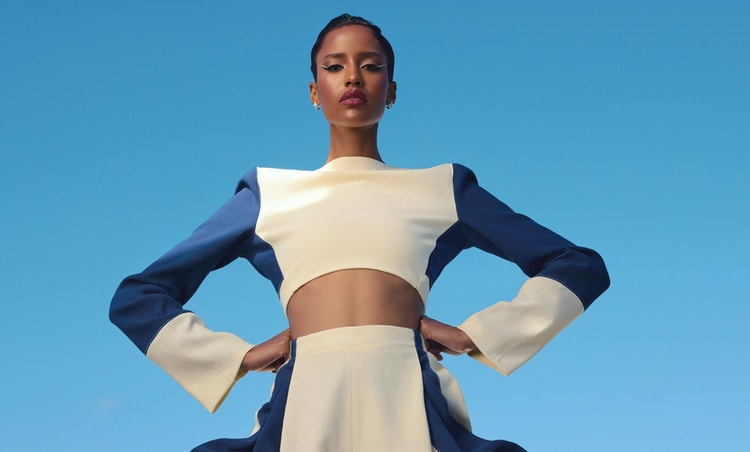



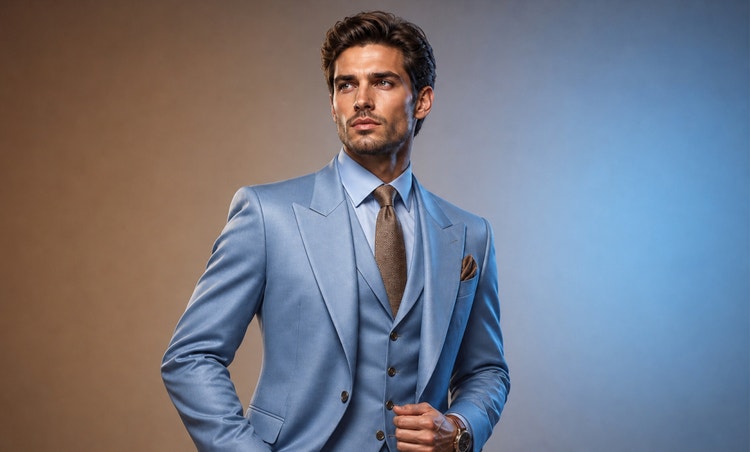
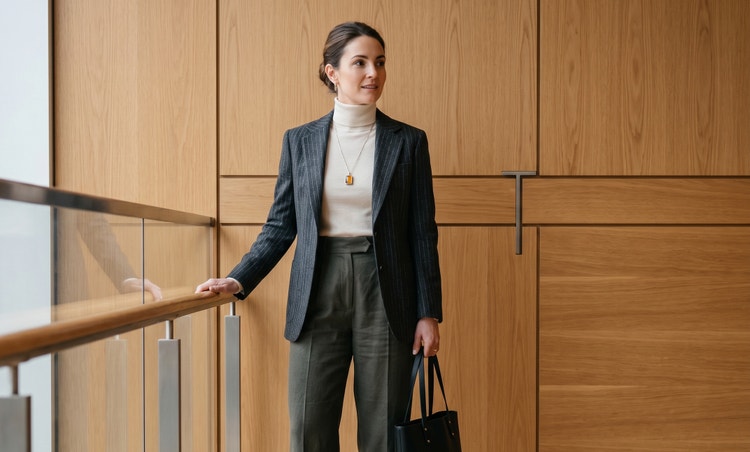
Discover even more features.
Questions? We have answers.
What is the best AI outfit generator?
Can I use AI-generated outfits for commercial projects?
Is the Adobe Firefly AI outfit generator free?
How do I create good outfit generator prompts?
Which AI models can you use with Adobe Firefly?
Share this page
Explore more Firefly tools.
How generative AI works: From training to output
Generative AI is all over the headlines and that’s not empty hype. This new technology is likely to be part of your life soon — if it’s not already.
Learn more | Learn more - How generative AI works: From training to output
How to write AI art prompts that get results
The best prompts for AI aren't always obvious. These tips get you to your destination in record time.
Learn more | Learn more - How to write AI art prompts that get results

AI art prompts for graphic designers
Learn how to write effective prompts for generative AI to get amazing results for graphic design.

AI Art Use Cases
Discover the many applications of AI art and how it’s transforming the creative landscape.