

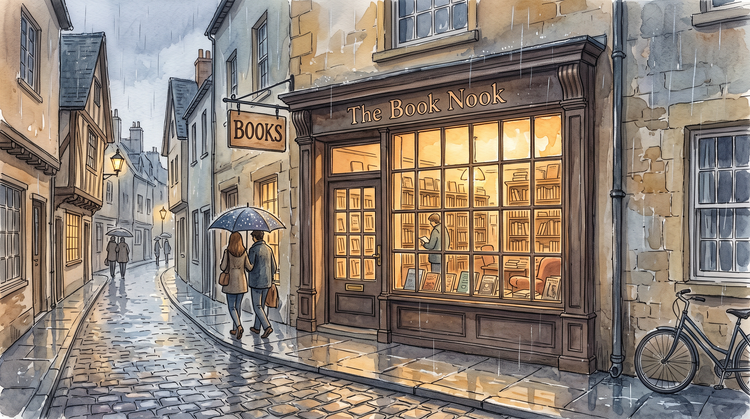
Turn any photo into pixel art.
Upload a clear photo and describe the pixel look you want, such as a limited palette or a retro style. Firefly will convert it and keep your subject and composition in place.



Upload a photo, describe the change you want and Adobe Firefly will apply it. Recolor a palette, add detail or turn a photo into pixel art.
By uploading your image or video, you agree to the Adobe Terms of Use and Privacy Policy and confirm you are 18 years of age or older.
By uploading your image or video, you agree to the Adobe Terms of Use and Privacy Policy and confirm you are 18 years of age or older.
By uploading your image or video, you agree to the Adobe Terms of Use and Privacy Policy and confirm you are 18 years of age or older.
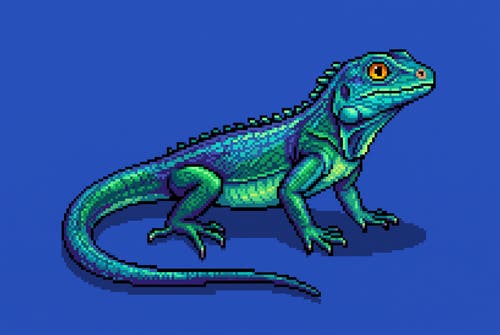
The Adobe Firefly pixel art editor runs in your browser, so you can upload an image, describe a change and review the result without installing software. Your subject and framing stay in place while you adjust colours, shapes and level of detail.
Upload a clear photo and describe the pixel look you want, such as a limited palette or a retro style. Firefly will convert it and keep your subject and composition in place.
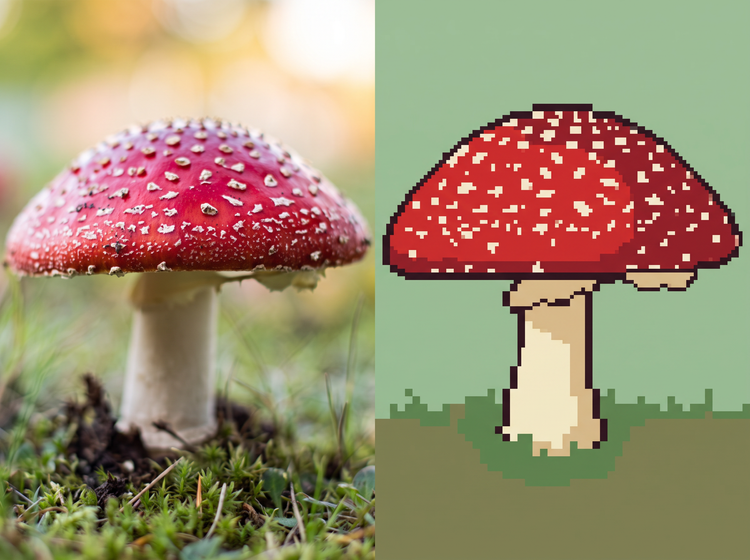
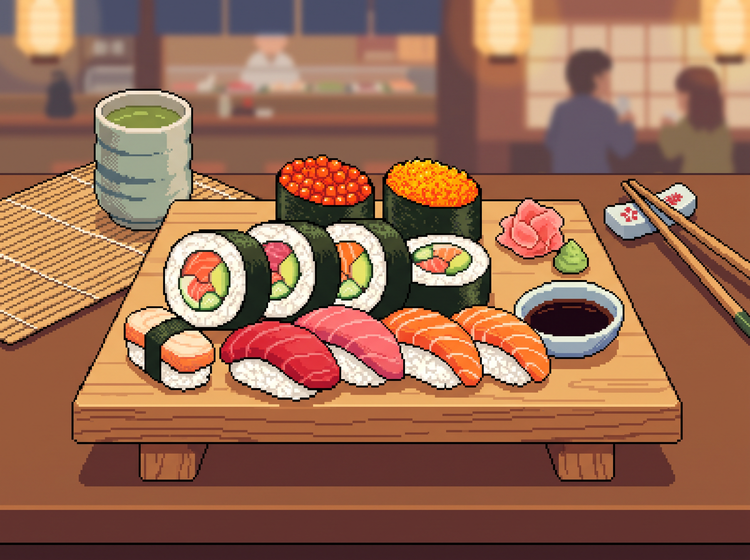
Swap a palette, simplify shading or add small details like highlights and outlines. Each result shows how your description changes the image, so you can compare a few options and keep the one you like best.
Start a new character with the pixel art generator or enlarge a finished piece with the image upscaler, all within Firefly.
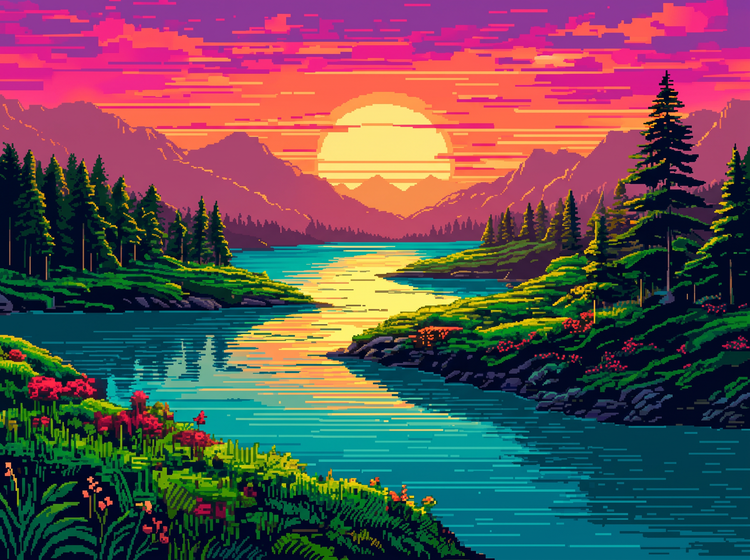
Go to Adobe Firefly in your browser and sign in with your Adobe ID or create a free account if you don’t have one. Then open Generate Image.
Select the upload button in the prompt bar and choose a photo from your device. Adobe Firefly needs an image of at least 512 x 512 pixels.
Type the change you want, like “turn this photo into pixel art with a limited colour palette” or “recolor the image with warm sunset tones.” The more specific your prompt, the closer Adobe Firefly will get to your idea.
Select Generate and Adobe Firefly will create your edited image. Select the image to open it in the Edit tab, where you can refine details or generate new variations to compare.

Describe the palette, shading or level of detail you want, then compare the results. Adjust your prompt to refine each choice and keep the edit that fits your project.
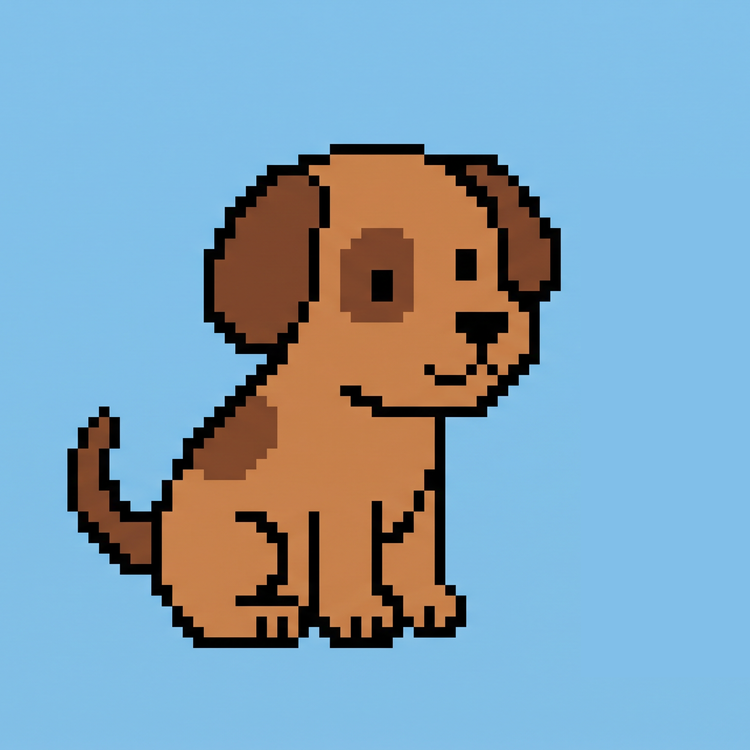
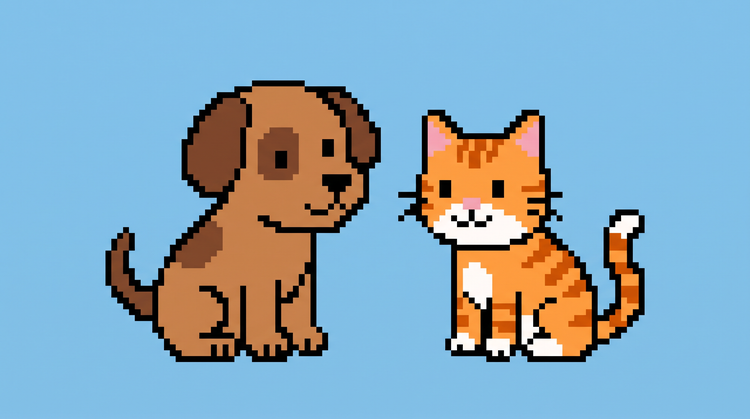
Switch between Firefly models and partner models like Gemini (with Nano Banana), GPT Image and FLUX in the model drop-down menu, all in one creative studio. Run the same image through a few models and compare how each handles hard edges and flat colours.

Upload a photo, refine it with precision editing tools and move from first idea to finished pixel art in one creative studio.
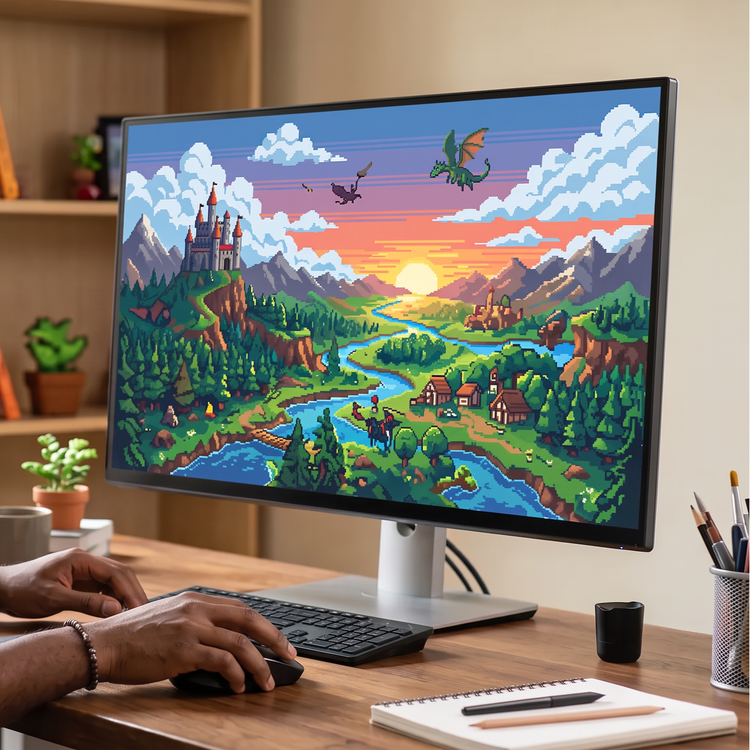
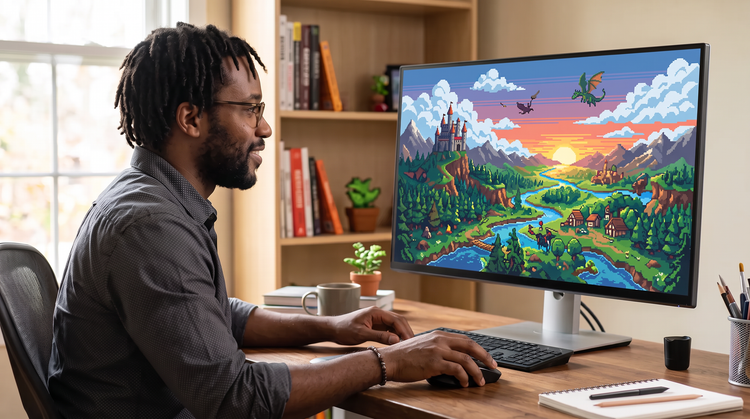
Hobbyists, indie game makers, students and social creators can polish turn a favourite photo into pixel art, using precise prompts when the details matter.
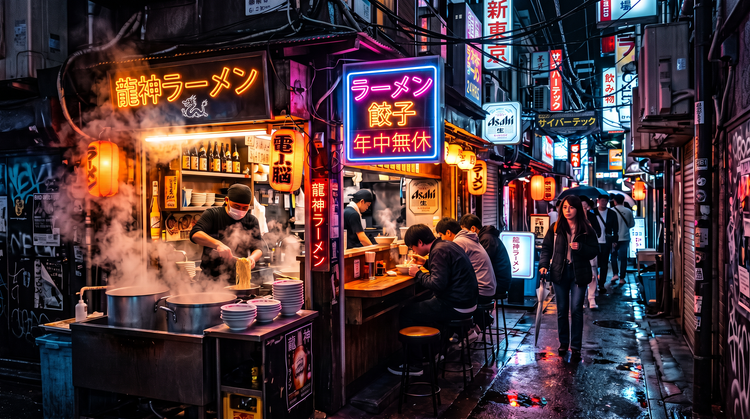

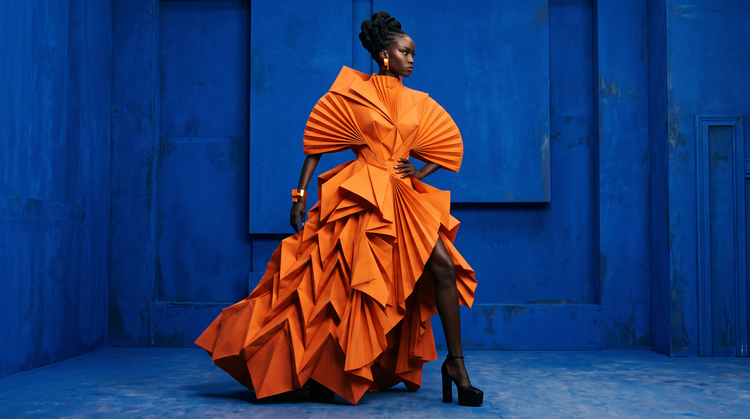
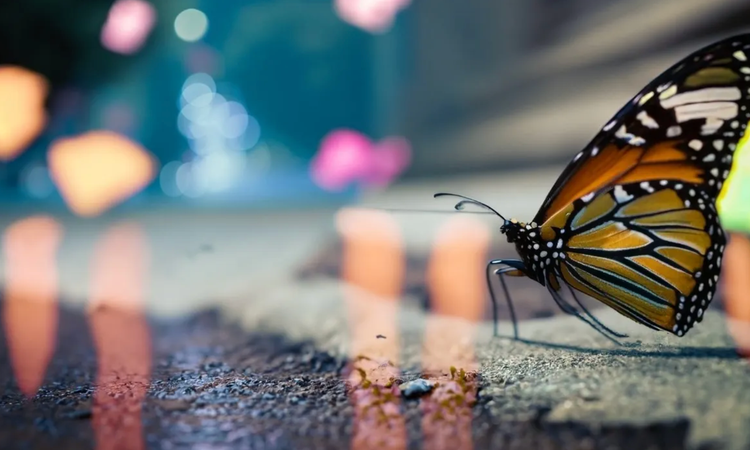
Learn how to use generative AI to boost productivity and discover new possibilities while maintaining creative control.
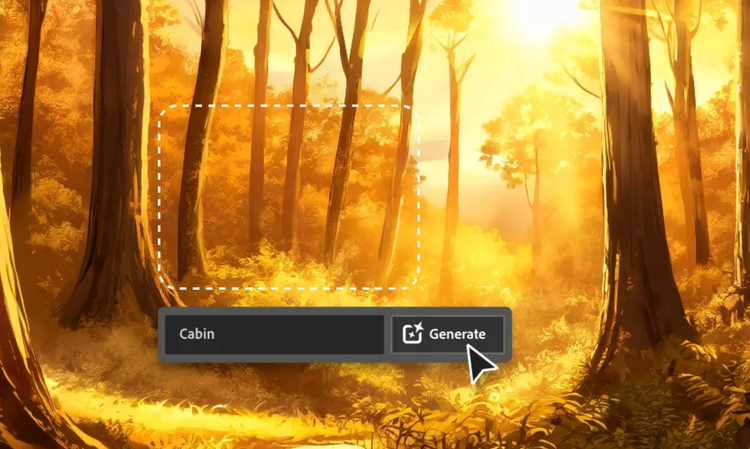
Generative AI is all over the headlines and that’s not empty hype. This new technology is likely to be part of your life soon. Learn how generative AI works and start streamlining your workflow.
Learn about the AI tools available to graphic designers and how they can help you be more productive and take your work in surprising directions.
The best prompts for AI aren't always obvious. These tips get you to your destination in record time.
Based on your location, we think you may prefer the United States website, where you'll get regional content, offerings, and pricing.


