

It’s Cyber Monday.

See offers

It’s Cyber Monday. Ends Dec 7.

See offers

It’s Cyber Monday. Save 50% or more on Creative Cloud Pro for individuals, students, and teams. Ends Dec 7.

See offers

.

Adobe Premiere

Edit videos with the industry-standard film editor.

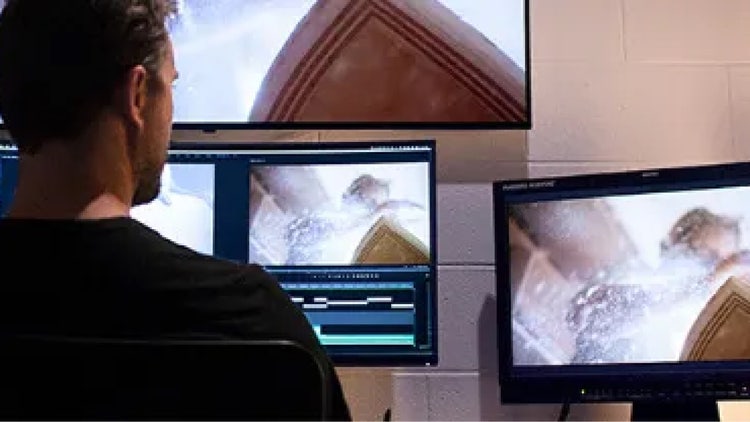
Learn how to edit raw footage in any video format with Adobe Premiere. From establishing shot to end credits — and every two shot and cutaway along the way — easily apply editing techniques to achieve the director’s vision.
Free trial Buy now

From video clips to feature-film quality in one platform.

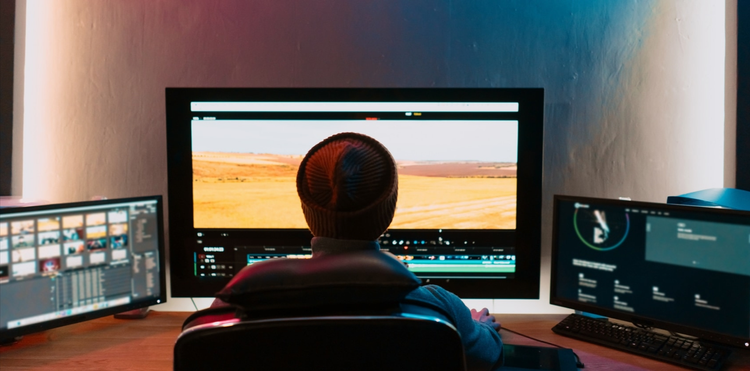
Premiere, the professional movie editor software, is versatile enough to handle everything from indie films to Hollywood blockbusters. Its ability to seamlessly integrate with other Creative Cloud apps makes it an indispensable tool in modern post-production workflows.

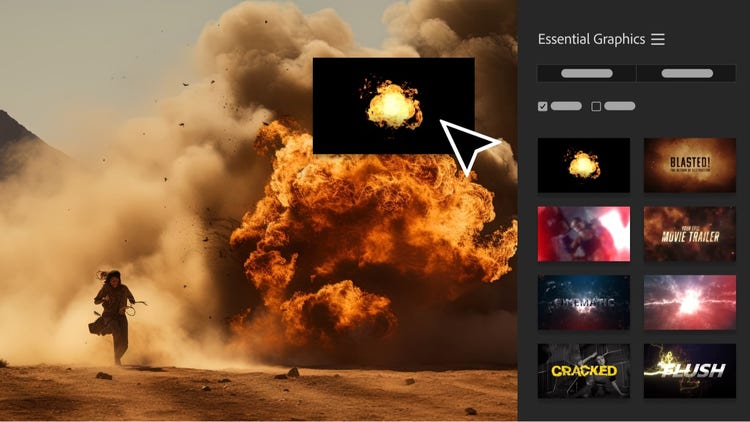
Do more with After Effects and Adobe Stock.

Take advantage of seamless integration with Mac or Windows desktops and other Adobe apps to finesse your videos.

Hone your post-production.

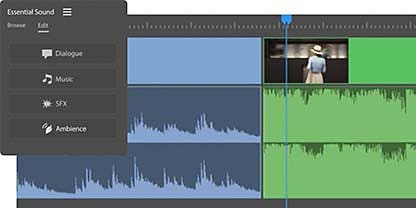
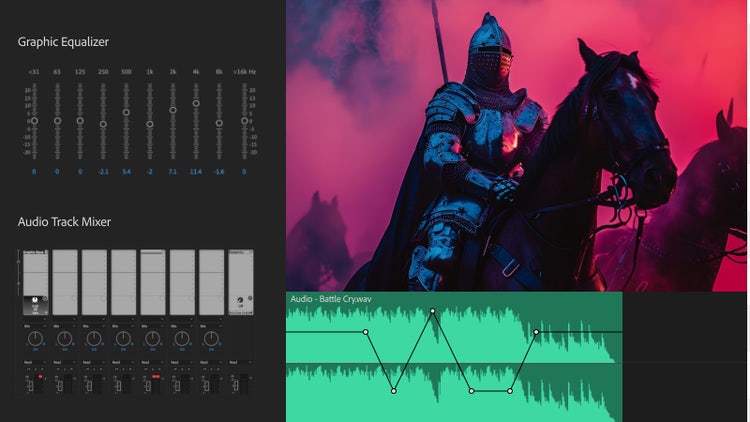
Great sound design can make or break a film. In Premiere, the professional movie editor software’s powerful audio tools help you create a professional mix:

  • Multi-track editing for dialogue, music, and effects
  • Noise reduction to clean up on-location audio
  • Automated audio ducking for perfect background music levels
  • Integration with Adobe Audition for advanced audio post-production

Learn five film-editing basics.

Powered by Adobe Sensei AI, AI video editing in Premiere helps you complete projects faster by automating time-consuming tasks like color matching, scene detection, and audio transcription so you can focus more on creative storytelling and less on manual adjustments.

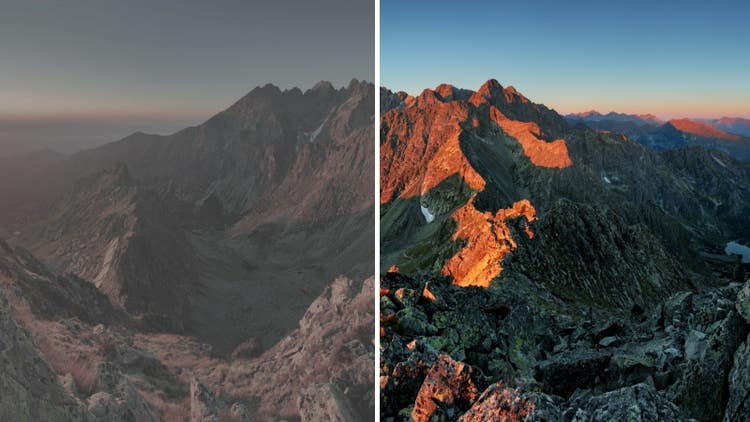
Adjust colors and white balance.

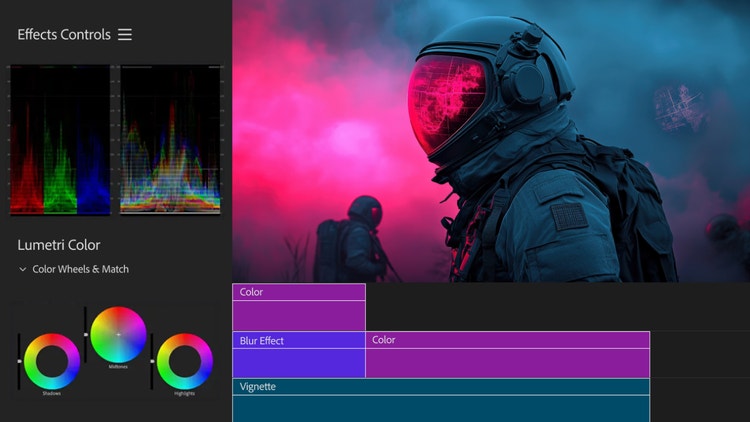
Use the Lumetri Color panel, a cinematographer favorite, to make color adjustments to your professional video. Fix white balance, color correction, color grading, and more.

Explore more about the filmmaking process.

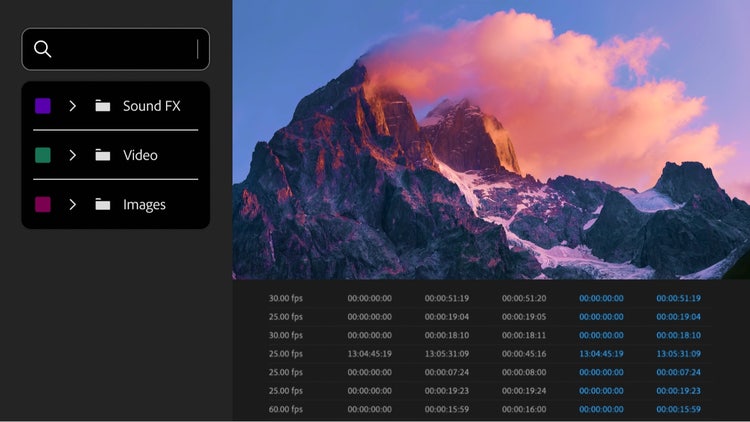
Discover editing tips, techniques, and tools.

Take your skills to the next level — learn about editing tools, both audio and visual, to grow your ability in Premiere.

Improve your editing skills.

Learn how to edit videos like a pro with these tips that will help you on your quest to become the best possible movie editor.

Keep your sound spot on.

Explore how to keep your film’s sound on point with audio editing techniques. Learn how to fine-tune everything from music videos to indie films in Premiere.

Add video effects to your project.

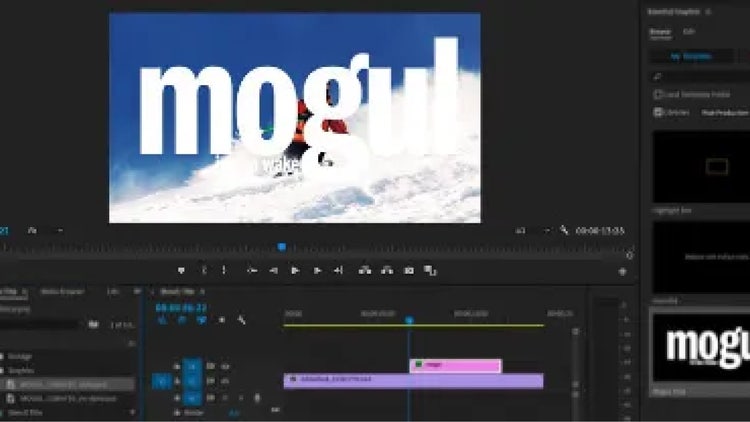
Learn about advanced features for video and special effects, like motion graphics templates, to adjust color, fix shaky footage with video stabilization, and more.

Tap into audio effects.

Discover how to balance dialogue in your footage with music, sound effects, and more.

Find the Creative Cloud plan that’s right for you.

Premiere Single App
US$22.99/mo

Annual, billed monthly

Includes 100GB of cloud storage, Adobe Fonts, and Adobe Portfolio.

Learn more

Creative Cloud Pro
US$69.99/mo

Annual, billed monthly

Get 20+ Creative Cloud apps, including Premiere.

See what's included | Learn more

Students and teachers
US$24.99/mo

Annual, billed monthly

Save over 64% on Creative Cloud Pro.

See terms | Learn more

Business
US$99.99/mo per license

Annual, billed monthly

Get Premiere and 20+ Creative Cloud apps, plus features to easily manage licenses, simplify billing, and more.

See what's included | Learn more

Questions? We have answers.