Your feedback. Sharper tools.
Your creativity shaped these tools. Your feedback drives what’s next.
See your input in action.
You asked, so we built it. Your go-to tools are even better with enhancements inspired by your suggestions.


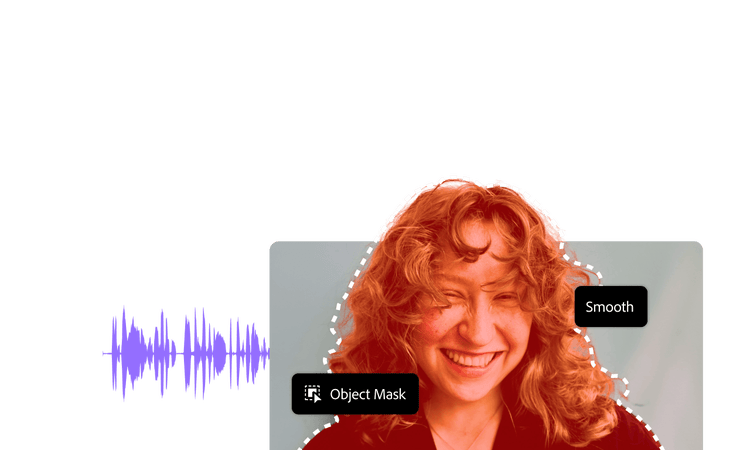

Mask better in video.
Try Object Mask’s new Smooth Mode in Premiere for soft edges like hair..

Join the conversation.
Help spark new ideas, request features, and tell us what to build next.
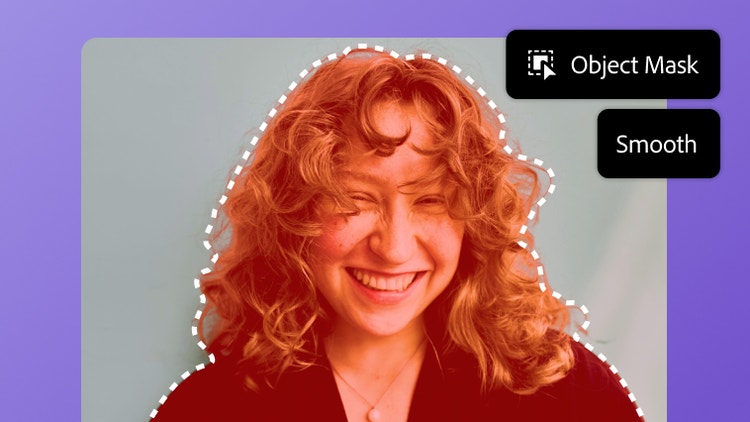

Object Mask
The AI-powered Object Mask in Premiere lets you select your subject in seconds. And all-new Smooth Mode has been added for further precision on objects with softer edges.


Updates to Assisted Culling
Assisted Culling is better than ever. Instead of having to zoom in to check every face, the new Face View gives detailed scores for every image, so you can identify your best shots faster.
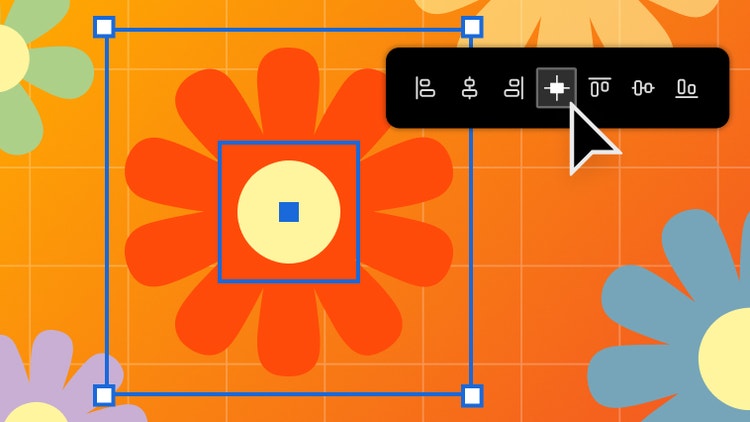

Align Center
Here by popular demand is a faster way to center objects. Now you can center objects in both directions with one single button called Horizontal & Vertical Align Center.
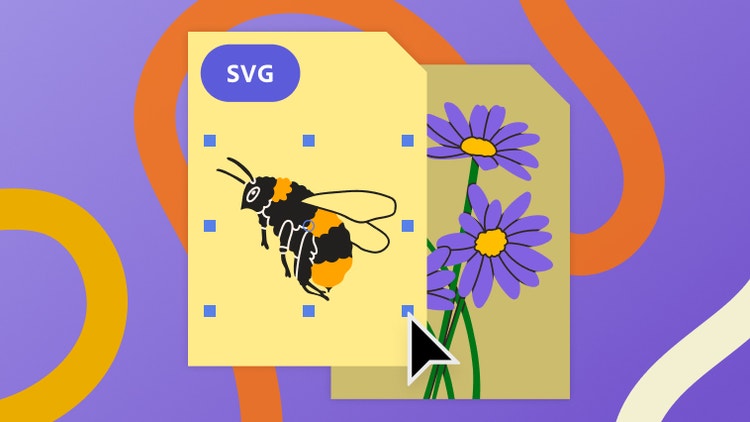

SVG Import
With “Include SVG Code” enabled in your Clipboard Handling preferences, you can copy SVG vector artwork and paste it directly into an After Effects project as native, editable shape layers.
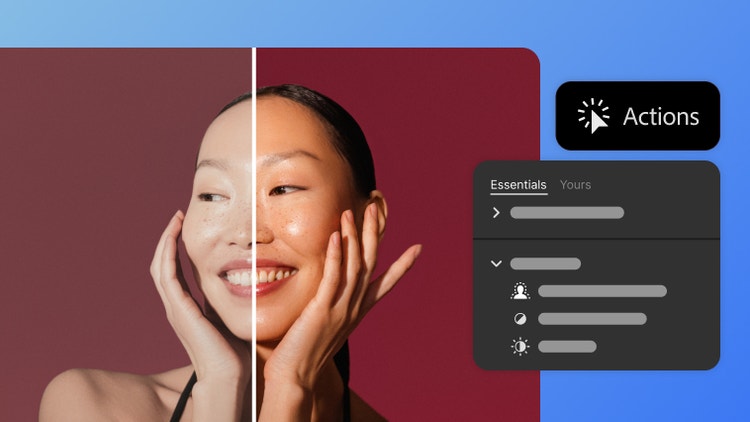

Modernized Actions
Actions have been updated. Button Mode now supports right-clicking, finding actions is faster with search mode, and organizing large libraries of actions is easier too.
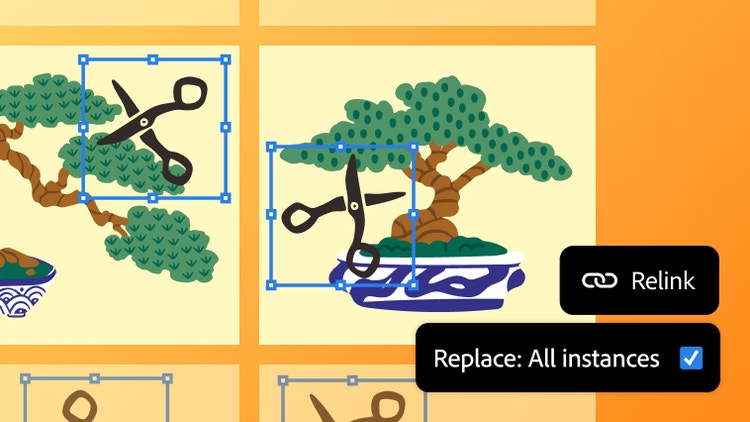
Batch Relink
When you replace a linked image in Illustrator, you can now choose to apply that change everywhere the image appears in your file, even across multiple artboards and repeated layouts.
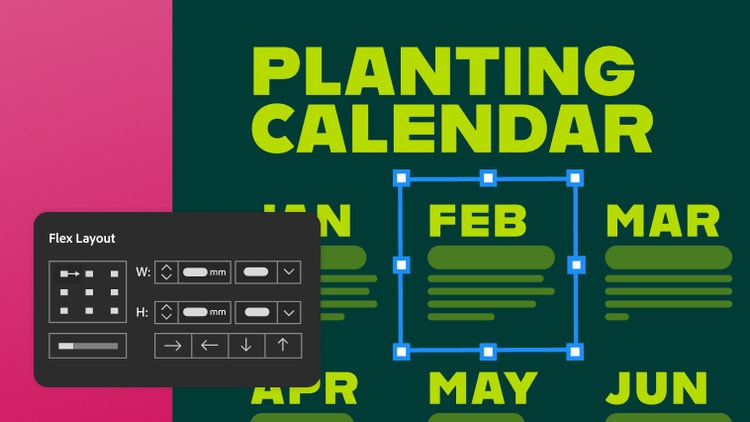

Improved Flex Layout
Layouts are now more responsive and easier to work with. Edit gaps directly on the canvas, select nested elements with ease, and resize, all without breaking the structure.
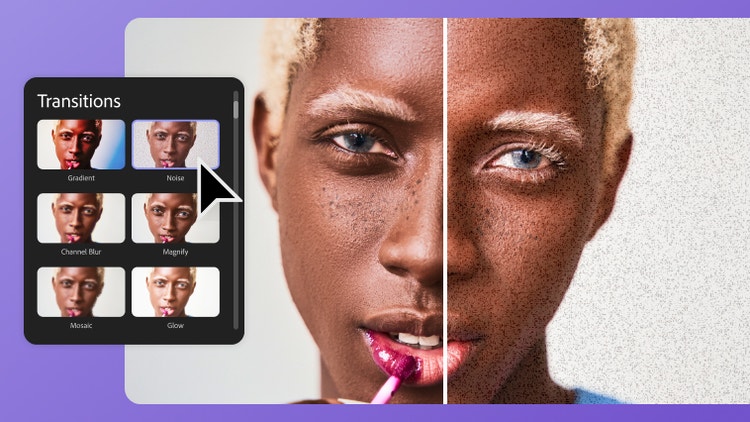
New effects and transitions
Create cinematic transitions with new effects, including Gradient with textured backgrounds, Noise with more flexible controls, and Channel Blur which lets you blur specific colors to create dramatic effects.
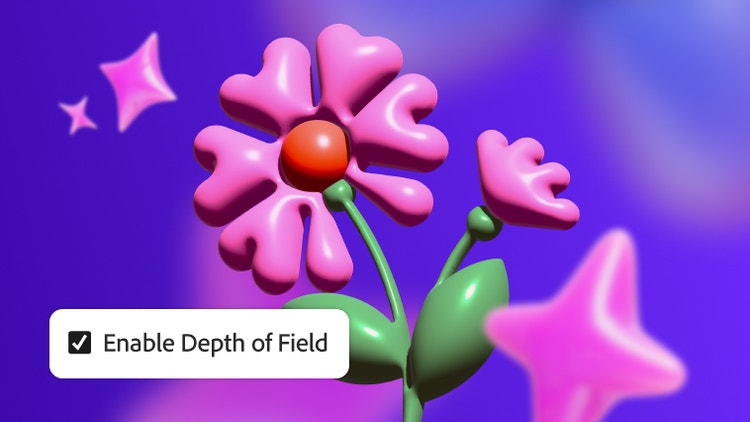
Depth of Field
Easily make your 3D compositions look more believable and immersive, all without needing extra plugins or external tools. Depth of Field now works with the Advanced 3D renderer.
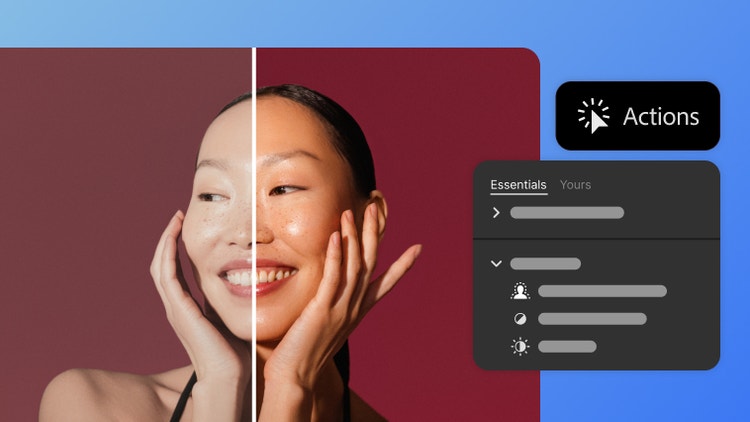
Modernized Actions
Actions have been updated. Button Mode now supports right-clicking, finding actions is faster with search mode, and organizing large libraries of actions is easier too.
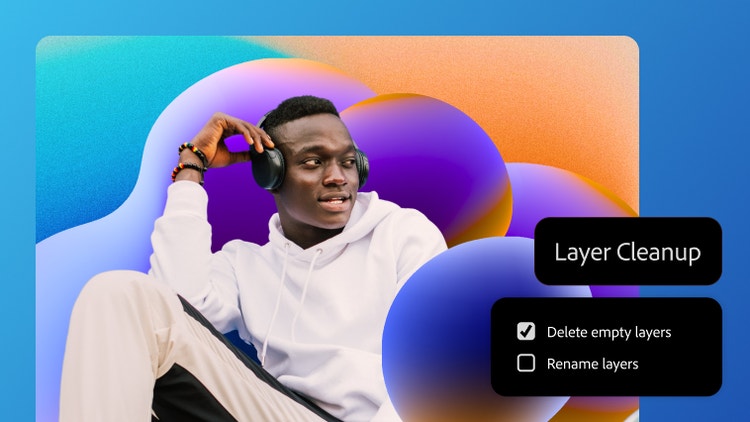
Layer Cleanup
Analyze, organize, and rename your layer stack automatically with Layer Cleanup. Stay organized, tidy up your projects, and keep layer names consistent.

Remove tool on-device
The Remove tool now works offline. Clean up your images and get the same quality of results on your device as you would working with cloud processors or external servers.
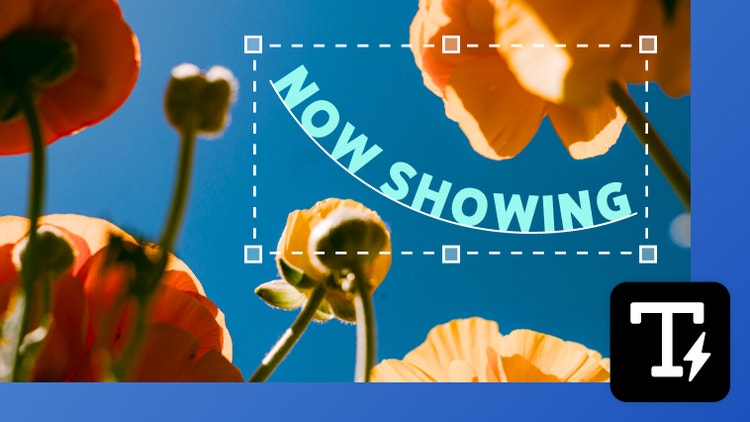
Dynamic Text
Create shaped, editable text directly in Photoshop without jumping into Illustrator. With Dynamic Text, your type automatically reflows as you adjust the shape, so you can find the right fit faster.
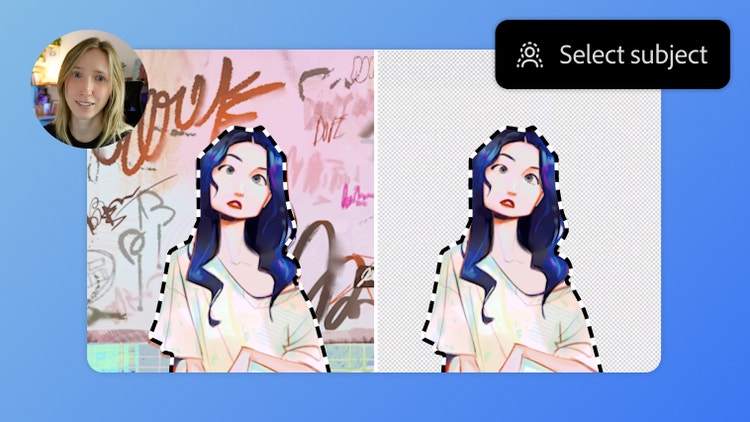
“If only there were a tool to help me do this!”
… And now there is. Character designer Jackie Droujko used to spend hours separating her subjects from backgrounds. See how the improved Select Subject tool in Photoshop makes her process faster and cleaner.

Improved Select Subject
Select Subject in Photoshop is more precise at selecting complex, detailed objects like hair. It’s also always on by default. You no longer have to toggle on cloud processing to enable the feature.
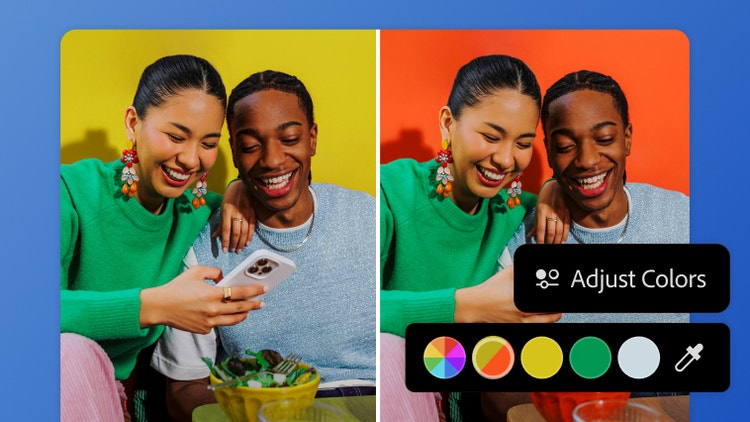
Color adjustment updates
The new Adjust Colors feature in the Contextual Task Bar auto-detects the most prominent colors in your image. Use the swatches to easily make targeted adjustments to hue, saturation, and lightness.

Improved Object Selection
Say goodbye to tedious refinements on your selections. The Object Selection tool in Photoshop is more accurate and efficient, even around complex edges like clothing and hair.
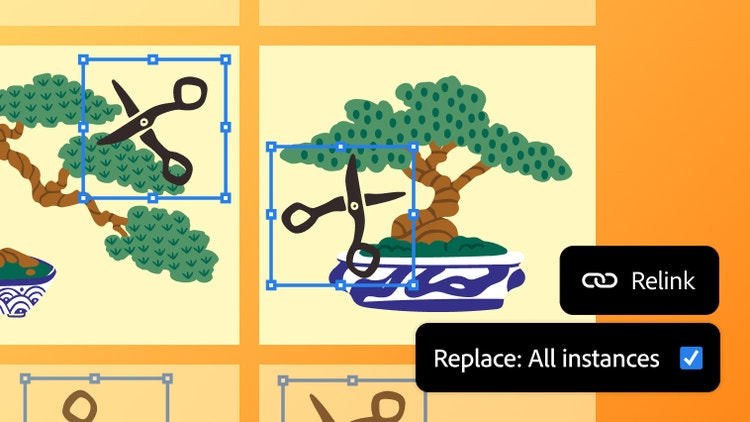
Batch Relink
When you replace a linked image in Illustrator, you can now choose to apply that change everywhere the image appears in your file, even across multiple artboards and repeated layouts.
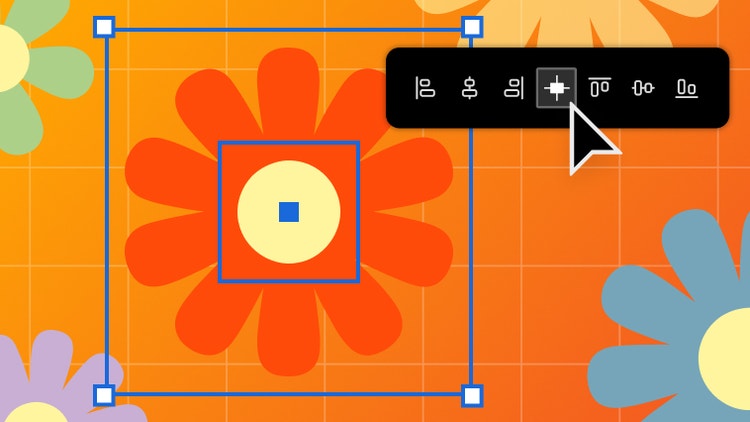
Align Center
Here by popular demand is a faster way to center objects. Now you can center objects in both directions with one single button called Horizontal & Vertical Align Center.

60fps live editing
Instantly see edits in Illustrator as you apply effects, scale, or transform objects. Thanks to performance enhancements, edits and color changes appear live, so you can work confidently and iterate faster.

Import SVG to After Effects
You can now easily bring Illustrator vectors into After Effects. Create keyframes for animation and bring complex artwork to life without losing fidelity or layer structure.
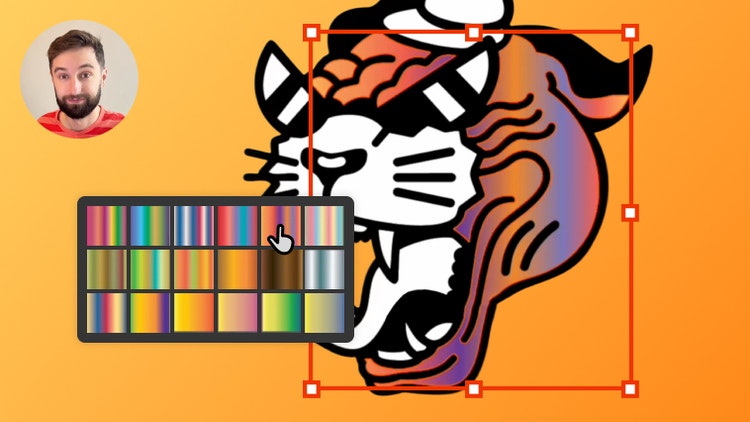
“Designers have been praying for this.”
For designer Callum McHugh, gradients used to be time consuming. But now presets in Illustrator make applying gradients a breeze. He also loves the new color picker and font filtering features.
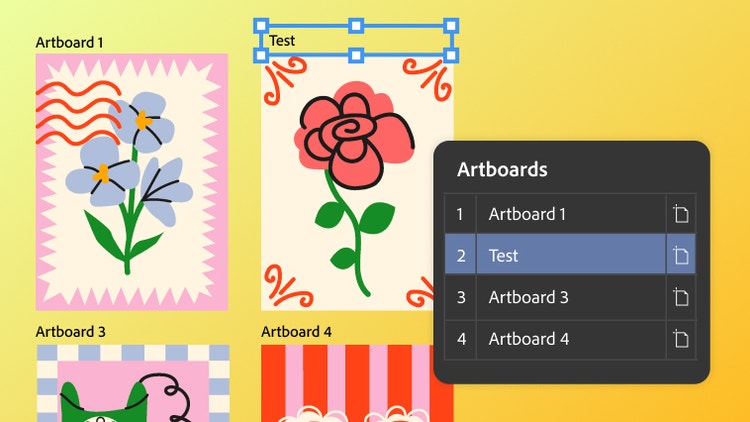
Artboard management
Managing multiple artboards in Illustrator just got easier. Rename, lock, and rearrange artboards without switching tools or zooming in. Plus, work faster with editable labels and selective exporting.

Smarter snapping
Now you can use Snap to Tangent or Snap to Perpendicular to create precise paths without extra steps. You can also limit snapping to a specific artboard or object to draw with more precision.

Color updates
For more control and less manual work, Illustrator now supports perceptual and dithering gradients for natural blends, has new gradient presets, and has a clearer color picker.
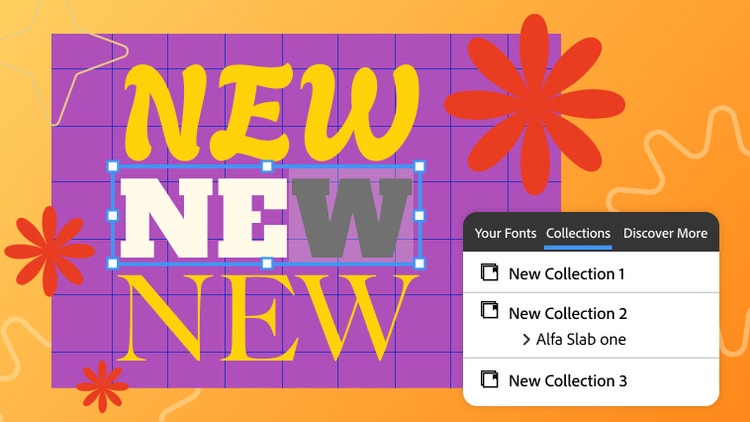
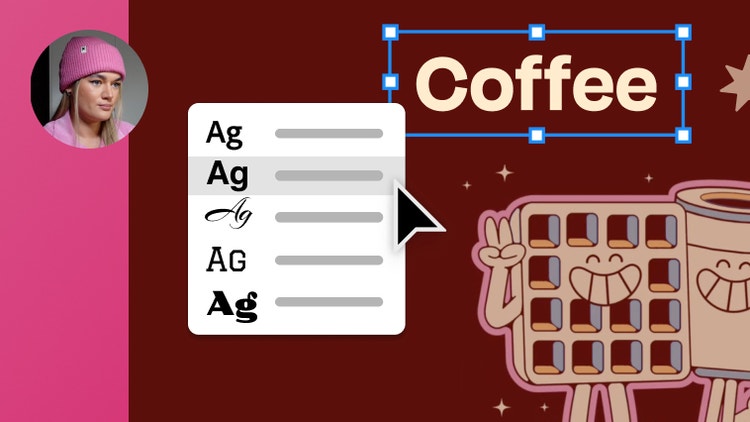
Enhanced font browser
Find, apply, and organize fonts easily. Use the enhanced font browser with cleaner sections and new filters to quickly find your fonts and discover new ones from the vast Adobe Fonts library.

Speed improvements
Illustrator just got a whole lot quicker. It launches up to 3x faster, saves files up to 6x faster, and handles linked artwork with ease. You can stay in your workflow and create faster without the waiting.
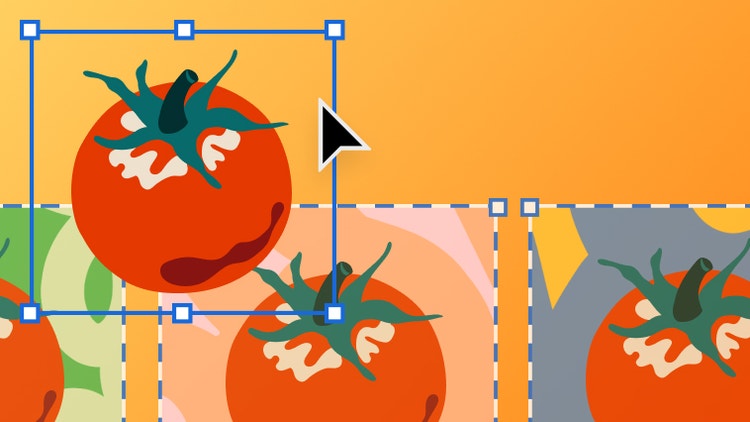
Paste on selected artboards
You can now paste the same element on several selected artboards in Illustrator, saving a ton of time. Use familiar shortcuts like paste in front or paste in back to make precise changes, several times over.
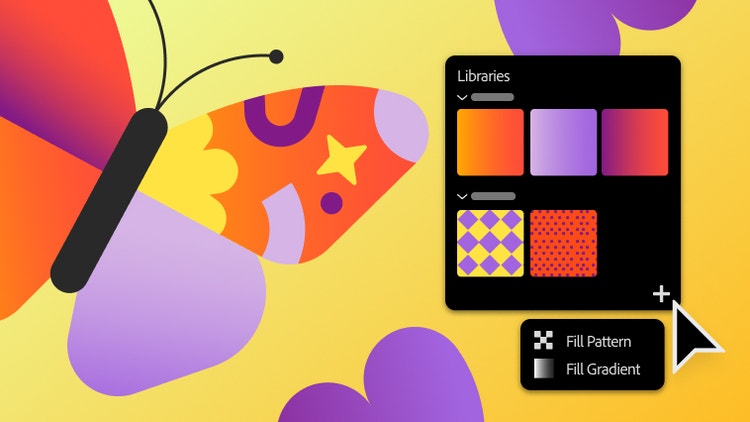
Save patterns and gradients
Easily reuse and share your favorite gradients and pattern swatches by saving them in Creative Cloud libraries. Select Add Elements from the Libraries panel and choose Fill/Stroke Pattern or Gradient.
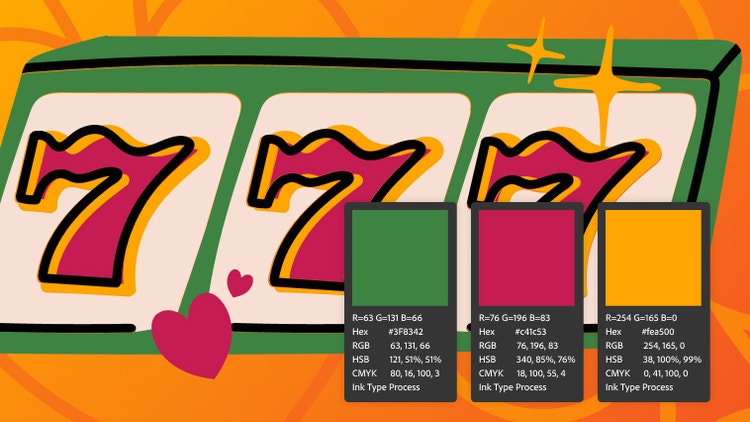
Extract color
Create a color swatch palette in Illustrator based on colors in a piece of artwork. Display the results as HEX, RGB, HSB, or CMYK, and ensure maximum precision when sharing colors for brand guidelines.
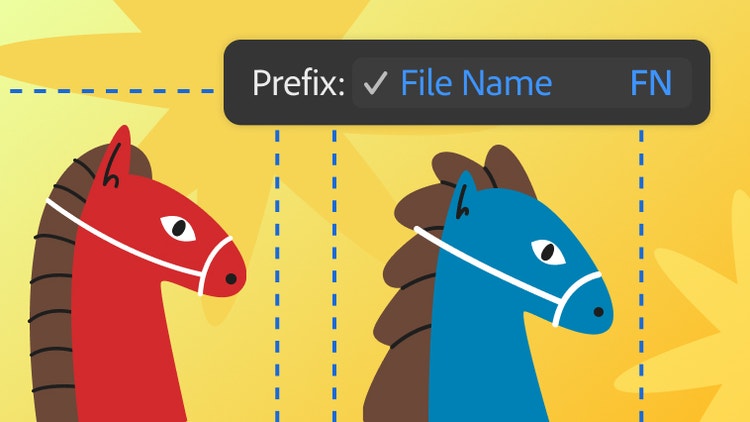
Smart file naming
Say goodbye to tedious manual file naming. Now you can simply create a prefix, choose files, and check a box. Mass exporting of multiple artboards has never been easier.
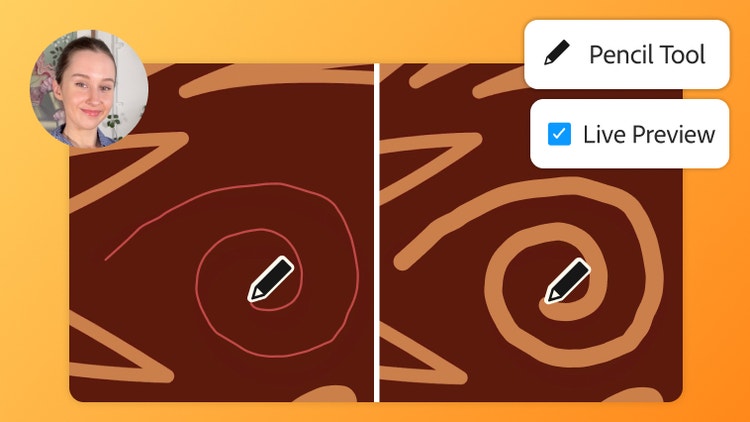
“We asked and Adobe delivered.”
Watch as illustrator Nataszko demonstrates how the new live preview feature works in the Pencil tool. “We’ve been begging for these Illustrator tools…"

Updates to Assisted Culling
Assisted Culling is better than ever. Instead of having to zoom in to check every face, the new Face View gives detailed scores for every image, so you can identify your best shots faster.

Improved Search
Locate photos with intuitive semantic search terms like “ballerinas shot during golden hour in New York City, 35mm.” Search on mobile or desktop and by metadata like specific formats, dates, or camera details.
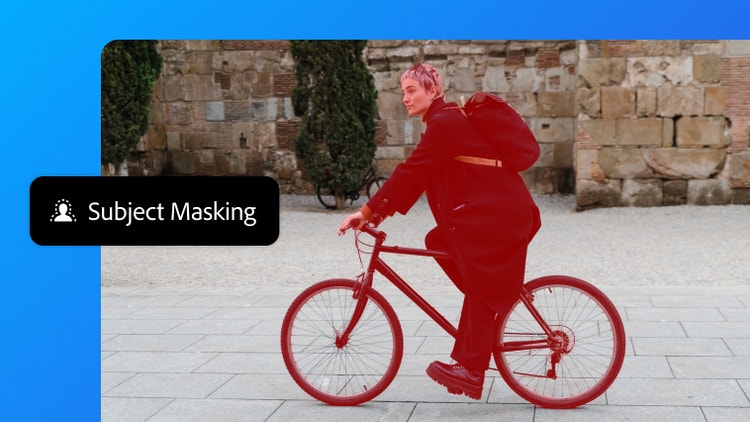
Improved Subject Masking
The Subject Masking tool is now more accurate, with extremely precise selections of detailed objects like hair or bike spokes. Click Subject Mask to isolate the central element of an image from busy backgrounds.
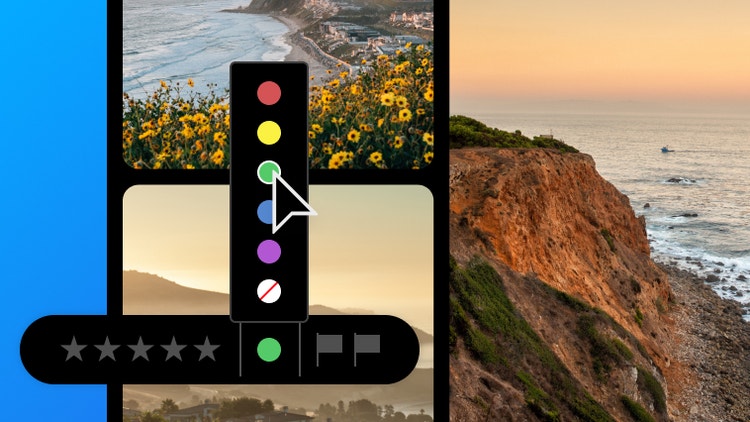
Updated Color Labels
Apply easy-to-scan visuals to your photos to speed up your workflows. Tag photos with five new customizable color labels to organize your projects.
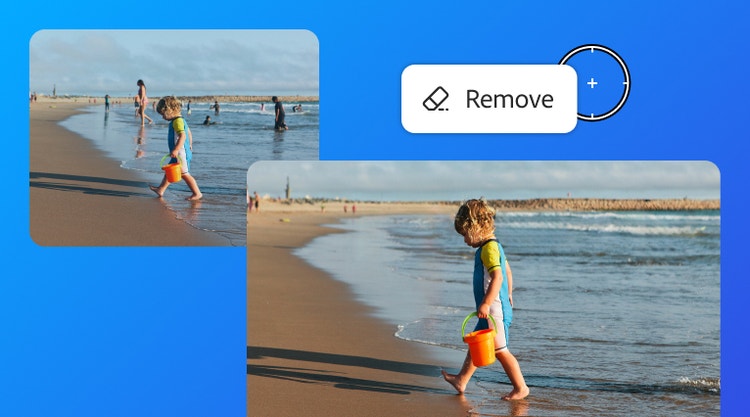
Better Distraction Removal
Get more precise and seamless results with advancements in the Distraction Removal tool in Lightroom. Automatically identify and edit out distracting objects and people in the background of your photos.
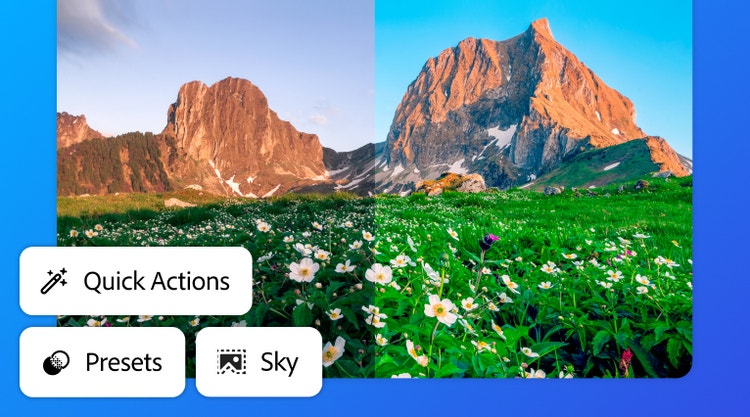
Quick Actions updates
Use Quick Actions in Lightroom Mobile to edit photos faster in the Lightroom modal. Do advanced edits in just a few taps. Apply a specific look, isolate backgrounds, amp up the sky, and edit out blemishes instantly.
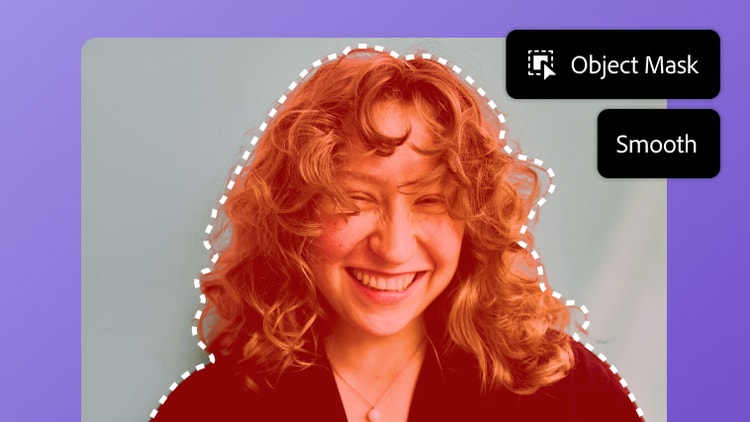
Object Mask
The AI-powered Object Mask in Premiere lets you select your subject in seconds. And all-new Smooth Mode has been added for further precision on objects with softer edges.
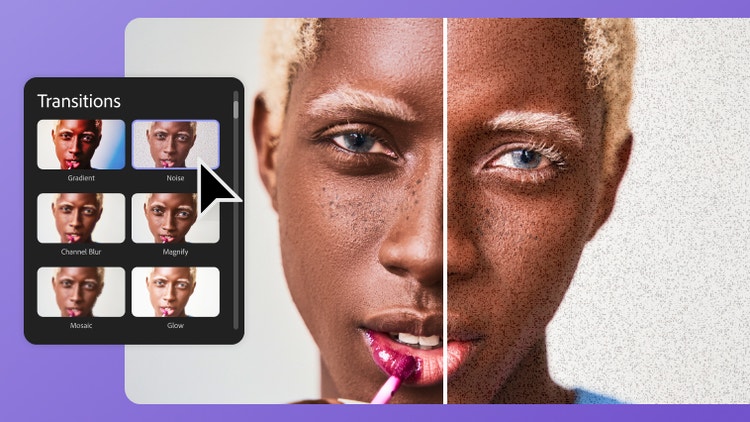
New effects and transitions
Create cinematic transitions with new effects, including Gradient with textured backgrounds, Noise with more flexible controls, and Channel Blur which lets you blur specific colors to create dramatic effects.
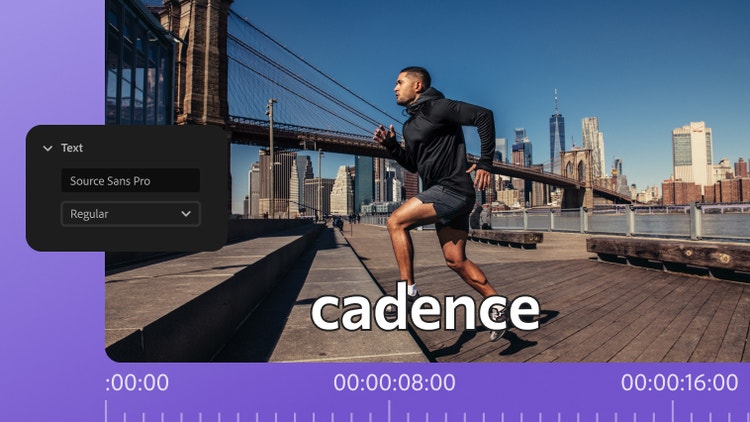
Single word captions
We heard you loud and clear. You can now choose to display customizable captions one word at a time instead of full sentences for better engagement and performance, especially on social media projects.
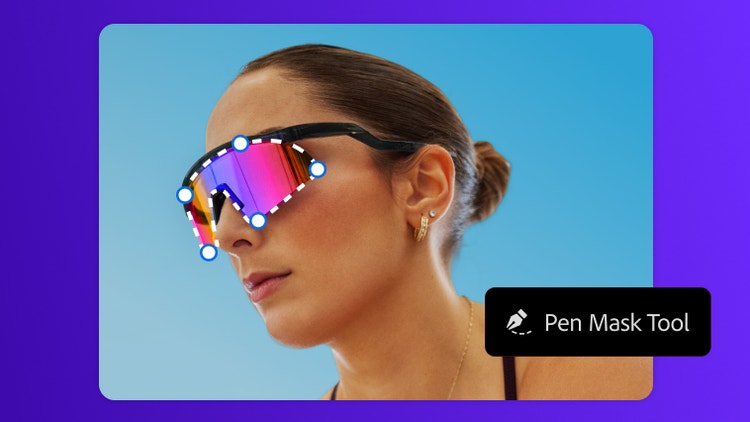
Redesigned shape masks
Redesigned shape masks now anticipate how you work. Enjoy faster tracking, precise control, and more intuitive defaults, so you can quickly isolate faces and other unique shapes.
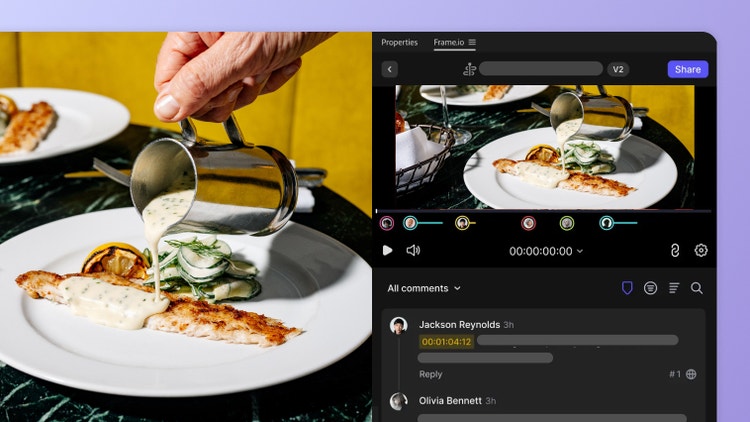
Frame.io & Adobe Stock Panel Integration
Access new Frame.io and Adobe Stock panels directly in your Premiere workspace. Find stock clips and drag them right onto your timeline. Plus, review Frame.io feedback and upload new edits with a click.
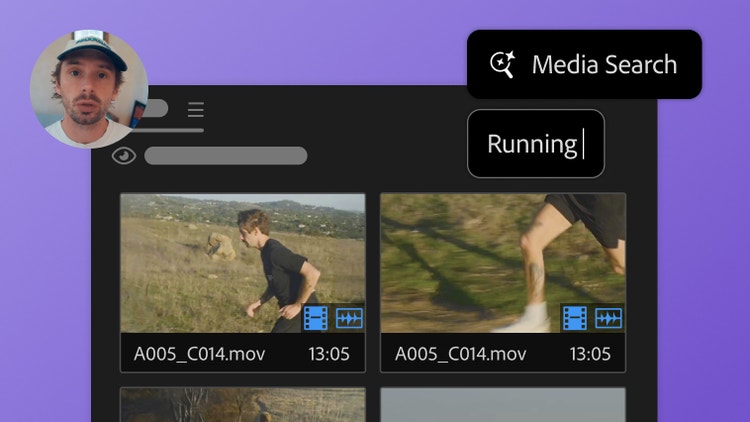
“This is where Adobe listened and responded.”
Find out why creator and filmmaker Andrew Paul calls using the new Media Intelligence search bar “the quickest way to edit your footage in Adobe Premiere.”

Live waveform editing
Audio editing just got more precise and intuitive with dynamic audio waveforms. As you edit, the waveform adjusts, so you immediately see how your edits are impacting the audio.
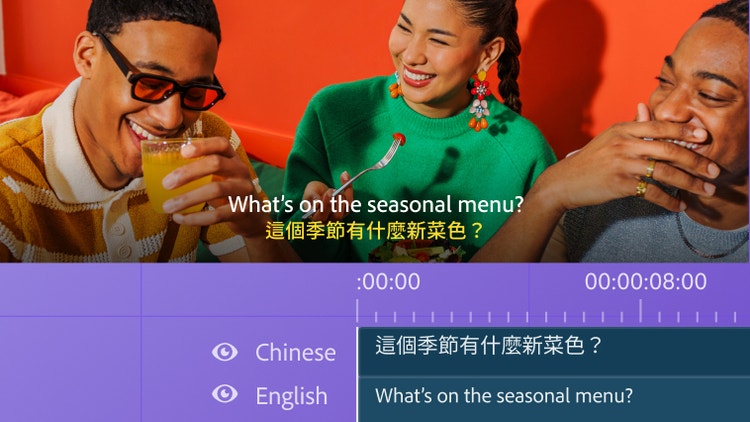
Captions translation
Create captions and subtitles instantly. Automatically transcribe video dialogue and translate it into 27 different languages with Premiere Pro, without the need for a third-party translation service.
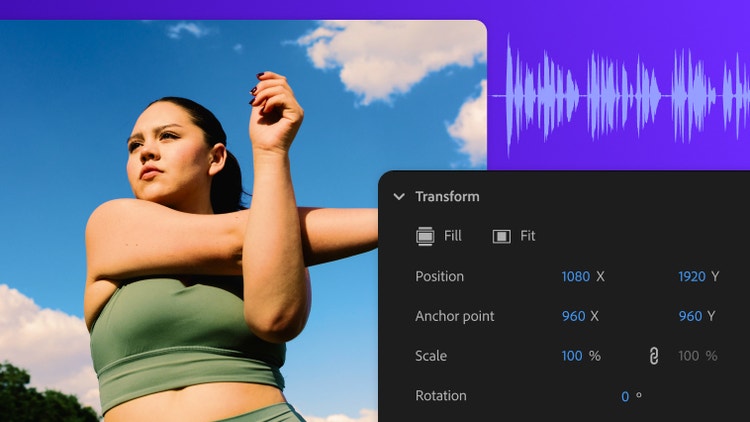
Properties panel
Streamline your workflow with updates to the properties panel in Premiere. Contextually change settings like speed and crop in different clips, and access other effects with time-saving ease.
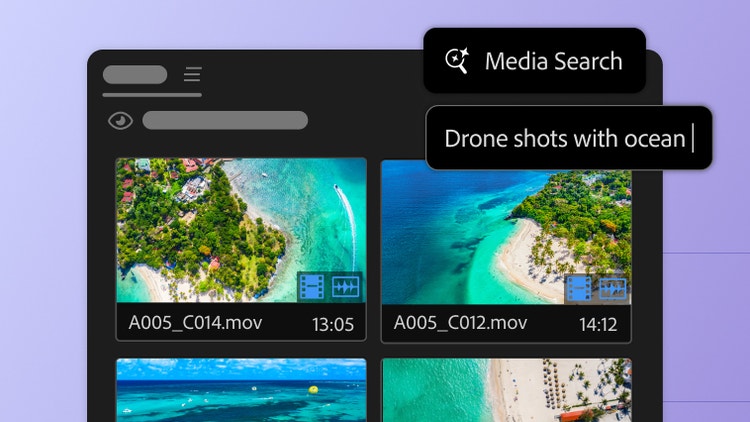
Media Intelligence
Spend less time combing through footage with the new Search panel in Premiere Pro. Just describe any clip you need to find — using everyday language — and find it fast.
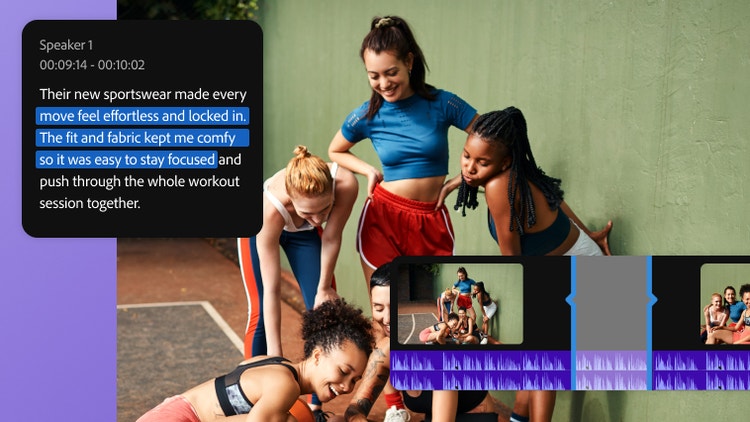
Text-Based Editing
An entirely new way to edit: instead of watching hours of footage just to find the right sound bites, now you can search for keywords in transcripts and add them to the timeline to start your rough cut.
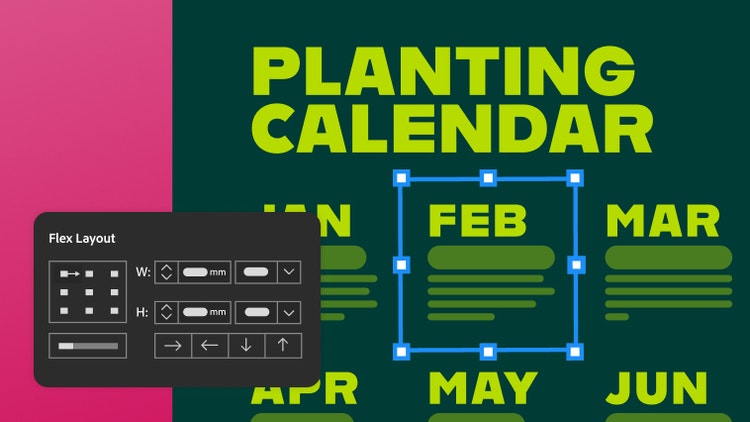
Improved Flex Layout
Layouts are now more responsive and easier to work with. Edit gaps directly on the canvas, select nested elements with ease, and resize, all without breaking the structure.

Locate Object
Designers often get lost in complex layouts, digging through layers to find the right object. With Locate Object, it’s easy to stay in control. Just select your object and click the magnifying glass in the Layers panel to find it instantly.
Import files from Illustrator
Easily convert Illustrator files into editable InDesign documents, retaining vector fidelity, text, and colors. Quickly move from illustration to layout without disrupting your work.
“I love when brands actually listen to creatives.”
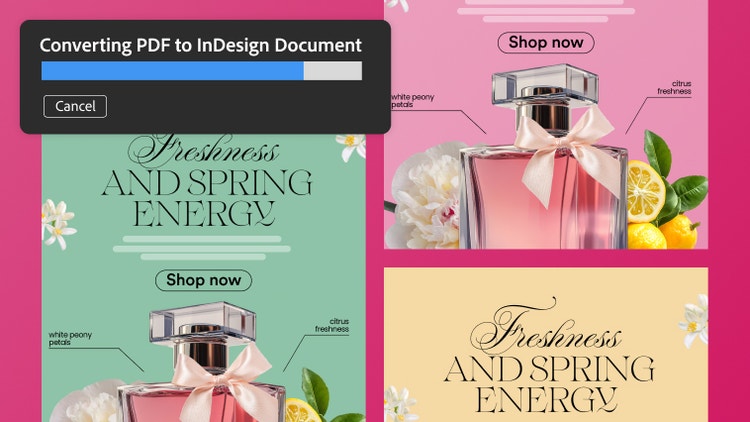
“If you’ve ever lost your InDesign file and you only have the PDF, you know the panic is real,” says entrepreneur Ernesta Smilgeviciute. Watch how she converts a PDF into an editable InDesign document.
PDF conversion
Turn PDFs into editable InDesign files, while preserving everything in the original document. Retain tables, hyperlinks, fonts, and other elements, and fine-tune each piece in InDesign.

GPU support on Windows
GPU acceleration boosts responsiveness and reduces lag for seamless zooming and scrolling, even in long, complex InDesign documents. Now available on both Windows and Mac.
Math expressions
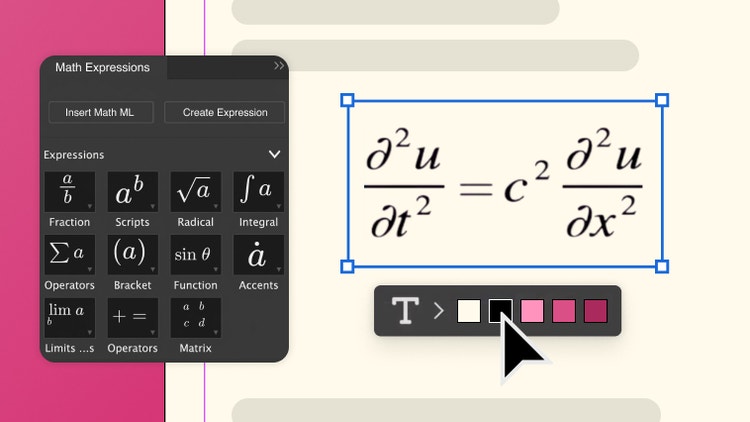
Create and style mathematical expressions and scientific notations in InDesign documents with an integrated math editor. Customize the look to align with standards for research and technical publications.
SVG Import
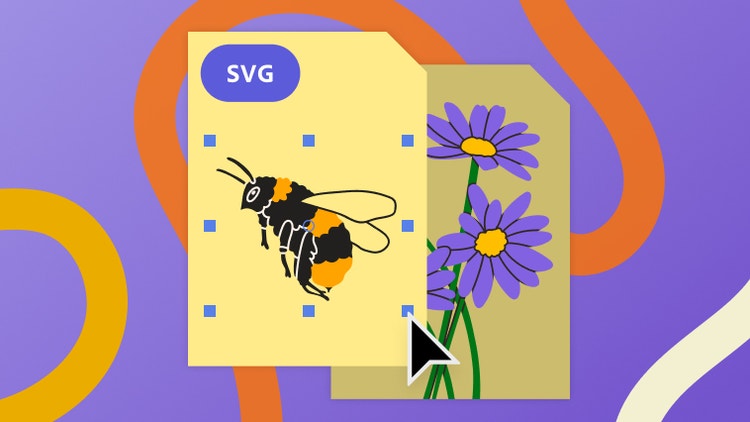
With “Include SVG Code” enabled in your Clipboard Handling preferences, you can copy SVG vector artwork and paste it directly into an After Effects project as native, editable shape layers.
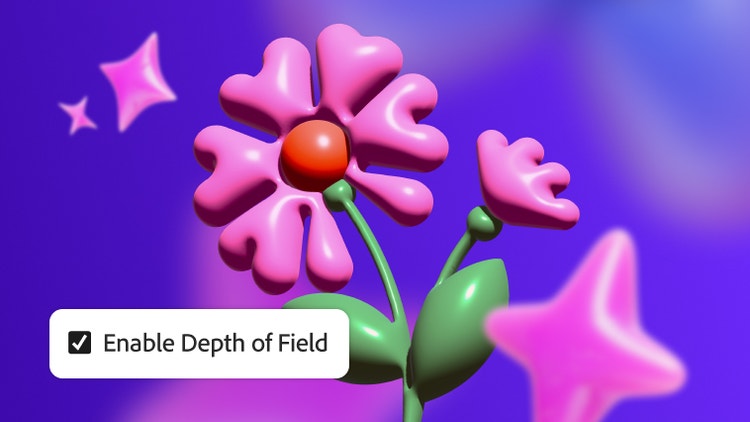
Depth of Field
Easily make your 3D compositions look more believable and immersive, all without needing extra plugins or external tools. Depth of Field now works with the Advanced 3D renderer.
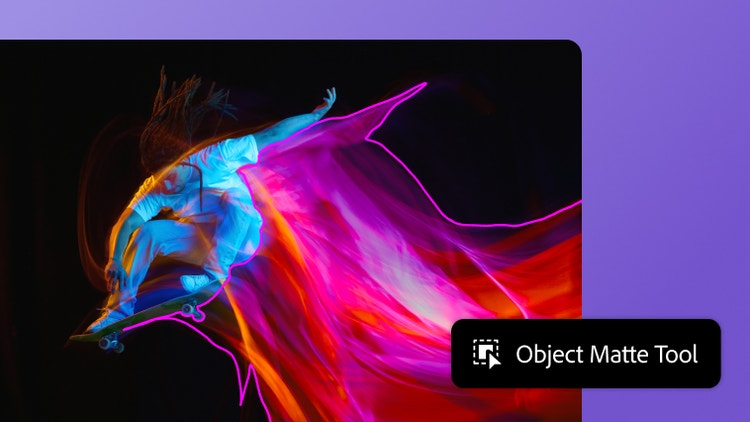
Object Matte updates
Object Matte brushes now paint in Live Brush mode, so you can see your selection update instantly as you add or subtract. Automatically isolate objects with Object Matte or use brushes for manual control.