https://main--cc--adobecom.aem.live/cc-shared/assets/img/firefly.svg Adobe Firefly
Create customised speech with the AI character voice generator.
Anyone can create unique dialogue using the AI character voice generator in Firefly. From amused to scared and everything in between, it’s easy to create tonally realistic speech from text for any project.
https://main--cc--adobecom.aem.live/cc-shared/assets/img/product-icons/svg/firefly-80.svg
{{nbsp}}
Generate AI character voice | Generate AI character voice - Adobe Firefly
https://main--cc--adobecom.aem.live/cc-shared/assets/img/product-icons/svg/firefly-80.svg
Adobe Firefly
Generate AI character voice | Generate AI character voice - Adobe Firefly
https://main--cc--adobecom.aem.live/cc-shared/assets/img/product-icons/svg/firefly-80.svg
Adobe Firefly
The next evolution of creative AI is here for all your ideas, with image, video, audio and vector tools.
Generate AI character voice | Generate AI character voice - Adobe Firefly
Use the Firefly AI character voice generator for any project.
Generate character voices for animation, gaming, instructional videos, voiceover for documentaries and more.

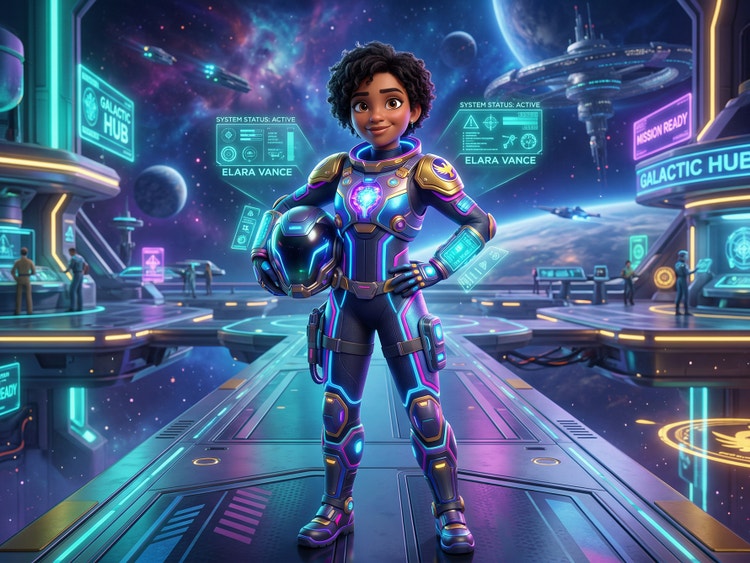
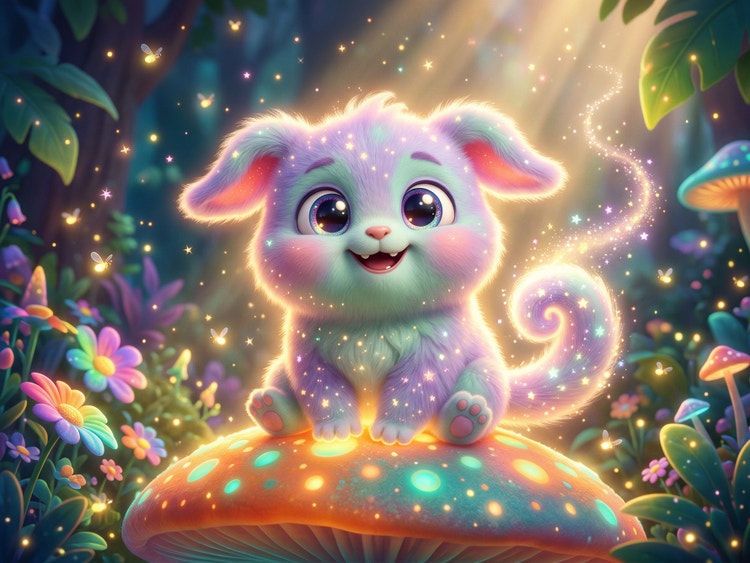
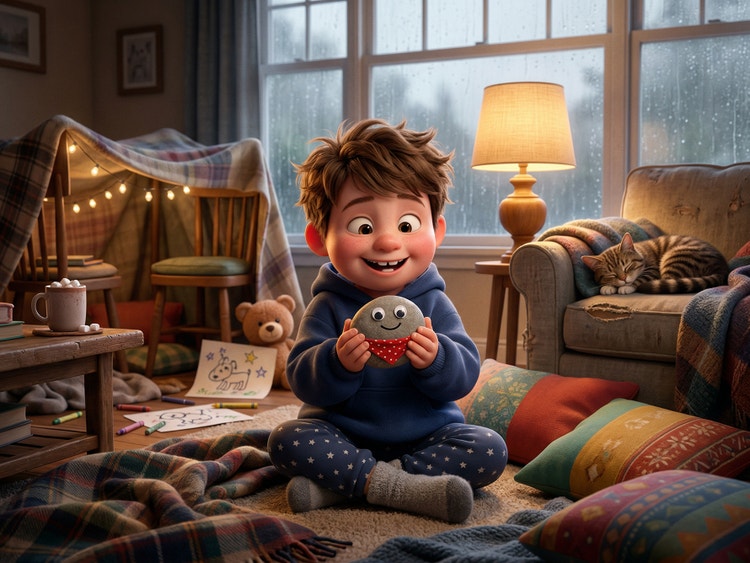
Bring ideas to life with an AI character voice generator.
With the Firefly text-to-speech generator you can create a range of voices to fit any character, with options to customise age, gender, language and a range of emotions.
Generate character voices for any project.
Using Firefly text to speech for characters empowers you to create unique dialogue for dramatic projects, narration for instructional content and even voiceover for documentaries. Use it as a cartoon AI voice generator for anime, to add realistic voices to short videos for social media and more. Create your subjects with the AI character generator and add voices, all in Firefly.
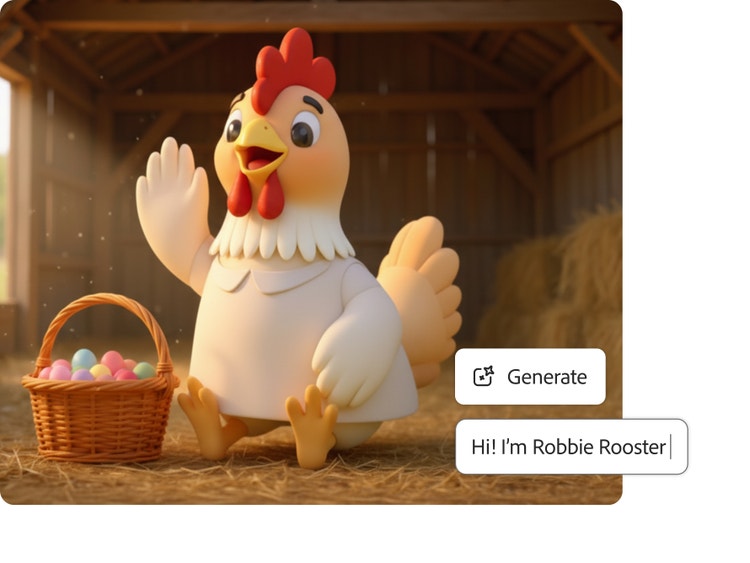
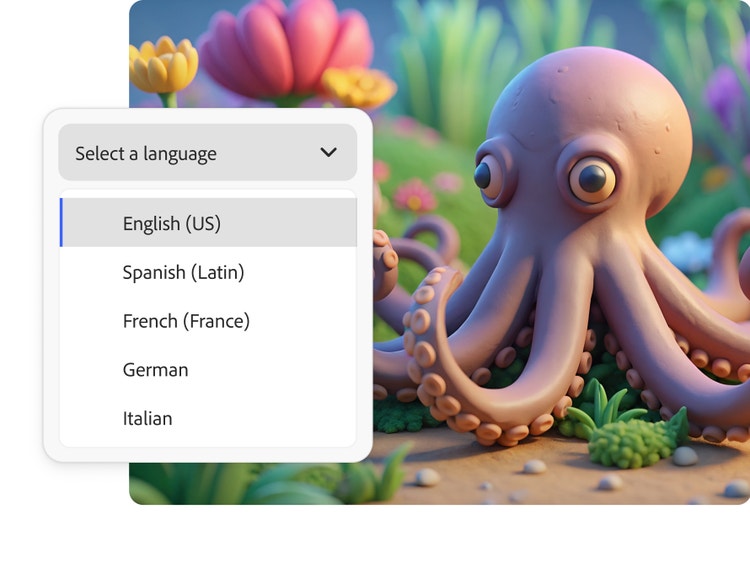
Create multilingual characters.
You can communicate naturally in more than 20 languages using the AI character voice generator. Simply type your dialogue in one of the supported languages and the model will automatically detect it and generate your dialogue.
Add emotion to your AI character voice.
Create any mood and tell any story by adding a range of emotions to your character’s voices. Easily apply emotions like amused, calm, curious and more to communicate the feelings your characters are experiencing and draw your audience in.
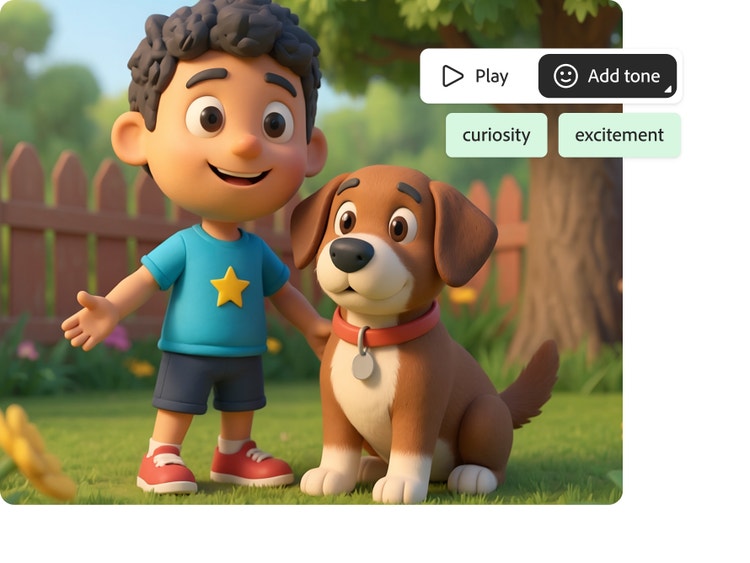
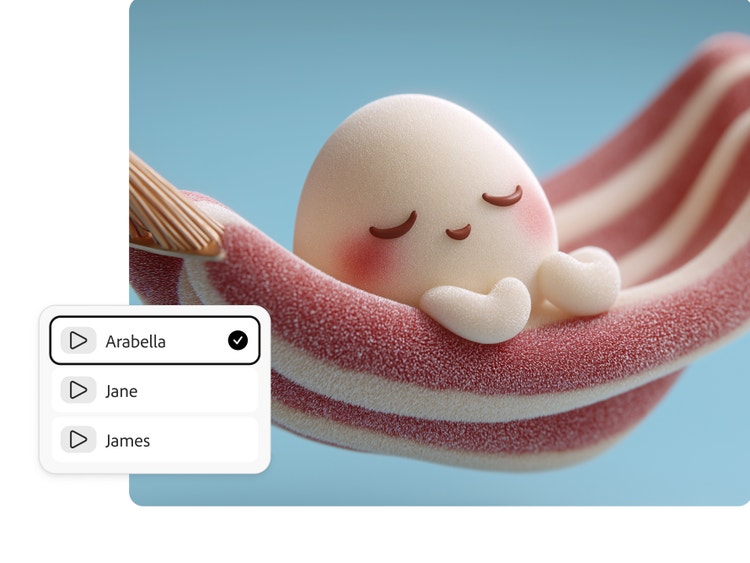
Refine your character’s voice and personality.
In addition to customising the age, gender, language and tone of your AI character voice, you can adjust the speed, pitch and add pauses. Explore options from partner model ElevenLabs to create a character with a British or Australian accent, the cadence of a warrior or broadcaster and more.
Apply your voices to any project.
Trained on licensed and public domain content, Firefly models generate content that is safe to use for commercial purposes, so you can confidentially use your AI character voices in professional work.
Generate voices in multiple languages.
Create dialogue in over 20 languages with multiple accents. Enter text in any supported language and generate natural-sounding speech for any project.









How to generate character voices in Firefly.
Step 1
Open Firefly.
Step 2
Enter or import your script.
Step 3
Choose your character voice.
Step 4
Customise the tone and emotion.
Step 5
Preview and export.
- How to generate character voices in Firefly.
- Steps on how to generate character voices in Firefly.
- PT5M
- firefly
Why Firefly for character voice generation?
Generate Speech in Firefly uses artificial intelligence to create natural, expressive character voices. Fully customisable and easy-to-use, it’s a strong choice for generating speech for any project.
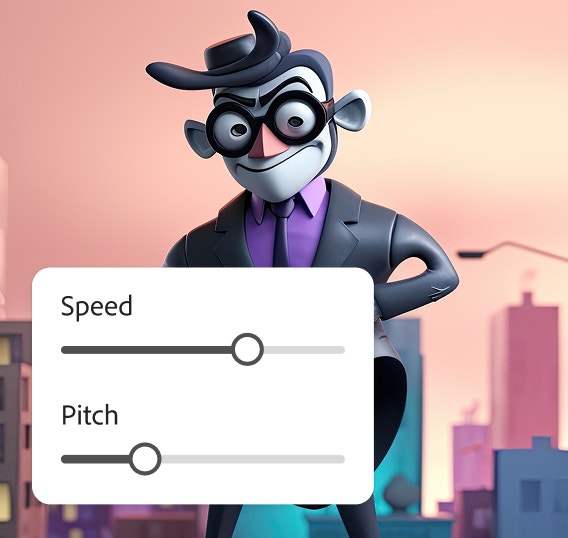
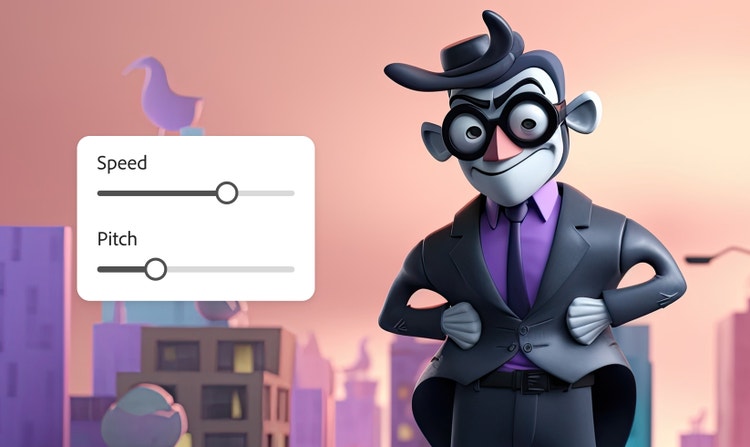
Precise control
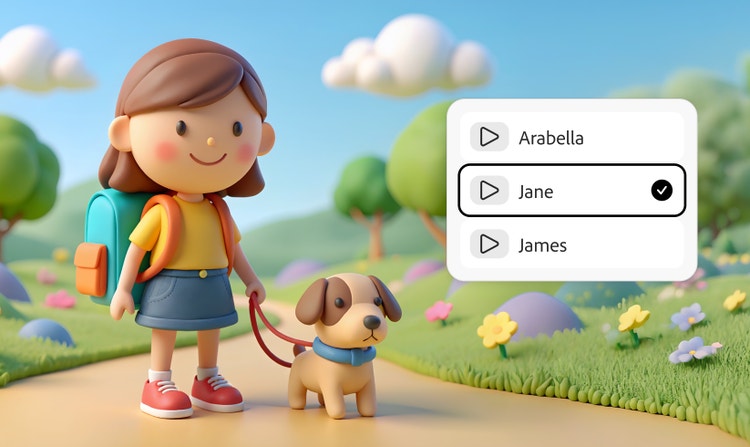
Choose the emotion, pitch and pacing to create unique heroes, villains, cartoon personas and more.
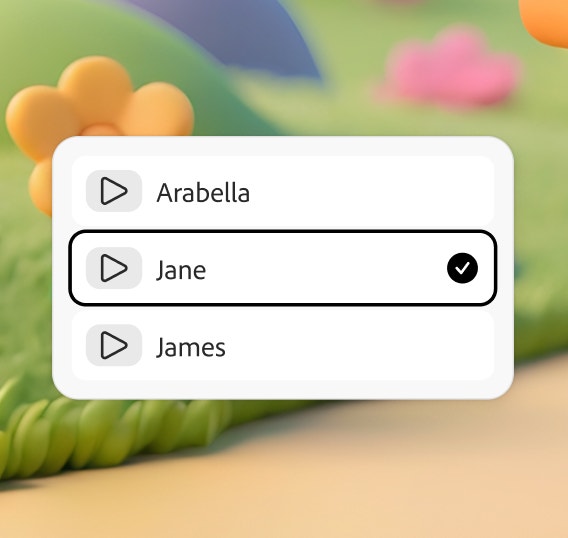
Multilingual capabilities
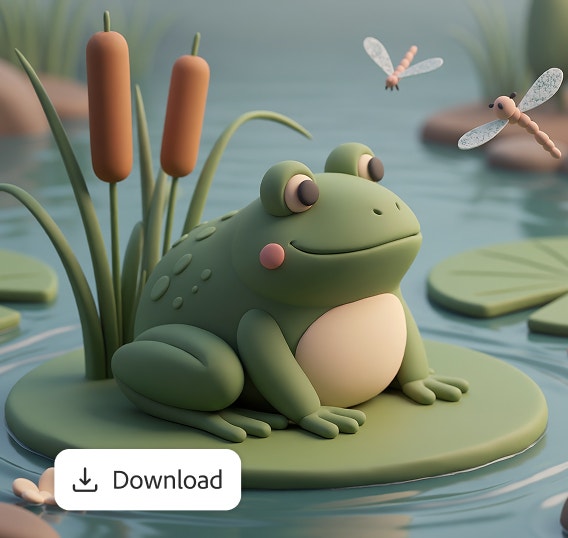
Create voices in more than 20 languages and regional accents with the ElevenLabs partner model.

Seamless integration
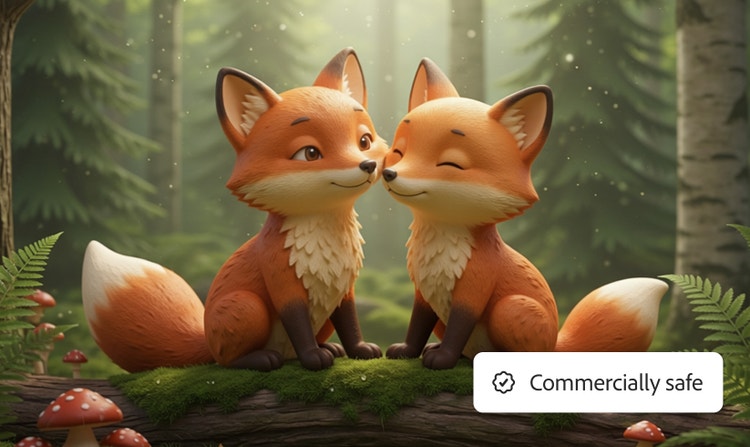
Download your audio file and apply it easily to projects in other Adobe apps for a quick gaming, video or animation workflow.

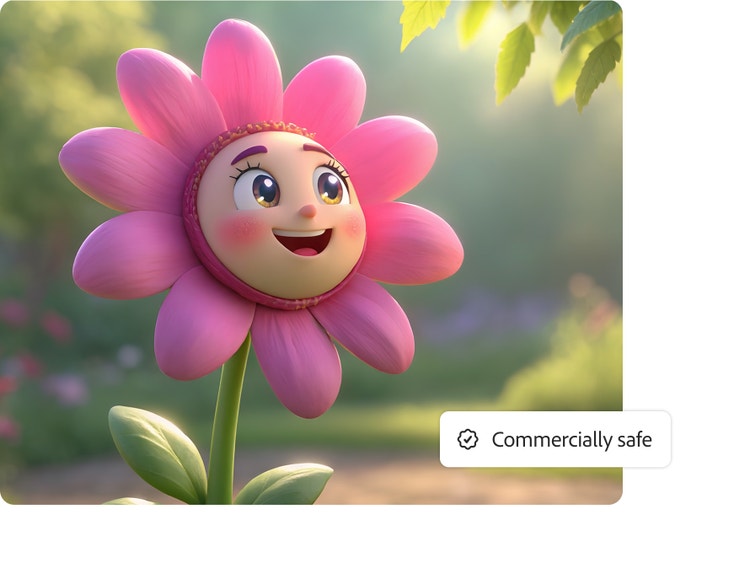
Commercially safe
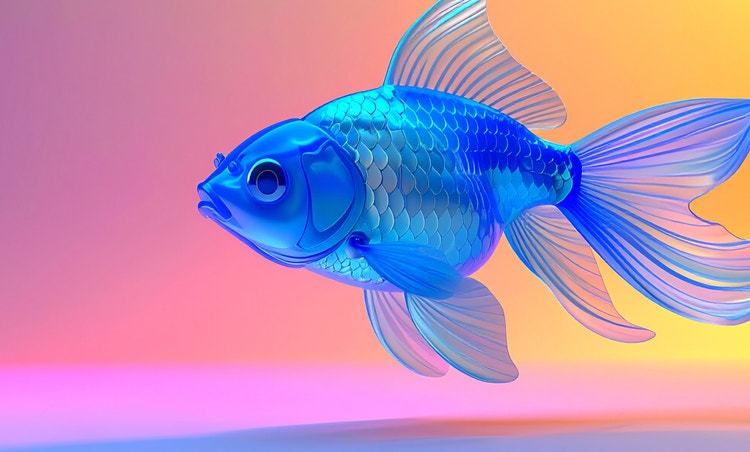
Firefly is trained on licensed and public domain content so you can use outputs from the Firefly Speech Model for professional projects.
See what else you can do in Firefly.





Discover even more features.
Questions? We have answers.
What is the best character voice generator?
Is the Adobe Firefly character voice generator free?
How many character voices are available?
What formats are available for download?
How does the Adobe Firefly character generator create realistic voices?
What type of character voices can I generate with Adobe Firefly?
Can I use Adobe Firefly for anime voice generation?
What languages does Adobe Firefly Generate Speech support?
Share this page
Explore more Firefly tools.

What are the benefits of generative AI for creatives?
New generative AI tools are quickly changing how we work and create.
Learn more | Learn more - What are the benefits of generative AI for creatives?
How generative AI works
Generative AI is all over the headlines and that’s not empty hype. This new technology is likely to be part of your life soon — if it’s not already

A creative revolution
Discover the many applications of AI art and how it’s transforming the creative landscape.

Generative AI is changing creative work
Generative AI can mimic — but not replace — human intelligence.
Learn more | Learn more - Generative AI is changing creative work