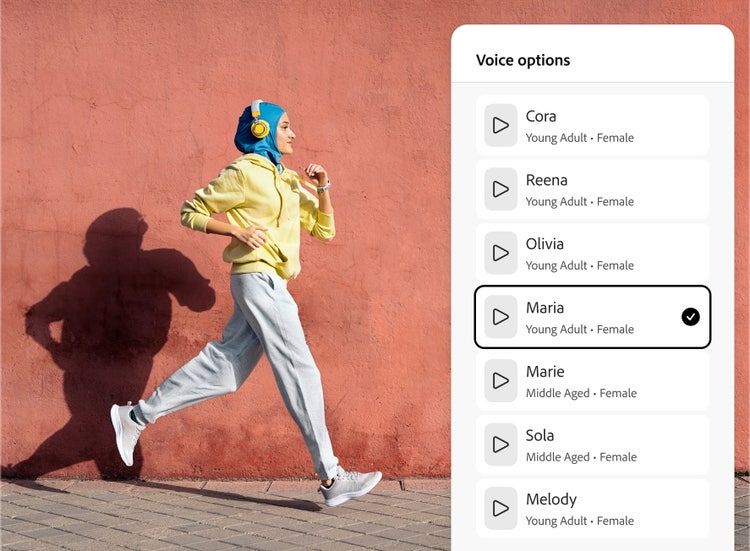
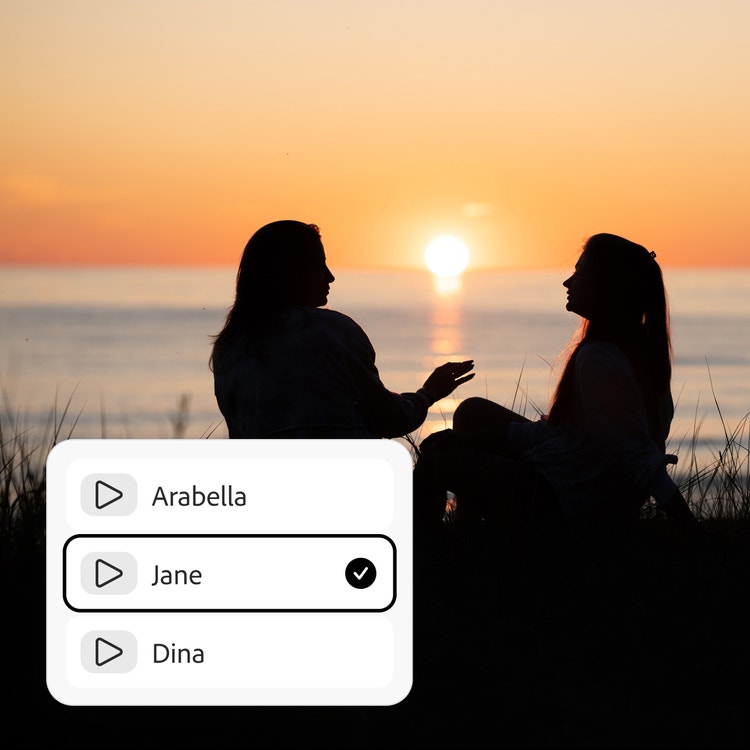
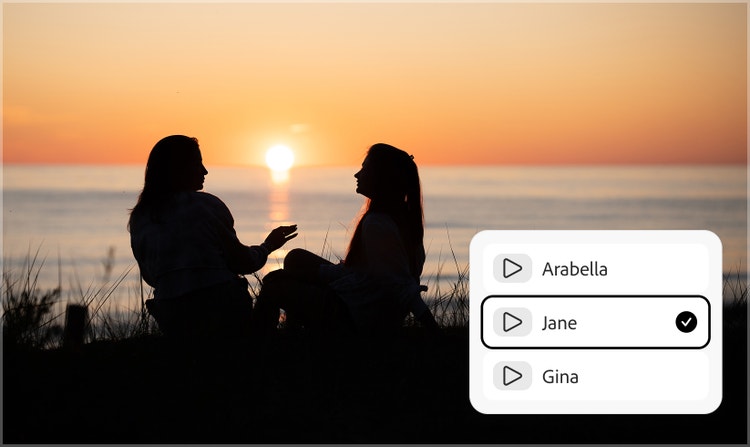
A female voice generator is an AI tool that converts written text into a natural‑sounding woman’s AI voice using advanced text‑to‑speech technology.
Speech generated with Firefly models is safe for commercial use. You’re responsible for determining if content generated by partner models like ElevenLabs is appropriate for your project.
Yes, you can use the Adobe Firefly female voice generator for free with an Adobe account. If you have a free account, you’ll get free daily generations to create female voiceovers for videos, podcasts, ads, and audiobooks. Learn more about
using Adobe Firefly for free. Paid Adobe Firefly plans are available for higher-volume generations and access to more partner models.
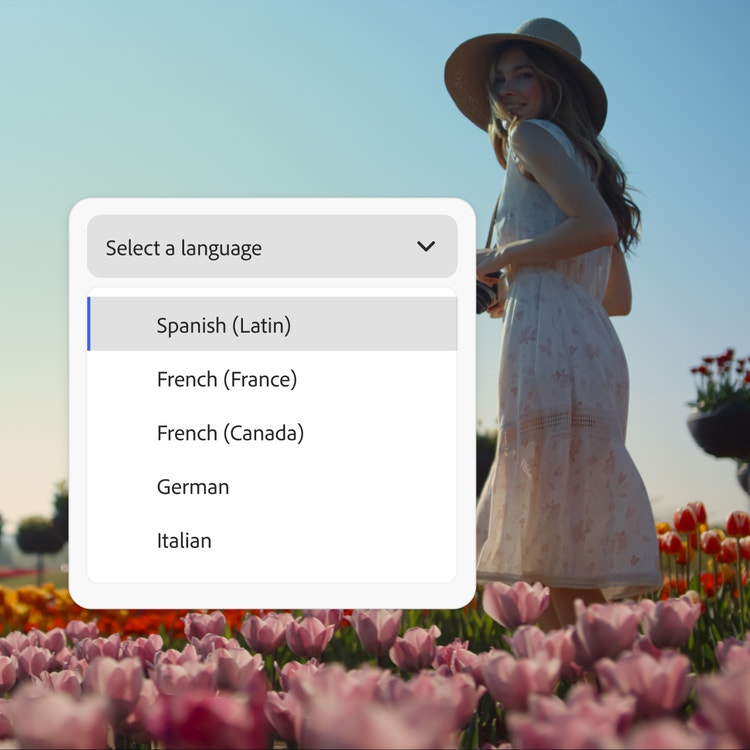
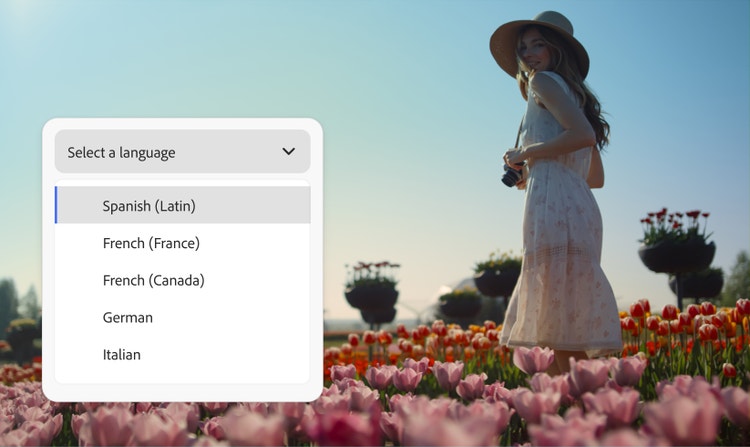
Yes, the Firefly female voice generator supports a global audience. You can create AI women’s voices in more than 20 languages. The Firefly Speech model supports English (US, India), Spanish (Spain, Argentina, Latin America), French (France, Canada), German, Italian, Hindi, Dutch, and Mandarin (China). Type your dialogue in any of these languages and then select the language in the Speech Settings panel, then generate your dialogue to create characters that sound like native speakers. Partner model ElevenLabs Multilingual v2 supports English (USA, UK, Australia, Canada), Japanese, Chinese, German, Hindi, French (France, Canada), Korean, Portuguese (Brazil, Portugal), Italian, Spanish (Spain, Mexico), Indonesian, Dutch, Turkish, Filipino, Polish, Swedish, Bulgarian, Romanian, Arabic (Saudi Arabia, UAE), Czech, Greek, Finnish, Croatian, Malay, Slovak, Danish, Tamil, Ukrainian, and Russian.
The Firefly AI female voice generator is ideal for voiceovers, podcasts, audiobooks, ads, e‑learning content, accessibility tools, and all forms of digital storytelling.
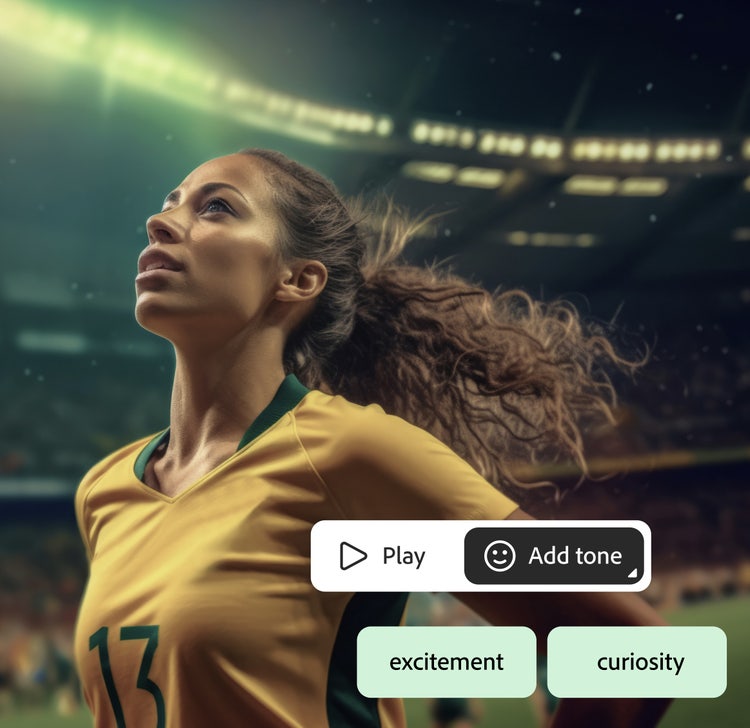
The best female voice generators make it easy to create lifelike speech with a clear tone, the right pacing, and a range of emotions. The Firefly Speech Model can help you generate realistic female voices from simple text prompts in no time, all for free.