The best male voice generators deliver lifelike, expressive tones. Adobe Firefly does just that, using text-to-speech technology and integrating with different partner models like ElevenLabs to produce professional audio for any project. Whether you’re creating a podcast, a sales script, or an audiobook, Firefly helps you turn text into realistic AI voices for free.
Firefly uses advanced models that analyze human speech patterns, including rhythm and emphasis, to produce AI men’s voices. In Firefly, you can improve this further with creative tools that let you adjust the tone, pacing, and pitch.
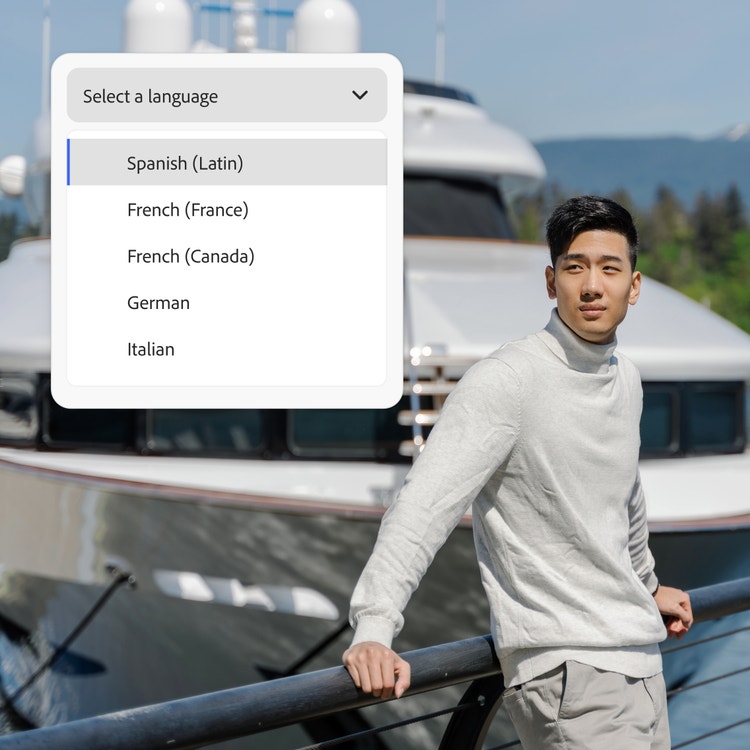
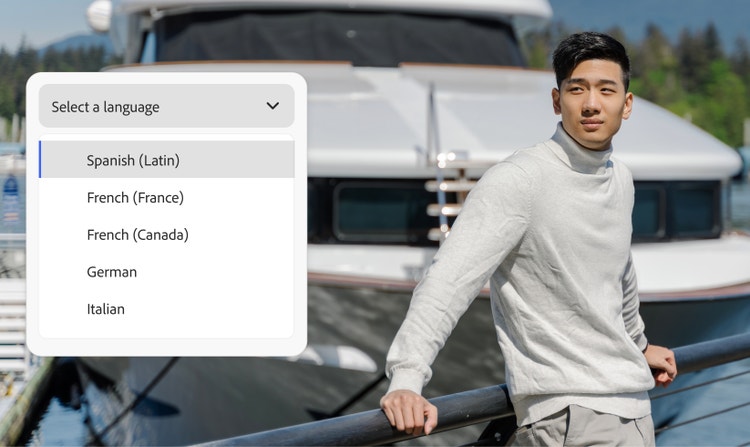
Yes, the Firefly male voice generator supports a global audience. You can create AI men’s voices in more than 20 languages. The Firefly Speech model supports English (US, India), Spanish (Spain, Argentina, Latin America), French (France, Canada), German, Italian, Hindi, Dutch, and Mandarin (China). Type your dialogue in any of these languages and then select the language in the Speech Settings panel, then generate your dialogue to create characters that sound like native speakers. Partner model ElevenLabs Multilingual v2 supports English (USA, UK, Australia, Canada), Japanese, Chinese, German, Hindi, French (France, Canada), Korean, Portuguese (Brazil, Portugal), Italian, Spanish (Spain, Mexico), Indonesian, Dutch, Turkish, Filipino, Polish, Swedish, Bulgarian, Romanian, Arabic (Saudi Arabia, UAE), Czech, Greek, Finnish, Croatian, Malay, Slovak, Danish, Tamil, Ukrainian, and Russian.
Content generated with Firefly models is safe for commercial use. You’re responsible for determining if content generated by partner models like ElevenLabs is appropriate for your project.
Yes, you can use the Adobe Firefly male voice generator for free with an Adobe account. If you have a free account, you’ll get free daily generations to create male voiceovers for videos, podcasts, ads, and e-learning content. Learn more about
using Adobe Firefly for free. Paid Adobe Firefly plans are available for higher-volume generations and access to more partner models.
The Firefly Generate Speech feature offers both the Firefly Speech Model as well as the ElevenLabs Multilingual v2 model to turn text into natural-sounding male narrator voices. Select the model you want from the Model dropdown menu and review options for different levels of realism, nuance, and expressive control.