
For professionals
Ask questions, extract key data, and generate summaries from reports and documents. Quickly find figures, dates, or insights and reuse answers in presentations or emails.
Enjoy unlimited PDF tools usage in India with a free account on Acrobat.com. No subscription or credit card required. Excludes AI features.
Follow these steps to take your PDF from static to smart with PDF AI:
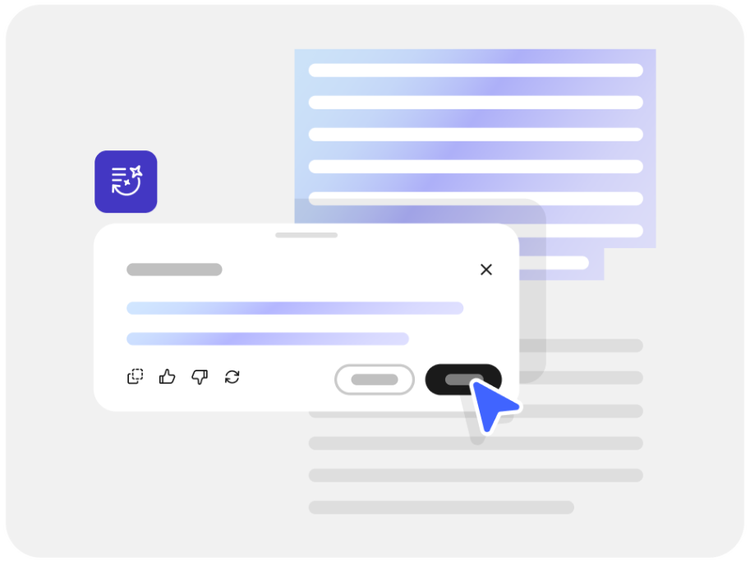
Ask questions, extract key data, and generate summaries from reports and documents. Quickly find figures, dates, or insights and reuse answers in presentations or emails.

Understand study materials faster by asking questions and getting clear explanations from PDFs. Summarise readings, extract key takeaways, and prepare exam notes more efficiently.

Analyse and compare documents at scale. Ask questions across reports, contracts, and multiple files to generate accurate insights that support confident business decisions.
Experience the power of Acrobat AI Assistant—no sign in required for basic features.

Instantly get answers and insights from your documents, with cited sources. Chat features can help you to find a specific answer more quickly or break down complex topics into digestible concepts.

Quickly understand large or complex PDFs with concise summaries. Use an AI summary to deepen your own understanding, draft executive reports or extract key points.

Use the chat box to paraphrase or rewrite parts of your document or translate text. AI Assistant can help you with document needs, ranging from proof reading to analysis.

AI-generated summaries include numbered citations so you can verify information easily. Select a citation to see the source highlighted in your document.

Use PDF Spaces to work with several PDFs together in one place. Ask questions across your files and get citation-backed answers sourced directly from your documents.

As the inventor of the PDF file format, Adobe delivers AI technology built with security in mind. Chat with PDFs confidently, knowing your documents are handled responsibly.
Try our online tools to convert, compress and merge PDF files - Acrobat can do it all.
The prebuilt AI Assistants can be assigned specific roles such as "analyst," "instructor," or "entertainer" when interacting with your documents.
These roles customise the interaction according to your project's needs, enhancing comprehension and engagement.
PDF AI can help you to break down complex concepts. For example:



