Acrobat
Cracked vs genuine Adobe Acrobat: What users need to know.
Understand the real differences between cracked and genuine PDF software - and how to work safely with powerful, official tools.
JUMP TO SECTION
Why do users seek cracked versions of Adobe Acrobat?
How can users safely access Adobe Acrobat Pro without paying upfront?
What risks are associated with cracked PDF software?
Can cracked versions deliver the same features as genuine Acrobat?
What signs indicate you might be using a cracked version?
Are there alternatives to paying full price for Acrobat Pro?
How can you convert, annotate or organise PDFs without cracks?
What should you do if you accidentally downloaded a cracked version?
Understanding the difference between a cracked version and a genuine Adobe Acrobat product is essential for users looking to access professional PDF tools safely and effectively. A cracked version is an unauthorised, illegally modified copy of the software that bypasses the official licensing and activation process. In contrast, genuine versions are downloaded directly from Adobe's official website and receive regular security updates, patches and customer support. Cracked versions are often flagged by antivirus software as risky or malicious, and they can result in software instability, missing features, and compromised data security. With a legitimate version, users can access all Acrobat tools and integrations with confidence. For example, with the Acrobat Pro free trial, users can explore all features without risk or commitment.
Key takeaways.
- Cracked versions of Adobe Acrobat are illegal, insecure, and often unstable.
- You can legally try Acrobat Pro for free with a 7-day trial offering full access.
- Official versions come with security features, updates and cloud integration.
- Many essential PDF tools are available online without needing full software or payment.
- Identifying and removing cracked versions helps protect your data and devices.
Why do users seek cracked versions of Adobe Acrobat?
The question arises: why do some users search for cracked versions of Adobe Acrobat rather than opting for the official one?
- Cost concerns or the perception that Acrobat is expensive
- Lack of awareness about Adobe’s free trial or subscription flexibility
- Misunderstanding about the legal and technical risks involved
- Belief that cracked software provides the same features for free
Many of these motivations stem from misinformation. In reality, Adobe offers flexible plans for individuals and businesses, and its free tools or trial options often cover users' short-term needs.
How can users safely access Adobe Acrobat Pro without paying upfront?
Users wondering how they can try Adobe Acrobat Pro without making an immediate purchase have a legitimate option.
- Adobe offers a free 7-day trial of Acrobat Pro
- This version includes full access to all features
- No credit card is charged if cancelled before the trial ends
- Users can explore document editing, signing, organising and converting PDFs
- Available for both desktop and mobile platforms
To get started, visit the Acrobat Pro download page and select the free trial option.
What risks are associated with cracked PDF software?
When users download a cracked version of Acrobat or any other PDF software, what risks are they actually facing?
- High chance of malware or viruses embedded in the installation files
- Lack of customer support or updates
- Software may not work as expected or may crash frequently
- Loss of document integrity or functionality
- Legal consequences for violating software piracy laws
In contrast, Adobe ensures security through its robust PDF security features, which are only available with authentic installations.
Can cracked versions deliver the same features as genuine Acrobat?
This is a common assumption: can a cracked copy truly replicate the full functionality of Adobe Acrobat?
- Cracked software may appear similar but often lacks full feature access
- Advanced features like e-signatures, cloud integration, and OCR tools may be removed
- Offline or standalone cracked versions miss out on Adobe Document Cloud access
- Incompatible with the latest plugins and integrations
- Tools like compare PDFs or AI-powered capabilities are only in updated official versions
Even if a cracked version functions, it cannot match the comprehensive and evolving toolkit of the genuine Acrobat platform.
What signs indicate you might be using a cracked version?
For users unsure about the origin of their PDF software, how can they identify if it is cracked or tampered with?
- Software does not update automatically or requests manual patches
- Frequent crashes or compatibility issues
- Suspicious installation steps or non-standard activation
- Disabled or missing premium features
- Pop-ups warning about licence verification failure
Legitimate Acrobat installations will always authenticate with Adobe’s servers and maintain access to essential features like fillable PDF forms.
Are there alternatives to paying full price for Acrobat Pro?
If cost is the concern, what legal alternatives do users have to access Adobe Acrobat features affordably?
- Use the free trial for short-term projects or evaluations
- Opt for Acrobat Standard, a lighter version for everyday needs
- Subscribe to Adobe Acrobat on a monthly basis rather than annually
- Use Acrobat online tools for essential tasks like merging, converting or editing PDFs
The Acrobat Standard plan can be ideal for personal or small business users who don’t need advanced integrations.
https://main--dc--adobecom.aem.page/dc-shared/fragments/roc/blog/with-acrobat-work-from-anywhere
How can you convert, annotate or organise PDFs without cracks?
If your goal is simply to edit, annotate or organise PDF files, there is no need for cracked software.
- Use organise PDF tools to rearrange, rotate or delete pages
- Convert files with the PDF to Word converter
- Annotate documents with free annotate PDF tools
- Access many features online through any browser without downloads
These tools provide secure, legal ways to manage documents without compromising your system or data.
What should you do if you accidentally downloaded a cracked version?
If a user has mistakenly downloaded a cracked or pirated version of Acrobat, what should they do next?
- Uninstall the software immediately
- Run a full antivirus scan to detect malware or backdoors
- Avoid entering any personal or financial details within the software
- Switch to the official Adobe Reader app or use trial versions
- Consider reinstalling your system if malware persists
Protecting your data and device should take priority if a cracked version has been used.
What are safer long-term habits for managing PDFs?
Instead of relying on cracked tools, what long-term habits can improve how users work with PDFs?
- Always download software from the official Adobe website
- Use built-in tools like print to PDF for creating files
- Regularly back up PDFs in secure cloud environments
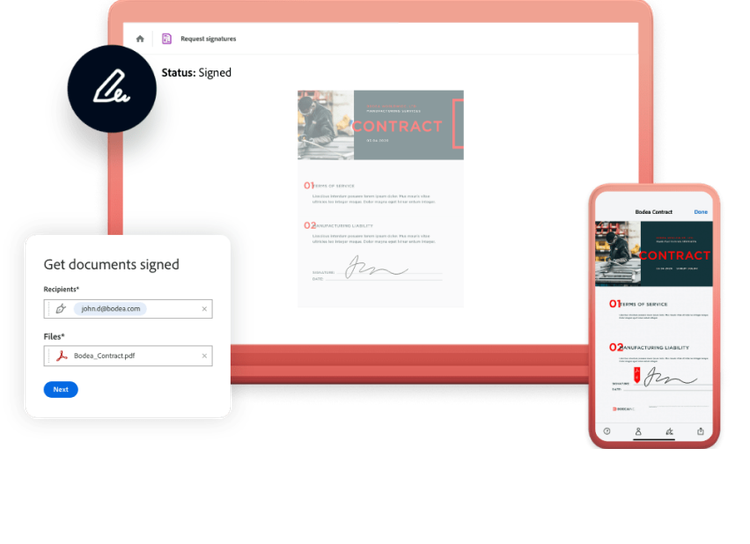
- Sign documents electronically using Adobe's e-signature tool
- Learn how to compare, secure and merge files using legitimate resources
Sticking with legal tools ensures reliability, updates and professional results every time.
https://main--dc--adobecom.aem.page/dc-shared/fragments/roc/blog/acrobat-reader-scan-web
Frequently asked questions.
What is the Adobe Acrobat Reader used for?
Adobe Acrobat Reader is used for viewing, printing and annotating PDFs. Key features include:
- Opening all types of PDF files
- Commenting and highlighting text
- Filling out forms and adding signatures
Can I use Adobe Acrobat on my mobile?
Yes, Acrobat offers mobile apps with many of the same tools:
- View, annotate and sign PDFs on your phone
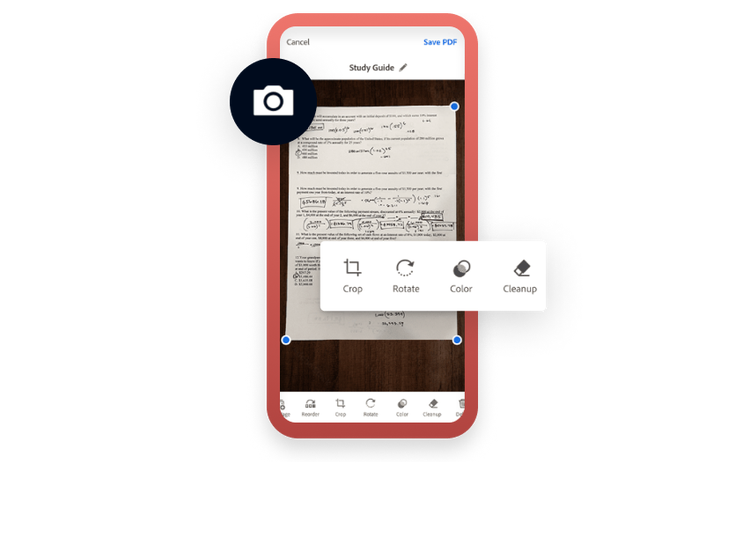
- Use the Adobe Scan app to convert photos to PDFs
- Access cloud storage from any location
Is there a way to compress PDFs without using a crack?
Yes, Adobe’s tools allow secure file compression:
- Use the Acrobat online compress tool
- Reduce file size without losing quality
- Save storage space and share files more easily
How do I add a password to my PDF legally?
Adobe provides secure tools to protect your documents:
- Set permissions and passwords within Acrobat
- Restrict editing, copying or printing
- Ensure sensitive files stay private
Can I share PDFs safely through Acrobat?
Yes, Adobe has built-in features for secure sharing:
- Use trackable document sharing
- Enable or disable download access
- Protect files with time-limited links
What should I do if I get a PDF error or blank screen?
If PDFs won't load or display incorrectly:
- Check for updates to Acrobat or Reader
- Clear cache or try a different browser
- Use official repair tools available on Adobe's site
Can I merge files without full Acrobat Pro?
Yes, merging is available through Adobe online:
- Combine multiple PDFs easily
- Rearrange file order before saving
- No installation required
What is OCR and do I need Acrobat Pro for it?
OCR (Optical Character Recognition) converts scanned images to text:
- Adobe tools can identify text in images
- Pro versions offer enhanced OCR accuracy
- Useful for digitising printed documents
How do I electronically sign PDFs without risking my data?
Adobe's signature tools ensure secure signing:
- Add verified e-signatures
- Send for signature tracking
- Complies with legal digital signature standards
What happens if I keep using a cracked Acrobat version?
Continued use of cracked software can lead to:

- Security breaches or identity theft
- Unreliable performance and data loss
- Legal consequences including fines