DOCUMENT CLOUD

How to tailor your resume to job descriptions using AI.

Want to tailor your resume? Learn how to use AI to analyse a job description, identify its key requirements, and decide which parts of your resume to prioritise for each application.

Explore Adobe Acrobat AI Assistant

Printed job description beside a resume and pen during application review.

What does it mean to tailor a resume to a job description?

Tailoring a resume to a job description means selecting, organising, and describing your existing qualifications according to the requirements of a particular role. You might revise your professional summary, reorder achievements, prioritise relevant skills, or give greater prominence to specific projects and certifications. The aim is not to rewrite your background, but to present the most relevant information clearly and accurately.

For example, a computer science graduate applying for a software developer role may emphasise programming projects, coding languages, and hackathon experience. When applying for a data analyst role, the same candidate might highlight SQL, Excel, Power BI, data visualisation projects, and analytical coursework instead.

Examples of tailoring a resume for different roles.

The table below shows how one candidate can change the emphasis of a resume without changing the underlying experience. Use it to identify which skills, projects, or achievements deserve more space for different roles.

Applying For
Skills to Emphasise
Experience, Projects, or Achievements to Highlight
Software Developer
Java, Python, C++, Git, APIs, debugging
Coding projects, hackathons, open-source contributions, internships, app development, competitive programming achievements
Data Analyst
SQL, Excel, Power BI, Tableau, data visualisation
Data analysis projects, dashboards, research projects, analytics internships, business reporting experience
Graphic Designer
Adobe Photoshop, Illustrator, InDesign, branding, visual design
Portfolio projects, freelance work, social media creatives, college festival branding, client campaigns
Digital Marketing Executive
SEO, content marketing, Google Analytics, social media marketing
Blog writing, campaign performance reporting, internship experience, website optimisation projects, content portfolios
Business Analyst
Data interpretation, stakeholder management, process improvement, requirements gathering
Case studies, consulting projects, process optimisation initiatives, MBA projects, internship experience
Software Testing Engineer
Manual testing, automation testing, Selenium, defect tracking
Testing projects, QA internships, bug reporting experience, software validation projects
Financial Analyst
Financial modelling, Excel, forecasting, reporting
Finance internships, investment research, equity analysis projects, accounting coursework
HR Executive
Recruitment, onboarding, communication, employee engagement
Campus ambassador programmes, organising college events, HR internships, volunteer leadership roles

Common resume tailoring mistakes to avoid.

Even a well-qualified candidate can reduce their chances of getting noticed if their resume isn't tailored effectively. Avoid these common mistakes:

  • Keyword stuffing: Adding keywords repeatedly without supporting experience can make your resume look unnatural and difficult to read.
  • Copying the entire job description: Recruiters want to see your experience, not a duplicate of the vacancy posting.
  • Claiming skills you don't possess: Only include skills, certifications, and qualifications that you can genuinely demonstrate.
  • Ignoring ATS requirements: Complex layouts, inconsistent headings, or missing keywords can make it harder for ATS software to process your resume.
  • Forgetting to update your professional summary: A generic summary can weaken an otherwise tailored application.
  • Using the same resume for every application: Different roles prioritise different skills and experiences, even within the same industry.

Everything you need to succeed as a student.

Study smarter, build in-demand skills, explore AI-powered learning tools, and prepare for what comes next.

Frequently asked questions.

More resources

Ace that with Acrobat.

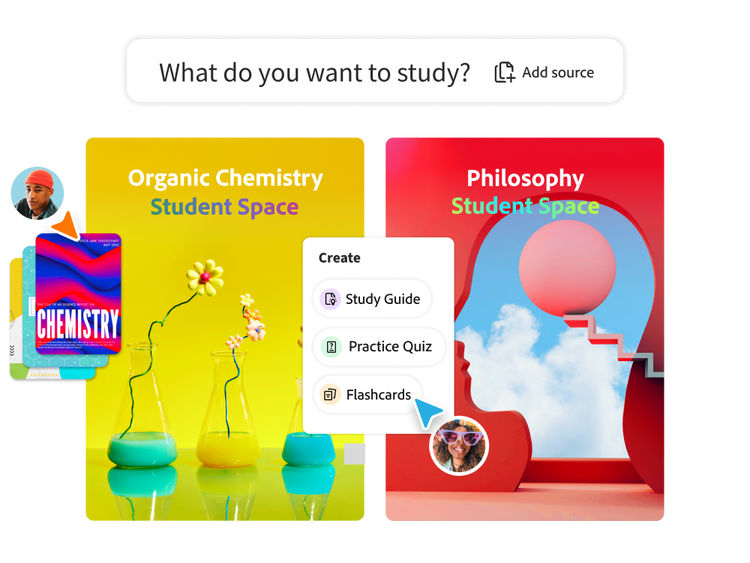
Student Spaces is a smarter way to study. Turn notes into podcasts, use AI assistant as a tutor and learn with your study group. Free for students.

Explore now