DOCUMENT CLOUD

How to create a resume for fresher roles.

Your resume is often the first impression recruiters see during internships and campus placements. Learn how to create a fresher resume that highlights your education, skills, projects, and achievements, and discover tools that can help refine and format it.

Explore Adobe Acrobat

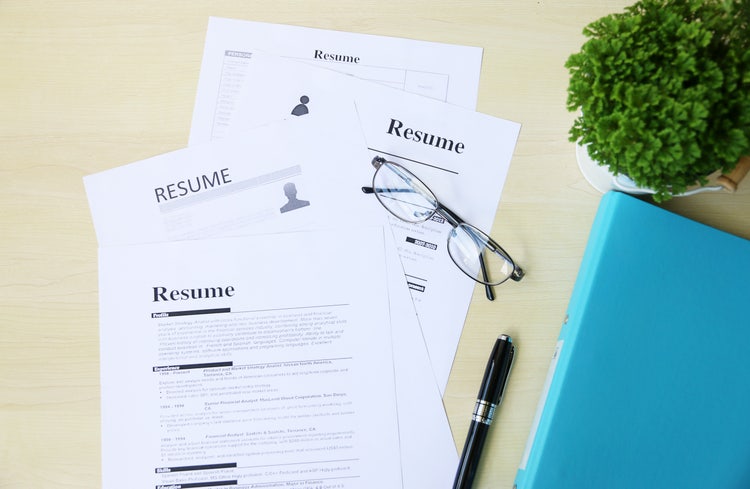
How to create resume for fresher shown with multiple printed resumes, glasses, pen, and blue folder on desk.

Why a strong fresher resume matters.

Recruiters evaluate freshers differently from experienced professionals. Since students and recent graduates may have limited work experience, hiring teams focus more on indicators of potential, including academic performance, relevant skills, project work, and extracurricular activities.

This is particularly important during campus placements and internship hiring, where recruiters often review a large volume of applications within a short period. A well-structured resume helps them quickly understand your qualifications and determine whether you're a good fit for the role.

Fresher resume format: a simple example.

A straightforward fresher resume structure could look like this:

Name and contact information
Phone | Professional email | Online Profile | Portfolio

Career Objective
Two to three lines describing your academic background, relevant strengths, and target opportunity.

Education
Degree, specialisation
College/University | Graduation year
Relevant academic achievement, if applicable

Skills
Technical skills
Tools/software
Relevant soft skills

Projects
Project name
Brief description of what you created, your contribution, tools used, and outcome.

Internship Experience
Organisation | Role
Brief description of responsibilities and key successes.

Certifications
Relevant certification | Issuing organisation

Achievements & Activities

Relevant awards, competitions, leadership roles, volunteering, or extracurricular activities.

Common fresher resume mistakes to avoid.

A strong resume isn't only about what you include. It's also about avoiding information that makes your application harder to evaluate.

  • Making the resume too long: If you're a fresher, you generally don't need several pages to explain your experience. Focus on your strongest and most relevant qualifications.
  • Using the same resume for every application: A generic resume may not emphasise the skills a particular employer is looking for. Make small, relevant adjustments based on each role.
  • Listing skills without evidence: Writing "Python", "leadership" or "communication" doesn't tell a recruiter much on its own. Where possible, demonstrate these skills through projects, internships, accomplishments, or activities.
  • Using overly complicated designs: A resume should be easy to read. Excessive graphics, decorative fonts, or complicated layouts can distract from the information recruiters need.
  • Letting AI make unsupported claims: Never allow AI to invent achievements, responsibilities, certifications, or skills. Review every AI-assisted change against your actual experience.
  • Forgetting to check the final PDF: Always open the exported PDF before submitting it. Check that formatting, hyperlinks, page breaks, and spacing look correct.

Fresher resume checklist for internships and campus placements.

Before submitting your application, use this quick checklist:

  • Contact information is accurate.
  • Education details are up to date.
  • Skills are relevant to the role.
  • Projects explain your contribution.
  • Internship experience includes meaningful responsibilities or outcomes.
  • Relevant certifications are included.
  • The resume is tailored to the position.
  • Content has been checked for grammar and spelling.
  • AI-generated suggestions have been fact-checked.
  • Formatting is consistent.
  • Links have been tested.
  • The final PDF has been reviewed.
  • The file is properly named.

Everything you need to succeed as a student.

Study smarter, build in-demand skills, explore AI-powered learning tools, and prepare for what comes next.

Frequently asked questions.

More resources

Ace that with Acrobat.

Student Spaces is a smarter way to study. Turn notes into podcasts, use AI assistant as a tutor and learn with your study group. Free for students.

Explore now