
PHOTOSHOP
How to get Photoshop for free (legally): Free trial, online version & discounts.
Want to get started on Photoshop but don’t want to shell out money just yet? Discover ways to access Photoshop for free.


PHOTOSHOP
Want to get started on Photoshop but don’t want to shell out money just yet? Discover ways to access Photoshop for free.

Photoshop has earned its reputation as the industry standard for photo editing and design, trusted by professionals across photography, advertising, media, and education. But for many users, especially students, freelancers, and creators just starting out, the subscription cost can feel like a big hurdle.
To be clear, there’s no forever-free version of Adobe Photoshop, but there are a few legal and safe ways to use it without paying upfront. Let’s explore how to get free Photoshop.
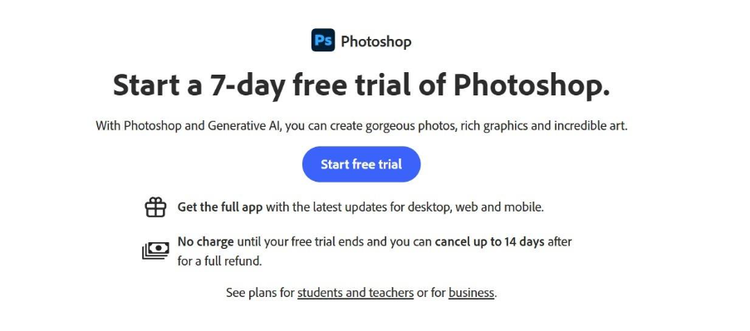
Here’s how to sign up:
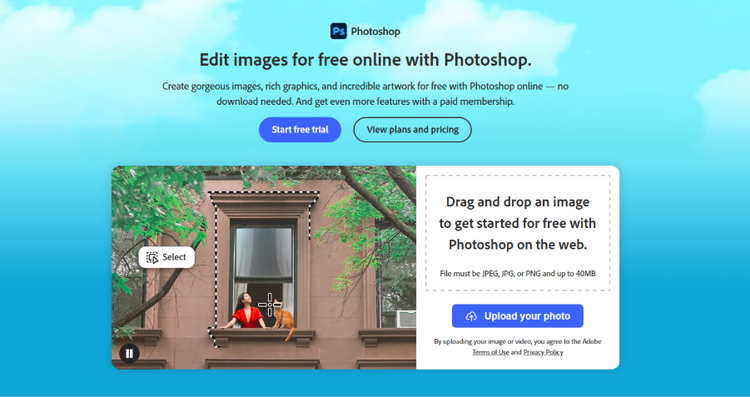
Here’s how it works:
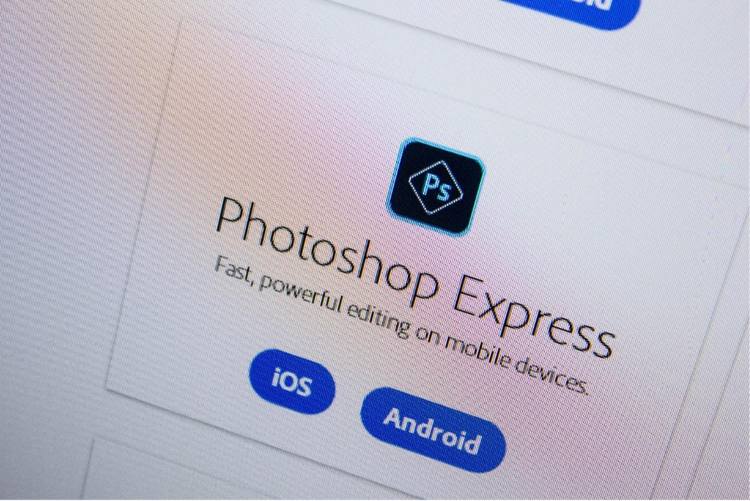
Photoshop Express is a lightweight mobile app available for iOS and Android devices. Built for smartphone photography, its features are designed for fast edits. You can apply filters, add overlays and texts, adjust brightness and exposure, experiment with saturation, and more. There are also templates available that can help you quickly create content for social media platforms.
Here’s what you need to do:
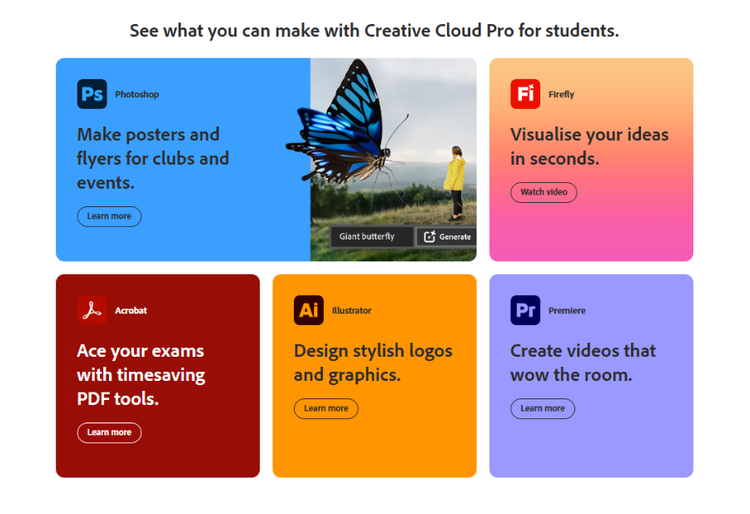
Here’s what you need to know about eligibility for the student discount:
Adobe offers multiple ways to access Photoshop, and the best plan depends on how you intend to use it, your budget, and your device preferences. Here’s a breakdown to help you decide:
Choosing the official version of Photoshop is about ensuring quality, performance, and peace of mind in the work that you do. Here’s why using genuine Photoshop is always worth it:
With a genuine Adobe subscription, you’ll always have access to the latest tools, features, and performance improvements. Adobe’s regular updates introduce powerful AI capabilities (Sky Replacement, Neural Filters, and Curvature Pen Tool) that make your creative process faster and more intuitive.
Adobe Creative Cloud safely stores your projects and assets, allowing you to access and edit them from anywhere and any device. You also get version history, so you can restore previous edits or collaborate seamlessly with teammates without the fear of losing your work.
Subscribers gain access to Adobe’s extensive library of tutorials, community forums, and professional customer support. Whether you’re troubleshooting a technical issue or exploring new design techniques, help is always within reach.
Cracked software often hides security threats like viruses, ransomware, or spyware that can compromise your data and devices. By downloading only from Adobe’s official website, you’re guaranteed a safe, malware-free installation and peace of mind.
Membership plans
Start with just Photoshop or get Photoshop and 20+ other apps with the Adobe Creative Cloud Pro plan.

Create stunning images, rich graphics and incredible artwork with Photoshop
Make standout content using thousands of templates with an Adobe Express Premium plan
Fonts, images, tutorials and more
100GB cloud storage
25 monthly generative credits
Save 18% for the first year on Photoshop on desktop, web, iPhone and iPad Photoshop plus generative AI features. Pay

Craft stunning images, rich graphics and extraordinary art with Photoshop
20+ apps for photography, design and video
Unlimited access to standard creative AI image and vector features, including Text to Image and Generative Fill
4,000 monthly generative creditsfor premium creative AI video and audio features like Text to Video.
Unlimited access to Firefly Boards for exploring ideas and developing storyboards
Access to non-Adobe Generative AI models in Firefly
Adobe Express Premium, Frame.io for Creative Cloud, tutorials, fonts, templates and 100GB of cloud storage
Join a global community of over 7 million Creative Cloud Pro subscribers. Save 55% for the first year on the full version of Photoshop, plus Adobe Firefly creative AI. Pay ₹1,199.00/moincl. GST for the first year and ₹2,714.00/moincl. GST thereafter. New subscribers only.
₹398.99/moincl. GSTAnnual, billed monthly
Craft stunning images, rich graphics and extraordinary art with Photoshop
20+ photo, graphic design and video apps including Photoshop
Unlimited access to standard creative AI image and vector features, including Text to Image and Generative Fill
1,000 monthly generative credits for premium creative AI video and audio features like Text to Video
Access to industry-leading AI models from Adobe, Google, OpenAI and more
Unlimited access to Firefly Boards for exploring ideas and developing storyboards
Access to non-Adobe generative AI models in Firefly
Adobe Express Premium, Frame.io for Creative Cloud, tutorials, fonts, templates and 100GB of cloud storage
Get 20+ apps, plus creative AI for images, video and audio. Pay ₹398.99/moincl. GST in the first year and ₹699.01/moincl. GST thereafter. New subscribers only.
₹3,352.00/moper licenceexcl. GSTAnnual, billed monthly
Create stunning images, rich graphics and incredible artwork with Photoshop
Make standout content using thousands of templates with an Adobe Express Premium plan
Tutorials, fonts, templates and more
25 monthly generative credits
100GB cloud storage
Exclusive business features
Photoshop on desktop, web and mobile, Adobe Express Premium plan, plus exclusive business features.
₹3,538.00/moper licenceexcl. GSTAnnual, billed monthly
20+ photo, graphic design and video apps
200 monthly generative credits
Adobe Express Premium, Frame.io for Creative Cloud, tutorials, fonts, templates and 100 GB of cloud storage
Centralised administration tools
Creative Cloud Libraries for sharing creative assets across apps and devices
Access 20+ flagship apps on desktop, web and mobile, plus Firefly creative AI and essential admin features. Valid for 2 to 9 licences. New subscribers only.
Craft stunning images, rich graphics and extraordinary art with Photoshop
20+ apps for photography, design and video
Unlimited access to standard creative AI image and vector features, including Text to Image and Generative Fill
4,000 monthly generative creditsfor premium creative AI video and audio features like Text to Video
Unlimited access to Firefly Boards for exploring ideas and developing storyboards
Access to non-Adobe generative AI models in Firefly
Adobe Express Premium, Frame.io for Creative Cloud, tutorials, fonts, templates and 100GB of cloud storage
Save 50% for the first year on 20+ apps, including Photoshop on desktop, web and mobile, plus Adobe Firefly creative AI and exclusive business features. Valid for up to 9 licences. Pay
caas:business-unit/creative-cloud,
caas:products/photoshop,
caas:content-type/article,
caas:product-categories/photo,
caas:product-categories/graphic-design,
caas:topic/free-trial,
caas:topic/creativity-design,
caas:topic/business-impact


Based on your location, we think you may prefer the United States website, where you'll get regional content, offerings, and pricing.


