
Creativity for all
Photography, video, graphic design, illustration and so much more. Everything you need, wherever your imagination takes you.


VIDEO
Animation is no longer just for professionals. Whether you’re creating a short for social media, an animated logo, or exploring a career in design, Adobe Animate gives you the tools to get started even if you’ve never animated before. With AI-powered features like Smart Timeline, Auto Tween, and Motion Templates, you can learn the basics while creating.
From first keyframe to final GIF, Adobe Animate supports animation for beginners with features that guide, simplify, and speed up your creative flow.

Learning animation used to mean hours of tutorials, complicated keyframes, and rigid tools. But today, Adobe Animate combines intuitive design with AI-driven assistance that helps beginners start creating faster.
Whether you're a student learning animation basics or a content creator curious about motion design, Adobe Animate removes the technical barriers. With every click, you’re guided by tools and features that teach while you create making animation feel less like a mystery and more like an invitation.
Here are the smart tools that make Adobe Animate the best Creative Cloud starting point for animation:
A beginner-friendly animation timeline that shows you exactly how your content moves over time. It’s built to teach animation logic as you go, no steep learning curve required.
Turn two static frames into smooth movement instantly. Just select your start and end point and Animate fills in the in-between frames. It’s the fastest way to grasp the core concept of animation: transformation over time.
Professionally designed animation presets that let you apply effects like bounce, rotate, fade, and slide with one click. Perfect for learning animation structure without starting from scratch.
You’ll begin by dropping a shape or asset onto the canvas and watching it move guided by the Smart Timeline. You’ll understand frame progression and motion spacing just by seeing it play out.
Auto Tween helps you create natural motion from one position, scale, or rotation to another. This teaches you how to think in movement, not just visuals.
Motion Templates show you what polished animation looks like and help you reverse-engineer timing, easing, and flow. You’ll learn to recognise ‘good animation’ just by seeing it applied.
Adobe Animate makes it easy to export your animation as a GIF, video, or HTML5 element, no confusing render settings or plugins needed.
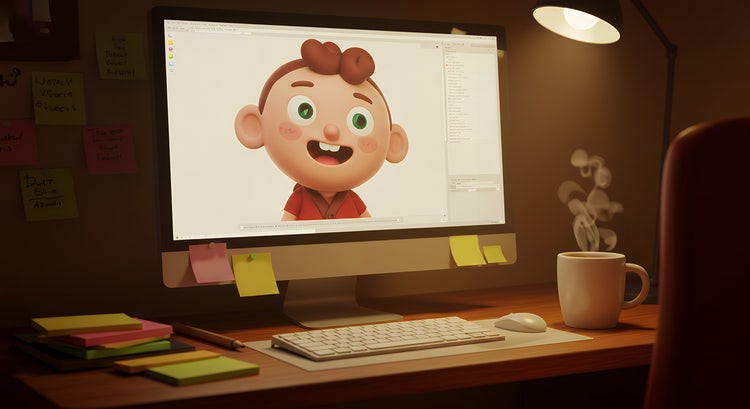
You don’t need design experience or drawing skills to start animating. Here are your options:
Each step is designed to build confidence and creativity, not complexity.
Whether you’re creating content for YouTube, social posts, or a school project, Adobe Animate is being used across India by beginners who want to learn animation the smart way. Here's why:
Animation feels possible when the tools are working with you, not against you.
As you get more comfortable, Animate fits perfectly into a broader creative workflow:
With Creative Cloud Pro and its AI-powered features, you can go beyond Animate by using smart design suggestions, automated workflows and cross-app integration to make animation easier, faster and more beginner-friendly than ever.

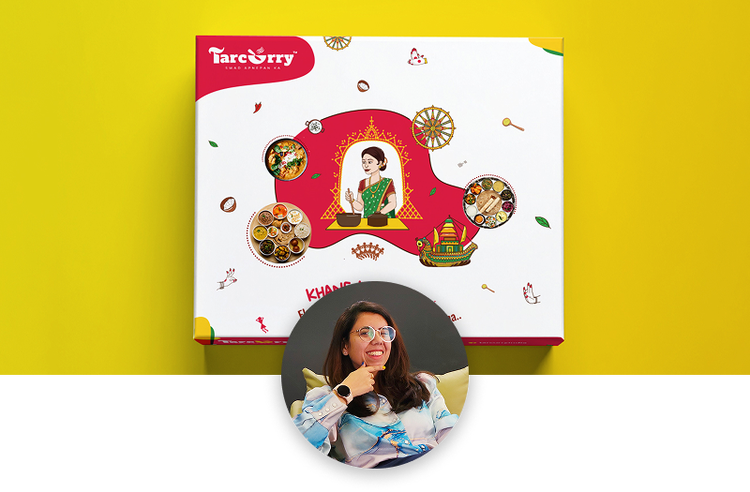
“I work across multiple apps for my branding projects. With Illustrator and Photoshop, I can move seamlessly between the two, without hampering my productivity.”
Nisha Droch, Designer & Co-founder, Creative Hatti
Photography, video, graphic design, illustration and so much more. Everything you need, wherever your imagination takes you.


Based on your location, we think you may prefer the United States website, where you'll get regional content, offerings, and pricing.


