
Lightroom
Edit, organise, store and share photos in the mobile app for free and get access to premium features.


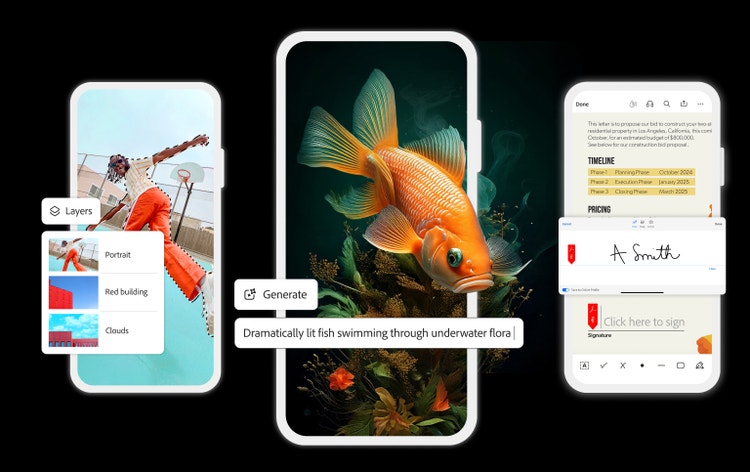
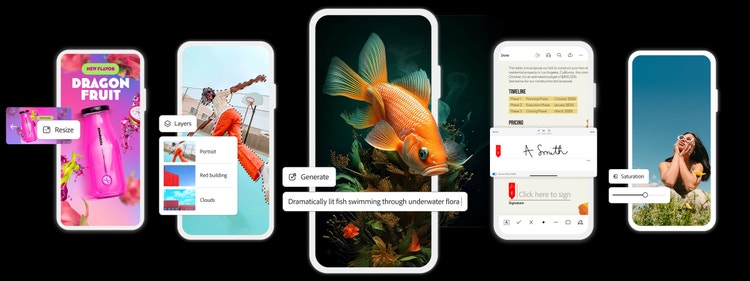


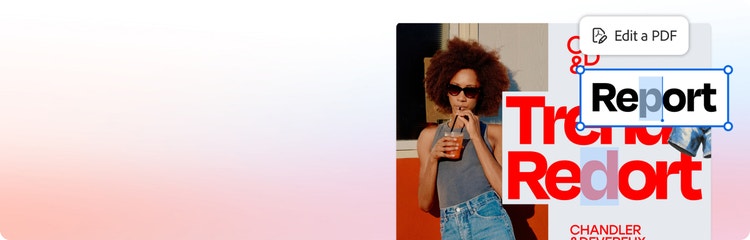

Get the Acrobat app to turn your phone or tablet into a serious business tool. View, annotate and sign PDFs. Subscribe to edit, create and export PDFs.


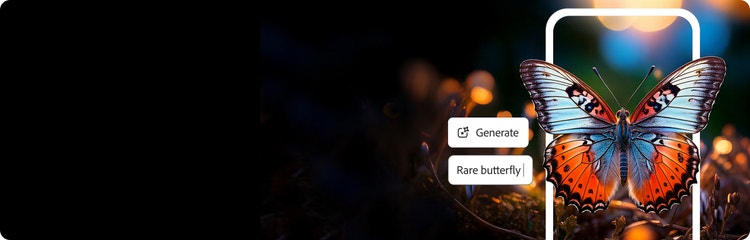

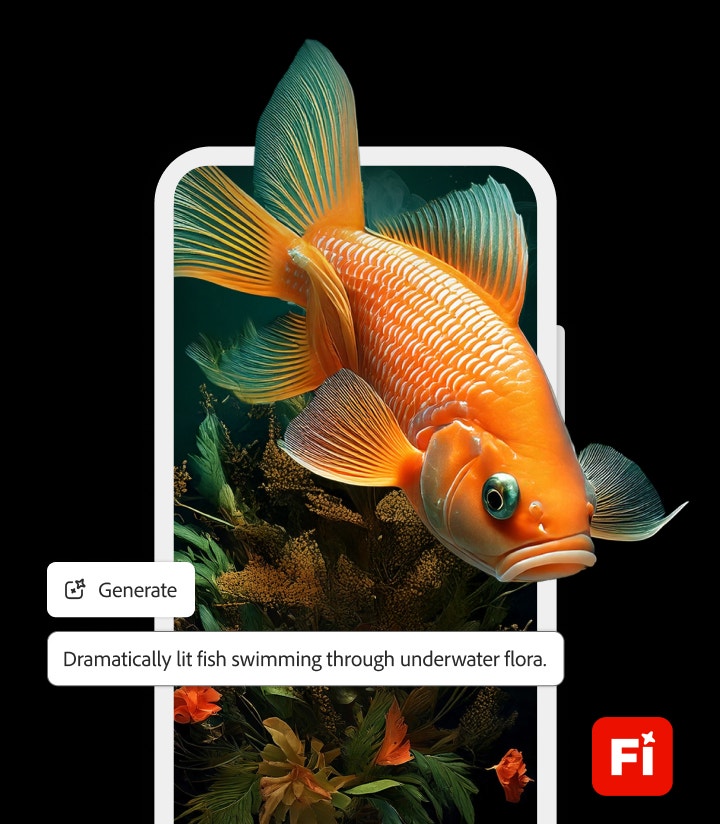
Use the Firefly app to generate stunning images from an idea or turn a text prompt into a video clip. You can add, replace or remove objects with Generative Fill and add images to guide image and video generation.




Make stunning social posts, images, videos, flyers and more — any time, anywhere. Files stay synced across your desktop browser and your phone, so you can create content wherever you are.



Make your photos look better than ever with the free Lightroom app. Edit, organise, store and share photos from anywhere and get access to premium features like Generative Remove and Lens Blur.
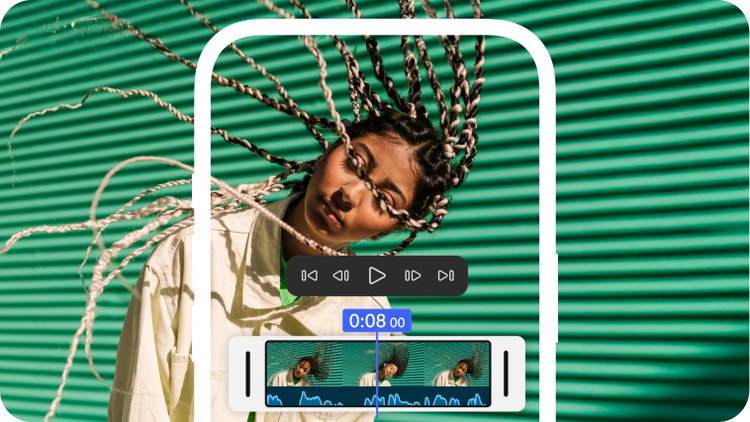
Easily create, edit and share sharp, stylish videos from anywhere. It’s powerful enough for any idea, yet simple enough for anyone to use.
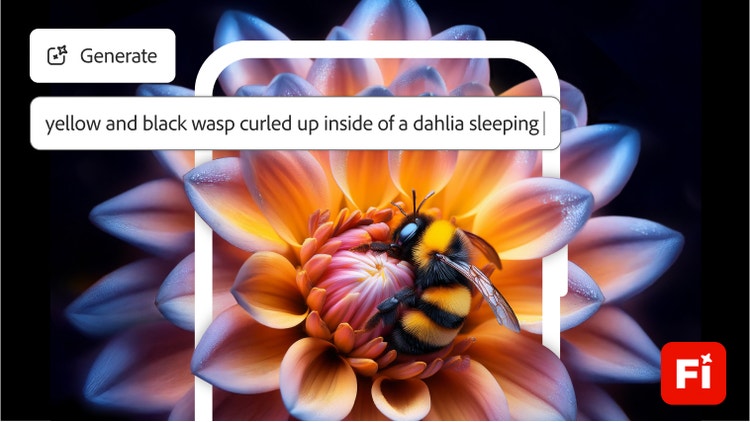
Introducing the new Firefly app. Wherever inspiration strikes, you have the power of creative AI in the palm of your hand.
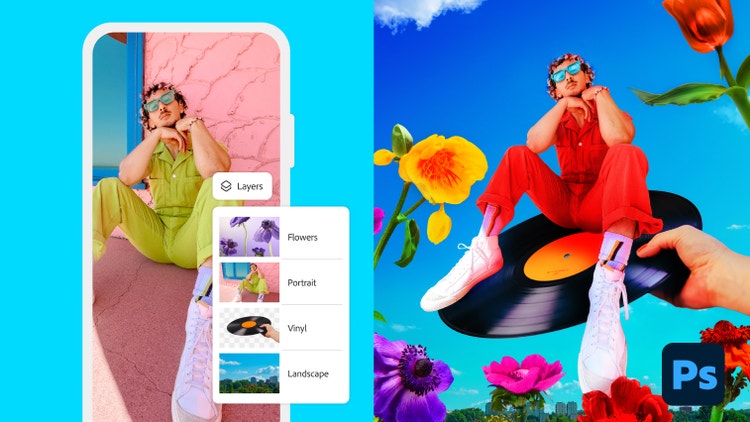
Craft something truly unique with the all-new, free Photoshop on mobile. Combine and edit photos, graphics and Adobe Stock images. It’s easy to learn.
Edit, organise, store and share photos in the mobile app for free and get access to premium features.

Edit, composite and create beautiful images, graphics and art in the free mobile app.

Take photos with lower noise and higher dynamic range using computational photography.
Edit, composite and create beautiful images, graphics and art in the free mobile app.

Create logos, illustrations and graphics with Illustrator on the iPad. Design from anywhere, even off-line.

Generate images and video clips on the fly. Add, replace or remove objects and more with the free app.

Make standout social content, flyers, logos and more from thousands of unique templates.

Paint, sketch and animate in the powerful, go-everywhere drawing app that’s completely free.

Turn any image on your phone into a colour theme, graphic, brush, pattern or texture, for free.

Showcase your work in the free app and discover inspiration from the world’s best creative community.

Create pro-quality videos from anywhere with Premiere on iPhone. It’s free and easy.
Make standout social content, flyers, logos and more from thousands of unique templates.

Keep projects moving wherever you are. View, fill, sign and comment on PDFs for free.

Easily scan and convert documents, forms, business cards and more into PDFs for free.
Edit, composite and create beautiful images, graphics and art in the free mobile app.
Create logos, illustrations and graphics with Illustrator on the iPad. Design from anywhere, even off-line.

Generate images and video clips on the fly. Add, replace or remove objects and more with the free app.
Make standout social content, flyers, logos and more from thousands of unique templates.
Paint, sketch and animate in the powerful, go-everywhere drawing app that’s completely free.
Turn any image on your phone into a colour theme, graphic, brush, pattern or texture, for free.
Showcase your work in the free app and discover inspiration from the world’s best creative community.
Edit, organise, store and share photos in the mobile app for free and get access to premium features.
Keep projects moving wherever you are. View, fill, sign and comment on PDFs for free.
Easily scan and convert documents, forms, business cards and more into PDFs for free.
Create pro-quality videos from anywhere with Premiere on iPhone. It’s free and easy.
Creative AI
Photography, design, illustration and video
Documents and productivity
Based on your location, we think you may prefer the United States website, where you'll get regional content, offerings, and pricing.

