https://main--da-cc--adobecom.aem.live/cc-shared/assets/img/firefly.svg Adobe Firefly

Create impasto paintings for free with Adobe Firefly.
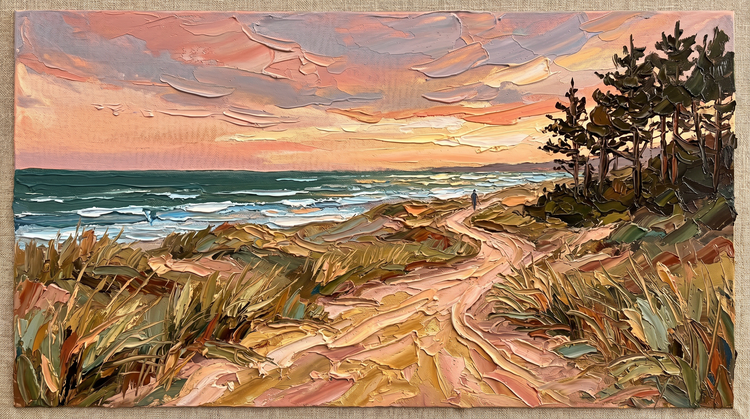
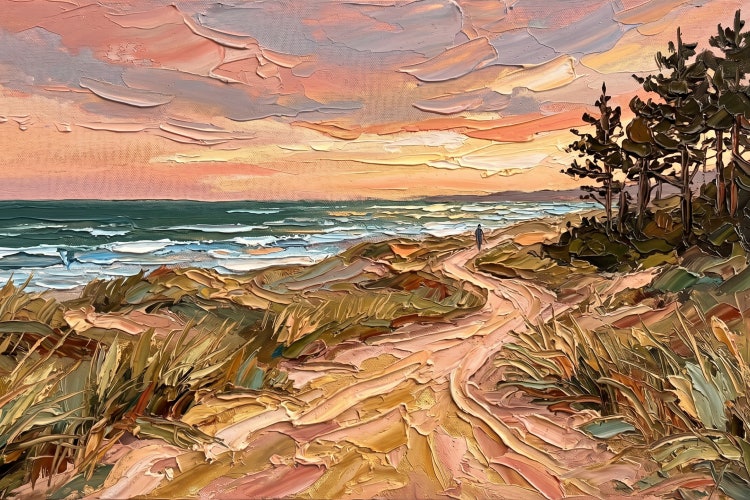
Generate bold, dimensional brushwork with the look of thick paint straight off the canvas. Describe the texture you want and Adobe Firefly will turn it into a finished composition in moments.
- image
- Describe a subject, an action, a place, a mood or a style.
- Adobe Generative AI Terms
- https://main--cc--adobecom.aem.live/creativecloud/animation/testdoc/unity/generate.svg Generate
- Describe the impasto painting you want to generate
- Prompt
- Tip
- Unable to process the request
- Please describe what you want to generate.
- Prompt exceeds the max length of 750 characters
- impastoPainting
- Enter prompt


https://main--cc--adobecom.aem.live/cc-shared/assets/img/product-icons/svg/firefly-80.svg

Adobe Firefly
The next evolution of creative AI is here for all your ideas, with image, video, audio and vector tools.
Bring impasto painting to life.
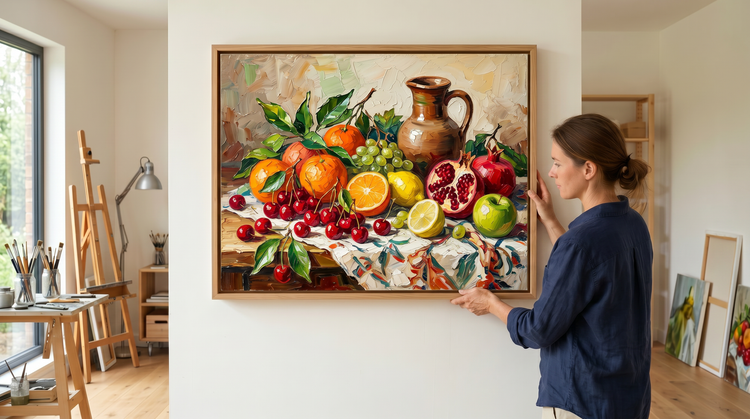
Impasto painting is defined by paint thickness: heavy ridges, knife marks and brushstrokes that stand physically off the canvas rather than blend into it. Adobe Firefly lets you describe that texture in plain language and generate a fully realised composition quickly, so you can move from idea to finished asset without picking up a brush.
Describe your texture. Watch it render.
Impasto painting depends on tactile specificity: the height of a ridge, the drag of a palette knife, the way one colour sits raised against another. Type what you see in your mind and Adobe Firefly will translate it into a fully composed image.
Find your exact balance of texture and detail.
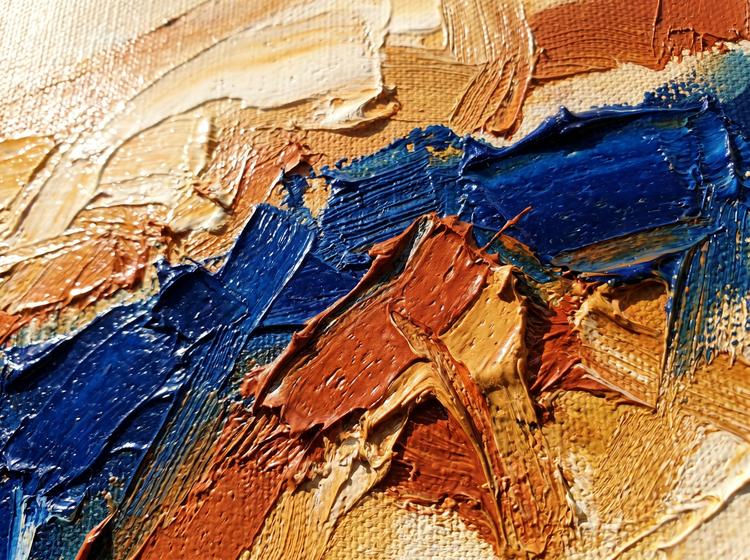
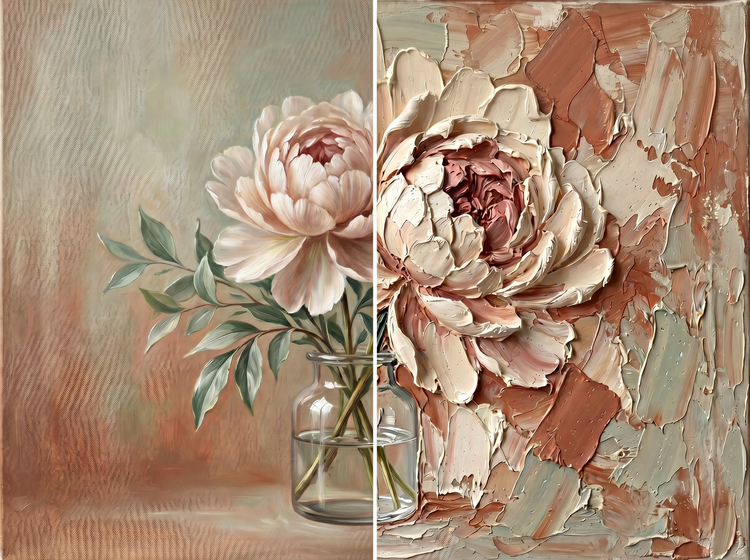
The impasto spectrum runs from subtly raised brushwork to thick, sculptural paint application and the right weight depends entirely on your project. Use style references and prompt controls in Adobe Firefly to move along that spectrum across multiple versions. Refine toward delicate texture or push toward heavy, dimensional paint. You control how subtle or how bold the result reads.
Create impasto painting assets for any project.
Impasto painting is a staple of gallery prints, album art, editorial backgrounds and brand campaigns that want tactile depth without a literal subject. Adobe Firefly gives you a fast path from creative direction to usable asset, whether you need a single hero image or a full set of variations for a design system. Every image you generate with an Adobe Firefly model is yours to use in client work, publishing or product design.
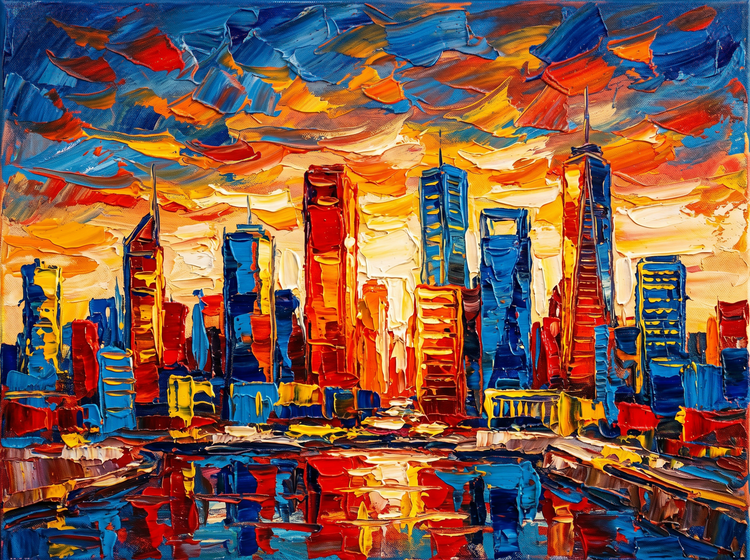
How to generate impasto painting art with Adobe Firefly.
Step 1
Open Adobe Firefly and select Generate Image.
Step 2
Describe your impasto painting composition.
Step 3
Adjust your style settings.
Step 4
Generate and refine your results.
Step 5
Download your impasto painting image.
Steps on how to generate impasto painting art using Adobe Firefly Generate Image.
PT3M
firefly
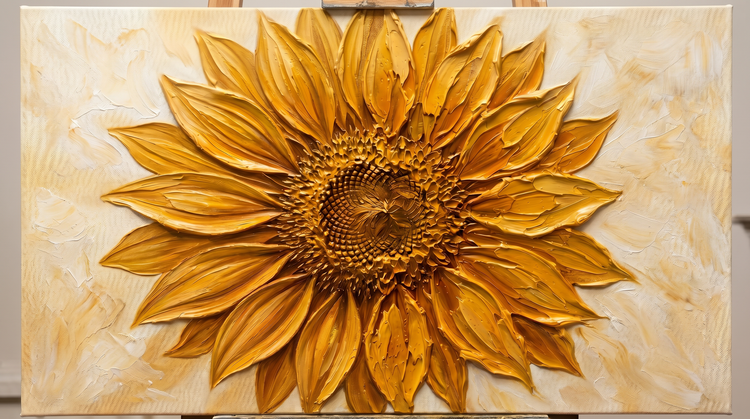
Precise creative control
Fine-tune every element of your impasto painting scene. Use detailed prompts to specify paint thickness, brush density and colour saturation, then adjust settings to get the exact composition and texture your project requires.
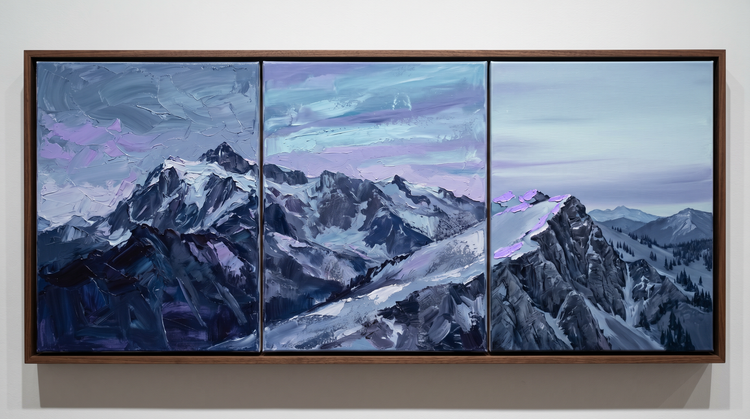
Top AI models, all in one place
Adobe Firefly brings together its own models and top partner models from Google, OpenAI, FLUX and more in a single creative studio. Generate with the model that's best suited to your style, without switching between tools.
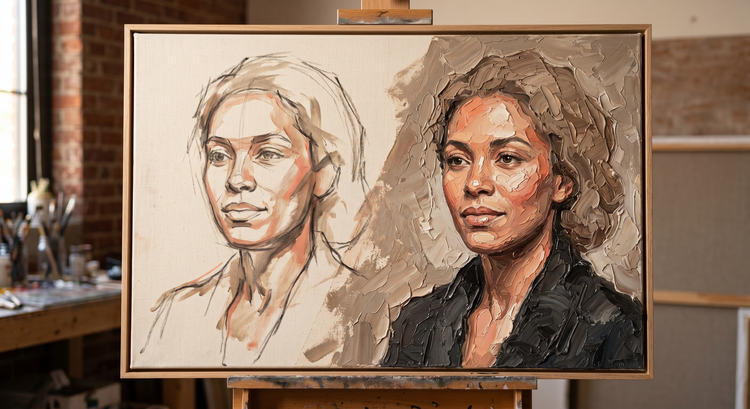
Your complete creative studio
Adobe Firefly is more than an image generator. Start with a prompt, refine your result with precision editing tools and go from first idea to finished image without leaving your creative flow.
Seamless integration
Easily open Adobe Firefly creations in Photoshop on the web and Adobe Express for a seamless creative workflow.