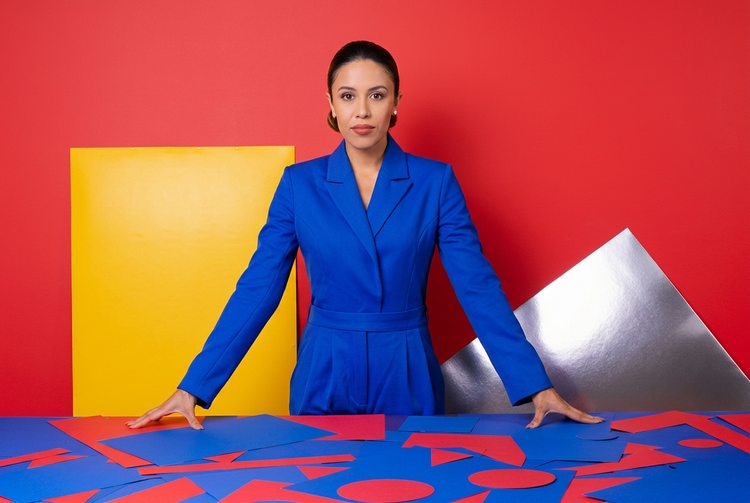
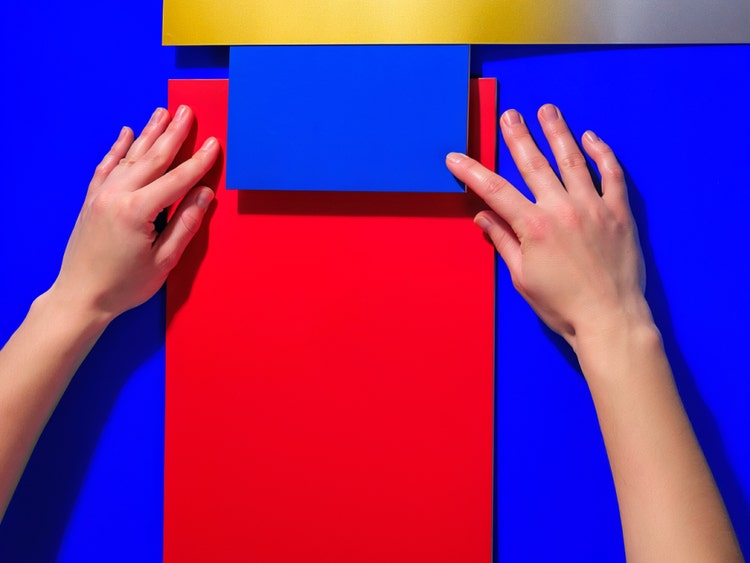
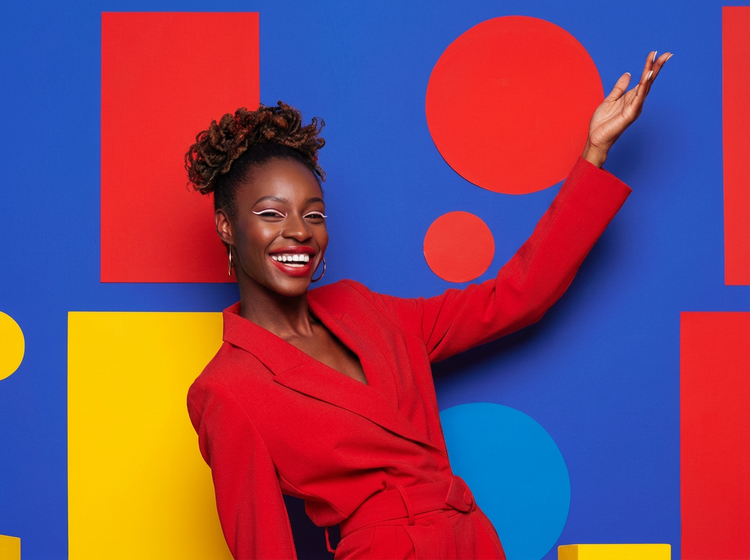
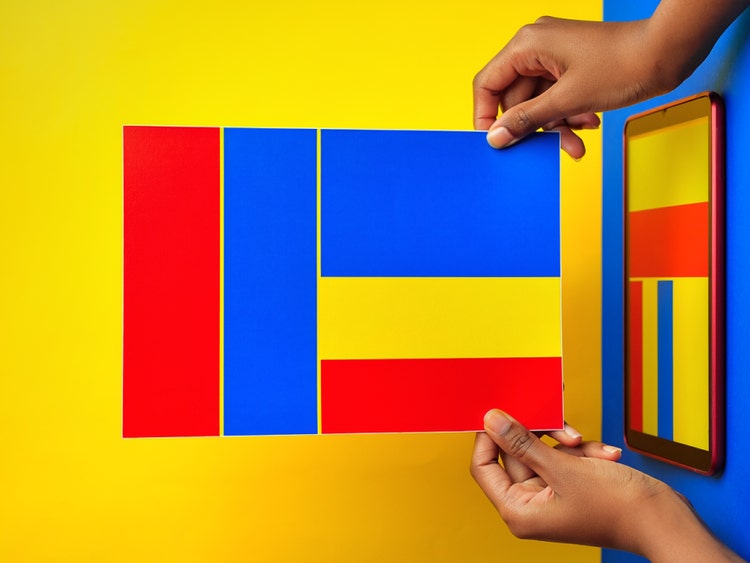
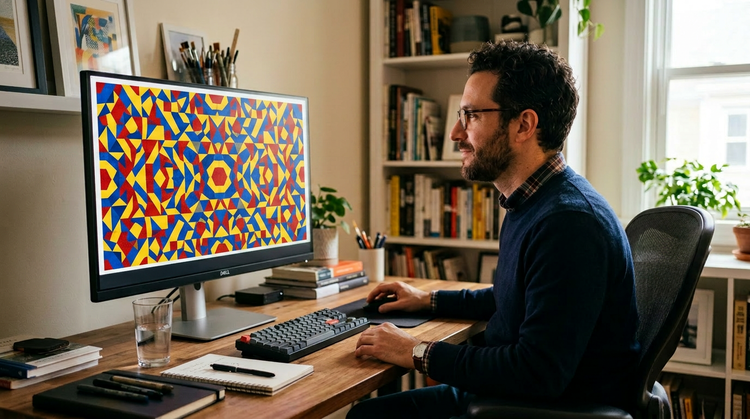
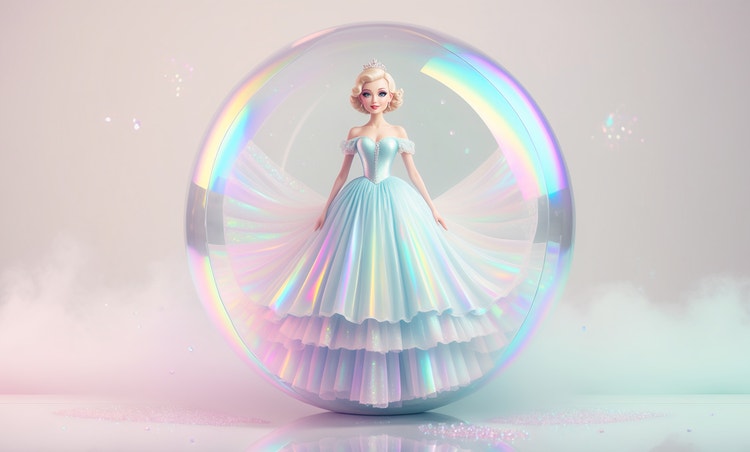
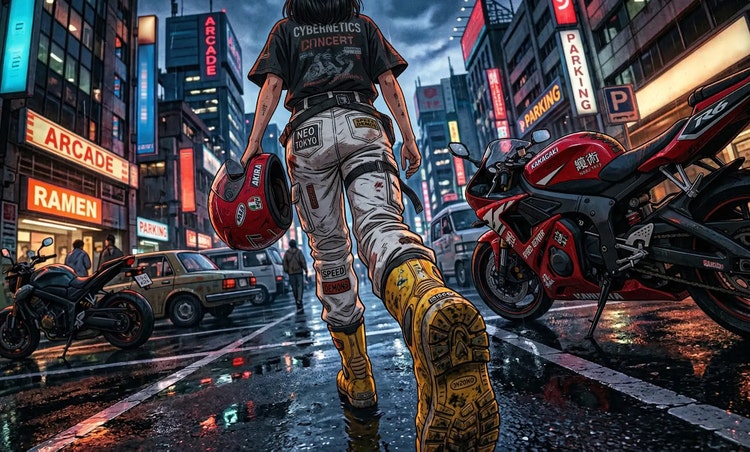
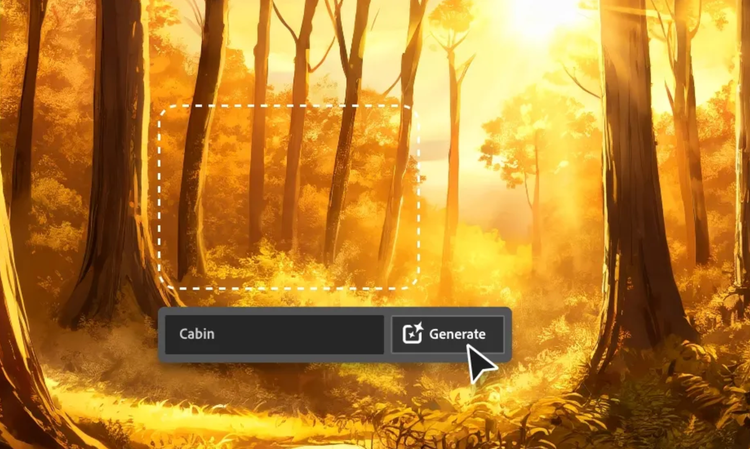
Describe the balance you want directly in your prompt. Phrases like "equal thirds of red, blue, and yellow" or "evenly distributed primary colors across the frame" give the model clear proportional guidance. You can also specify placement: "red on the left, blue in the center, yellow on the right" for more structural control.
Yes. Images generated with Adobe Firefly models are commercially safe, as they're trained on licensed and public-domain content. You're responsible for determining whether content generated with partner models is appropriate for use in your projects.
Specific, descriptive prompts produce the strongest results. Include the colors by name, describe how they're distributed, and add a style reference: "grid with bold red, blue, and yellow rectangles, black outlines, flat fill, white background" is far more effective than "colorful abstract art." Naming a style register like "geometric," "graphic design," or "flat illustration" helps Adobe Firefly produce cleaner color separation.
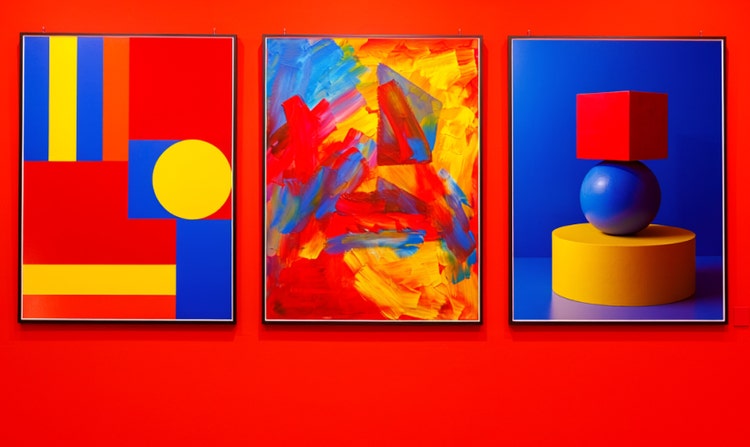
Geometric and graphic design styles give primary colors the most visual clarity. Flat illustration, minimalism, and bold abstract styles all work well with a limited palette of red, blue, and yellow. Painterly styles like oil or acrylic can work too, especially when you describe a specific movement or artist type in your prompt to anchor the mood.
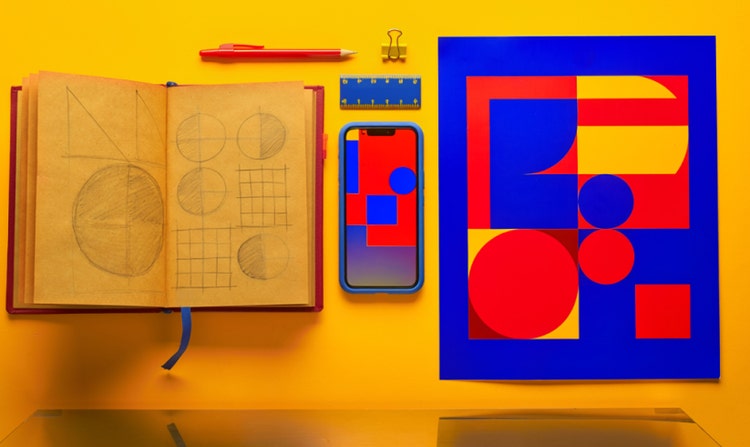
Yes. Graphic designers can use the Generate Image feature to rapidly prototype color layouts before committing to a direction. Generate several variations with different color distributions, export the results as PNG files, and use them as references or direct assets in layout work.
Yes. The
image-to-image feature lets you upload an existing image to anchor the color register and compositional style of your generation. If you have a layout, sketch, or color reference you want to build from, upload it alongside your prompt and Adobe Firefly will use it to guide the output.
The best AI composition tool gives you precise control over color distribution, placement, and style, with results you can take straight into a professional workflow. Adobe Firefly provides natural-language prompt control, multiple AI models in one studio, and direct integration with Adobe Creative Cloud, so you can generate, refine, and finish in one place.
Yes. Adobe Firefly lets you choose from several aspect ratios before generating, including standard landscape, portrait, and square formats. Select the ratio that fits your project before you generate to get a composition shaped for your layout from the start.
Yes. Users with free accounts can start making images in Adobe Firefly using free daily generations. This lets you explore what the Generate Image feature can do without signing up for a paid plan. When you're ready for more volume, a paid subscription gives you access to additional generative credits and features.