https://main--da-cc--adobecom.aem.live/cc-shared/assets/img/firefly.svg Adobe Firefly

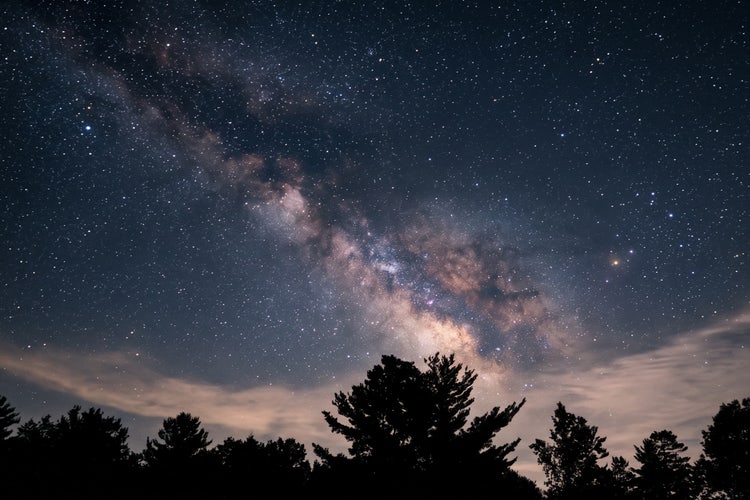
Generate dark wallpaper for free with Adobe Firefly.
Describe the mood, colours or scene you want and get a customised dark wallpaper for free. Adjust the style and generate again until it’s exactly right.
- image
- Describe a subject, an action, a place, a mood or a style.
- Adobe Generative AI Terms
- https://main--cc--adobecom.aem.live/creativecloud/animation/testdoc/unity/generate.svg Generate
- Describe the dark wallpaper you want to generate
- Prompt
- Tip
- Unable to process the request
- Please describe what you want to generate.
- Prompt exceeds the max length of 750 characters


https://main--cc--adobecom.aem.live/cc-shared/assets/img/product-icons/svg/firefly-80.svg

Adobe Firefly
The next evolution of creative AI is here for all your ideas, with image, video, audio and vector tools.
Generate dark wallpaper in moments.
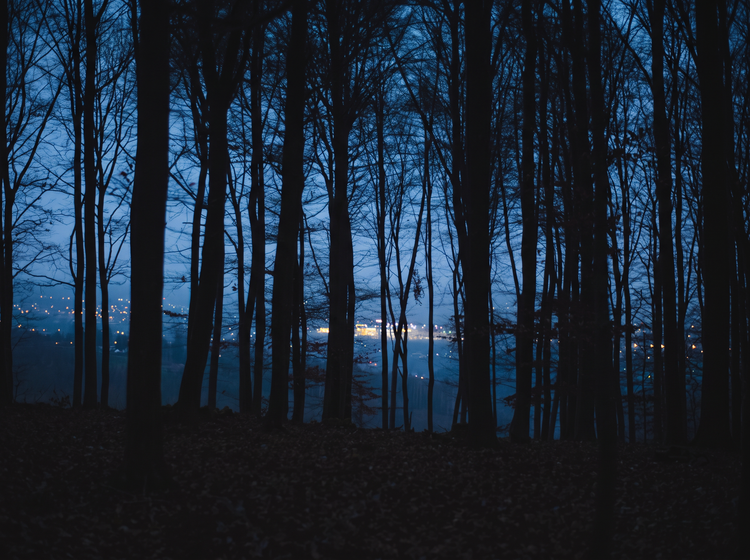
Type a prompt describing the rich shadows, deep colours or a single point of light you’re looking for and Adobe Firefly will turn it into a dark wallpaper ready for your desktop or phone for free.
Explore every dark aesthetic without starting from scratch.
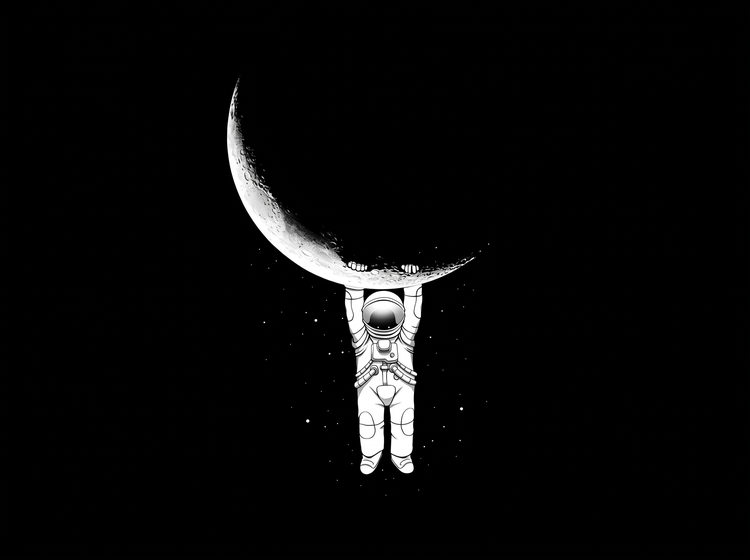
Update your wallpaper whenever you’re inspired by a new mood or palette. Describe a different colour story or lighting style and Adobe Firefly will generate a completely different look while keeping the same polished feel.
Resize your wallpaper for any screen.
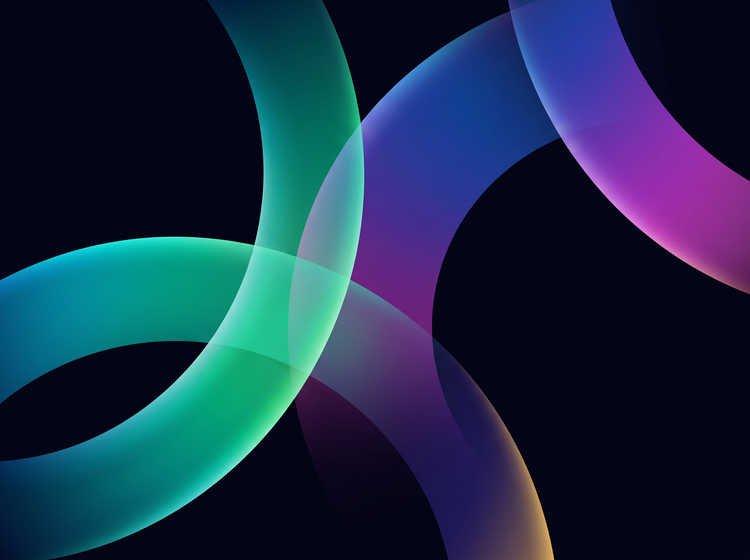
With Adobe Firefly, you can resize your dark wallpaper for any device. Choose a new aspect ratio, such as vertical for phone or wide-screen for desktop, so your wallpaper stays sharp at the size you need.
Fine-tune your dark wallpaper with precision edits.
Use Generative Remove to erase small details, like a stray highlight or an unwanted shape in the shadows. With Adobe Firefly you can make fast, flexible edits without losing the wallpaper you already generated.
How to generate a dark wallpaper with Adobe Firefly.
Step 1
Open Adobe Firefly and select Generate Image.
Step 2
Describe your dark wallpaper.
Step 3
Adjust your style settings.
Step 4
Generate and refine your wallpaper.
Step 5
Download your dark wallpaper.
- How to generate a dark wallpaper with Adobe Firefly.
- Steps on how to generate a dark wallpaper using Adobe Firefly Generate Image.
- PT3M
- firefly
Precise creative control
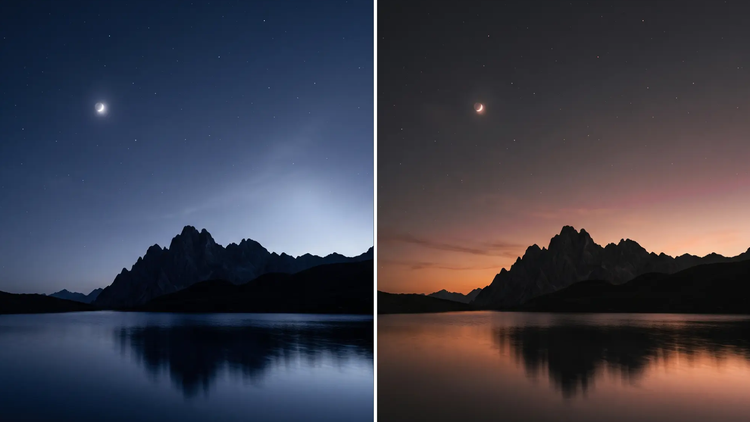
Your dark wallpaper starts with a mood and a palette. Describe the shadow depth, colour story and point of light you want, then adjust the details as many times as it takes to land the exact look.
Top AI models
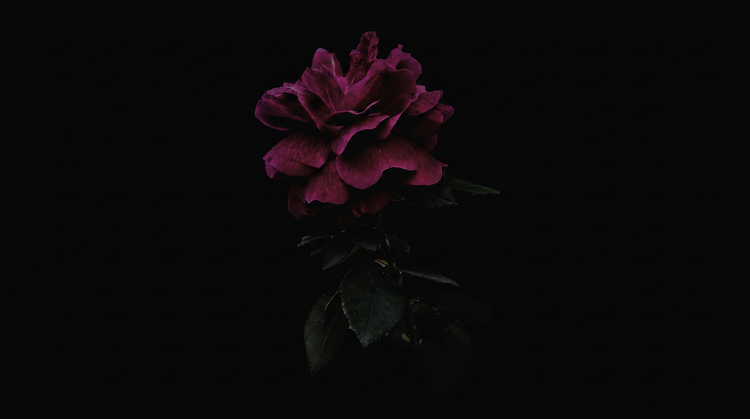
Adobe Firefly pairs its own models with top partner models from FLUX, Google, OpenAI and more. Try a few, then refine the one that fits your style.
Your complete creative space
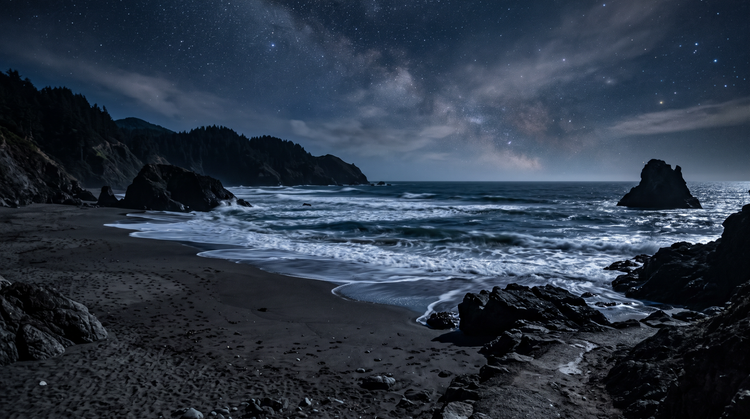
Firefly covers the whole arc of a creative idea in one place. Describe what you want, choose a model, adjust the details and land on a finished image without switching apps.

Seamless integration
Bring your finished wallpaper into Adobe Express to build out a matching lock screen or social set or open it in Photoshop on the web for closer colour and contrast retouching. Your files stay accessible from the cloud whenever you need them.