https://main--da-cc--adobecom.aem.page/cc-shared/assets/img/firefly.svg Adobe Firefly

Cartoon yourself for free with Adobe Firefly.
Turn your selfie into a custom cartoon with Adobe Firefly. Upload a photo, describe the look you want, and generate your cartoon in moments.

Or drag and drop here
File must be JPEG (JPG), PNG, or WEBP and up to 100MB.
By uploading your image or video, you agree to the Adobe Terms of Use and Privacy Policy.
Or drag and drop here
File must be JPEG (JPG), PNG, or WEBP and up to 100MB.
By uploading your image or video, you agree to the Adobe Terms of Use and Privacy Policy.
Or drag and drop here
File must be JPEG (JPG), PNG, or WEBP and up to 100MB.
By uploading your image or video, you agree to the Adobe Terms of Use and Privacy Policy.
- File size larger than 100MB
- Unable to process the request
- We are unable to process this file type. Please try again.
- Only one file can be uploaded at a time.
- Image is smaller than the minimum dimensions (512 x 512 pixels). Please resize and try again.

{{nbsp}}
What is an AI cartoon maker?
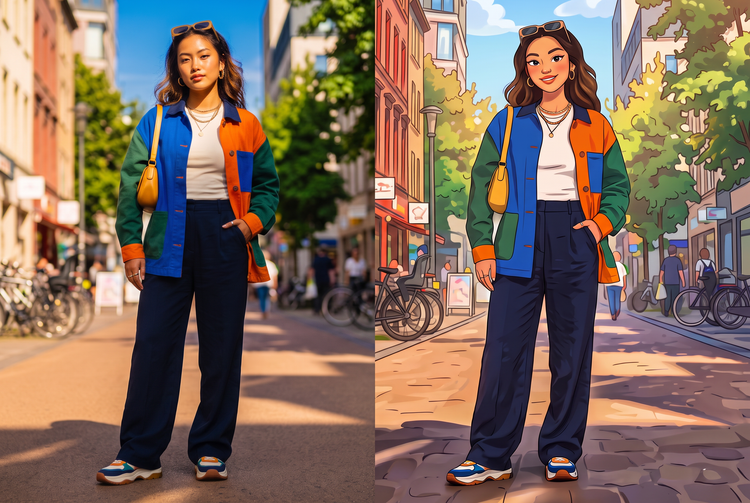
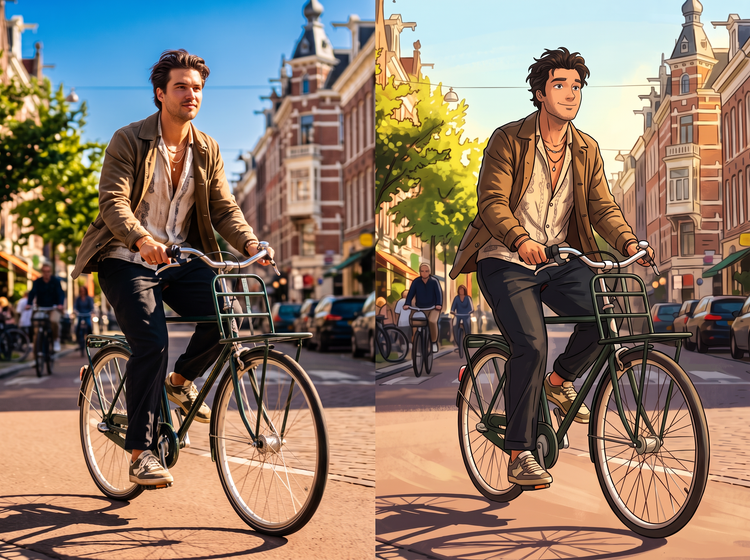
An AI cartoon maker turns a real photo into a cartoon version of itself. With the free Adobe Firefly image-to-image tool, you upload a selfie or portrait, describe the cartoon style you want, and Firefly will restyle your photo while keeping your pose and features recognizable for free.
Cartoon yourself from any photo.
Upload a selfie or portrait and watch Firefly reimagine it as a cartoon. Start from a headshot, a full-body photo, or a snapshot with friends, and explore different cartoon directions with the AI image generator.
Try any cartoon style you can imagine.
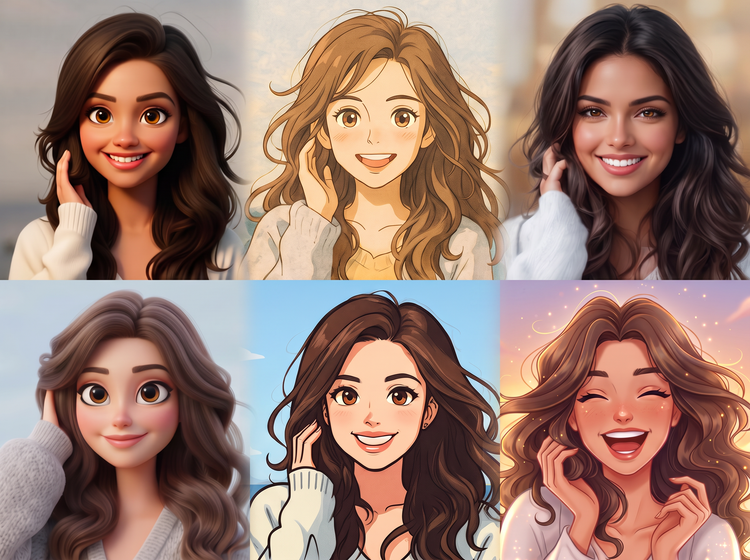
Use the AI art generator to explore looks like comic book, anime-inspired, retro cartoon, or 3D. Describe the style you want and Firefly will restyle your photo to match.
Pair effects with the rest of your edit.
Animate your generated cartoon with the AI video generator, then add effects to the finished clip. Every step stays in one studio.
How to cartoon yourself with Adobe Firefly.
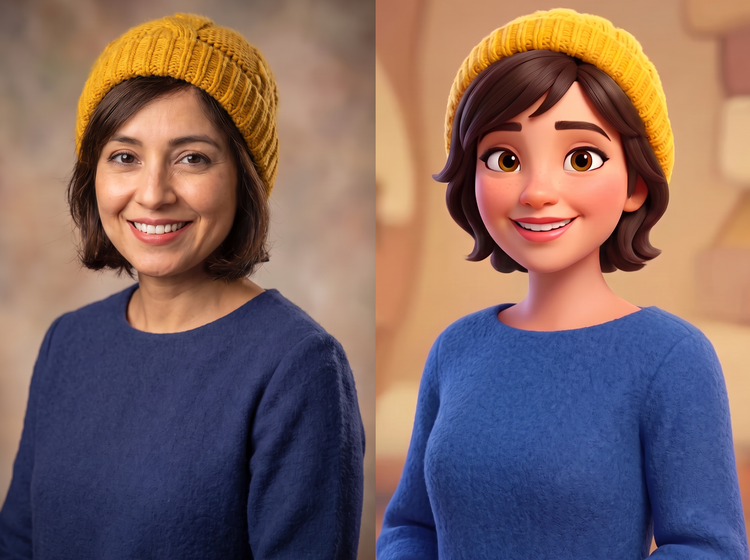
With image-to-image AI, it’s easy to turn a photo of yourself into a cartoon in any style. In a simple prompt, describe the type of cartoon you want to turn your photo into, specifying the kind of art style and theme you have in mind. All you have to do is upload your image, describe how you want it to be transformed, and let AI handle the rest.
Step 1
Open Adobe Firefly.
Step 2
Upload your photo.
Step 3
Describe your cartoon style.
Step 4
Choose a model and adjust strength.
Step 5
Refine and download your cartoon.
- How to cartoon yourself with the Adobe Firefly image-to-image tool.
- Steps to cartoon yourself with the Adobe Firefly image-to-image tool
- PT5M
- firefly

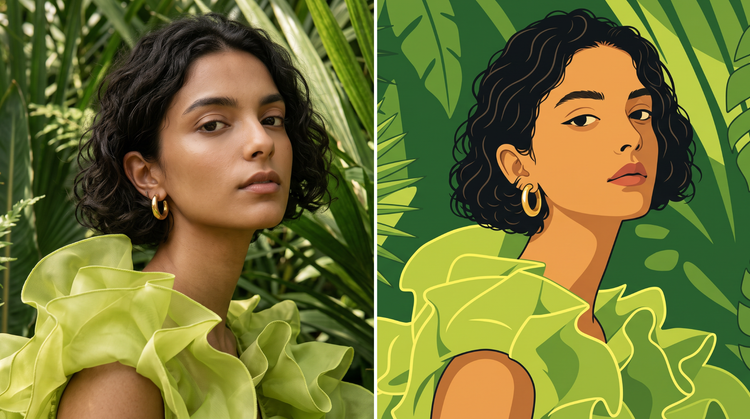
Structural fidelity
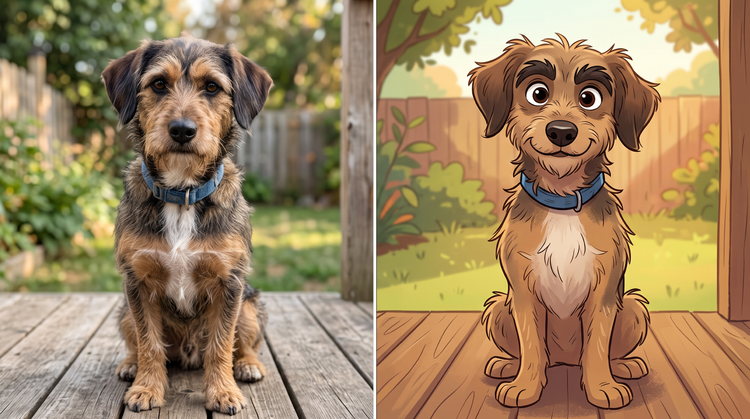
Firefly keeps the pose, framing, and features of your original photo while restyling it as a cartoon, so the result still looks like you.
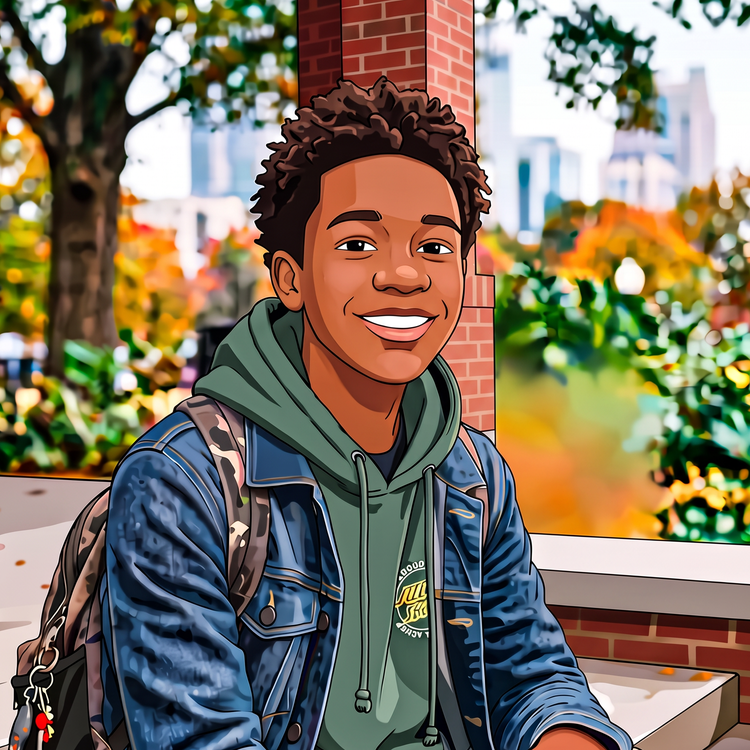
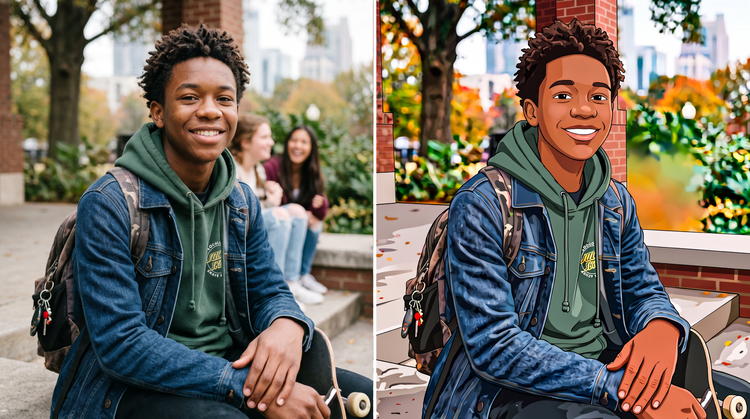
Fast creative exploration
Try several cartoon looks from a single selfie. Adjust your prompt and the Strength slider in Firefly to compare a bold comic style, a soft avatar, and more before you choose a favorite.
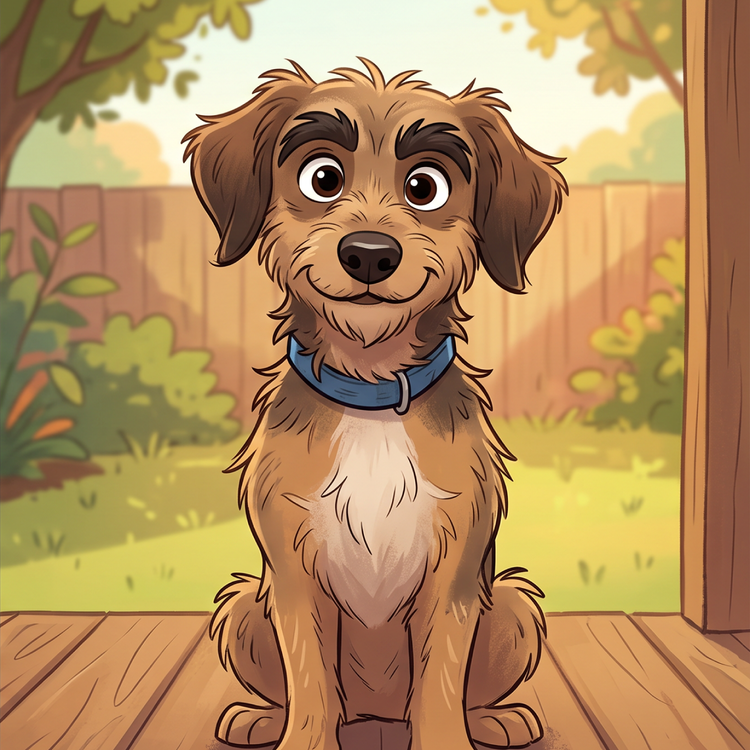
Your complete creative studio
One studio carries you from a first idea to a finished image. Upload your photo, try a cartoon effect, and refine the details in Firefly without switching tools.
Built for creators
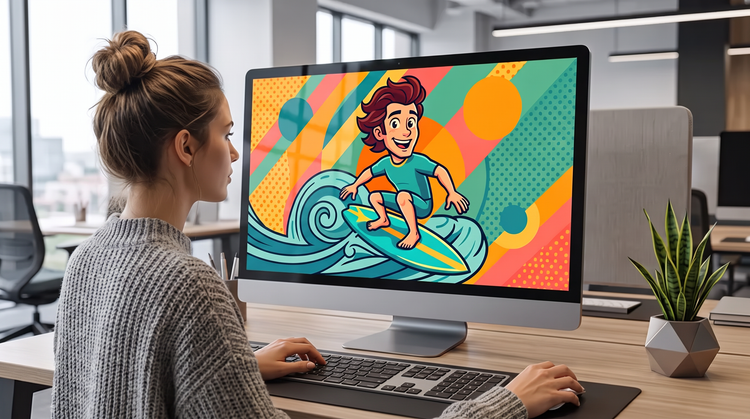
Firefly moves fast when marketers and business owners need results now. Firefly gives you the quality, speed, and flexibility to create what you need to expand brand awareness, without the complexity.