https://main--da-cc--adobecom.aem.page/cc-shared/assets/img/firefly.svg Adobe Firefly

Create a birthday greeting card for free with Adobe Firefly.
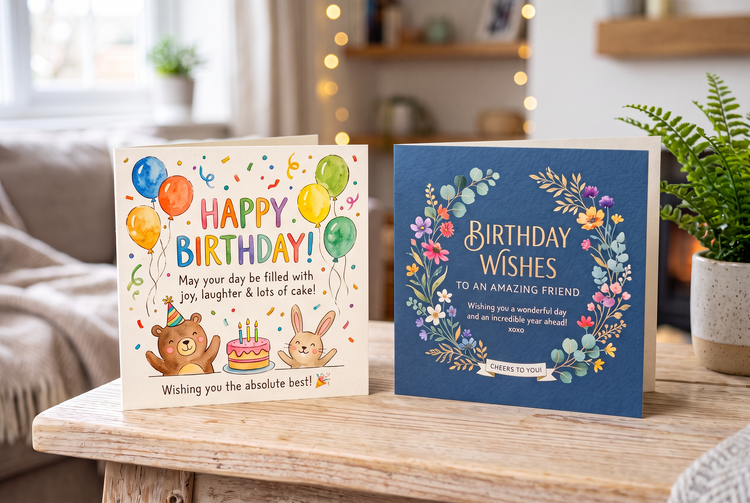
Describe the design you're imagining, and Adobe Firefly will generate a custom birthday greeting card.
- image
- Describe a subject, an action, a place, a mood, or a style.
- Adobe Generative AI Terms
- https://main--cc--adobecom.aem.live/creativecloud/animation/testdoc/unity/generate.svg Generate
- Describe the birthday greeting card you want to generate
- Prompt
- Tip
- Design a personalized birthday greeting card with festive typography, colorful illustrations, and a design that captures the celebration
- ff_source=adobe-com&ff_campaign=birthday-greeting-card
- Unable to process the request
- Please describe what you want to generate.
- Prompt exceeds the max length of 750 characters


{{nbsp}}
Create a birthday greeting card that fits the moment.
Every birthday deserves a card that feels personal. Adobe Firefly turns a concept into a polished card design, letting you explore different styles, compare directions, and refine the details, all for free.
Turn your idea into a creative greeting card.
Describe the occasion, mood, or visual elements you want your card to communicate. Whether you want a playful kid's birthday design, an elegant milestone card, or a modern minimalist look, Adobe Firefly will translate your words into a unique card design.
Compare multiple design directions.
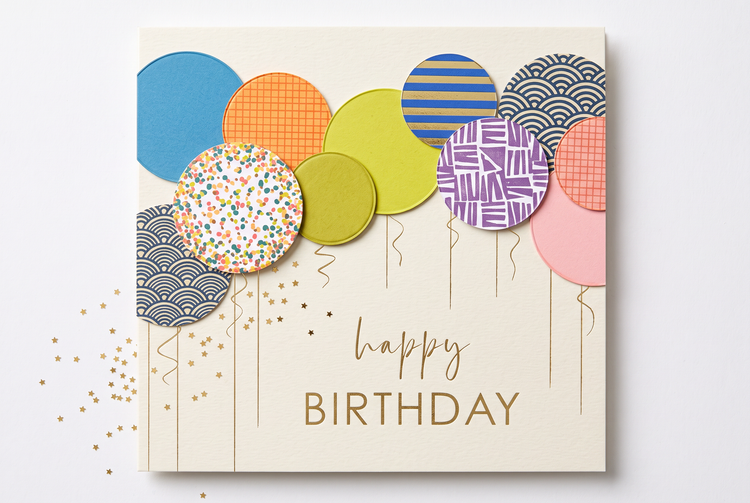
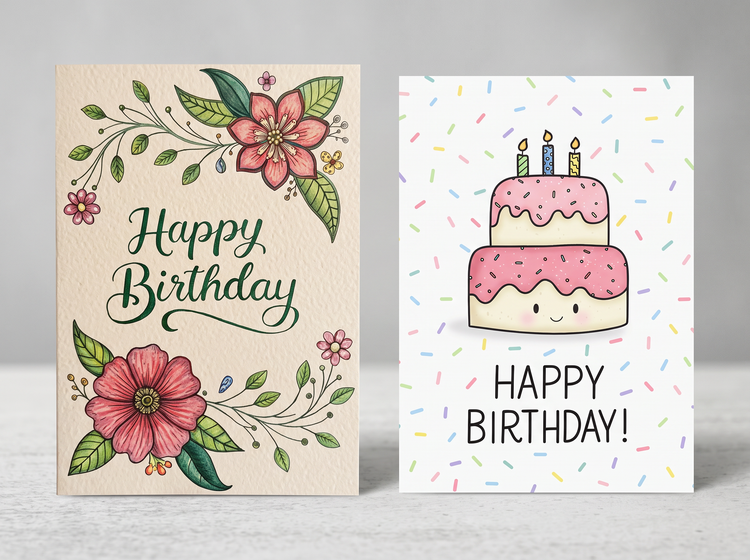
Generate several card concepts from the same prompt so you can weigh your options. Try a playful approach alongside something more formal, or explore color palettes side by side. Adobe Firefly will maintain consistency across all versions, making it easy to compare designs and pick the one that best fits the occasion.
Perfect your design with precision tools.
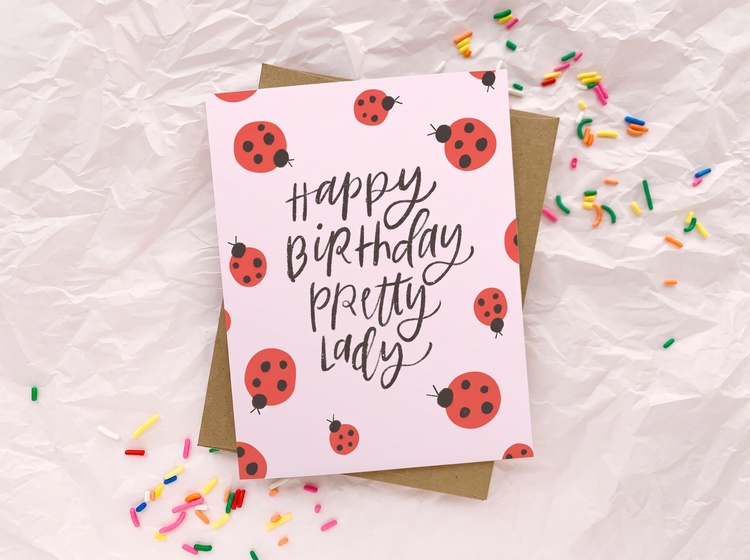
Found a card direction you like? Refine it further using the editing tools in Adobe Firefly. Adjust colors, modify typography, sharpen details, and experiment with sizing before you finalize.
How to design a birthday greeting card with Adobe Firefly.
Step 1
Open the Generate Image studio in Adobe Firefly.
Step 2
Describe the birthday greeting card you want to create.
Step 3
Choose your AI model in the model dropdown menu.
Step 4
Generate and compare your card concepts.
Step 5
Refine and finalize your birthday greeting card.
- How to design a birthday greeting card with Adobe Firefly.
- Steps to design your birthday greeting card using Adobe Firefly.
- PT4M
- firefly
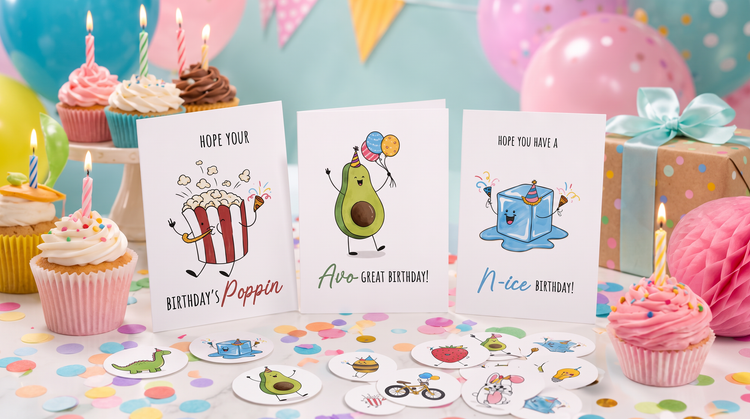
Precise creative control
Describe your birthday card's aesthetic, from the color palette and typography to specific illustrations or photo elements, then refine your prompt and generate again as your vision evolves. You set the direction, and Adobe Firefly will design the card.
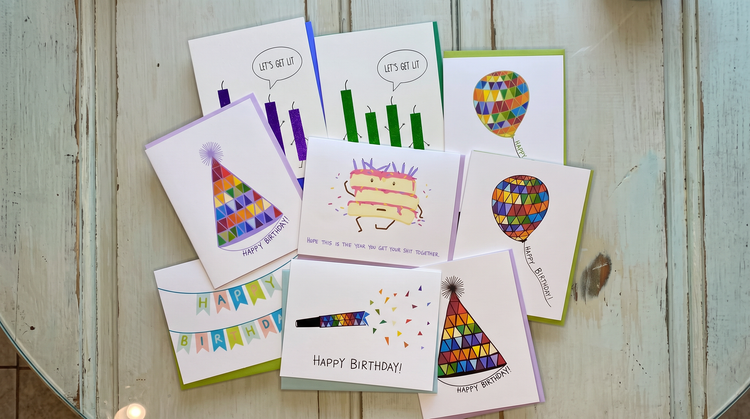
Top AI models, all in one place
Adobe Firefly brings together models from Google, OpenAI, FLUX, and more in a single creative studio. Try a few different models, compare how each interprets your card concept, then refine the design that best fits the occasion, all without switching tools.
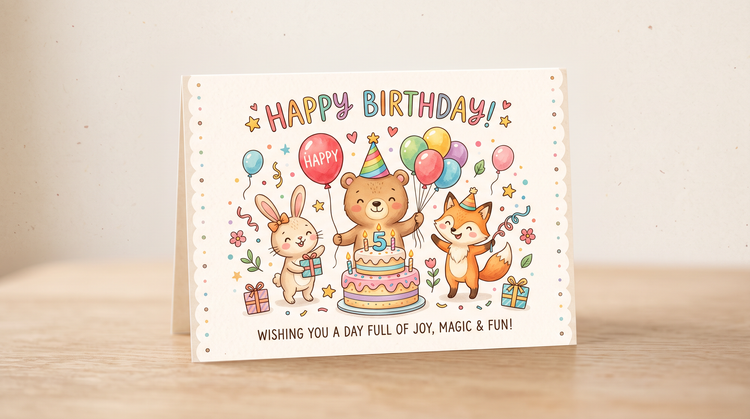
Your complete creative studio
One studio carries you from a first prompt to a finished card. Generate, refine with precision tools, and iterate as your vision dictates, all in Adobe Firefly.
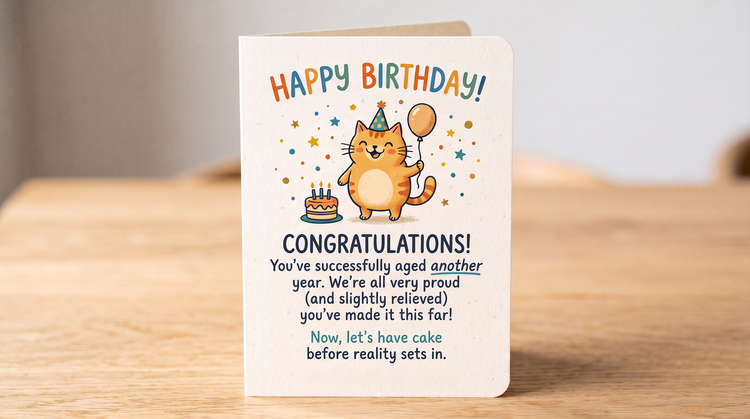
Built for creators
Work at your own pace with tools made for real creative flow. Adjust a color, resize a layout, or polish a detail without breaking your momentum.