
Explore styles, shapes, and color palettes.
Using Adobe Firefly as an AI vectorizer, you can experiment with flat icons, geometric shapes, and compelling color palettes. Adjust the level of detail and composition until you land on the look you want.


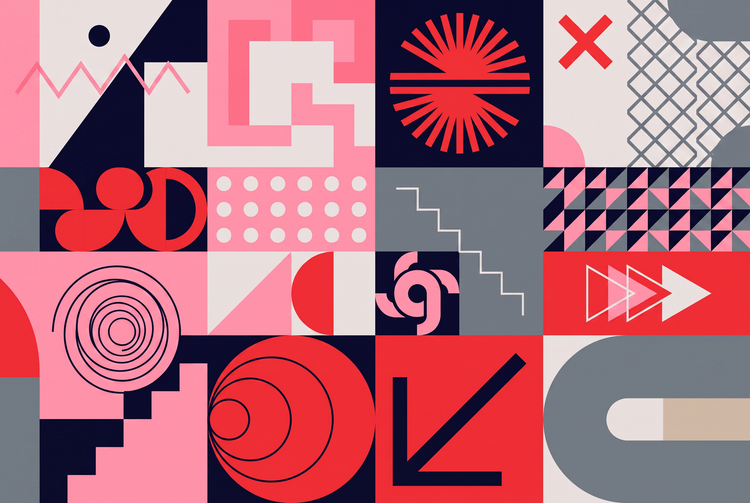

Describe the vector graphic you want and Adobe Firefly will turn it into clean, scalable artwork in moments. Get logos, icons, and illustrations that stay sharp at any size, for free.
The AI vectorizer turns a text description into clean, scalable artwork built from shapes, lines, and color, favoring crisp edges and flexible sizing over photographic detail for free with Adobe Firefly.
Using Adobe Firefly as an AI vectorizer, you can experiment with flat icons, geometric shapes, and compelling color palettes. Adjust the level of detail and composition until you land on the look you want.
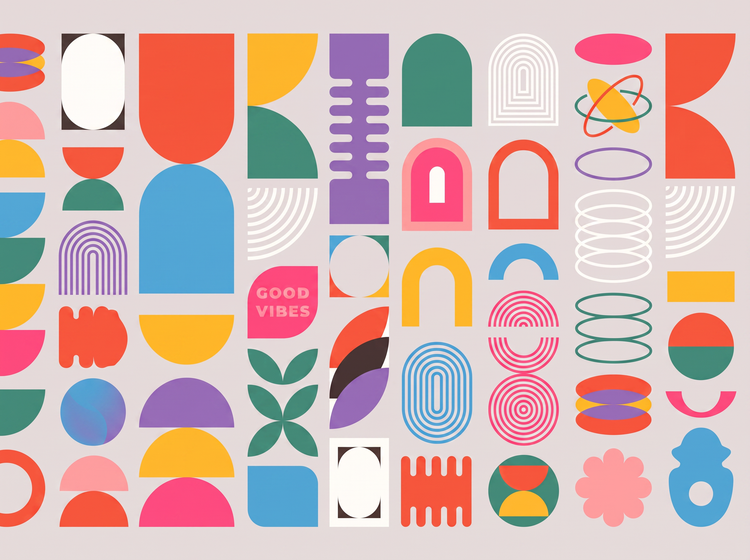
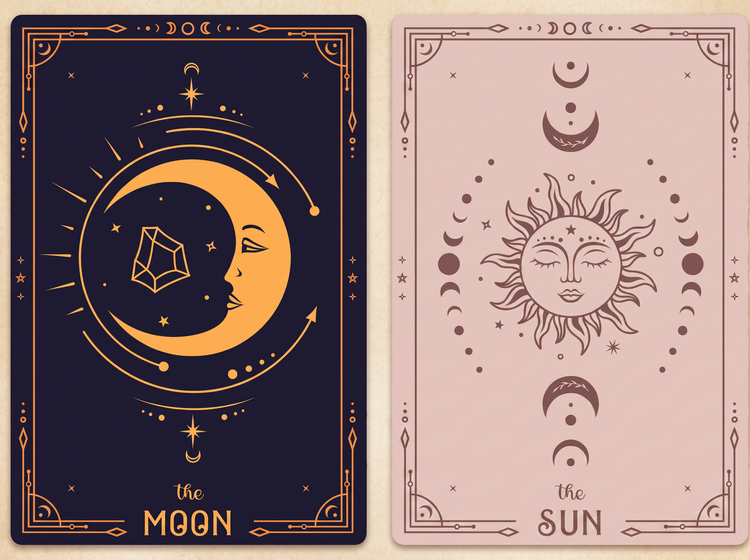
Whether you're designing a logo, an icon set, packaging, or social graphics, the Firefly image generator makes it easy to generate scalable design for any project.
Take your design further with editing tools built into Adobe Firefly. Adjust color, shape, and composition, or generate new variations to evolve your graphic, all within one creative environment.

To get started, open Adobe Firefly and sign in with your Adobe ID, or create a free account if you don't have one.
In the prompt bar, type the vector graphic you want, like a minimalist logo, a flat icon, or a geometric pattern. The more specific your description of style and color, the more true to your vision the result will be.
Select Generate to create your image.
The Edit tab in Adobe Firefly lets you adjust color, shape, and composition, or generate new variations.
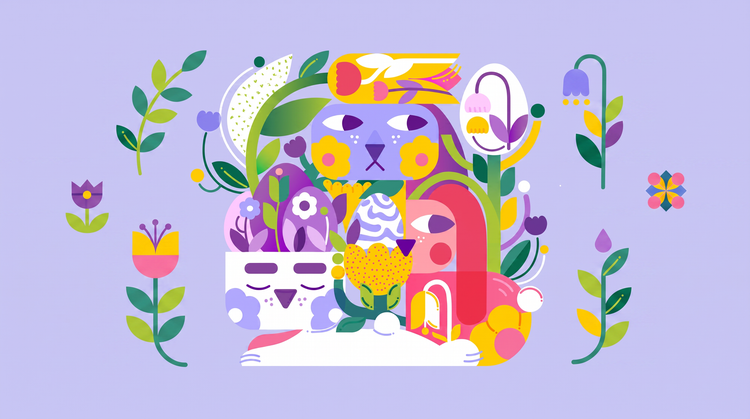
Describe the graphic you want, then refine colors, shapes, and composition until the design fits your project. Adobe Firefly gives you the tools to adjust a generated image rather than start over.
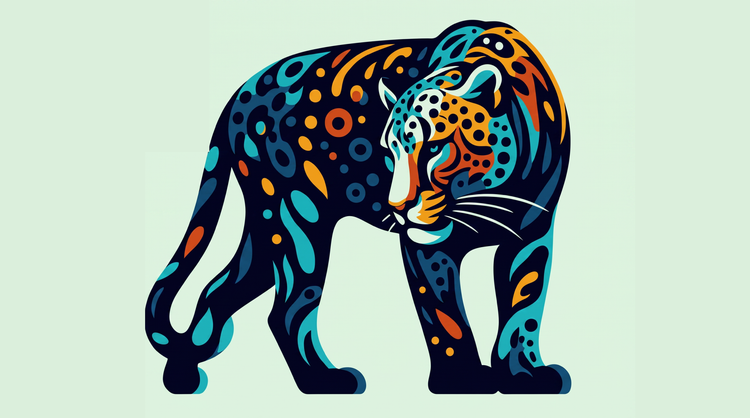
Adobe Firefly pairs its own models with top partner models from FLUX, Google, OpenAI, and others. Try a few, then refine the image that fits your style.

Adobe Firefly covers the whole arc of a creative idea in one place. Describe what you want, choose a model, adjust the details, and land on a finished image without switching apps.
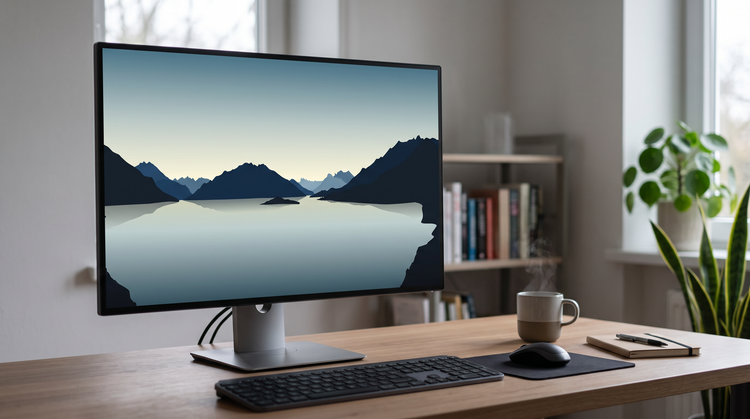
Once you've generated your graphic, open it in Photoshop on the web for further edits, or bring it into Adobe Express to build a finished design.



Learn how to use generative AI to boost productivity and discover new possibilities while maintaining creative control.
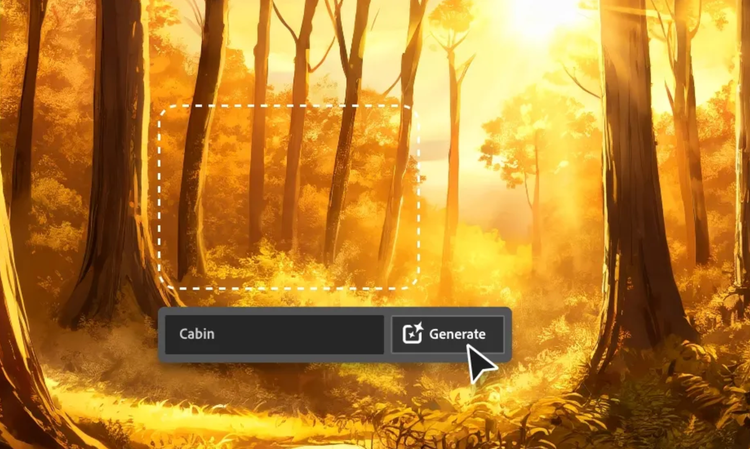
Generative AI is all over the headlines, and that’s not empty hype. This new technology is likely to be part of your life soon. Learn how generative AI works and start streamlining your workflow.

Learn about the AI tools available to graphic designers and how they can help you be more productive and take your work in surprising directions.
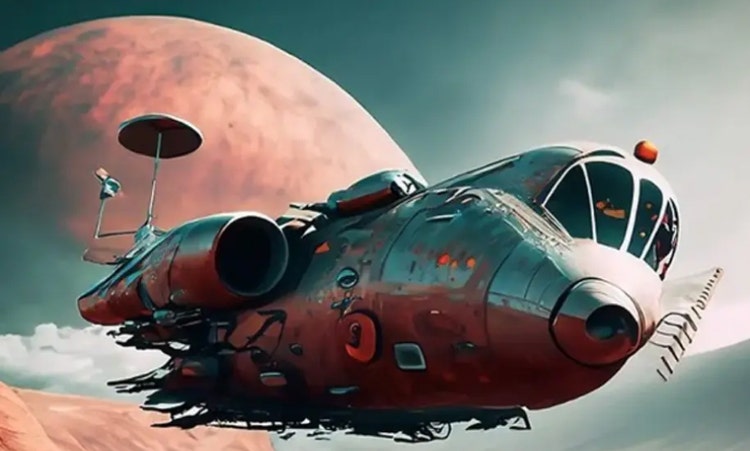
The best prompts for AI aren't always obvious. These tips get you to your destination in record time.

