https://main--cc--adobecom.aem.live/cc-shared/assets/img/firefly.svg Adobe Firefly

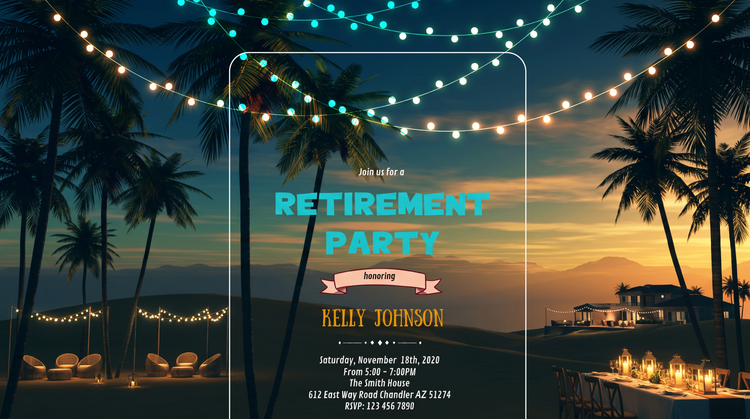
Create free retirement party invitations with Adobe Firefly.
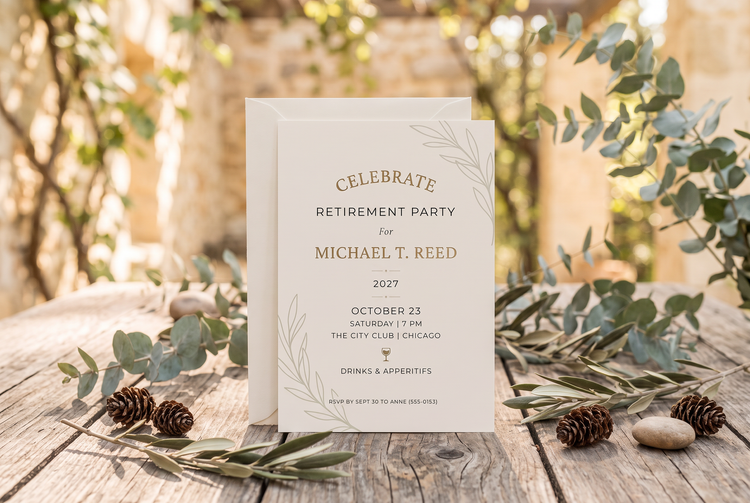
Describe the color and style you want, include details about your party, and Adobe Firefly will turn your idea into custom invitation art. Adjust the details until it's ready to send.
- image
- Describe a subject, an action, a place, a mood, or a style.
- Adobe Generative AI Terms
- https://main--cc--adobecom.aem.live/creativecloud/animation/testdoc/unity/generate.svg Generate
- Describe the retirement party invitation you want to generate
- Prompt
- Tip
- Unable to process the request
- Please describe what you want to generate.
- Prompt exceeds the max length of 750 characters
- retirementPartyInvitation
- Enter prompt


{{nbsp}}
What is a retirement party invitation generator?
A retirement party invitation generator helps you create a unique card that honors the retiree and provides all the key details about the party. Turn a simple description into a card with the exact right mood and look for the event with Adobe Firefly, all for free.
Turn the guest of honor's story into invitation art.
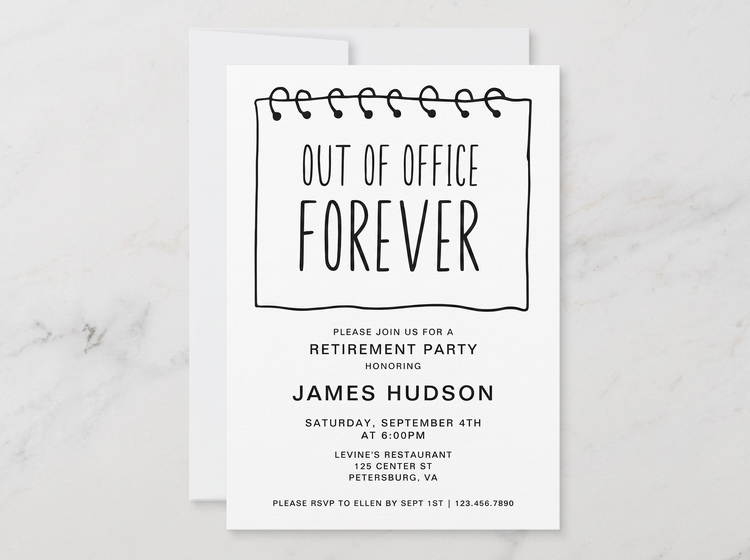
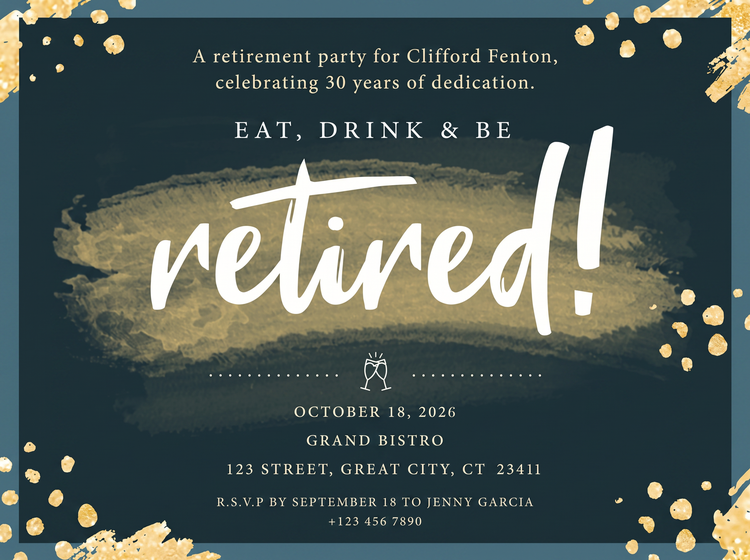
Describe the retiree's career highlights, favorite hobby, or an inside joke, and Adobe Firefly will build invitation art around that story. Layer in words that describe the mood of the event, such as "playful" or "formal" to set the right tone.
Print and share with confidence.
Adobe Firefly models generate content that is commercially safe, so you can send your retirement party invitations to a printer, an event planner, or a group chat without worrying about licensing. Every invitation starts from your own words, so what you send feels personal, not templated.
Compare directions before you choose.
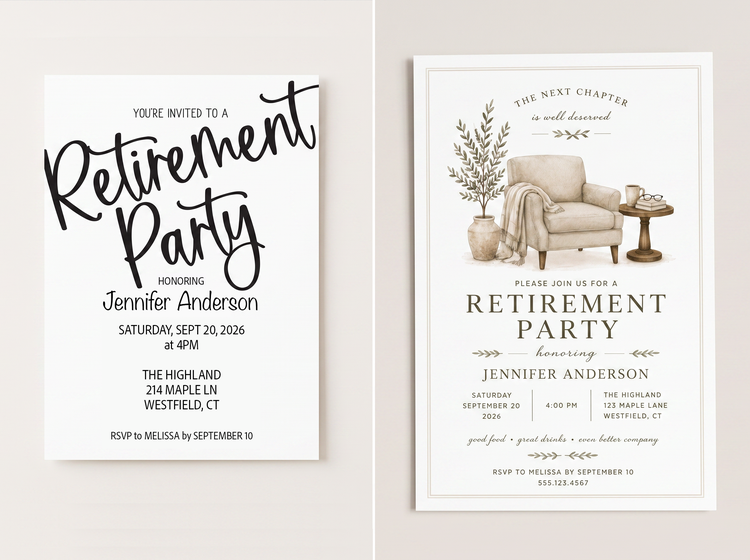
Generate a handful of invitation directions from one description and compare them side by side. When something's close but not quite there, tweak your wording and generate again.
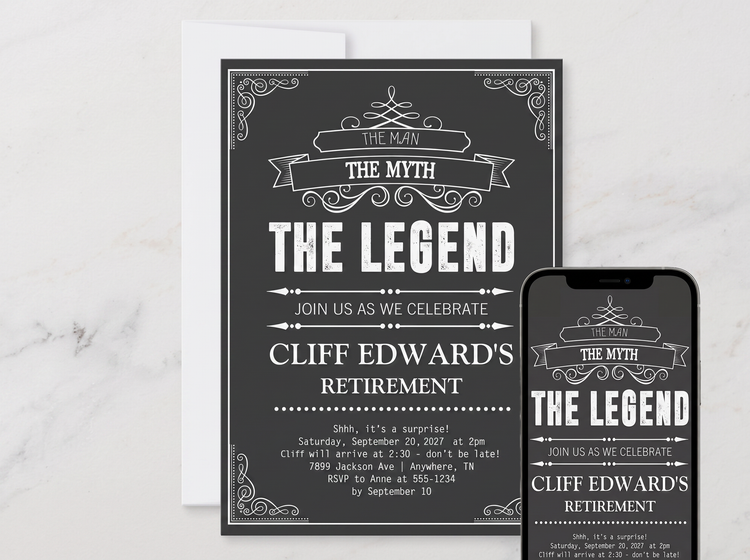
Use your finished invitation anywhere you need it.
Easily adjust your design's aspect ratio in Adobe Firefly so that it works on a printed card, a digital invite, or on social. It's also easy to open your design in other Creative Cloud apps so you can refine it and add it to other designs and media.
Explore invitation styles.
Try a warm gold and champagne palette for a classic dinner celebration, or bright coral and teal for a lively backyard party. Adobe Firefly generates results based on the descriptions you provide.

How to generate a retirement party invitation with Adobe Firefly.
Step 1
Log in to Adobe Firefly.
Step 2
Describe your retirement party invitation.
Step 3
Adjust your style settings.
Step 4
Download your retirement party invitation.
Steps on how to generate a retirement party invitation using Adobe Firefly Generate Image.
PT3M
firefly
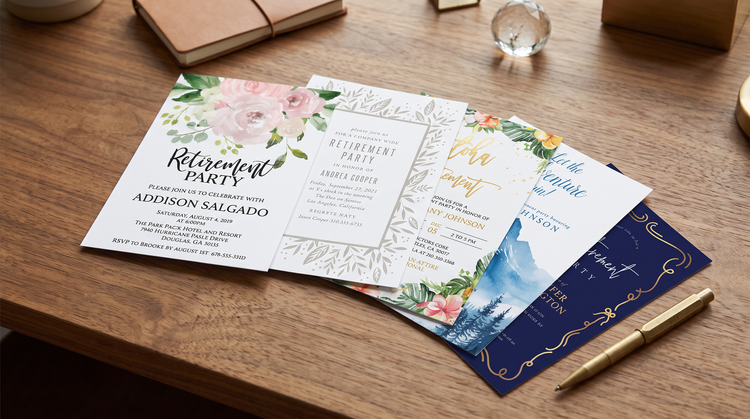
Full creative control
Describe the exact palette, wording, and mood you want, whether that's a formal gold-and-cream affair or a playful backyard bash, and fine-tune the settings until the invitation matches the tone of the celebration.
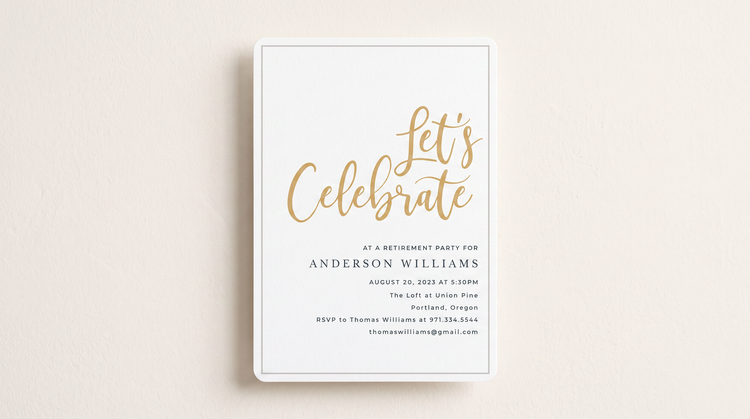
Top AI models
Adobe Firefly brings its own models together with partner models from OpenAI, Google, FLUX, and more. Compare a few options for your retirement party invitation in the Model Picker, then polish your favorite.
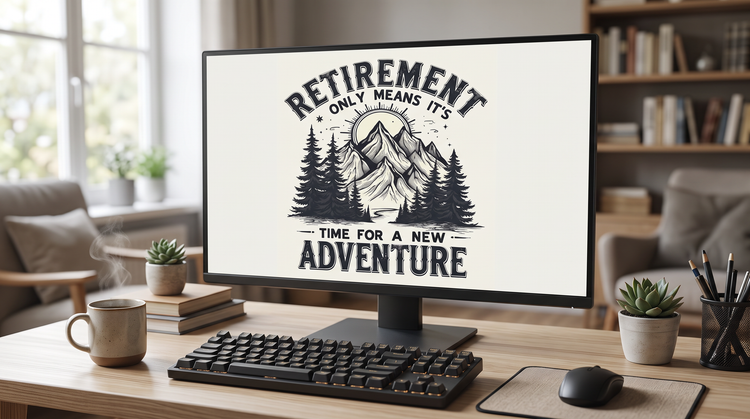
Your complete creative space
One workspace carries you from a first idea to a finished retirement party invitation. Generate a design, refine it, and try as many directions as the celebration deserves, all in Adobe Firefly.
Seamless integration
Once you have an invitation you like, open it in Photoshop on the web to fine-tune small text and details, or bring it into Adobe Express to build out a matching envelope liner and the rest of your stationery suite.