https://main--cc--adobecom.aem.live/cc-shared/assets/img/firefly.svg Adobe Firefly

Unpixelate images for free with Adobe Firefly.
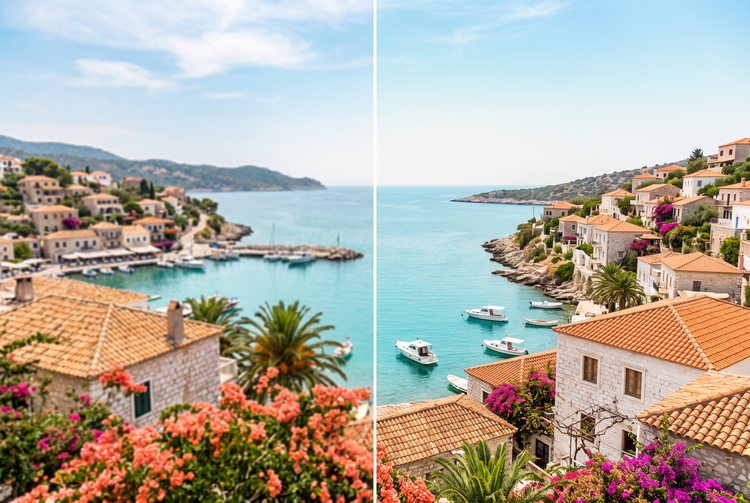
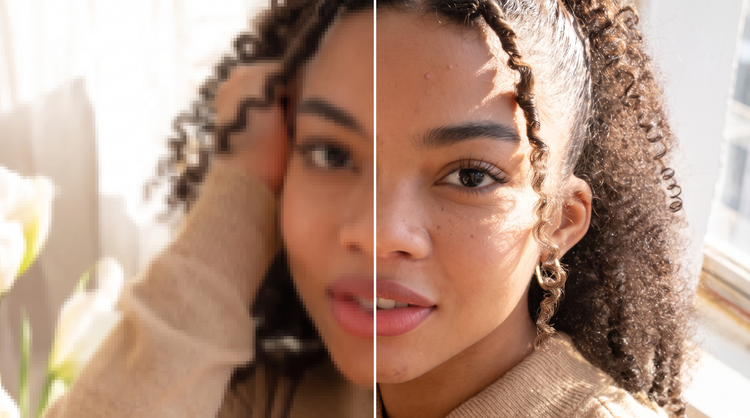
Upload a pixelated image and Adobe Firefly will turn pixelated images into clean, detailed ones. Adobe Firefly refines rough edges and restores texture while preserving your composition.

Or tap here
File must be JPEG (JPG), PNG, or WEBP and up to 100MB.
By uploading your image or video, you agree to the Adobe Terms of Use and Privacy Policy and confirm you are 18 years of age or older.
Or tap here
File must be JPEG (JPG), PNG, or WEBP and up to 100MB.
By uploading your image or video, you agree to the Adobe Terms of Use and Privacy Policy and confirm you are 18 years of age or older.
Or drag and drop here
File must be JPEG (JPG), PNG, or WEBP and up to 100MB.
By uploading your image or video, you agree to the Adobe Terms of Use and Privacy Policy and confirm you are 18 years of age or older.
- File size larger than 100MB
- Unable to process the request
- We are unable to process this file type. Please try again.
- Only one file can be uploaded at a time.
- Image is smaller than the minimum dimensions (512 x 512 pixels). Please resize and try again.

{{nbsp}}
Turn a pixelated picture into a sharper photo with Adobe Firefly.
Images get pixelated when enlarged or saved at low quality, creating blocky squares. Adobe Firefly smooths squares, restores clean edges, and rebuilds texture while your subject, framing, and colors stay the same. It's free with an Adobe account, and built for photographers of all skill levels.
Clean up blocky edges and restore detail.
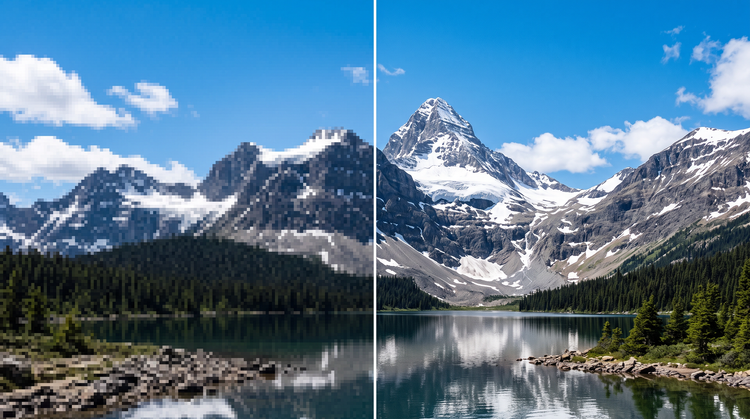
Adobe Firefly takes the pixelated parts of your image and fixes three things: Edges, gradients, and texture. Jagged squares become smooth, clean lines. Banding smooths out in skies and skin tones. And fine details in hair, fabric and foliage are rebuilt.
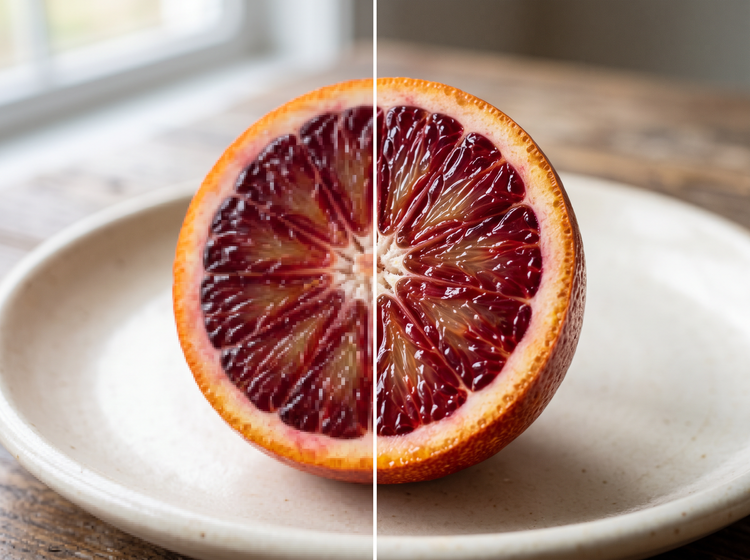
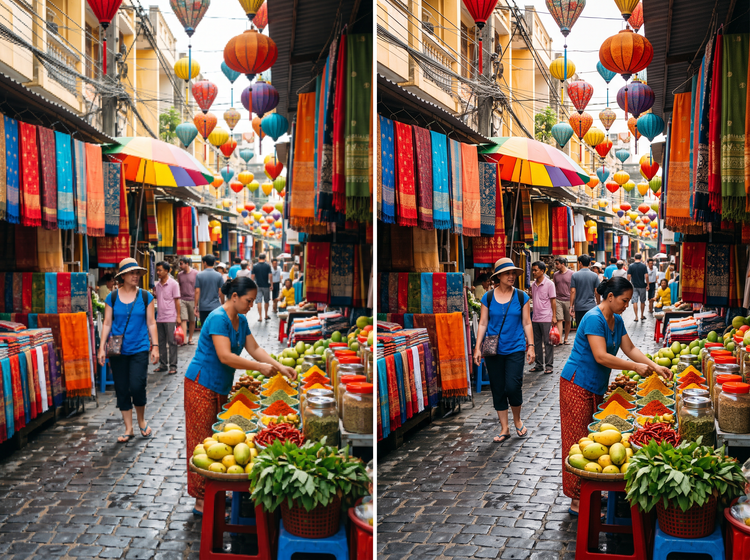
Get a cleaner photo in moments.
From a low-resolution profile photo to an older pixelated picture, Firefly adds back the fine detail that blocky pixels hide, without manual retouching.
Combine with other Adobe Firefly tools.
Pair your unpixelated photo with an image expander for more size or the AI photo editor to polish tone, all within Firefly.
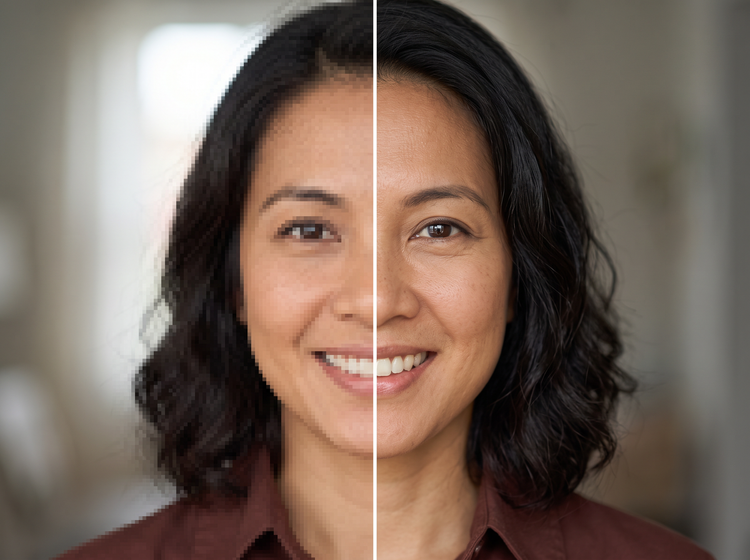
How to unpixelate an image with Adobe Firefly.
Step 1
Open Adobe Firefly.
Step 2
Describe your unpixelate edit.
Step 3
Generate your unpixelated image.
Step 4
Refine your image.
Step 5
Download or share.
Steps on how to unpixelate an image using Adobe Firefly.
PT4M
firefly
Precise creative control
Describe how much detail to restore and preview the result before you commit. Adjust sharpness and texture so your pixelated picture matches the look you have in mind.
Top AI models, all in one place
Adobe Firefly pairs its own models with partner models from FLUX, Google, OpenAI, and others in one creative studio. Switch between models in the model dropdown menu to compare how each one restores your pixelated image.
Your complete creative studio
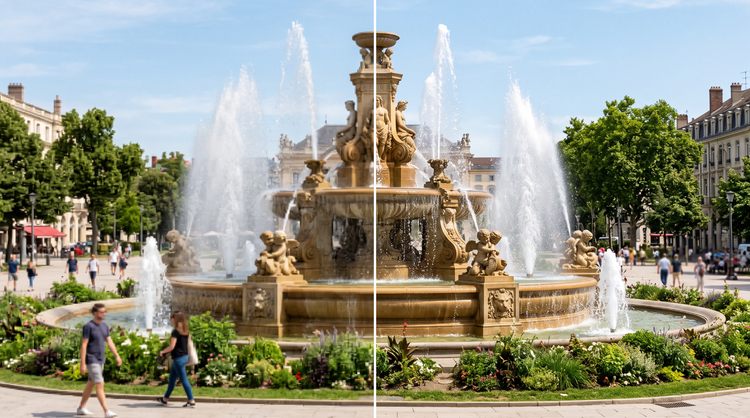
One studio carries you from an upload to a finished image. Unpixelate your photo, refine it with precision tools, and compare a few variations, all in Adobe Firefly.


Built for creators
Adobe Firefly gives you precision editing tools when details matter. You can also upscale your photo, remove objects, or remove the background entirely, all without leaving the studio.