https://main--da-cc--adobecom.aem.live/cc-shared/assets/img/firefly.svg Adobe Firefly

Generate a computer wallpaper for free in Adobe Firefly.
Adobe Firefly makes it easy to create a free computer wallpaper that fits your workspace, your mood, or the season. Describe the look you want and see several options side by side.

- image
- Describe a subject, an action, a place, a mood, or a style.
- Adobe Generative AI Terms
- https://main--cc--adobecom.aem.live/creativecloud/animation/testdoc/unity/generate.svg Generate
- Describe the computer wallpaper you want to generate
- Prompt
- Tip
- Unable to process the request
- Please describe what you want to generate.
- Prompt exceeds the max length of 750 characters
- computerWallpaper


{{nbsp}}
Generate a computer wallpaper in moments.
Whether you want a clean minimalist gradient for a home office setup, a bold pattern for a gaming rig, or an ultrawide scene stretched across two monitors, just type a prompt for the look you want, and Adobe Firefly will generate a free, ready-to-use computer wallpaper.
Explore computer wallpaper styles without starting from scratch.
Browse a curated collection of wallpaper styles, from minimalist gradients to bold patterns, and find one that fits your vibe in moments. Just pick a look, edit, and apply it straight to your desktop.

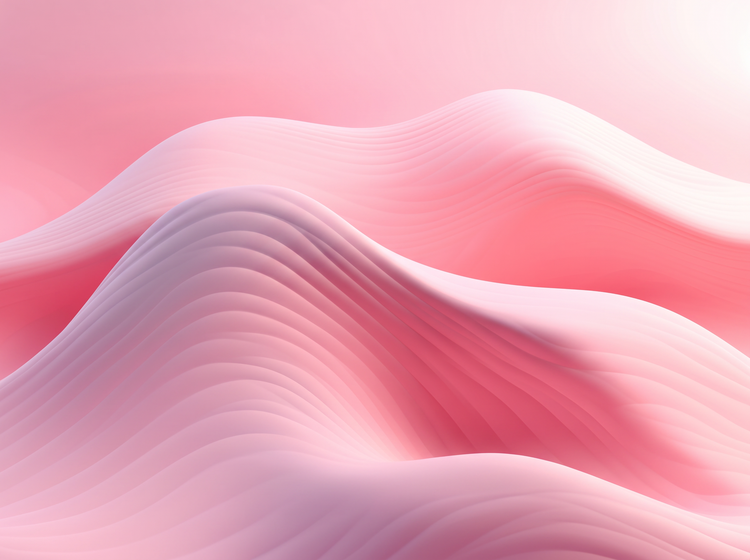
Fit your wallpaper to any monitor.
Use the image upscaler and AI image expander to improve quality and resize your computer wallpaper for any device. Pick a new aspect ratio, such as ultrawide for a dual monitor setup or standard widescreen for a single desktop display, so your wallpaper stays sharp at the size you need.
Fine-tune your computer wallpaper with precision edits.
Describe the shapes, colors, textures, or lighting that make up your ideal wallpaper, then use precision tools to adjust.

How to create a computer wallpaper with Adobe Firefly.
Step 1
Open Adobe Firefly.
Step 2
Describe your wallpaper.
Step 3
Adjust your style settings.
Step 4
Generate and refine your wallpaper.
Step 5
Download your computer wallpaper.
- How to create a computer wallpaper with Adobe Firefly.
- Steps on how to generate a computer wallpaper using Adobe Firefly Generate Image.
- PT3M
- firefly

Precise creative control
Every computer wallpaper starts with a look you choose. Describe the colors, shapes, textures, or lighting that make up your ideal scene, then use precision tools to adjust.
Top AI models, all in one place
Adobe Firefly brings together its own models and top partner models from FLUX, Google, OpenAI, and others, all inside one creative studio. Switch between models to compare results, then refine your pick with precision tools.

Your complete creative studio
Adobe Firefly covers the whole arc of a creative idea in one place. Describe what you want, choose a model, adjust the details, and land on a finished wallpaper without switching apps.
Built for creators
Move quickly with tools built for real workflows. Adjust colors, crop and resize, and fine-tune small details without slowing down. Adobe Firefly adapts to how you like to work, from quick one-click fixes to precisely dialing in the smallest detail.