
PREMIERE FEATURES
How to zoom in Adobe Premiere.
Sometimes the frame you filmed needs a little nudge. Guide your viewer’s eye with zoom effects in Premiere.


PREMIERE FEATURES
Sometimes the frame you filmed needs a little nudge. Guide your viewer’s eye with zoom effects in Premiere.
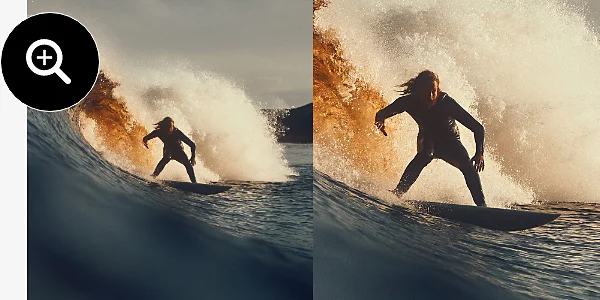
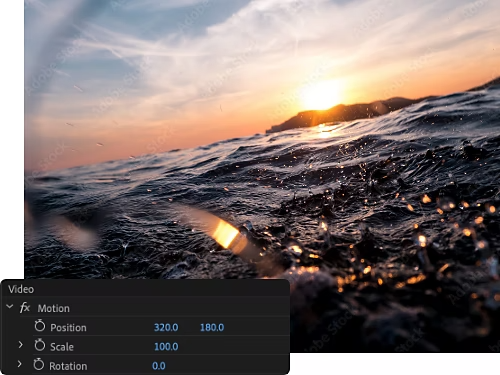
What you’re actually doing when you zoom in Premiere is adjusting the scale value of a shot. You can reposition, scale, rotate, and skew each frame to adjust camera movement the way you like.
While zooms are often great for animations and documentary work, you can also use them simply to adjust the look of a shot. The Sharpen tool allows you to keep things in focus while you’re at it.
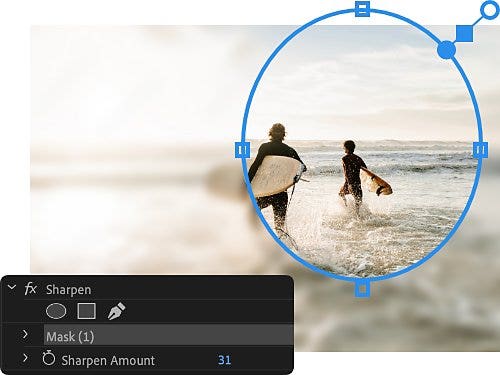
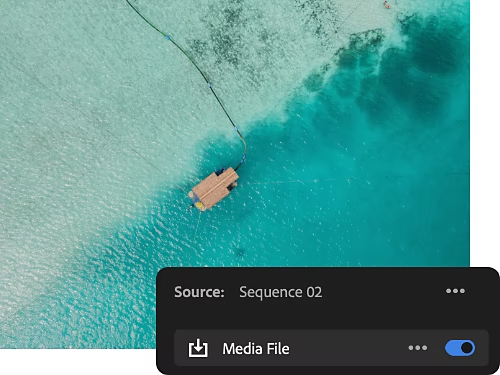
Premiere allows you to tweak each frame individually so you can ensure that your zoom looks deliberate and thoughtful. Plus, you can export and import work to After Effects or Photoshop for other edits easily.
Build animations, zoom effects, and preset transitions in seconds with keyframe edits — when individual frame edits are too time-consuming.
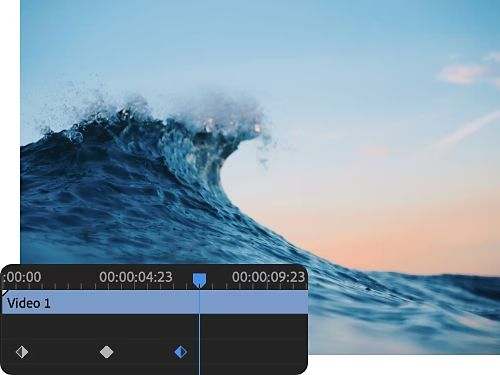
Whether you’re scaling as a transition, to convey emotion, or to fix a problem created during filming, there are plenty of reasons to zoom in.
Sometimes mistakes happen during filming. A frame might be slightly askew or something is in the frame that shouldn’t be. Zooms are here to help.
Documentary films and animations often leverage the “Ken Burns effect,” a slow zoom into a still image, to add emotion and drama to a scene.

Resize your work and more with these helpful Premiere tutorials.
Zoom transitions are just one style of transition you can apply to your films. Learn how to use transitions of all types with this article and video tutorial..
Learn the ins and outs of post-production work with this helpful article for cinematic beginners.
Learn to replicate in-camera effects like double exposure in your post-production workflow.
Learn to apply zoom effects and emotionally resonant panning to your still images.
US$22.99/moAnnual, billed monthly
Includes 100GB of cloud storage, Adobe Fonts, and Adobe Portfolio.
Join over 7 million Creative Cloud Pro subscribers worldwide. Save 50% for the first 3 months on the full version of Adobe Premiere and 20+ apps plus Adobe Firefly creative AI. Pay US$34.99/mo for the first 3 months and US$69.99/mo after that. New subscribers only. See terms | See what's included
Save 71% on 20+ Creative Cloud apps — including Adobe Premiere.
US$99.99/moper licenseAnnual, billed monthly
Get Adobe Premiere and 20+ Creative Cloud apps plus exclusive business features. See what's included | Learn more.


Visualize shots and effects ahead of the shoot, generate assets missed in production to complement your edit, and eliminate tedious tasks to stay focused on your creative ideas.


