Add transitions easily.
From zooms to wipes to light leaks, keep your story flowing with fresh, fully customizable transitions.






Elevate your videos using customized transitions, effects, title animations, and more built into Premiere.
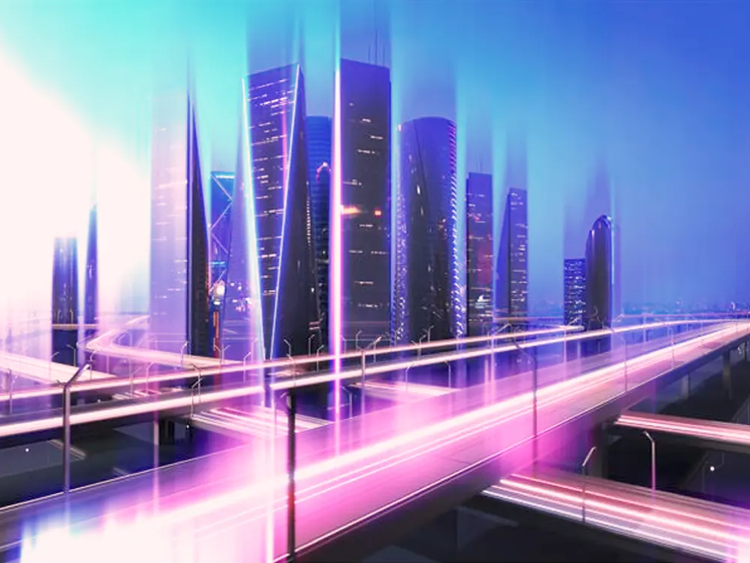
From zooms to wipes to light leaks, keep your story flowing with fresh, fully customizable transitions.
Add flair. Up the attitude. Or make it atmospheric. Premiere is packed with modern, cinematic effects. They're easy to tweak and tailor to your creative vision and GPU-accelerated for real-time performance.


Create complex masks, composite text and graphics, and easily tackle precise effects with redesigned shape masks and new AI Object Mask.
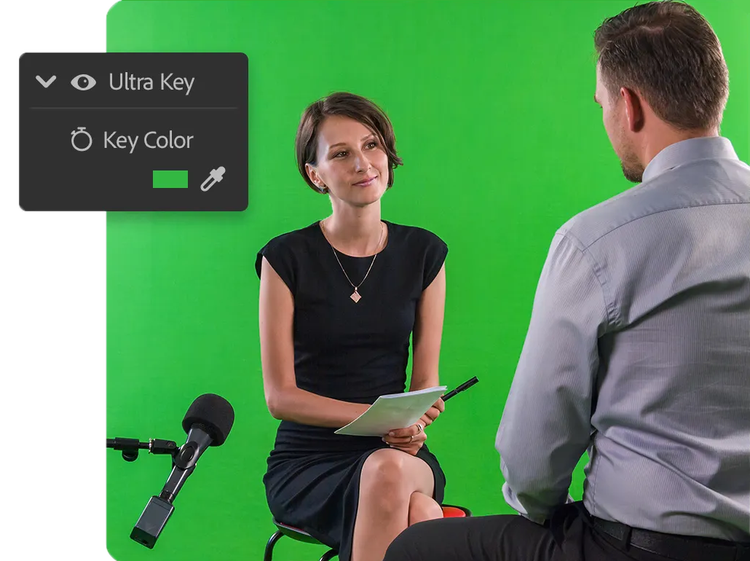
Use the advanced compositing and tracking tools in Premiere to replace green screens, combine multiple takes into one shot, or track objects with precision for targeted adjustments.
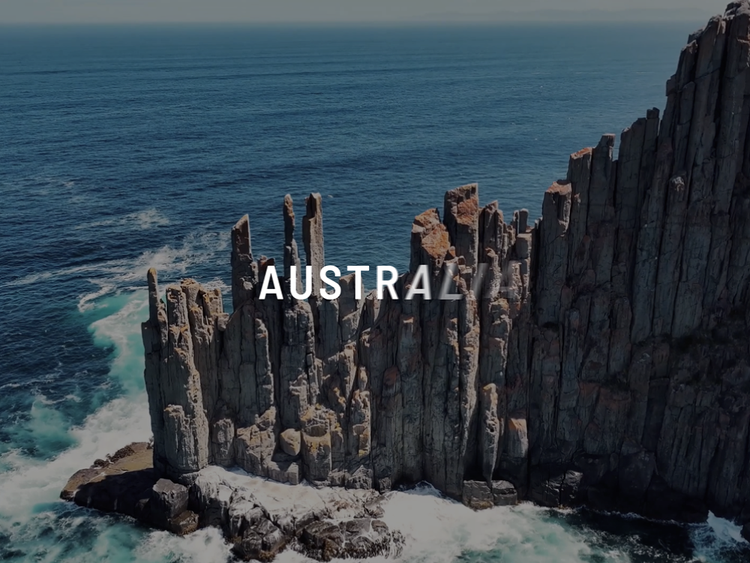
Bring your text and graphics to life. Simply drag and drop a transition or effect onto a clip you want to level up, then finetune every detail from speed to position in a flash.
Use Dynamic Link to send shots to Adobe After Effects and easily refine edges, add or remove objects, and more with Roto Brush. Your Premiere sequence will automatically update as you make changes in After Effects. Note: Requires subscription to After Effects
Yes, you can add video effects in Premiere by following these steps:
Yes, first, set your default transition duration in your Timeline and your default transition effects in the Effects panel.
Then, press Shift+D to automatically apply the default transition effect to audio and video clips.

Add more video editing skills to your toolkit.
US$22.99/moAnnual, billed monthly
Includes 100GB of cloud storage, Adobe Fonts, and Adobe Portfolio.
Join over 7 million Creative Cloud Pro subscribers worldwide. Save 50% for the first 3 months on the full version of Adobe Premiere and 20+ apps plus Adobe Firefly creative AI. Pay US$34.99/mo for the first 3 months and US$69.99/mo after that. New subscribers only. See terms | See what's included
Save 71% on 20+ Creative Cloud apps — including Adobe Premiere.
US$99.99/moper licenseAnnual, billed monthly
Get Adobe Premiere and 20+ Creative Cloud apps plus exclusive business features. See what's included | Learn more.

Visualize shots and effects ahead of the shoot, generate assets missed in production to complement your edit, and eliminate tedious tasks to stay focused on your creative ideas.