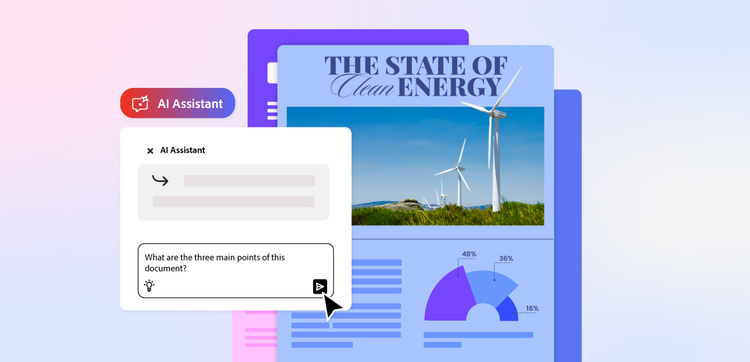
How to edit documents with the Acrobat AI Assistant.
Adobe Acrobat’s AI Assistant allows you to easily edit and enhance documents to create well-written, engaging text in seconds. Our intelligent tool makes composing, editing, reviewing and refining text simple and efficient – whether you’re working with a single file or multiple PDFs.
Modify and refine document content.
Our AI Assistant lets you easily edit existing content – all you need is to input a few clear, written prompts. You can then ask it to conduct further edits like rewrite sections, improve clarity, adjust tone of voice, simplify complex language, or optimise language for a specific audience.
Generate new content from prompts.
You can also generate brand-new content with our intelligent AI Assistant. With a simple prompt, the tool will expand on your ideas, draft new sections, or create summaries from existing text, giving you a valuable headstart on your project.
Edit and review multiple documents with PDF Spaces.
With PDF Spaces, you can group documents into a single workspace for a streamlined workflow. When used alongside our AI Assistant, you can summarise, compare, and extract insights across multiple files at once to improve organisation and efficiency.