https://main--cc--adobecom.aem.live/cc-shared/assets/img/firefly.svg Adobe Firefly

Generate things to draw with Adobe Firefly for free.
If you're feeling stuck creatively, use Adobe Firefly to brainstorm things to draw. From doodles and animals to fantasy scenes and everyday objects, write a simple description and see where it takes you.
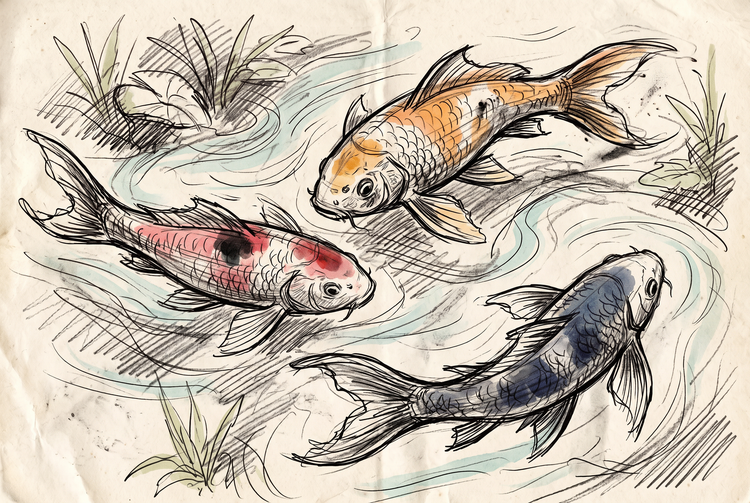
- image
- Describe a subject, an action, a place, a mood or a style.
- Adobe Generative AI Terms
- https://main--cc--adobecom.aem.live/creativecloud/animation/testdoc/unity/generate.svg Generate
- Describe the thing you want to draw
- Prompt
- Tip
- Unable to process the request
- Please describe what you want to generate.
- Prompt exceeds the max length of 750 characters
- thingsToDrawGenerator


https://main--cc--adobecom.aem.live/cc-shared/assets/img/product-icons/svg/firefly-80.svg
Adobe Firefly
https://main--cc--adobecom.aem.live/cc-shared/assets/img/product-icons/svg/firefly-80.svg
Adobe Firefly
The next evolution of creative AI is here for all your ideas, with image, video, audio and vector tools.
Never run out of things to draw.
Adobe Firefly can turn any idea, no matter how vague, into a quick sketch in moments that will inspire you with things to draw. Use these designs as a jumping off point for your final vision. Whether you want a classic subject like a still life or something more imaginative like a dragon perched on a skyscraper, just describe it and Firefly will generate a new thing to draw, for free.
Stuck on what to draw? Let Adobe Firefly help.
Type in a mood, a genre or a single word and Adobe Firefly will turn it into a specific idea to sketch. Explore new directions across animals, nature, portraits, patterns and imaginative scenes or find more inspiration in the Firefly community gallery.
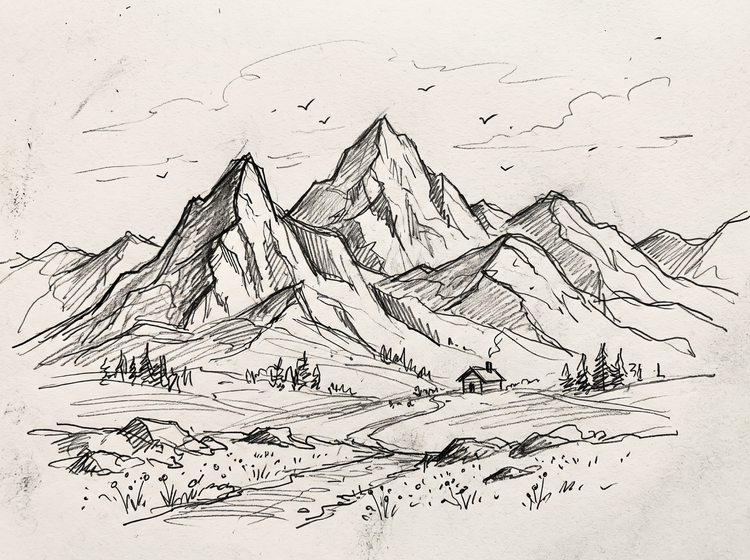

Produce sketches, concepts and more.
Firefly makes it easy to create art from text. Generate quick ideas for a sketchbook, a school project or a warm-up drawing exercise or turn a rough sketch into finished line art with the Sketch to Image generator.
Refine your drawing idea until it’s exactly right.
Adjust your prompt, try a different style or generate new variations to explore more things to draw. Keep refining your drawing in Firefly with editing tools and top AI models or use it as inspiration for your analogue artwork.
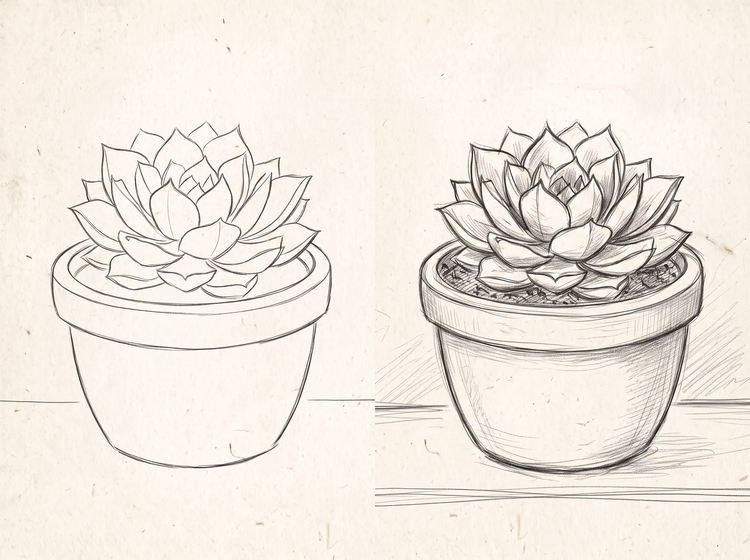
How to generate a thing to draw with Adobe Firefly.
Step 1
Open Adobe Firefly.
Step 2
Describe what you want to draw.
Step 3
Generate your drawing idea.
Step 4
Refine in the Edit tab.
Step 5
Download or share.
Steps on how to find things to draw and generate them with Adobe Firefly.
PT5M
firefly

Endless drawing ideas
Describe a mood, a subject or a single word and Adobe Firefly will generate a fresh thing to draw every time. Explore new directions whenever you’re short on inspiration.
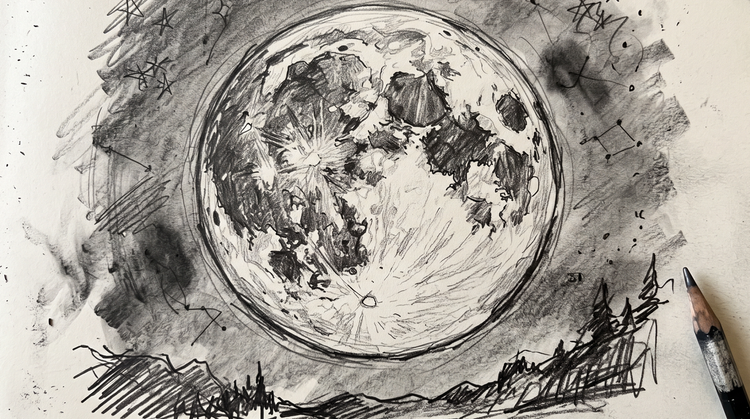
Precise creative control
Adjust your prompt, choose a different style or generate new variations to fine-tune your result. Adobe Firefly gives you control over composition, style and detail at every step.
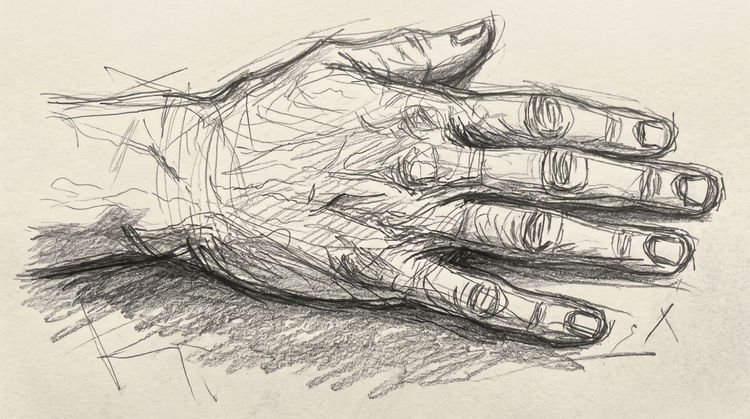
Top AI models, all in one place
Adobe Firefly brings together its own models and top partner models from Google, OpenAI, FLUX and others in a single creative space. Try a few, then refine the one that fits your style.
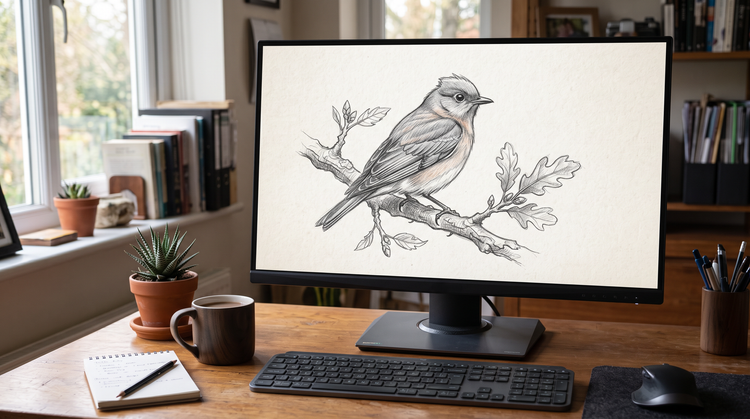
Seamless integration
Once you land on a direction after exploring things to draw. You can open your drawing in Photoshop on the web for further refinement or bring it into Adobe Express to build a finished design.