https://main--cc--adobecom.aem.live/cc-shared/assets/img/firefly.svg Adobe Firefly

Create free cursive handwriting designs with Adobe Firefly.
Describe the lettering style, color palette, and mood you want, and Adobe Firefly will generate polished cursive handwriting images for your projects. Adjust the details until the design is ready to use.
- image
- Describe a subject, an action, a place, a mood, or a style.
- Adobe Generative AI Terms
- https://main--cc--adobecom.aem.live/creativecloud/animation/testdoc/unity/generate.svg Generate
- Describe the cursive handwriting design you want to generate
- Prompt
- Tip
- Unable to process the request
- Please describe what you want to generate.
- Prompt exceeds the max length of 750 characters
- cursiveHandwriting
- Enter prompt


{{nbsp}}
What is a cursive handwriting worksheet generator?
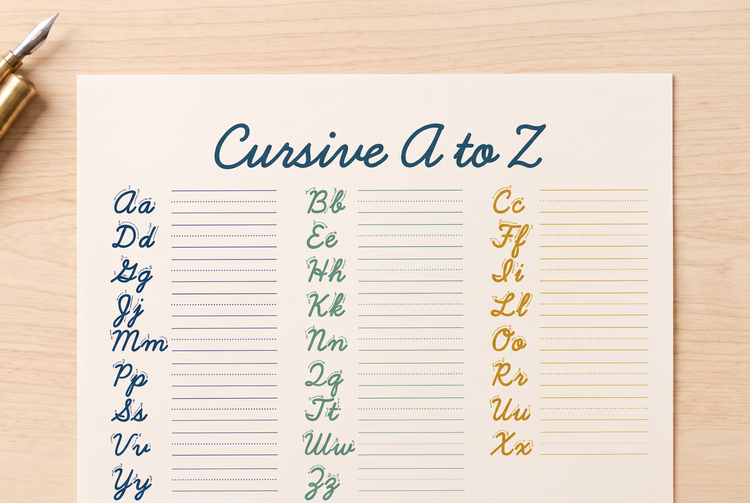
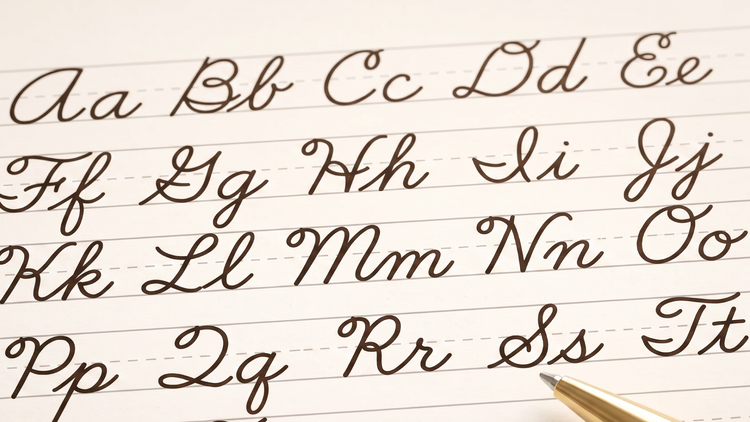
The free cursive handwriting worksheet generator in Adobe Firefly uses AI to turn a text description into cursive lettering images. Adobe Firefly produces ready-to-use cursive handwriting art you can drop into presentations, educational materials, or product mockups. Describe the wording, color palette, and paper texture you want, and Adobe Firefly will generate a design that matches.
Design cursive lettering images from a simple description.
Type the words, phrases, or letters you want to see, along with a color palette and paper texture. Adobe Firefly will turn your description into a fully composed cursive handwriting image, from soft pastel classroom tones to crisp black ink on white paper.
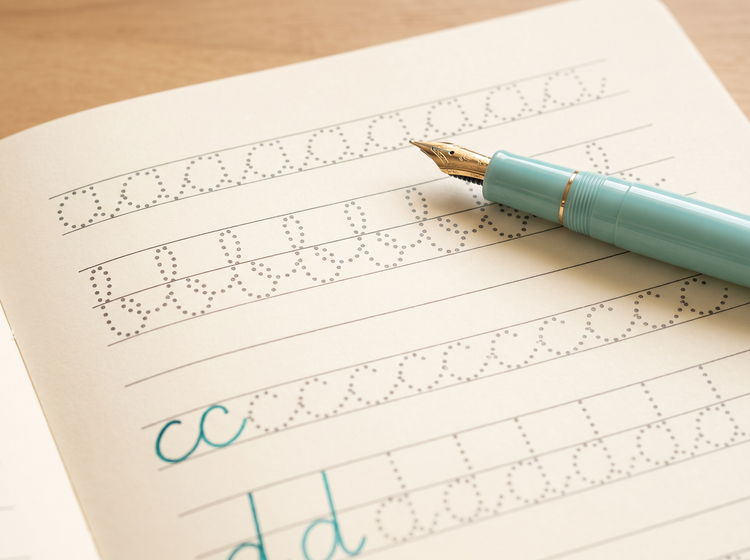
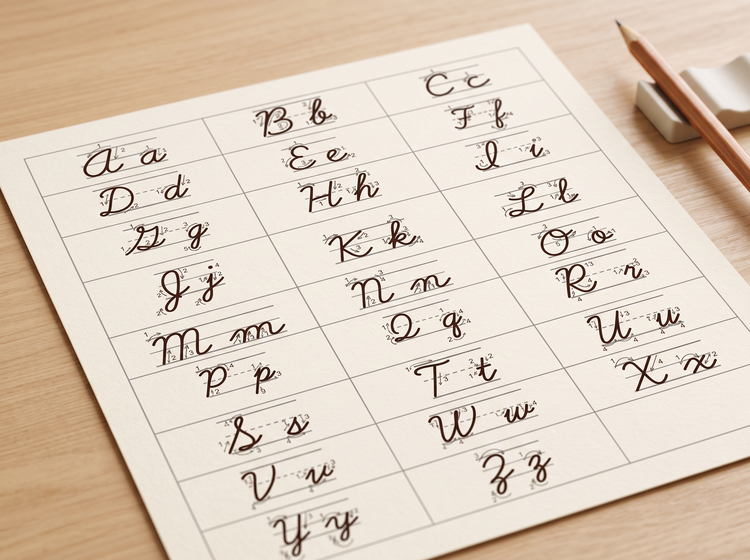
Explore multiple cursive styles before you pick one.
Generate several cursive lettering directions from a single description, then compare results side by side. If a version is close but not quite right, revise your prompt and generate again until the design fits your project.
Fine-tune the details with precision tools.
Use Firefly settings to get just the look you want. Add effects, change the composition, dial in the color and tone, and more.
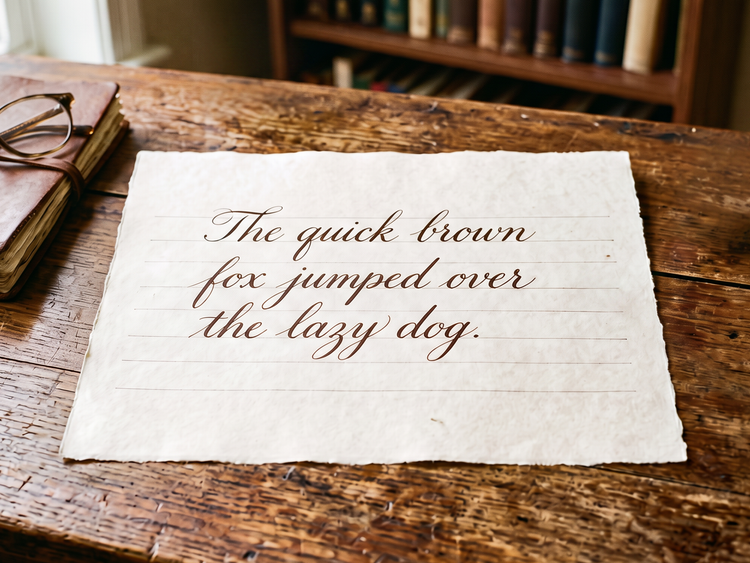
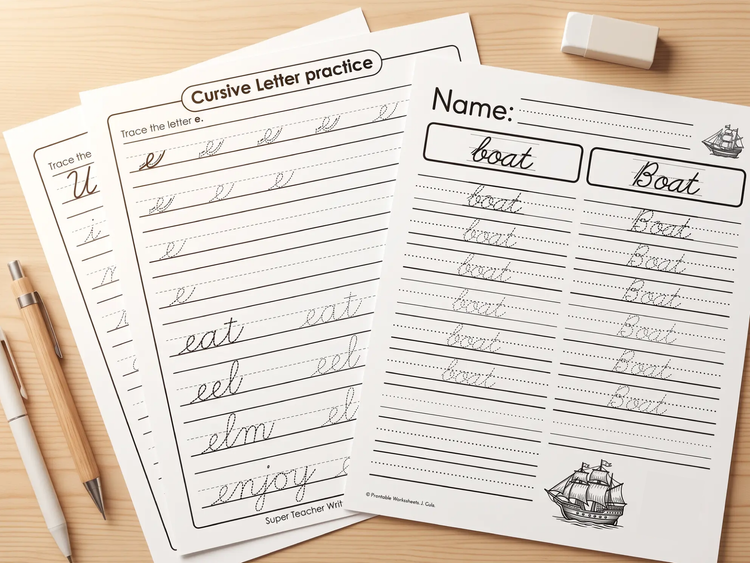
Add your finished design anywhere you need it.
As part of the Adobe product ecosystem, it's easy to take your Firefly creations to the next step in Creative Cloud apps you already use. Easily adapt your cursive handwriting image to a printed handout, a slide deck, or a social graphic without starting over.
Explore cursive styles built for any project.
Try soft pastel tones for a classroom handout, crisp black ink for a formal presentation, or a playful colored pencil look for a social post. Adobe Firefly generates results based on your description.
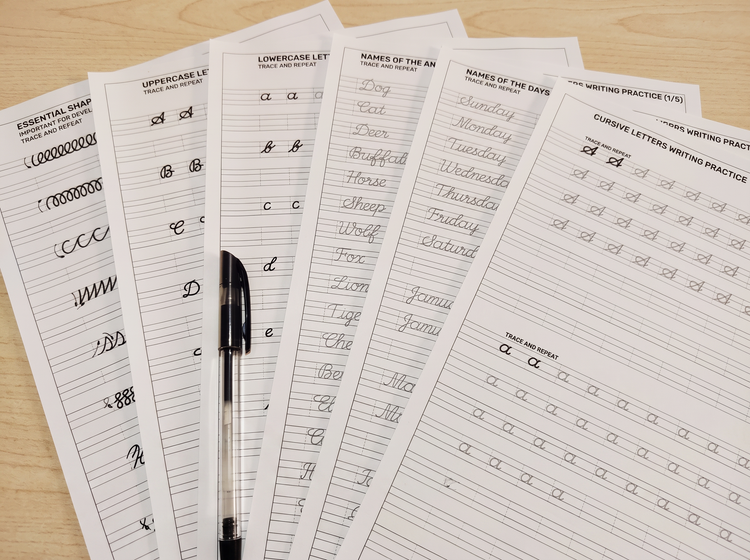
How to generate a cursive handwriting design with Adobe Firefly.
Step 1
Log in to Adobe Firefly.
Step 2
Describe your cursive handwriting design.
Step 3
Adjust your style settings, add effects, and pick the right aspect ratio for your project.
Step 4
Download your cursive handwriting design.
Steps on how to generate a cursive handwriting design using Adobe Firefly Generate Image.
PT3M
firefly
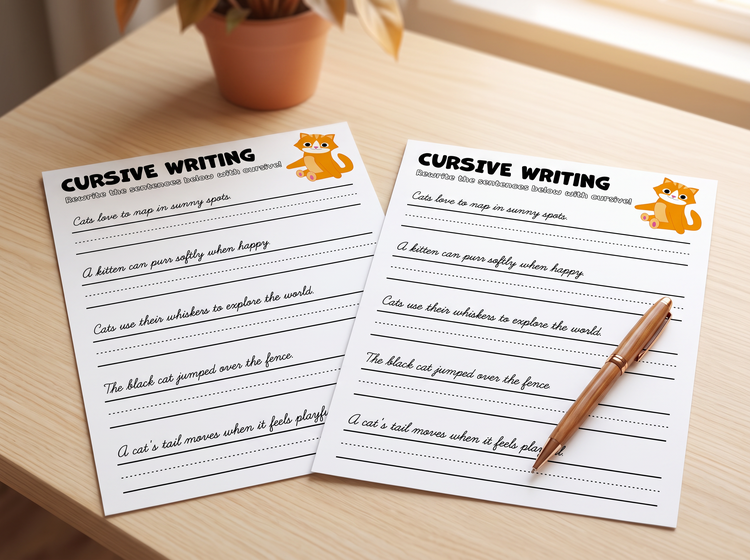
Precise creative control
Set the wording, color palette, and paper texture in your prompt. Adjust settings until the design matches the tone of your classroom material or presentation.
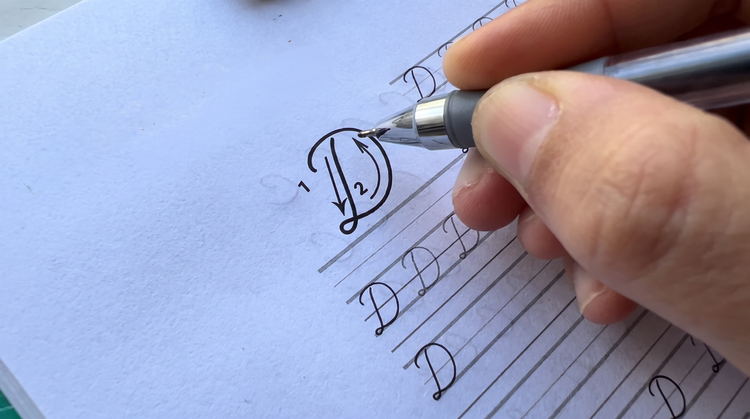
Top AI models, all in one place
Adobe Firefly brings together its own models and top partner models from Google, OpenAI, FLUX, and others in a single creative space. Generate a few cursive handwriting looks, then refine your favorite with precision tools.
Your complete creative workspace
Adobe Firefly covers the whole arc of a creative idea in one place. Describe the lettering style you want, choose a model, adjust the details, and land on a finished cursive handwriting image without switching apps.

Seamless integration
Bring your finished cursive handwriting design into Adobe Express to build a matching handout or social template, or polish fine details first in Photoshop on the web.