https://main--da-cc--adobecom.aem.page/cc-shared/assets/img/firefly.svg Adobe Firefly

Create a customised t-shirt design for free with Adobe Firefly.
Describe the slogan, character or scene you want and Adobe Firefly will generate a customised t-shirt design you can refine and take to print.

- image
- Describe a subject, an action, a place, a mood or a style.
- Adobe Generative AI Terms
- https://main--cc--adobecom.aem.live/creativecloud/animation/testdoc/unity/generate.svg Generate
- Describe the customised t-shirt design you want to generate
- Prompt
- Tip
- Unable to process the request
- Please describe what you want to generate.
- Prompt exceeds the max length of 750 characters
- customTShirtDesign


{{nbsp}}
Design a customised t-shirt that fits your idea.
Adobe Firefly turns a written description into a graphic for free. Then add a slogan, a mascot, a colour palette or a style to finish the look.
Turn any idea into a t-shirt graphic.
Type a description of the slogan, character or scene you want on your shirt. Whether you’re after a bold retro graphic for a team, a hand-drawn look for a family reunion or a clean minimalist mark for a small brand, Adobe Firefly will translate your words into a unique design.

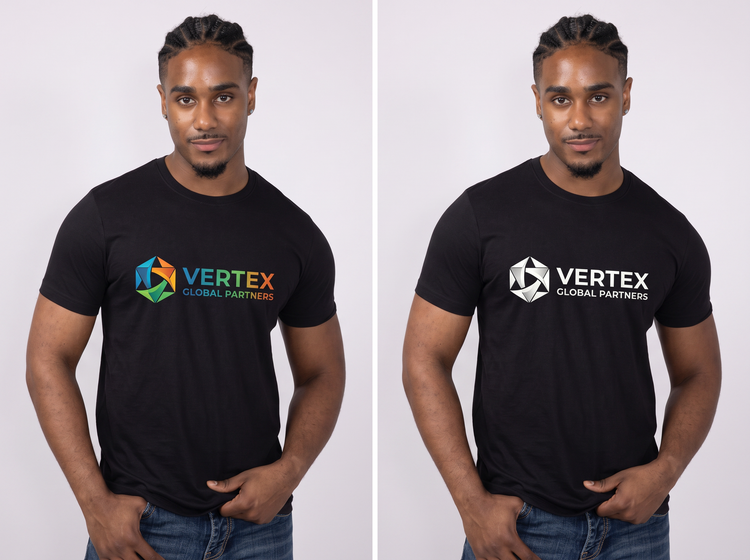
Compare multiple design directions.
Generate several concepts from the same prompt and weigh your options. Try a playful illustration beside a type-only layout or test colour palettes side by side, then choose your favourite.
Refine details before you print.
Found a direction you like? Open your image in the Edit studio in Adobe Firefly to adjust colour, refine typography and sharpen details, so the design matches the style you're looking for.

How to design a customised t-shirt with Adobe Firefly.
Step 1
Open the Generate Image studio in Adobe Firefly.
Step 2
Describe the customised t-shirt design you want.
Step 3
Choose your AI model in the model drop-down menu.
Step 4
Generate and compare your t-shirt concepts.
Step 5
Refine and finalise your customised t-shirt design.
- How to design a customised t-shirt with Adobe Firefly.
- Steps to create a customised t-shirt design using Adobe Firefly.
- PT4M
- firefly

Precise creative control
Describe the typography, colour palette and illustration style for your shirt, then adjust your prompt and generate again as your idea evolves. You set the direction and Adobe Firefly will design the graphic.
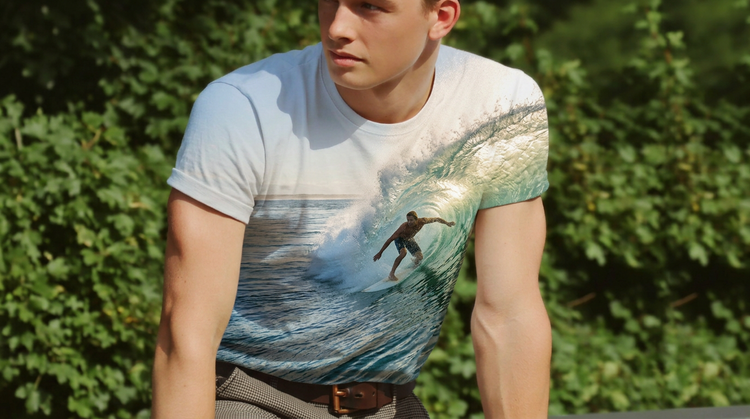
Top AI models, all in one place
Adobe Firefly brings together models from FLUX, Google, OpenAI and others in a single creative studio. Compare how each model handles your slogan and artwork, then keep refining the one that suits your shirt, all without switching tools.
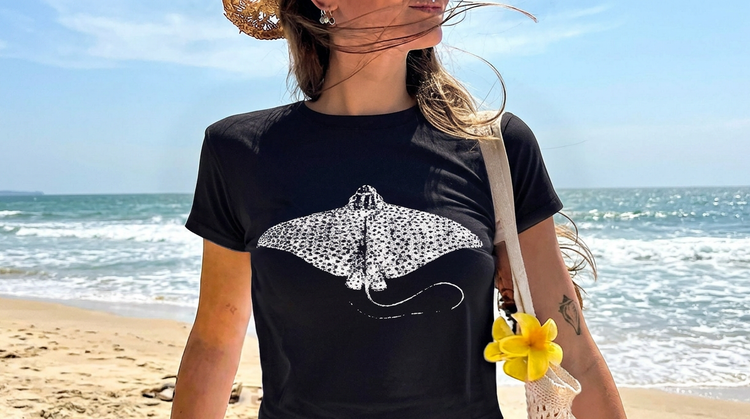
Your complete creative studio
One studio carries you from a first prompt to a finished graphic. Generate, refine with precision tools and iterate on your idea, all in Adobe Firefly.
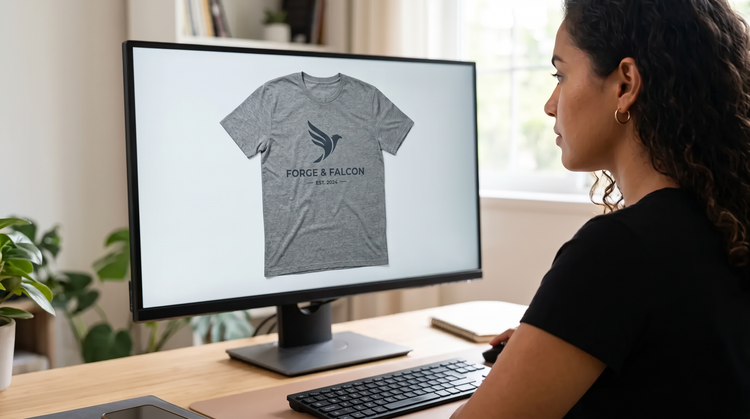
Built for creators
Work at your own pace with tools made for real creative flow. Adjust a colour, swap a slogan or polish a detail and keep your momentum.