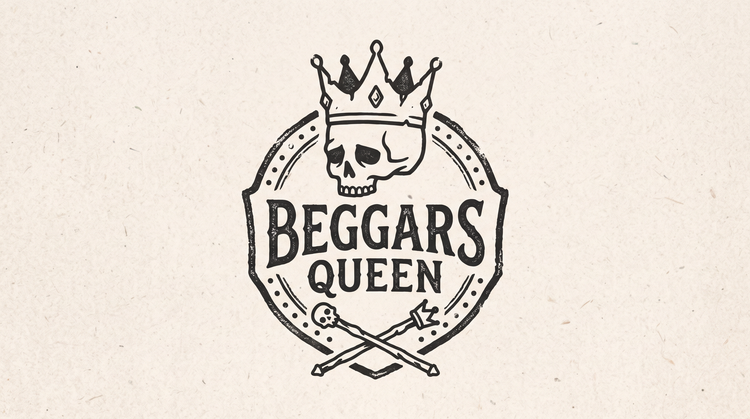
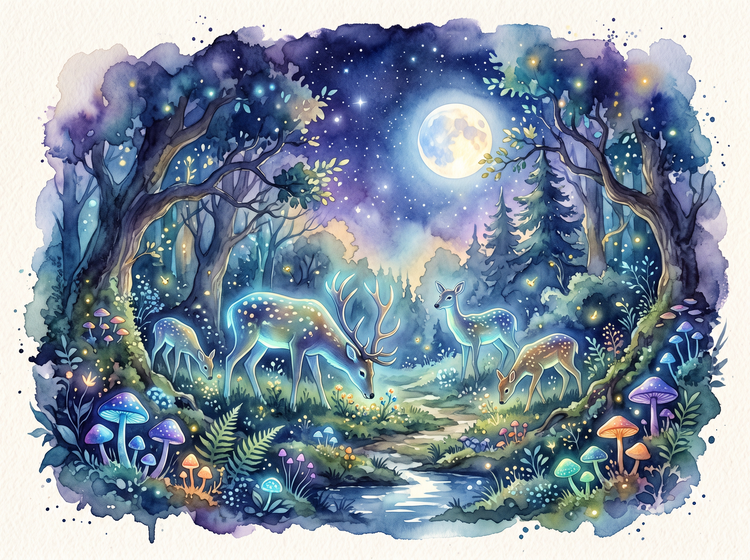
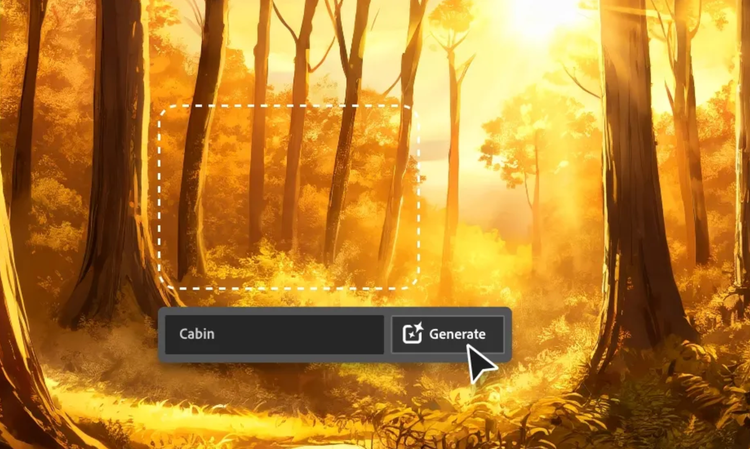
Upload a reference image or describe the visual identity you want, and Adobe Firefly will generate a band logo based on your prompt. Describe the style, mood, genre, or specific elements that should be part of your design, and Firefly will create a professional logo around your concept.
You can design almost any band logo style you can describe, from vintage heavy metal lettering and modern minimalist marks to playful indie designs and punk aesthetics. Combine musical genre, era, visual mood, or specific symbols in your prompt, and Adobe Firefly will generate a complete logo concept.
Yes. Type the style, aesthetic, and elements you want in your band logo, and Adobe Firefly will turn your description into a professional design. You can also upload a reference image and describe what visual elements you want to see in your logo.
Yes. Adobe Firefly generates several logo variations from a single prompt, so you can compare different directions side by side. Compare a bold approach with something minimal, or explore different color palettes and typographic treatments in one batch.
Adobe Firefly generative AI models generate content that is commercially safe, so logos you create with Adobe Firefly models are ready for commercial use on merchandise, websites, social media, and promotional materials. If you design with a partner model, review that model's terms for commercial use.
Yes. Click your generated logo to open it in the Edit studio, where you can adjust colors, modify typography, sharpen details, and refine any element of your design. You can also go back to your prompt, adjust it, and regenerate if you want to explore a different direction.
Yes, you can design a band logo for free with an Adobe account. A free account gives you access to free daily generations, so you can try Adobe Firefly without a paid plan.
Learn more about using Adobe Firefly for free. Paid plans are available for higher-volume generation.
Yes. Musicians, bands, and labels use Adobe Firefly to explore multiple branding directions quickly. Generate several concepts, compare them, and align on a direction before committing to a finished design.
The best band logo generator gives you precise creative control, a variety of design approaches, and refinement tools that let you move from concept to a professional result. Adobe Firefly delivers this and also brings together its own models with top partner models from Google, OpenAI, FLUX, and others in one creative studio, letting you compare and refine without switching tools.
Adobe Firefly accepts JPEG, PNG, and WEBP files. If you're uploading a reference image, aim for at least 512 by 512 pixels, and keep the file under 100MB. For the finished logo, you'll be able to export at any size you need for social media, web, or print.
Yes. Adobe Firefly runs in your browser, so you can design band logos from a phone, tablet, or computer. You can upload reference images from your device and refine your logo design from anywhere.