https://main--cc--adobecom.aem.live/cc-shared/assets/img/firefly.svg Adobe Firefly
Create a digital greeting card for free with Adobe Firefly.
Type a description of the mood, colours and message you want and Adobe Firefly will design a customised digital card in moments, all for free. Send it by text, email or social without printing a thing.


- image
- Describe a subject, an action, a place, a mood or a style.
- Adobe Generative AI Terms
- https://main--cc--adobecom.aem.live/creativecloud/animation/testdoc/unity/generate.svg Generate
- Describe the digital card you want to generate
- Prompt
- Tip
- Unable to process the request
- Please describe what you want to generate.
- Prompt exceeds the max length of 750 characters
{{nbsp}}
What is a digital greeting card generator?
A digital card generator turns your descriptions into finished card art you can share online instead of printing. Use phrases like "soft pastel florals" or "hand-lettered thank-you message" to guide your design and Adobe Firefly will create it for free right in your browser. Explore looks from minimalist line art to bright collage style.
Craft your message.
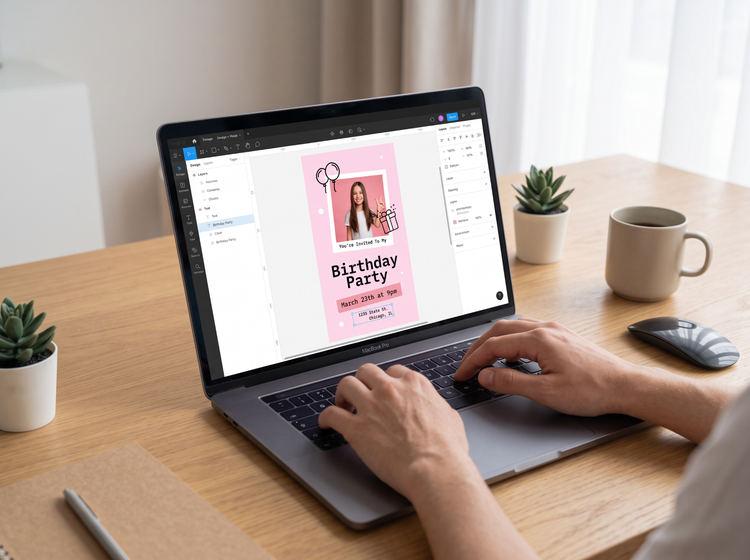
Describe your digital card design including the artwork and the message you want to include, from a friend's name to a favourite quote. Add words like "playful" or "elegant" to shape the tone of the finished illustration.
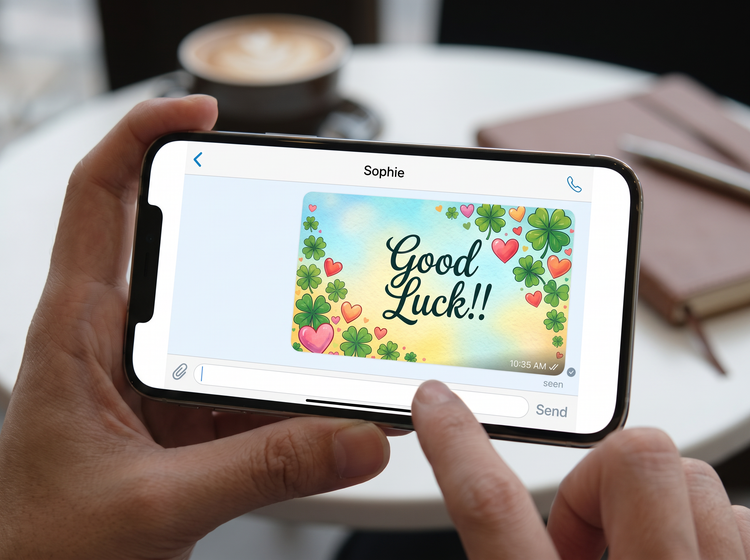
Send it the moment it's finished.
Adobe Firefly designs download in moments, so your digital card is ready to text, email or post without waiting on the mail. Every design starts from your own prompt, so it already feels personal.
Compare looks and pick your favourite.
Generate several digital card directions from one description, then review them side by side. If a version is close but not quite right, adjust your prompt and generate again.

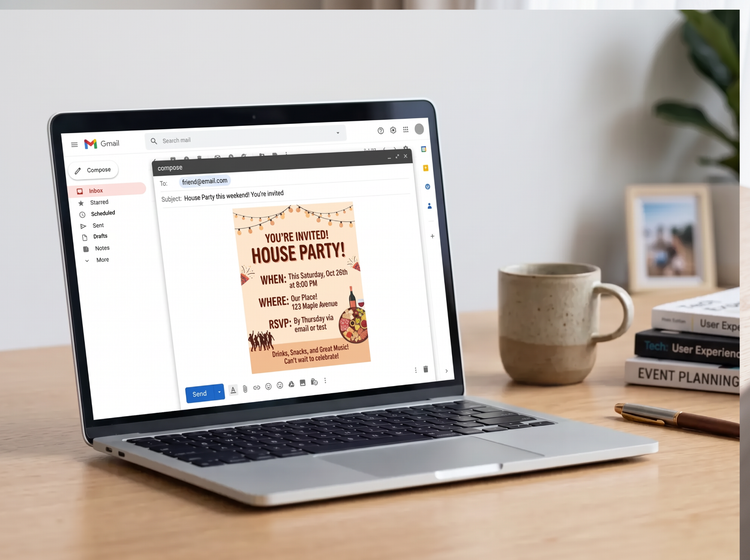
Format it for wherever you're sending it.
Pick a new aspect ratio to fit a text message, an email header or a social post. Adobe Firefly designs are easily opened and edited in Creative Cloud apps, so you can adjust them for any digital destination.
Explore different digital card styles.
Try soft watercolour illustrations for a heartfelt note, playful cartoon scenes for a birthday shoutout or clean modern typography for a quick thank-you. Adobe Firefly creates designs based on your description.
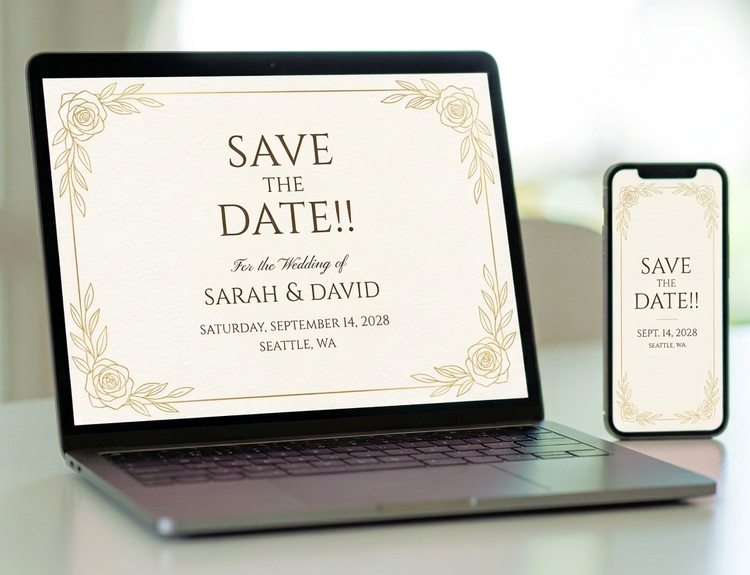
How to generate a digital card with Adobe Firefly.
Step 1
Log in to Adobe Firefly.
Step 2
Describe your digital card idea.
Step 3
Adjust your style settings.
Step 4
Download and share your digital card.
Steps on how to generate a digital card using Adobe Firefly Generate Image.
PT3M
firefly
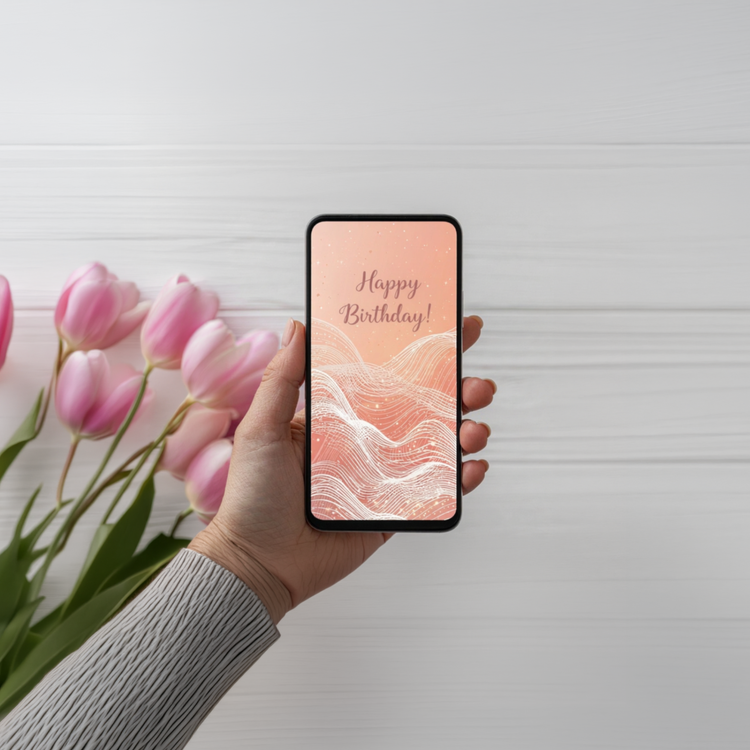
Precise creative control
Set the colours, the message and the mood in your prompt, from soft watercolour washes to bold graphic patterns. Adjust settings until the card matches the personality of the person it's for.
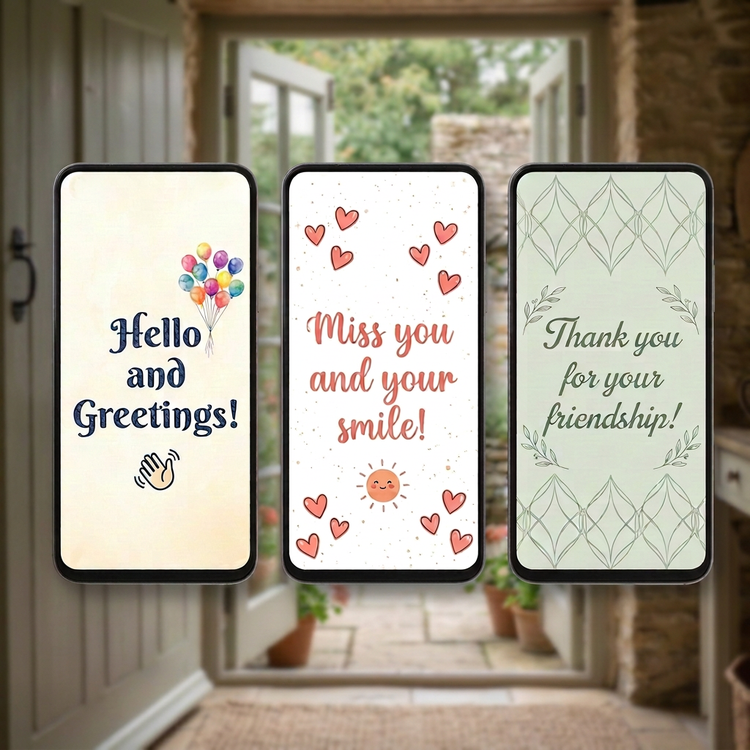
Top AI models, all in one place
Try a few digital card directions with the AI models in Adobe Firefly, including partner models from FLUX, Google, OpenAI and others, all inside a single creative studio. Compare results side by side, then refine your favourite with precision tools.

Your complete creative studio
One studio carries you from a first prompt to a finished digital card: generate, refine with precision tools and iterate as many times as the moment needs, all in Adobe Firefly.
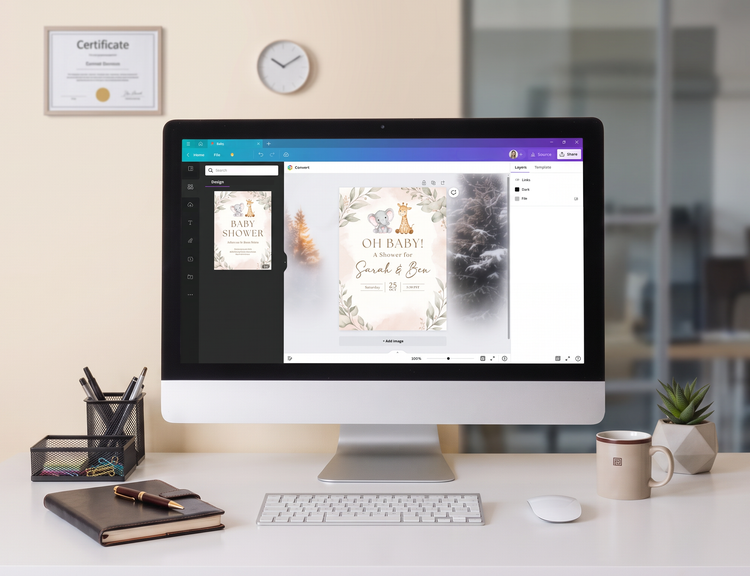
Built for creators
Get fast results when you need them, using intuitive tools that automate common image edits. Dial in the details with precision tools when details matter. Firefly adapts to the way you create.
See what else you can do in Adobe Firefly.